> ## Documentation Index
> Fetch the complete documentation index at: https://docs.bfl.ml/llms.txt
> Use this file to discover all available pages before exploring further.
# Video
> Generate, animate, and continue video with FLUX 3. Edit existing footage with the separate FLUX Video Edit [fast] tool.
FLUX 3
# Video
Generate, animate, and continue video with FLUX 3, with
synchronized audio in the same call.
## Quickstart
FLUX 3 video is asynchronous: you **submit** a request, get back a `polling_url`,
and **poll** it until the clip is `Ready`. For the full field list and response
schema, see the [API reference](https://docs.bfl.ml/api-reference/utility/generate-a-video-with-flux-3.md).
```python Python theme={null}
import os, time, requests
BFL_API_KEY = os.environ["BFL_API_KEY"]
# 1. Submit: returns an id and a polling_url
submit = requests.post(
"https://api.bfl.ai/v1/flux-3-video",
headers={"x-key": BFL_API_KEY, "Content-Type": "application/json"},
json={
"mode": "t2v",
"prompt": "a fox running through dawn mist",
"generate_audio": True,
},
).json()
# 2. Poll the returned URL until the job is Ready
while True:
time.sleep(2)
result = requests.get(submit["polling_url"], headers={"x-key": BFL_API_KEY}).json()
if result["status"] == "Ready":
print(result["result"]["sample"]) # signed .mp4 URL
break
if result["status"] in ("Error", "Request Moderated", "Content Moderated"):
raise RuntimeError(result["status"])
```
```bash cURL theme={null}
# 1. Submit: returns an id and a polling_url
curl -s -X POST https://api.bfl.ai/v1/flux-3-video \
-H "x-key: $BFL_API_KEY" \
-H "Content-Type: application/json" \
-d '{
"mode": "t2v",
"prompt": "a fox running through dawn mist",
"generate_audio": true
}'
# 2. Poll the polling_url from the response until "status": "Ready"
curl -s "$POLLING_URL" -H "x-key: $BFL_API_KEY"
```
## Modes
Each `/v1/flux-3-video` request names a `mode`. Media fields and accepted parameter values depend
on that mode; check the API reference before reusing a request across modes.
* **Text-to-Video** (`t2v`): prompt only.
* **Image-to-Video** (`i2v`): add `keyframes`: one image is the opening frame, `[a, b]` pins start and end, and up to ten frames pinned to timestamps become a storyboard.
* **Video Continuation** (`v2v`): add `start_video`; the clip continues from its final frames.
For editing, use the separate FLUX Video Edit \[fast] tool at
`/v1/flux-tools/video-edit-v1`, documented on its [own page](https://docs.bfl.ml/flux_tools/flux_video_edit.md).
Send `video` and `prompt`, not a `mode`.
`t2v`: Generate a video with audio
`i2v`: Animate an image and use multiple keyframes
`v2v`: Extend your clip
## Parameters
Full schema and per-field constraints live in the [API reference](https://docs.bfl.ml/api-reference/utility/generate-a-video-with-flux-3.md).
| Field | Required | |
| - | - | - |
| `mode` | always | `t2v`, `i2v`, `v2v`, or `draft_enhance`. |
| `prompt` | always | What to generate. |
| `keyframes` | for `i2v` | One image starts the clip, two pin start and end, `[seconds, image]` pairs pin exact times. URL or base64. |
| `start_video` | for `v2v` | The clip to continue from, mp4 as URL or base64. |
| `draft_cache` | for `draft_enhance` | The bundle from a prior draft; reproduces that generation at full quality. |
| `resolution` | | `hd` (default), `fhd`, `qhd`, or `uhd`. See [Resolution](#resolution). |
| `duration` | | Whole seconds, 5 to 20, or `auto` (default). |
| `aspect_ratio` | | `auto` (default), `21:9`, `2:1`, `16:9`, `4:3`, `1:1`, `3:4`, `9:16`, or `9:21`. |
| `generate_audio` | | On by default. Set `false` for a silent clip. |
| `safety_tolerance` | | 0 (strictest) to 4, default 2. |
| `draft` | | Set `true` for a fast hd preview; the result includes a `draft_cache` bundle. |
| `version` | | `latest` (default): always tracks the current release. |
### Resolution
`hd` is delivered straight off the generation. `fhd`, `qhd`, and `uhd` run the
same generation and finish it with the video upsampler on a larger canvas, so
the shot is identical across all four and only the delivered size differs.
| Aspect ratio | `hd` | `fhd` | `qhd` | `uhd` |
| - | - | - | - | - |
| 21:9 | 1440 × 608 | 2176 × 928 | 2912 × 1248 | 4352 × 1856 |
| 2:1 | 1344 × 672 | 2016 × 1024 | 2720 × 1376 | 4032 × 2048 |
| 16:9 | 1280 × 704 | 1920 × 1088 | 2560 × 1440 | 3840 × 2176 |
| 4:3 | 1088 × 800 | 1632 × 1216 | 2176 × 1632 | 3264 × 2432 |
| 1:1 | 960 × 960 | 1440 × 1440 | 1920 × 1920 | 2880 × 2880 |
| 3:4 | 800 × 1088 | 1216 × 1632 | 1632 × 2176 | 2432 × 3264 |
| 9:16 | 704 × 1280 | 1088 × 1920 | 1440 × 2560 | 2176 × 3840 |
| 9:21 | 608 × 1440 | 928 × 2176 | 1248 × 2912 | 1856 × 4352 |
Dimensions are multiples of 32, so a class does not always land on the round
number its name suggests: `uhd` at 16:9 delivers 3840 × 2176 rather than
3840 × 2160, the same way `fhd` delivers 1920 × 1088. Crop the delivered frame
if you need an exact standard size.
Drafts always render at `hd`: sending `draft: true` with any other resolution
is rejected. `draft_enhance` accepts all four classes and defaults to `fhd`, so
the delivery size is chosen when you commit a draft, not when you preview it.
## Use cases
Deeply customizable, and built for use cases, visual styles, and aspect ratios
far beyond conventional cinematic output.
### Text to video
Generate a clip from words alone: FLUX 3 handles everything from a single line to a densely directed brief, filling in framing, motion, and mood wherever you leave them open.
Previous clip
Next clip
> [accordion] Example API call
>
> ```bash cURL theme={null}
> curl -s -X POST https://api.bfl.ai/v1/flux-3-video \
> -H "x-key: $BFL_API_KEY" -H "Content-Type: application/json" \
> -d '{
> "mode": "t2v",
> "prompt": "a fox running through dawn mist",
> "generate_audio": true
> }'
> ```
### Image to video
Animate from images you pin. A single still becomes the exact opening frame, a start-and-end pair interpolates the motion between them, and several frames spread across the clip.
Previous clip
Next clip
> [accordion] Example API call
>
> ```bash cURL theme={null}
> curl -s -X POST https://api.bfl.ai/v1/flux-3-video \
> -H "x-key: $BFL_API_KEY" -H "Content-Type: application/json" \
> -d '{
> "mode": "i2v",
> "prompt": "push forward through the trees",
> "keyframes": "https://example.com/still.jpg"
> }'
> ```
### Multiple scenes
Block several shots and camera angles in one generation. Character, look, and continuity hold across hard cuts, with a single audio bed carrying through.
Previous clip
Next clip
> [accordion] Example API call
>
> ```bash cURL theme={null}
> curl -s -X POST https://api.bfl.ai/v1/flux-3-video \
> -H "x-key: $BFL_API_KEY" -H "Content-Type: application/json" \
> -d '{
> "mode": "t2v",
> "prompt": "SHOT ONE: wide aerial of a desert highway at dawn. HARD CUT. SHOT TWO: interior close-up of the driver. HARD CUT. SHOT THREE: the car shrinks into the heat haze. One music bed across all shots.",
> "duration": 10
> }'
> ```
### Multilingual dialogue
On-camera speech in many languages, with accurate accents and tight lipsync. Quote the line in your prompt and the character says it.
Previous clip
Next clip
> [accordion] Example API call
>
> ```bash cURL theme={null}
> curl -s -X POST https://api.bfl.ai/v1/flux-3-video \
> -H "x-key: $BFL_API_KEY" -H "Content-Type: application/json" \
> -d '{
> "mode": "t2v",
> "prompt": "A presenter speaks to the lens: \"Storm season is here.\" Clean studio lighting.",
> "generate_audio": true
> }'
> ```
### Broad range of styles
Specify the visual style in the prompt: live action, animation, or motion graphics.
Previous clip
Next clip
> [accordion] Example API call
>
> ```bash cURL theme={null}
> curl -s -X POST https://api.bfl.ai/v1/flux-3-video \
> -H "x-key: $BFL_API_KEY" -H "Content-Type: application/json" \
> -d '{
> "mode": "t2v",
> "prompt": "2D hand-drawn animation of a fox leaping through a paper-cut forest, bold flat colors",
> "aspect_ratio": "16:9"
> }'
> ```
### Text and typography
Describe the words and their placement to generate titles, signs, or lower-thirds within the video.
Previous clip
Next clip
> [accordion] Example API call
>
> ```bash cURL theme={null}
> curl -s -X POST https://api.bfl.ai/v1/flux-3-video \
> -H "x-key: $BFL_API_KEY" -H "Content-Type: application/json" \
> -d '{
> "mode": "t2v",
> "prompt": "Bold kinetic title card, the word \"FLUX\" assembling from light streaks on a dark stage",
> "aspect_ratio": "16:9"
> }'
> ```
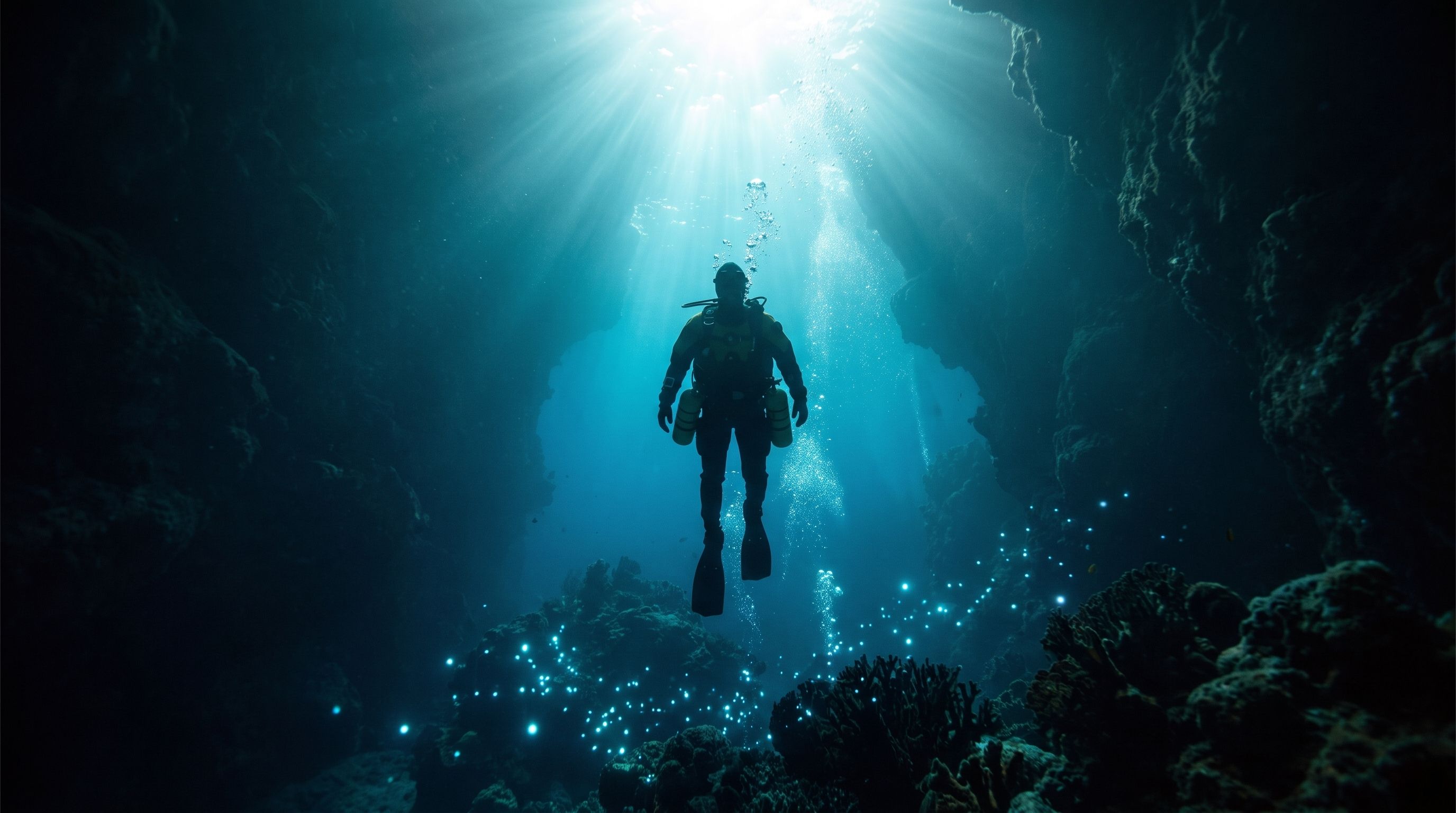
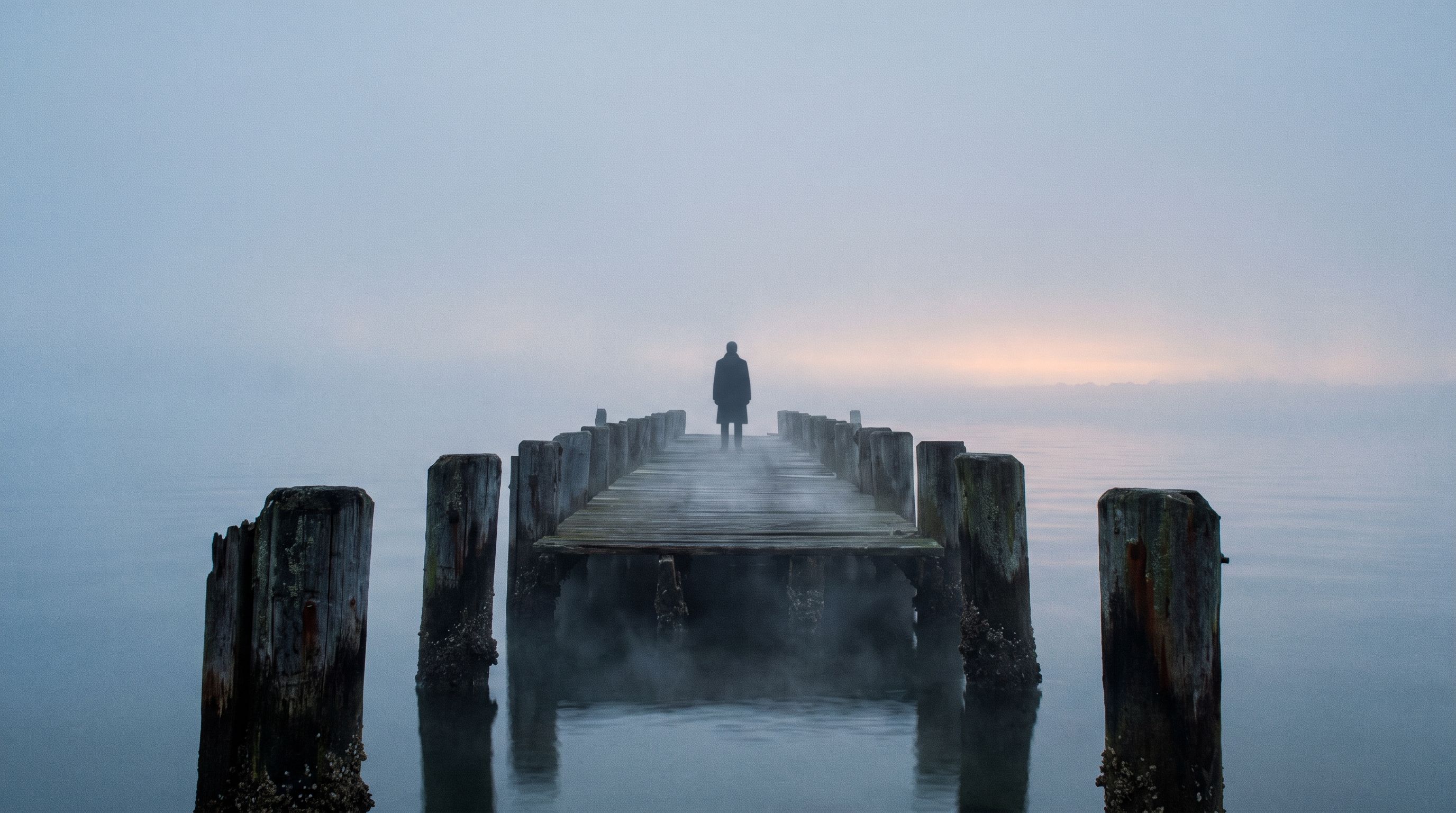
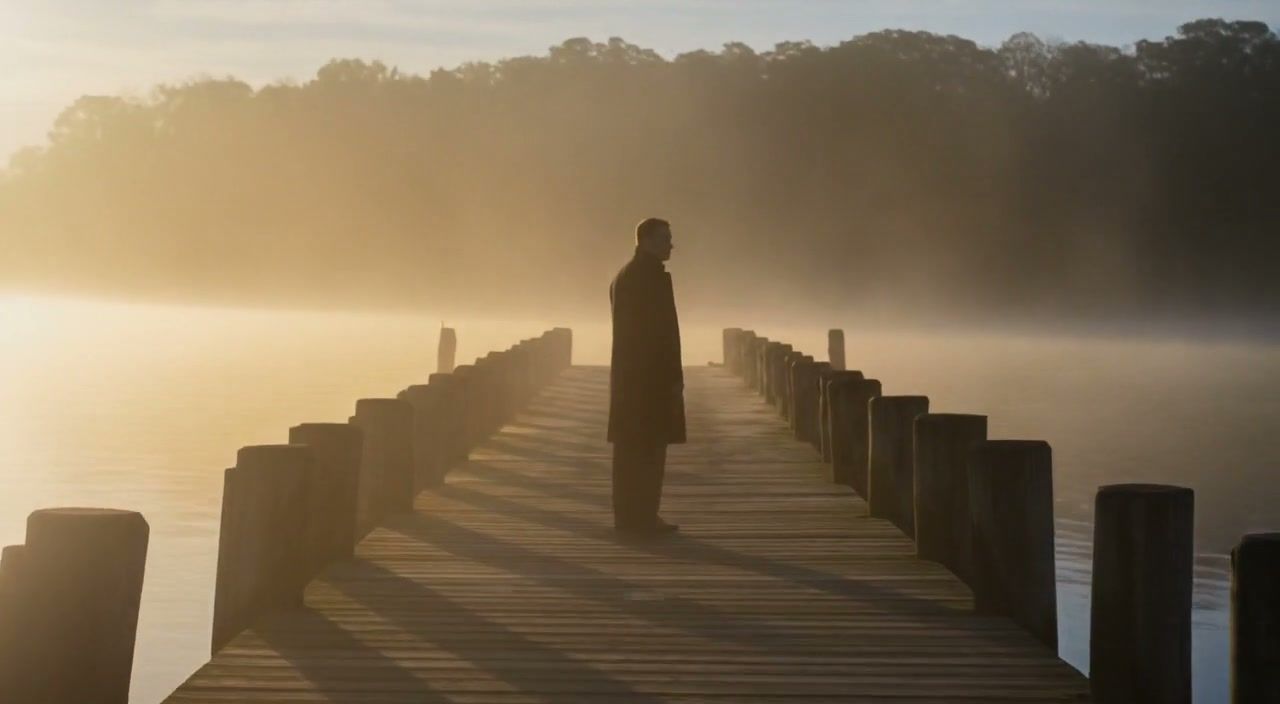
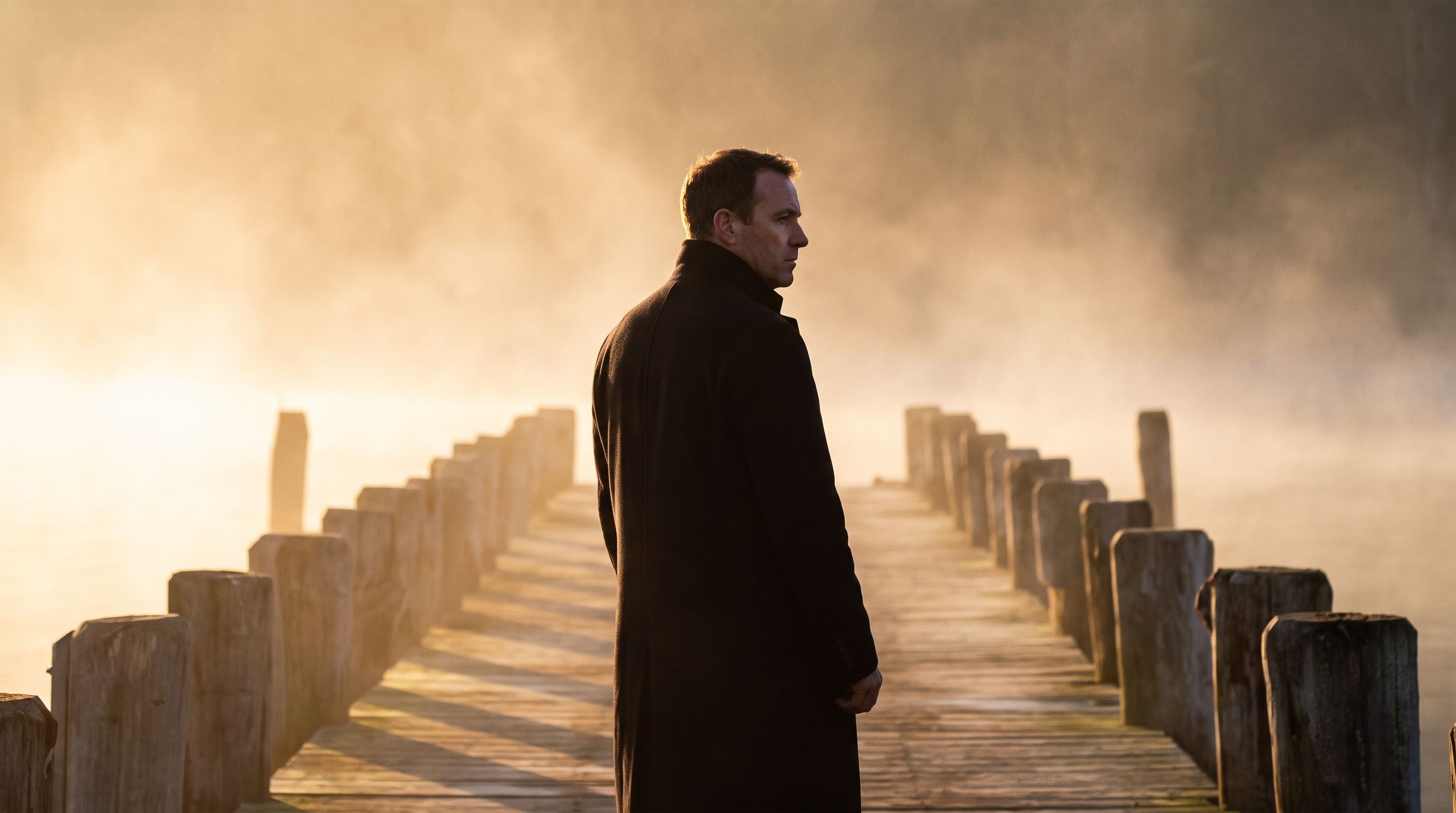
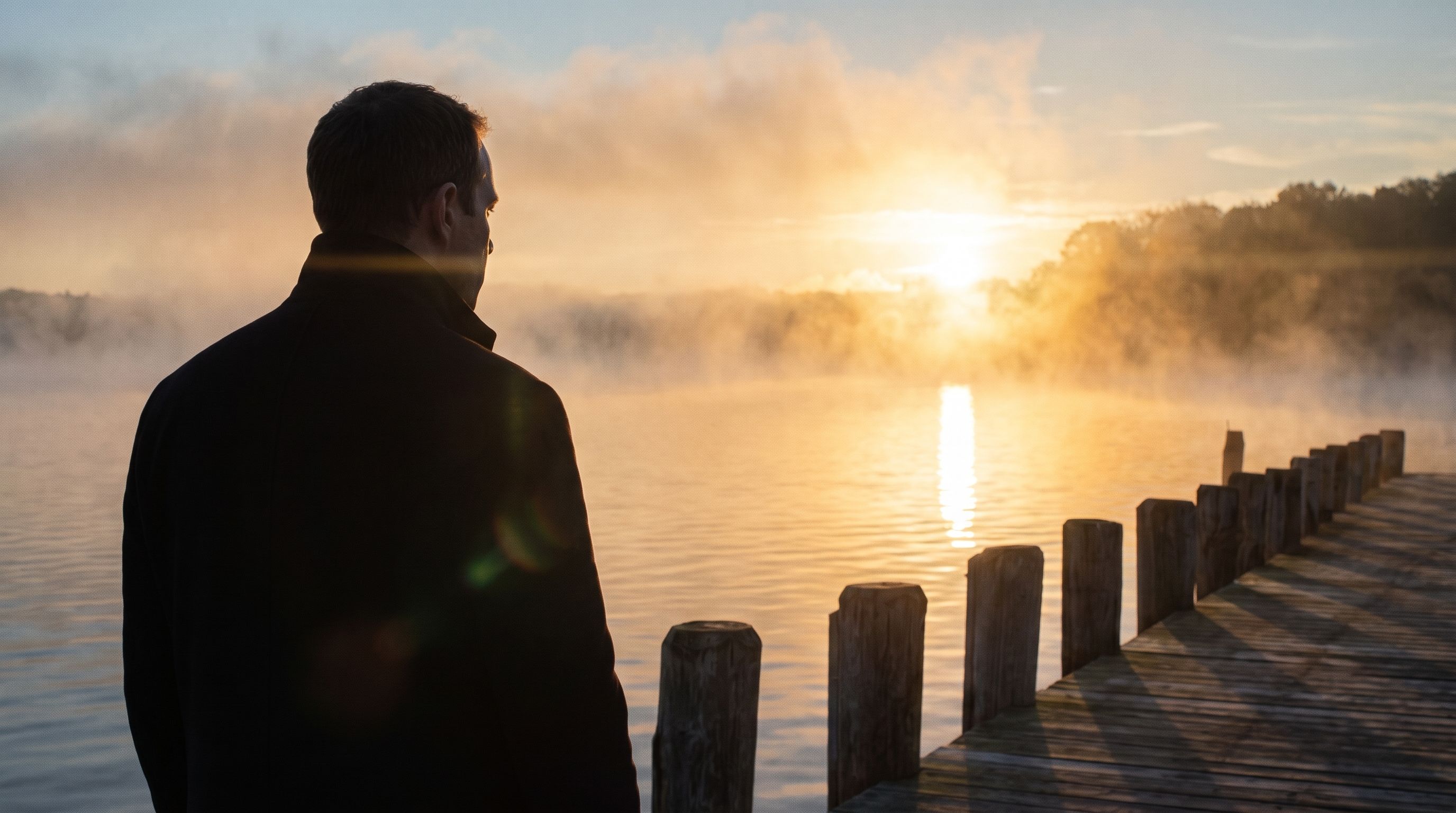
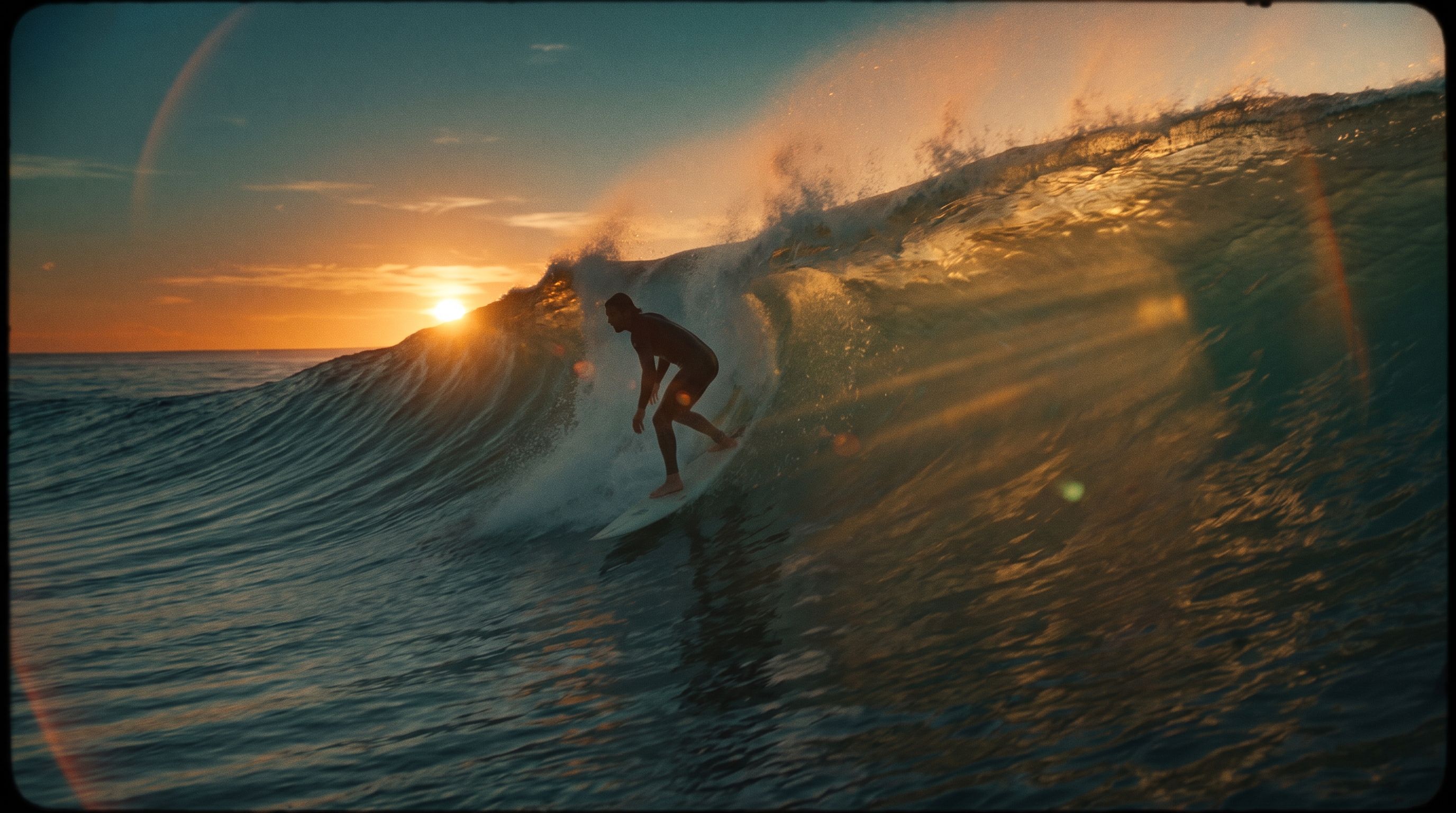
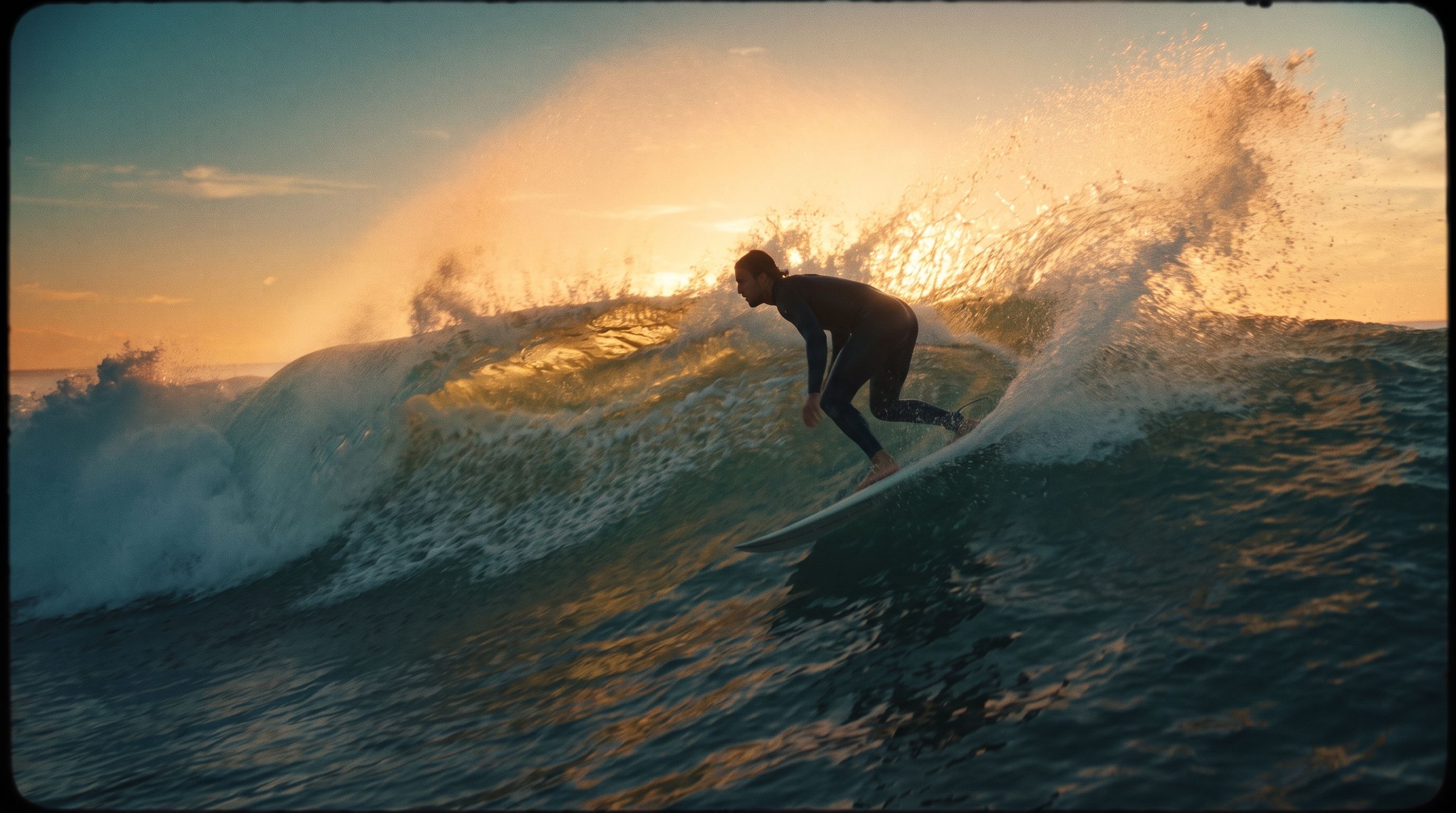
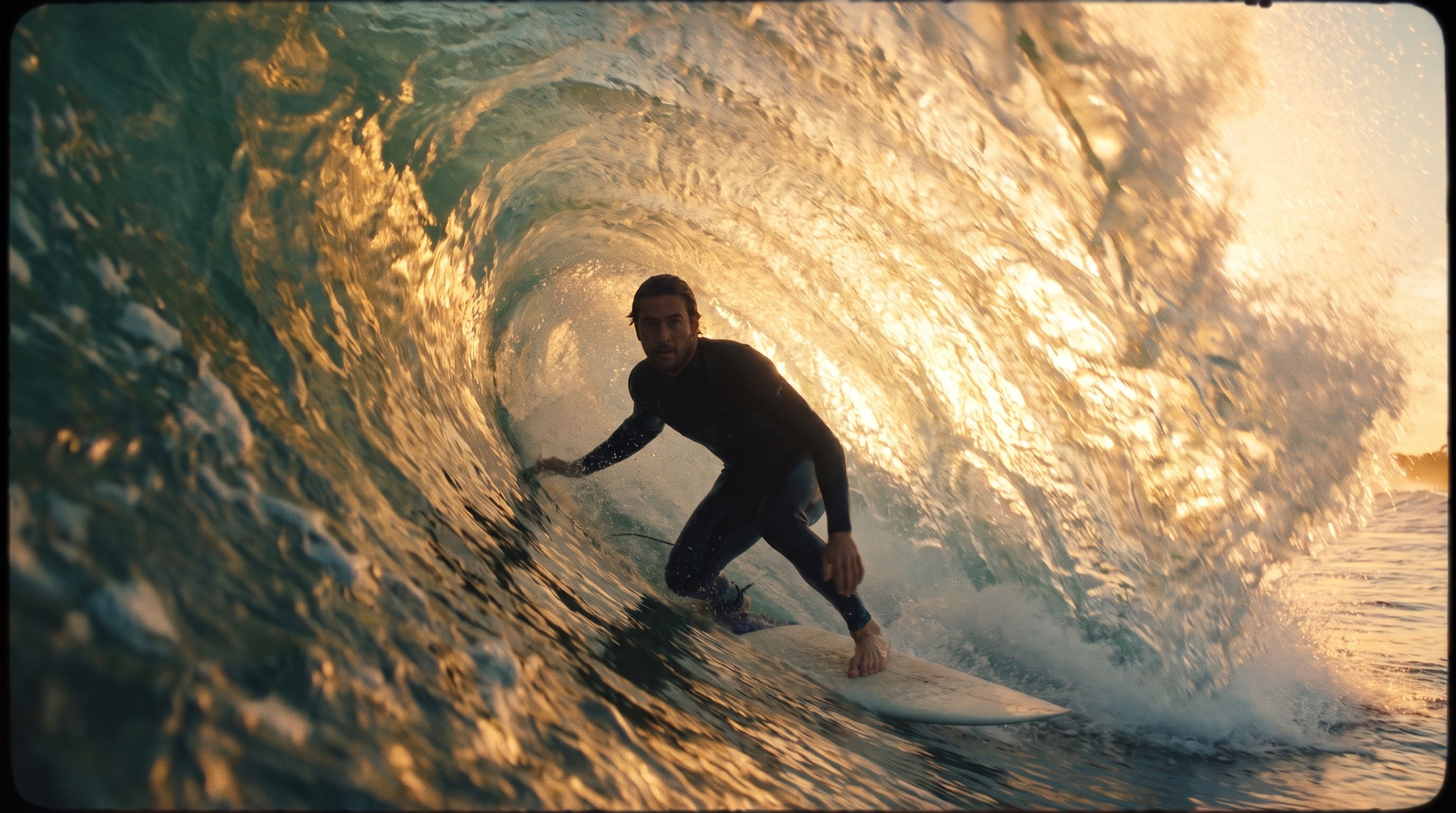
### Keyframes
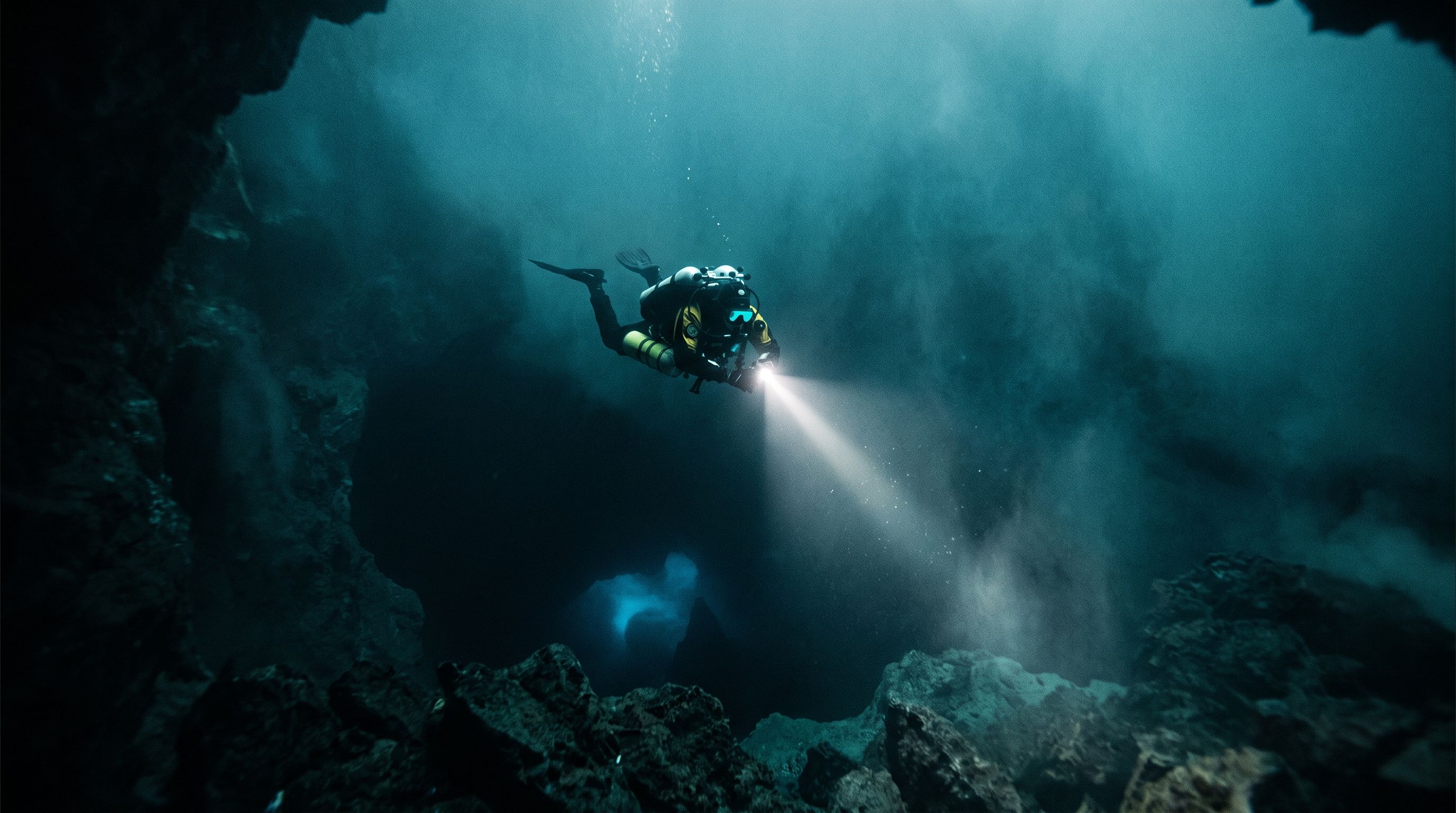
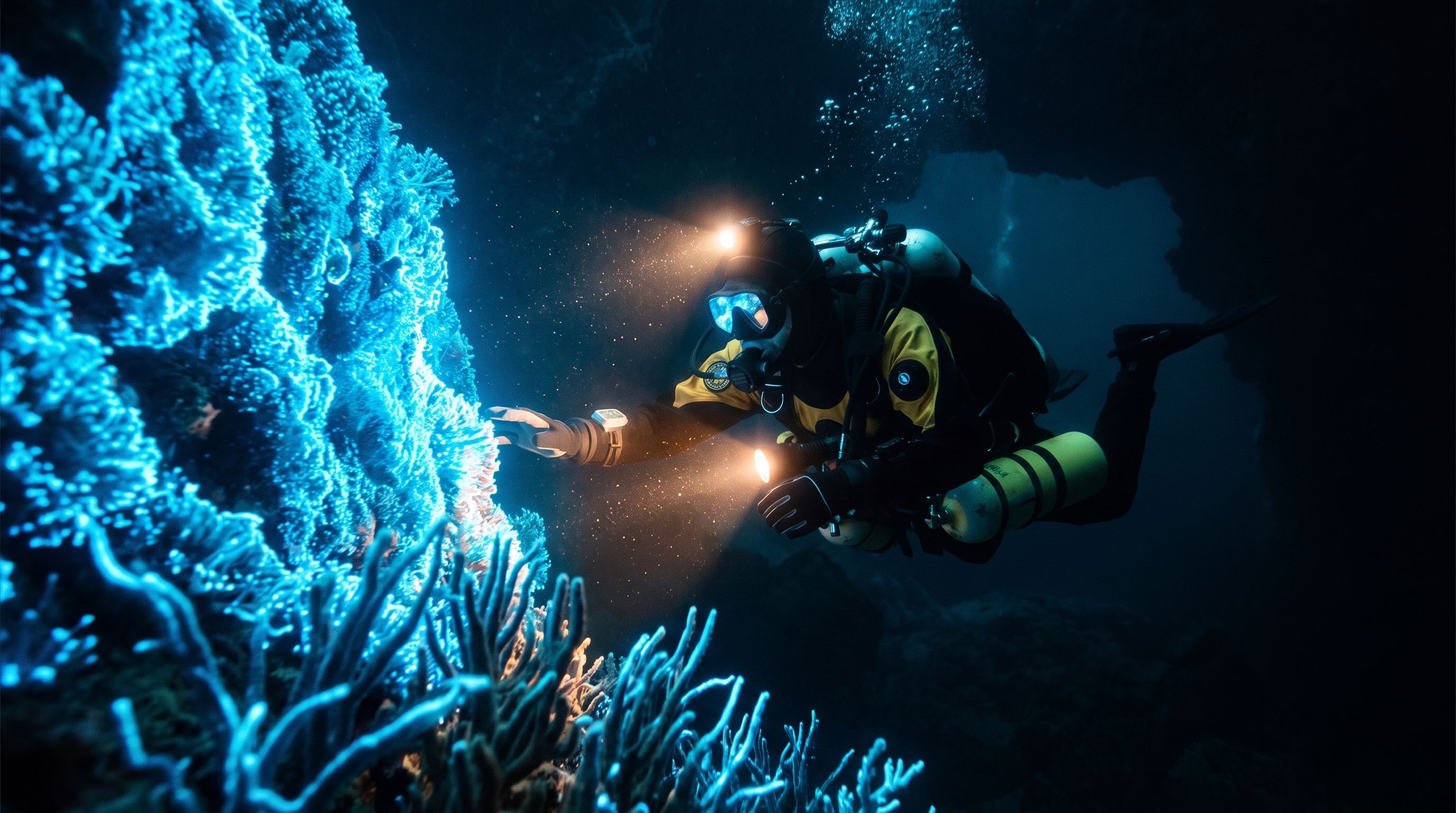
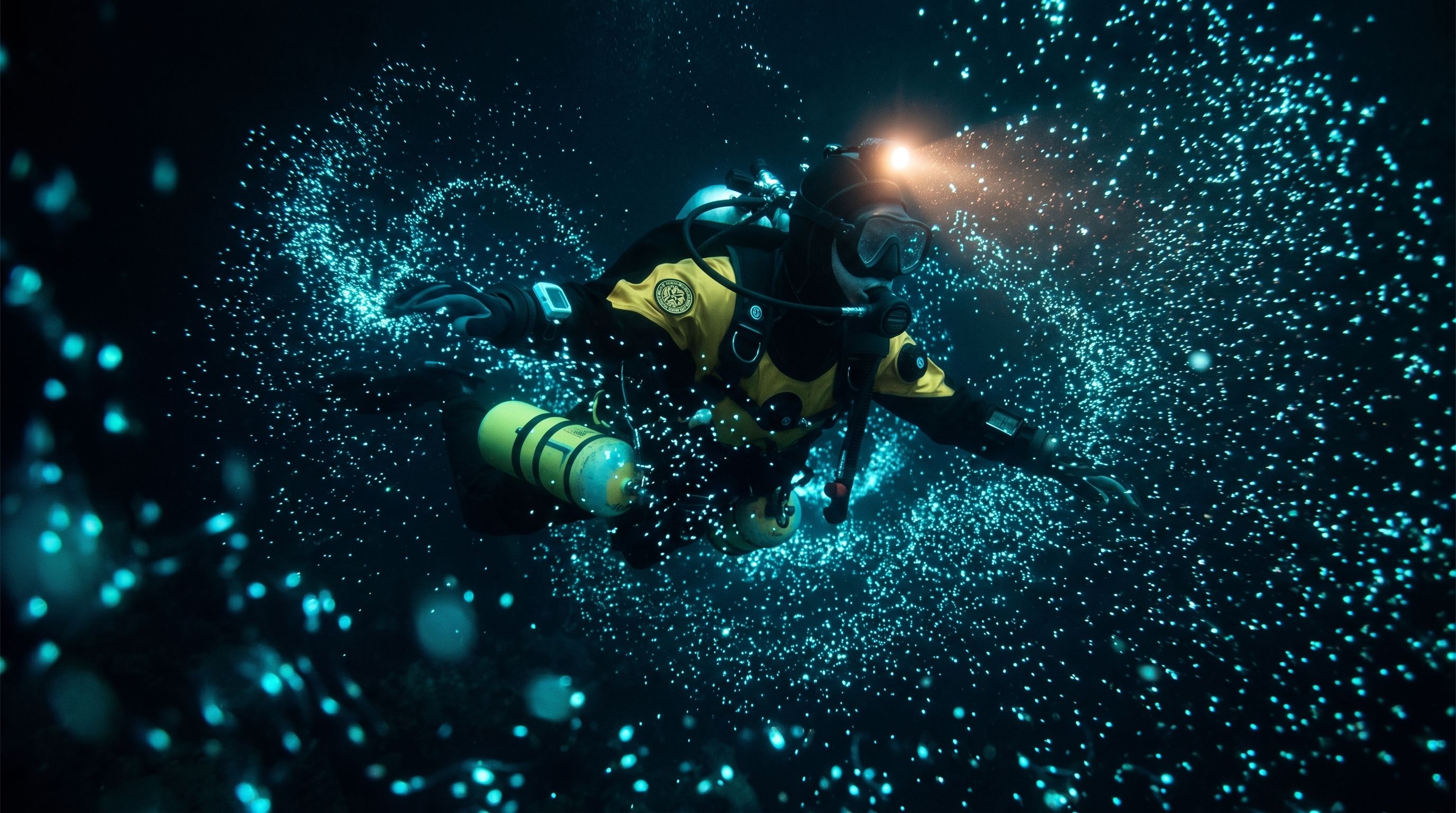
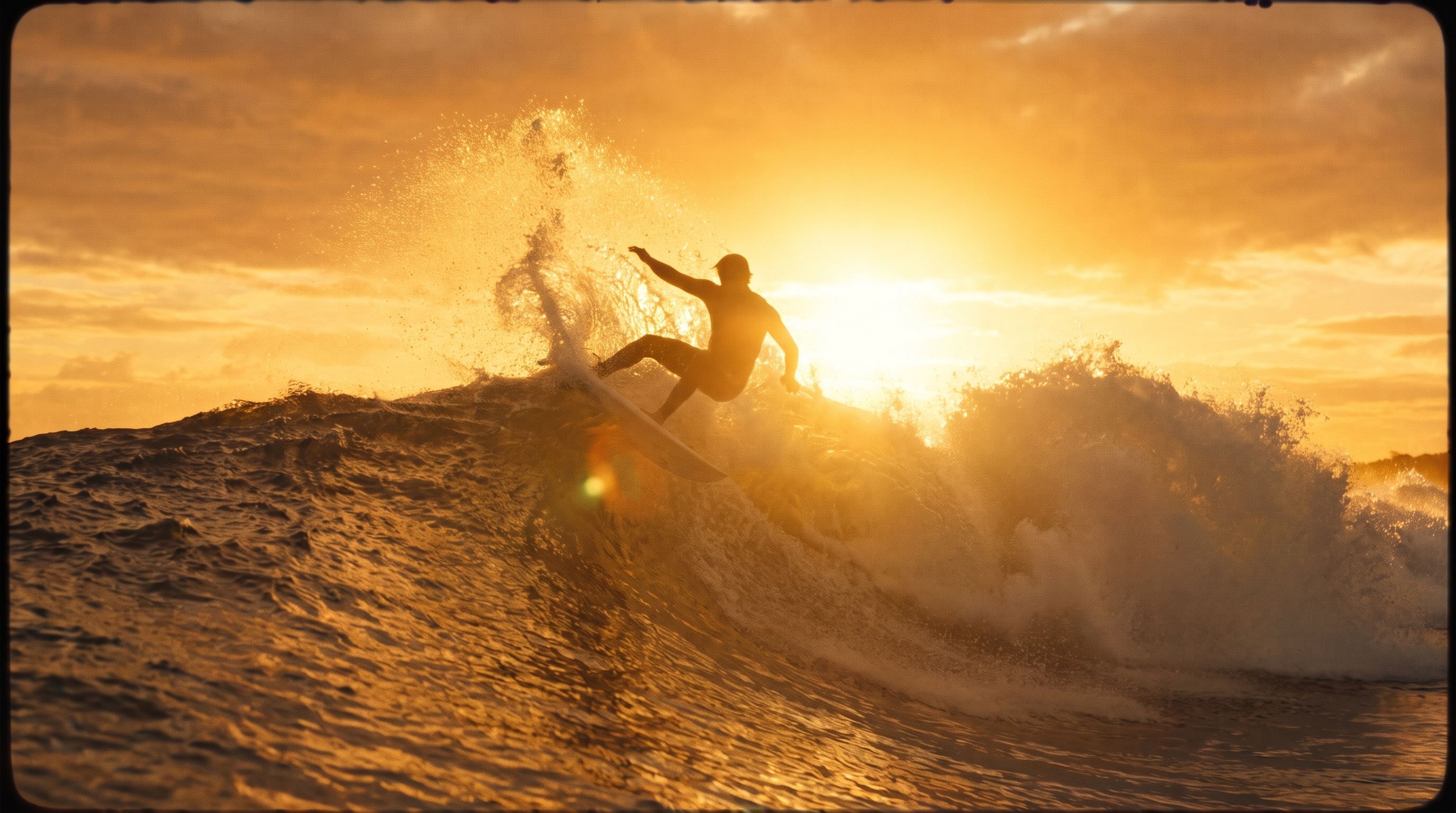
Provide ordered keyframes to guide a continuous shot through specific poses and compositions. FLUX 3 generates the motion between them.
> [tab] Example 1
>
> 
>
> Start (0:00)
>
> 
>
> Key 2 (0:03)
>
> 
>
> Key 3 (0:07)
>
> 
>
> End (0:10)
>
>
> [tab] Example 2
>
> 
>
> Start
>
> 
>
> Key 2
>
> 
>
> Key 3
>
> 
>
> End
>
>
> [tab] Example 3
>
> 
>
> Start (0:00)
>
> 
>
> Key 2 (0:03)
>
> 
>
> Key 3 (0:07)
>
> 
>
> End (0:10)
>
>
> [tab] Example 4
>
> 
>
> Start (0:00)
>
> 
>
> Key 2 (0:03)
>
> 
>
> Key 3 (0:07)
>
> 
>
> End (0:10)
>
>
> [accordion] Example API call
>
> ```bash cURL theme={null}
> curl -s -X POST https://api.bfl.ai/v1/flux-3-video \
> -H "x-key: $BFL_API_KEY" -H "Content-Type: application/json" \
> -d '{
> "mode": "i2v",
> "prompt": "a seed grows into a tree through the seasons",
> "duration": 10,
> "keyframes": [[0, "https://example.com/seed.png"], [4.5, "https://example.com/sapling.png"], [10, "https://example.com/tree.png"]]
> }'
> ```
### Video continuation
Feed an existing clip and FLUX 3 picks up from its final frames, carrying momentum, framing, and scene logic forward without a cut.
> [tab] Elephants
>
>
>
> Scrub — original clip then FLUX 3 continuation
>
> Original
>
> /
>
> FLUX 3 continuation +
> [tab] Penguin
>
>
>
> Scrub — original clip then FLUX 3 continuation
>
> Original
>
> /
>
> FLUX 3 continuation +
> [tab] Iguazú Falls
>
>
>
> Scrub — original clip then FLUX 3 continuation
>
> Original
>
> /
>
> FLUX 3 continuation +
> [tab] Giraffe
>
>
>
> Scrub — original clip then FLUX 3 continuation
>
> Original
>
> /
>
> FLUX 3 continuation +
> [tab] SUV drift
>
>
>
> Scrub — original clip then FLUX 3 continuation
>
> Original
>
> /
>
> FLUX 3 continuation +
> [accordion] Example API call
>
> ```bash cURL theme={null}
> curl -s -X POST https://api.bfl.ai/v1/flux-3-video \
> -H "x-key: $BFL_API_KEY" -H "Content-Type: application/json" \
> -d '{
> "mode": "v2v",
> "prompt": "she takes his hand and pulls him laughing through the lantern-lit alley, the camera chasing them",
> "start_video": "https://example.com/clip.mp4",
> "duration": 10
> }'
> ```
### Video editing
The example below requests two changes to an existing clip: remove the
pedestrians and add pigeons around the fountain.
Source
Edited
Remove all the pedestrians and add a flock of pigeons around the fountain.
FLUX Video Edit \[fast] takes the source clip as `video` and the edit instruction as
`prompt` at `POST /v1/flux-tools/video-edit-v1`. Poll the returned `polling_url`
until `Ready` and download `result.sample`. Twelve edits on one clip, the
request fields, limits and pricing are on the
[FLUX Video Edit page](https://docs.bfl.ml/flux_tools/flux_video_edit.md).
## Keep exploring
> [card] [Prompting Guide](https://docs.bfl.ml/guides/prompting_video_text_to_video.md)
>
> Prompt formats, the schema, camera language, and audio.
> [card] [API reference](https://docs.bfl.ml/api-reference/utility/generate-a-video-with-flux-3.md)
>
> The full flux-3-video request contract: modes, fields, and constraints.
> [card] [Playground](https://playground.bfl.ai)
>
> Try FLUX 3 in your browser: no setup required.
> [card] [FLUX 3 overview](https://docs.bfl.ml/flux_3/flux3_overview.md)
>
> One request shape across image, video, and synchronized audio.
This documentation is built and hosted on [Mintlify](https://mintlify.com), a developer documentation platform.