> ## Documentation Index
> Fetch the complete documentation index at: https://docs.bfl.ml/llms.txt
> Use this file to discover all available pages before exploring further.
# FLUX1.1 [pro] Ultra Mode
> Generate up to 4MP resolution images with FLUX1.1 [pro] Ultra, featuring Raw mode for candid photography and image-to-image support.
**FLUX1.1 \[pro] Ultra** delivers ultra-fast, ultra-high-resolution image creation - with more pixels in every picture. Generate varying aspect ratios from text, at 4MP resolution fast.
To generate an image from text, you’ll make a request to the `/flux-pro-1.1-ultra` endpoint.
## Key Features
Generate up to 4MP images without compromising prompt fidelity or quality
4MP resolution results delivered in unprecedented speed
Captures the authentic feel of candid photography, at 4MP resolution
Use existing images as visual context with adjustable influence strength
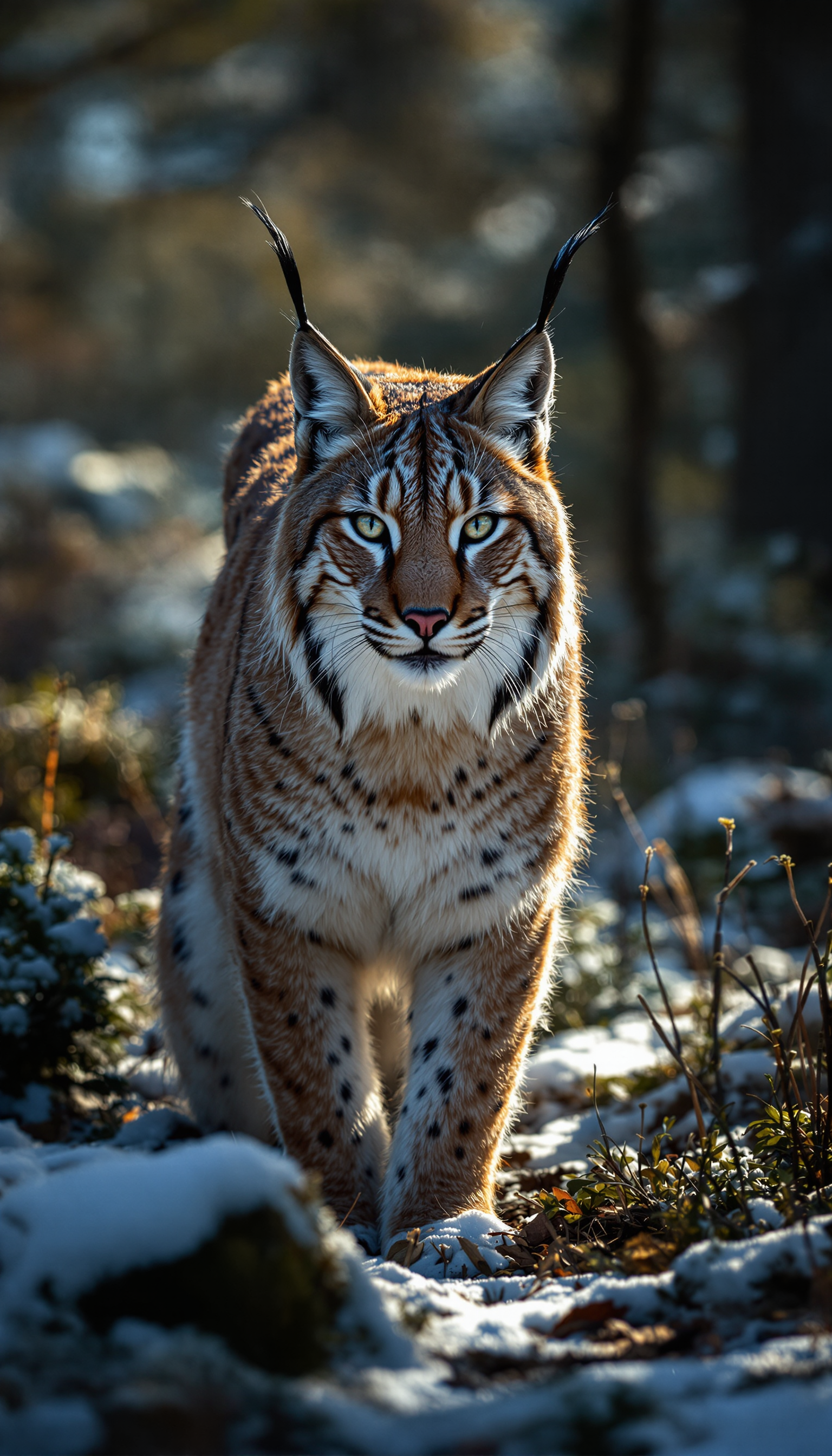
### Examples of Image Generation with FLUX.1 \[pro] Ultra


 ## Raw Mode
FLUX1.1 \[pro] also supports **Raw mode** for creators seeking authenticity. When enabled, Raw mode captures the genuine feel of candid photography, generating images with a less synthetic, more natural aesthetic. This mode significantly increases diversity in human subjects and enhances the realism of nature photography.
Enable Raw mode by setting `"raw": true` in your API request for more authentic, natural-looking results.
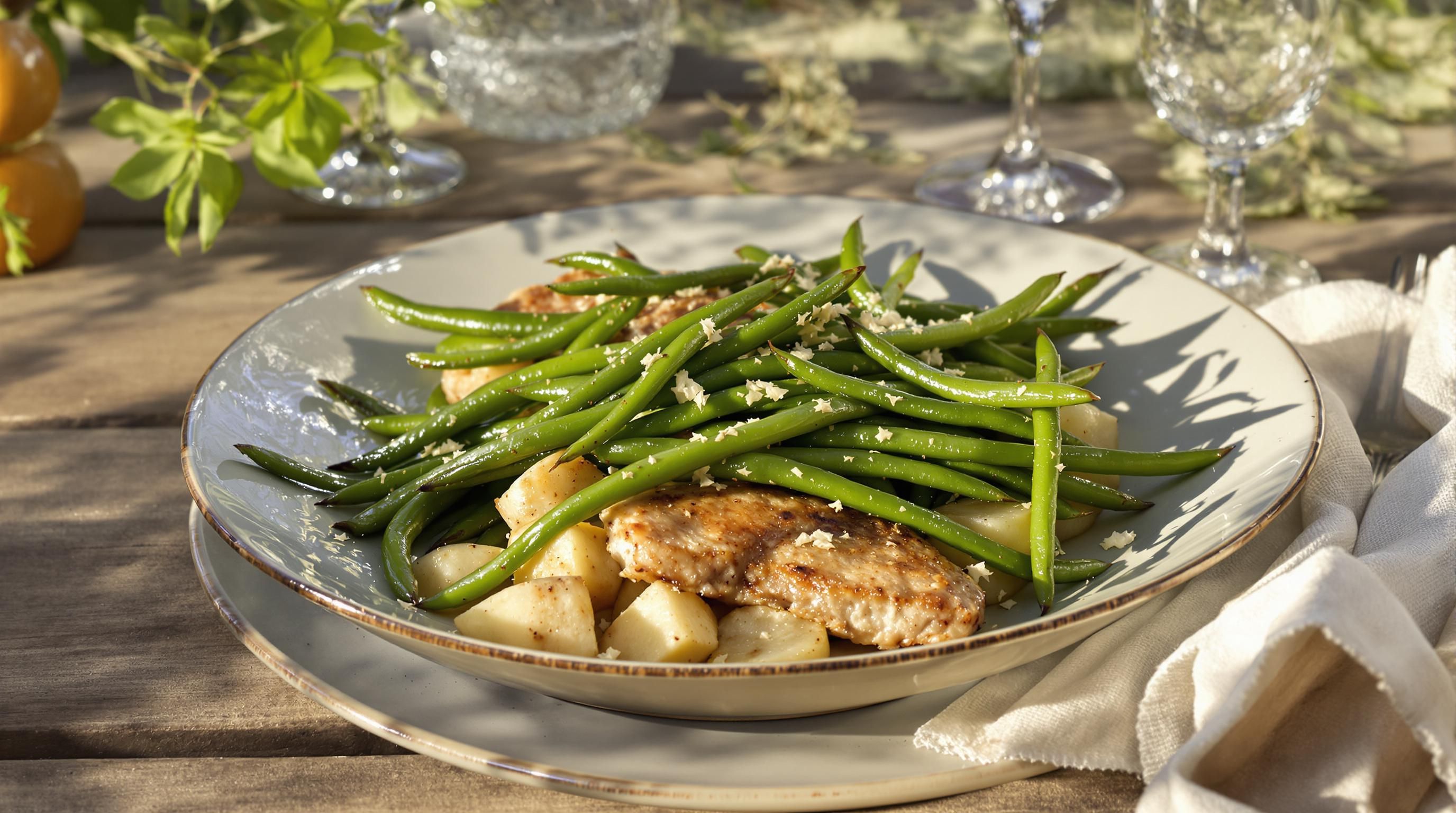
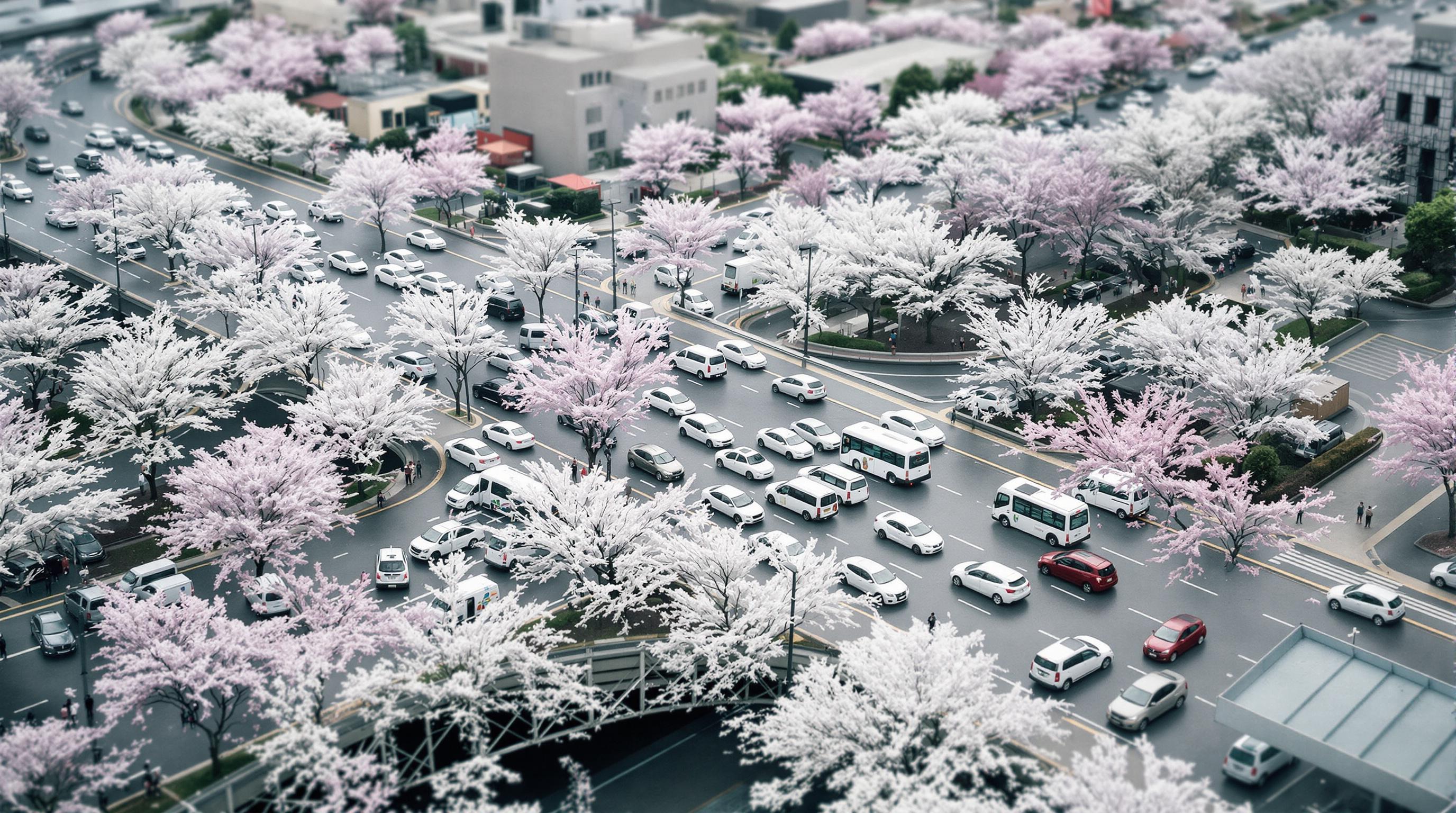
### Examples of Image Generation with FLUX.1 \[pro] Raw
## Raw Mode
FLUX1.1 \[pro] also supports **Raw mode** for creators seeking authenticity. When enabled, Raw mode captures the genuine feel of candid photography, generating images with a less synthetic, more natural aesthetic. This mode significantly increases diversity in human subjects and enhances the realism of nature photography.
Enable Raw mode by setting `"raw": true` in your API request for more authentic, natural-looking results.
### Examples of Image Generation with FLUX.1 \[pro] Raw

 ## API Endpoint
Use the `/flux-pro-1.1-ultra` endpoint for ultra-high-resolution generation:
```bash ultra_request.sh theme={null}
request=$(curl -X POST \
'https://api.bfl.ai/v1/flux-pro-1.1-ultra' \
-H 'accept: application/json' \
-H "x-key: ${BFL_API_KEY}" \
-H 'Content-Type: application/json' \
-d '{
"prompt": "Detailed architectural rendering of a modern glass skyscraper",
"aspect_ratio": "1:1",
"raw": false
}')
# Change "raw" to `true` for RAW output
request_id=$(echo $request | jq -r .id)
polling_url=$(echo $request | jq -r .polling_url)
```
```python ultra_request.py theme={null}
import requests
import os
request = requests.post(
'https://api.bfl.ai/v1/flux-pro-1.1-ultra',
headers={
'accept': 'application/json',
'x-key': os.environ.get("BFL_API_KEY"),
'Content-Type': 'application/json',
},
json={
'prompt': 'Detailed architectural rendering of a modern glass skyscraper',
'aspect_ratio': '1:1',
'raw': False # Replace with True for the RAW endpoint
}
).json()
print(request)
request_id = request["id"]
polling_url = request["polling_url"] # Use this URL for polling
```
### Poll for Result
After submitting a request, you need to poll using the returned `polling_url` to retrieve the output when ready.
```bash poll_result.sh theme={null}
while true; do
sleep 0.5
result=$(curl -s -X 'GET' \
"${polling_url}" \
-H 'accept: application/json' \
-H "x-key: ${BFL_API_KEY}")
status=$(echo $result | jq -r .status)
echo "Status: $status"
if [ "$status" == "Ready" ]; then
echo "Result: $(echo $result | jq -r .result.sample)"
break
elif [ "$status" == "Error" ] || [ "$status" == "Failed" ]; then
echo "Generation failed: $result"
break
fi
done
```
```python poll_result.py theme={null}
# This assumes that the `polling_url` variable is set.
import time
import os
import requests
while True:
time.sleep(0.5)
result = requests.get(
polling_url,
headers={
'accept': 'application/json',
'x-key': os.environ.get("BFL_API_KEY"),
}
).json()
if result['status'] == 'Ready':
print(f"Image ready: {result['result']['sample']}")
break
elif result['status'] in ['Error', 'Failed']:
print(f"Generation failed: {result}")
break
```
A successful response will be a JSON object containing the result, and `result['sample']` is a signed URL for retrieval.
Our signed URLs are only valid for 10 minutes. Please retrieve your result within this timeframe.
### FLUX1.1 \[pro] Ultra Parameters
| Parameter | Type | Default | Description | Required |
| ----------------------- | ------- | ------- | ---------------------------------------------------------------------------------- | -------- |
| `prompt` | string | | Text description of the desired image | **Yes** |
| `aspect_ratio` | string | "16:9" | Desired aspect ratio for the image (e.g., "16:9", "1:1", "4:3") | No |
| `prompt_upsampling` | boolean | false | Enhance prompt for better results | No |
| `seed` | integer | null | Seed for reproducible results. Accepts any integer | No |
| `safety_tolerance` | integer | 2 | Content moderation level. Value ranges from 0 (most strict) to 6 (more permissive) | No |
| `output_format` | string | "jpeg" | Desired format of the output image. Can be "jpeg" or "png" | No |
| `raw` | boolean | false | Enable raw mode for more natural, authentic aesthetics | No |
| `image_prompt` | string | null | Base64-encoded image to use as additional visual context for generation | No |
| `image_prompt_strength` | float | 0.1 | Strength of the image prompt influence on generation (0.0 to 1.0) | No |
| `webhook_url` | string | null | URL for asynchronous completion notification. Must be a valid HTTP/HTTPS URL | No |
| `webhook_secret` | string | null | Secret for webhook signature verification, sent in the `X-Webhook-Secret` header | No |
## Pricing
FLUX1.1 \[pro] Ultra mode is available at **\$0.06 per image**.
## API Endpoint
Use the `/flux-pro-1.1-ultra` endpoint for ultra-high-resolution generation:
```bash ultra_request.sh theme={null}
request=$(curl -X POST \
'https://api.bfl.ai/v1/flux-pro-1.1-ultra' \
-H 'accept: application/json' \
-H "x-key: ${BFL_API_KEY}" \
-H 'Content-Type: application/json' \
-d '{
"prompt": "Detailed architectural rendering of a modern glass skyscraper",
"aspect_ratio": "1:1",
"raw": false
}')
# Change "raw" to `true` for RAW output
request_id=$(echo $request | jq -r .id)
polling_url=$(echo $request | jq -r .polling_url)
```
```python ultra_request.py theme={null}
import requests
import os
request = requests.post(
'https://api.bfl.ai/v1/flux-pro-1.1-ultra',
headers={
'accept': 'application/json',
'x-key': os.environ.get("BFL_API_KEY"),
'Content-Type': 'application/json',
},
json={
'prompt': 'Detailed architectural rendering of a modern glass skyscraper',
'aspect_ratio': '1:1',
'raw': False # Replace with True for the RAW endpoint
}
).json()
print(request)
request_id = request["id"]
polling_url = request["polling_url"] # Use this URL for polling
```
### Poll for Result
After submitting a request, you need to poll using the returned `polling_url` to retrieve the output when ready.
```bash poll_result.sh theme={null}
while true; do
sleep 0.5
result=$(curl -s -X 'GET' \
"${polling_url}" \
-H 'accept: application/json' \
-H "x-key: ${BFL_API_KEY}")
status=$(echo $result | jq -r .status)
echo "Status: $status"
if [ "$status" == "Ready" ]; then
echo "Result: $(echo $result | jq -r .result.sample)"
break
elif [ "$status" == "Error" ] || [ "$status" == "Failed" ]; then
echo "Generation failed: $result"
break
fi
done
```
```python poll_result.py theme={null}
# This assumes that the `polling_url` variable is set.
import time
import os
import requests
while True:
time.sleep(0.5)
result = requests.get(
polling_url,
headers={
'accept': 'application/json',
'x-key': os.environ.get("BFL_API_KEY"),
}
).json()
if result['status'] == 'Ready':
print(f"Image ready: {result['result']['sample']}")
break
elif result['status'] in ['Error', 'Failed']:
print(f"Generation failed: {result}")
break
```
A successful response will be a JSON object containing the result, and `result['sample']` is a signed URL for retrieval.
Our signed URLs are only valid for 10 minutes. Please retrieve your result within this timeframe.
### FLUX1.1 \[pro] Ultra Parameters
| Parameter | Type | Default | Description | Required |
| ----------------------- | ------- | ------- | ---------------------------------------------------------------------------------- | -------- |
| `prompt` | string | | Text description of the desired image | **Yes** |
| `aspect_ratio` | string | "16:9" | Desired aspect ratio for the image (e.g., "16:9", "1:1", "4:3") | No |
| `prompt_upsampling` | boolean | false | Enhance prompt for better results | No |
| `seed` | integer | null | Seed for reproducible results. Accepts any integer | No |
| `safety_tolerance` | integer | 2 | Content moderation level. Value ranges from 0 (most strict) to 6 (more permissive) | No |
| `output_format` | string | "jpeg" | Desired format of the output image. Can be "jpeg" or "png" | No |
| `raw` | boolean | false | Enable raw mode for more natural, authentic aesthetics | No |
| `image_prompt` | string | null | Base64-encoded image to use as additional visual context for generation | No |
| `image_prompt_strength` | float | 0.1 | Strength of the image prompt influence on generation (0.0 to 1.0) | No |
| `webhook_url` | string | null | URL for asynchronous completion notification. Must be a valid HTTP/HTTPS URL | No |
| `webhook_secret` | string | null | Secret for webhook signature verification, sent in the `X-Webhook-Secret` header | No |
## Pricing
FLUX1.1 \[pro] Ultra mode is available at **\$0.06 per image**.