> ## Documentation Index
> Fetch the complete documentation index at: https://docs.bfl.ml/llms.txt
> Use this file to discover all available pages before exploring further.

# Multi-Image Referencing and Compositing

> Multi-image referencing and compositing with FLUX editing

export const PromptDisplay = ({prompt}) => {
  const [copied, setCopied] = useState(false);
  const copy = () => {
    navigator.clipboard.writeText(prompt);
    setCopied(true);
    setTimeout(() => setCopied(false), 2000);
  };
  return <div className="not-prose" style={{
    marginTop: "1rem"
  }}>
      <div style={{
    backgroundColor: "#1a1a1a",
    borderRadius: "1rem",
    padding: "1.25rem 1.5rem",
    display: "flex",
    flexDirection: "column",
    gap: "1rem"
  }}>
        <p style={{
    color: "#e5e5e5",
    fontSize: "1rem",
    lineHeight: 1.6,
    margin: 0,
    fontFamily: "inherit"
  }}>
          {prompt}
        </p>
        <div style={{
    display: "flex",
    justifyContent: "flex-end"
  }}>
          <button onClick={copy} style={{
    backgroundColor: copied ? "#3d8a5b" : "var(--aspen-evergreen, #486A58)",
    color: "#fff",
    border: "none",
    borderRadius: "0.375rem",
    padding: "0.25rem 0.6rem",
    fontSize: "0.7rem",
    fontWeight: 600,
    cursor: "pointer",
    transition: "background-color 0.2s"
  }}>
            {copied ? "Copied!" : "Copy prompt"}
          </button>
        </div>
      </div>
    </div>;
};

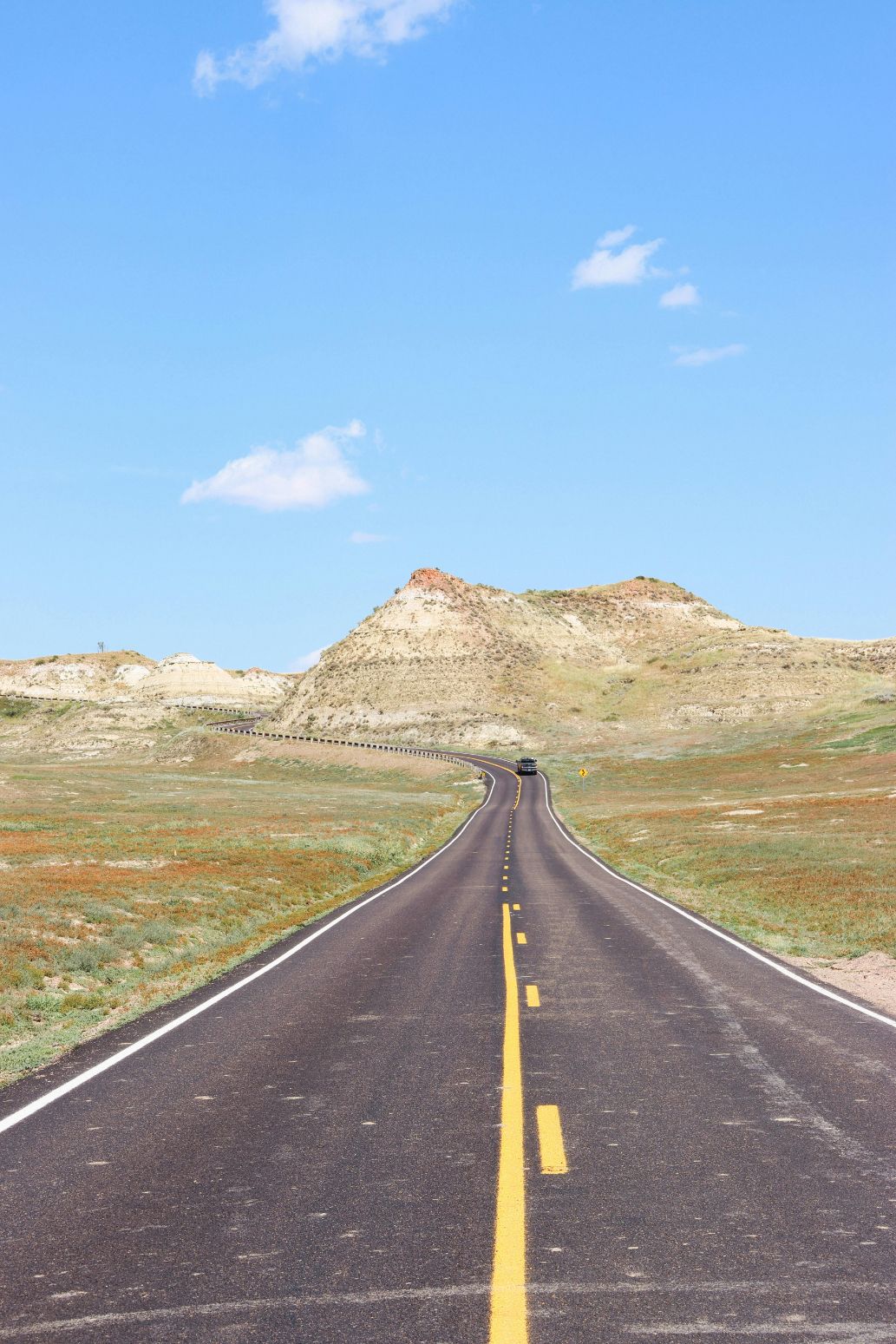
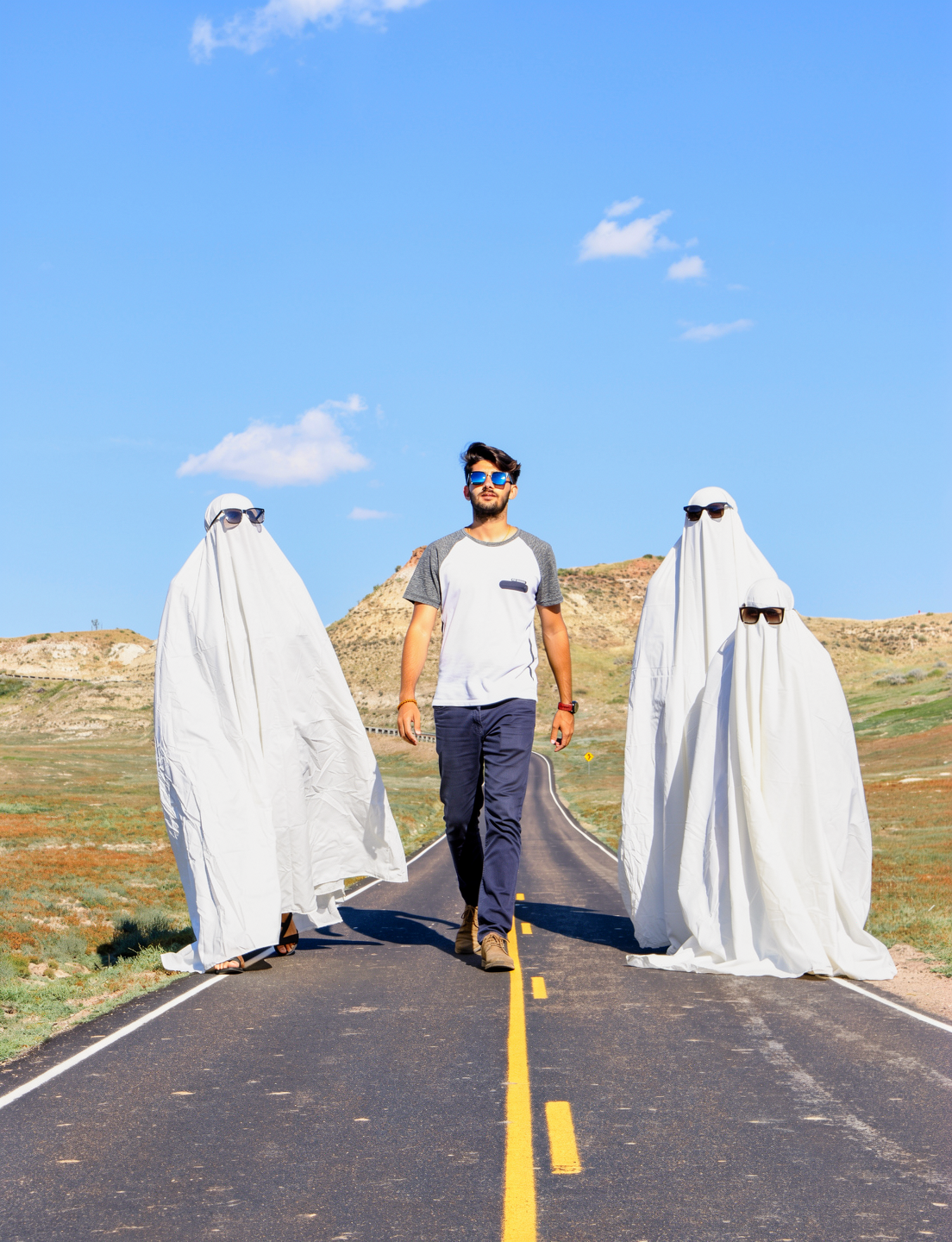
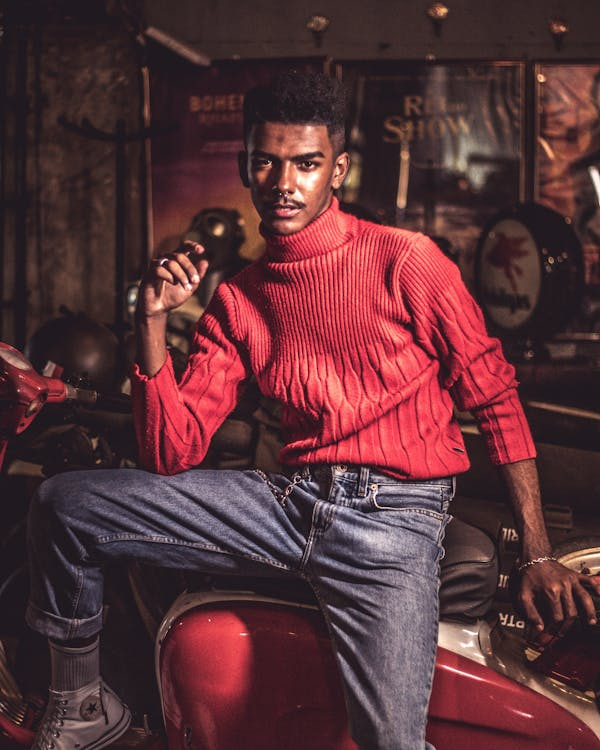
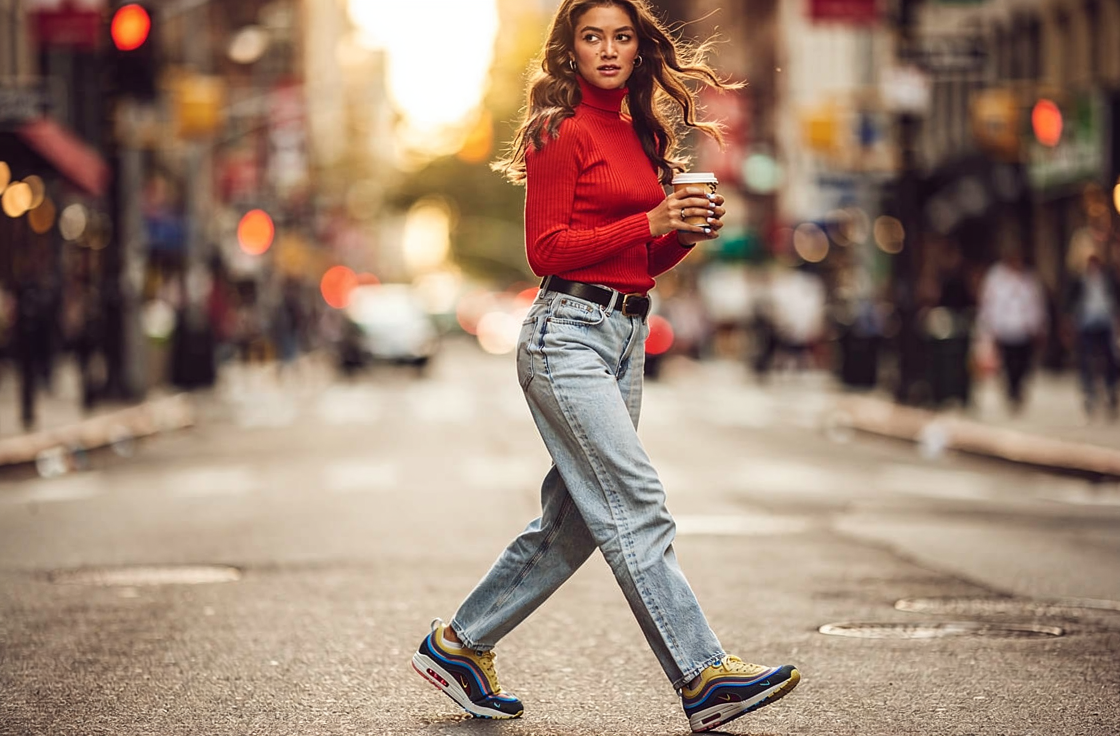
FLUX.2 supports up to 8 reference images, enabling powerful compositing workflows. Combine people, objects, and backgrounds from different sources into a single coherent scene. Reference each image by number in your prompt.

<Tip>
  Refer to each input as "image 1", "image 2", etc. in your prompt. Be explicit about which element comes from which image.
</Tip>

## Examples

### Three-image scene composition

<Columns cols={3}>
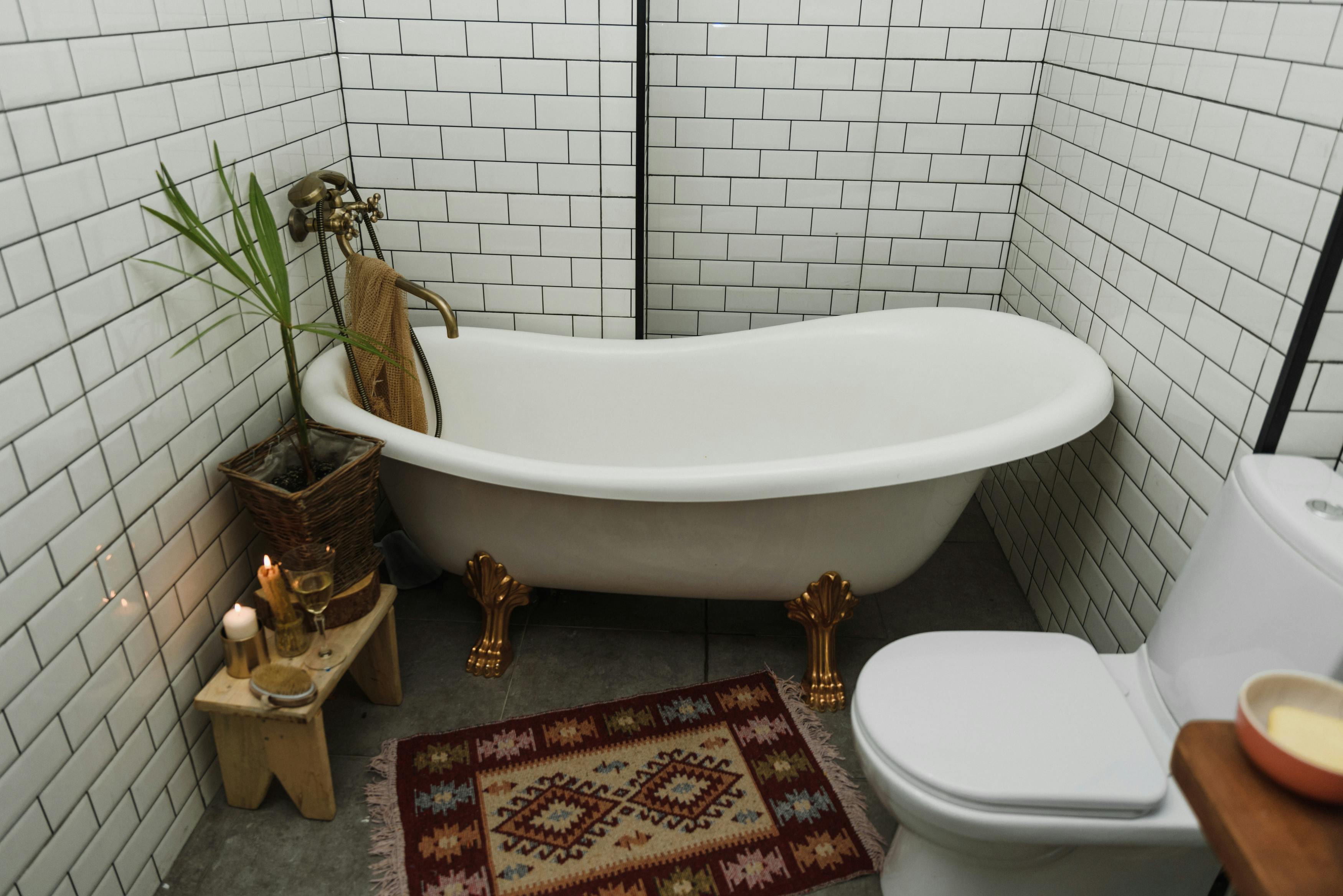
  <Frame caption="Image 1 — Bathtub">
    <img src="https://cdn.sanity.io/images/2gpum2i6/production/0d21c2c8d0d1b53211fa3c4965ae99c516582766-3500x2336.jpg" alt="Input: bathtub" />
  </Frame>

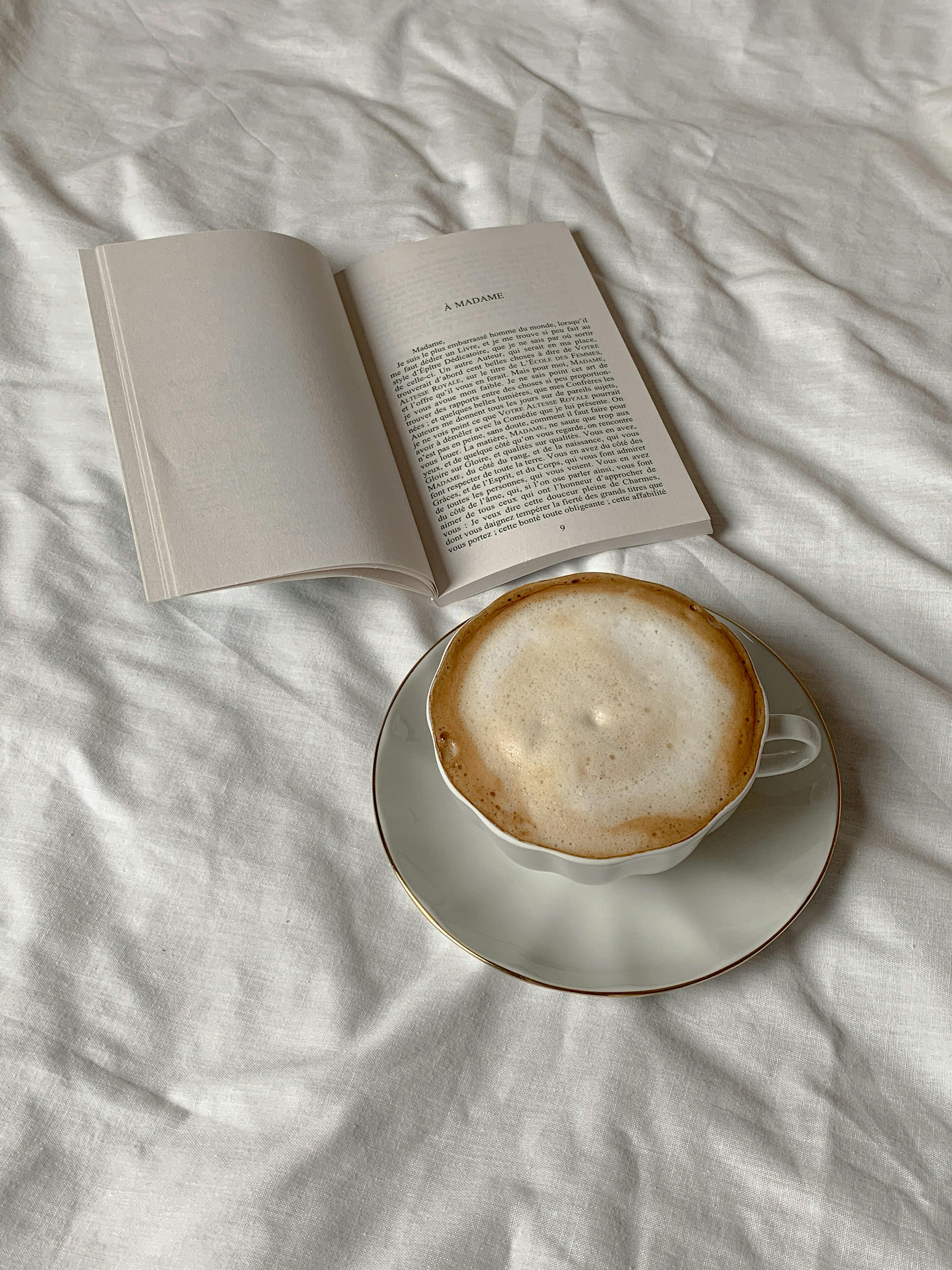
  <Frame caption="Image 2 — Coffee">
    <img src="https://cdn.sanity.io/images/2gpum2i6/production/2ed8802a87c7d3f5de61d4267cd6857277efe7bd-3024x4032.jpg" alt="Input: coffee texture" />
  </Frame>

  <Frame caption="Image 3 — Person">
    <img src="https://cdn.sanity.io/images/2gpum2i6/production/80889beed78fbe1deed127e1f556916e8333bfda-1549x1033.jpg" alt="Input: person" />
  </Frame>
</Columns>

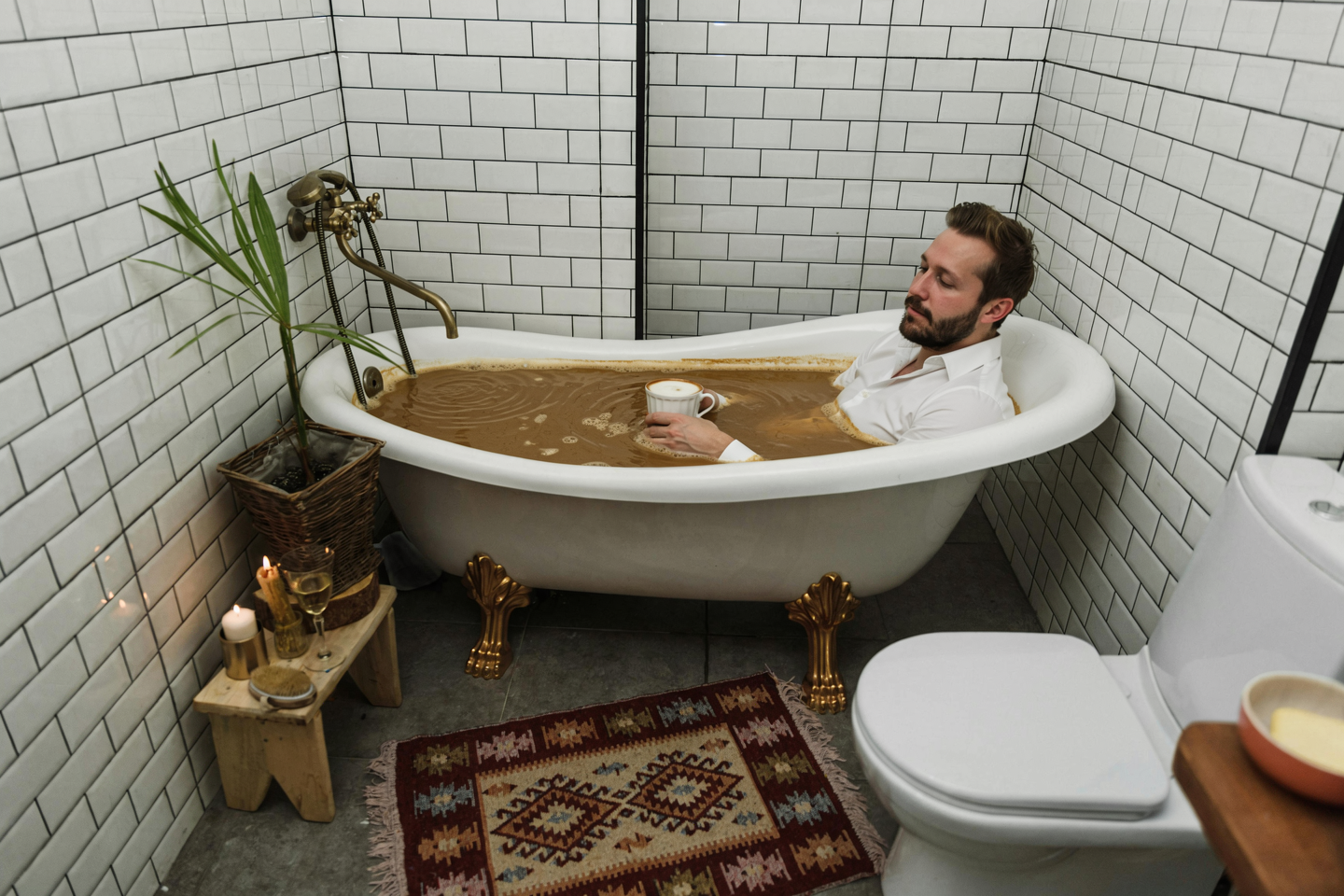
<Frame caption="Result">
  <img src="https://cdn.sanity.io/images/2gpum2i6/production/75982927a3917128a18ac9cef95fd86f1e5b8050-1440x960.png" alt="Person in coffee-filled bathtub" />
</Frame>

<PromptDisplay prompt="Take the coffee liquid and texture from image 2 and fill the bathtub from image 1 with it. Then place the person from image 3 inside the bath, fully clothed, positioned naturally, and sipping from his cup of coffee." />

### Style-matched couple placement

<Columns cols={2}>
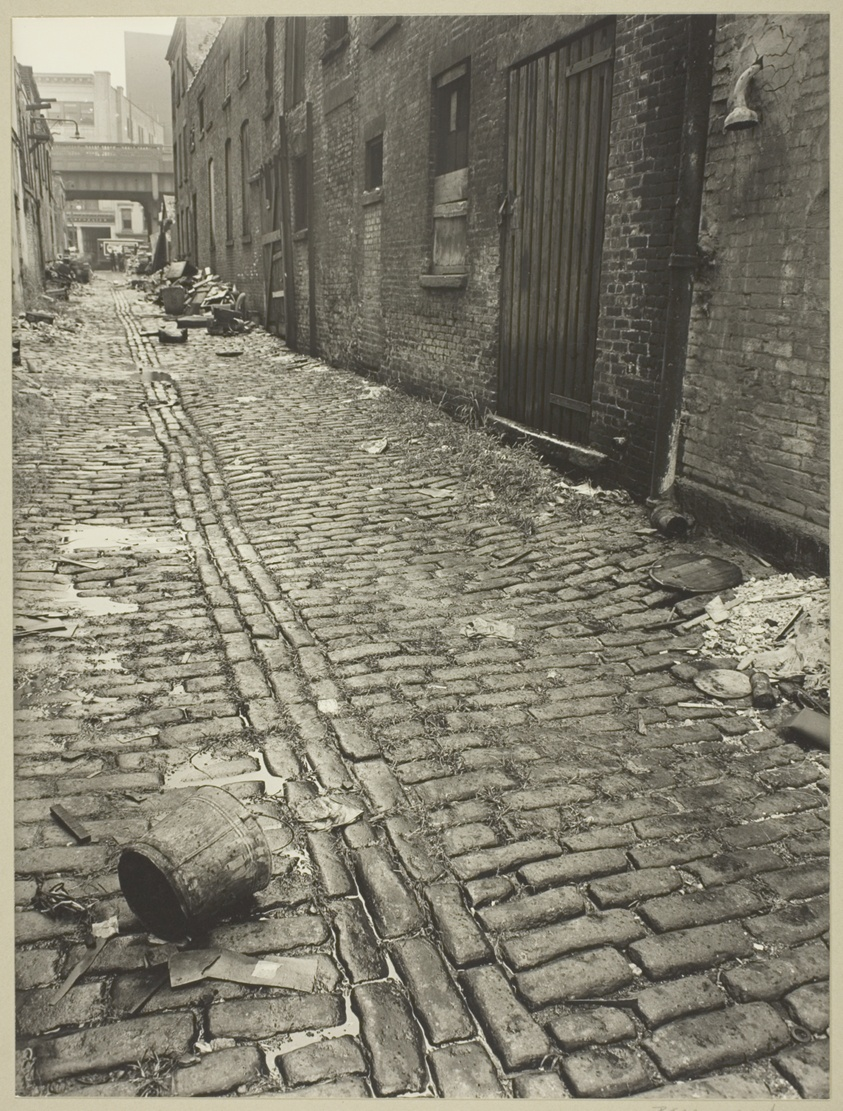
  <Frame caption="Image 1 — Street scene">
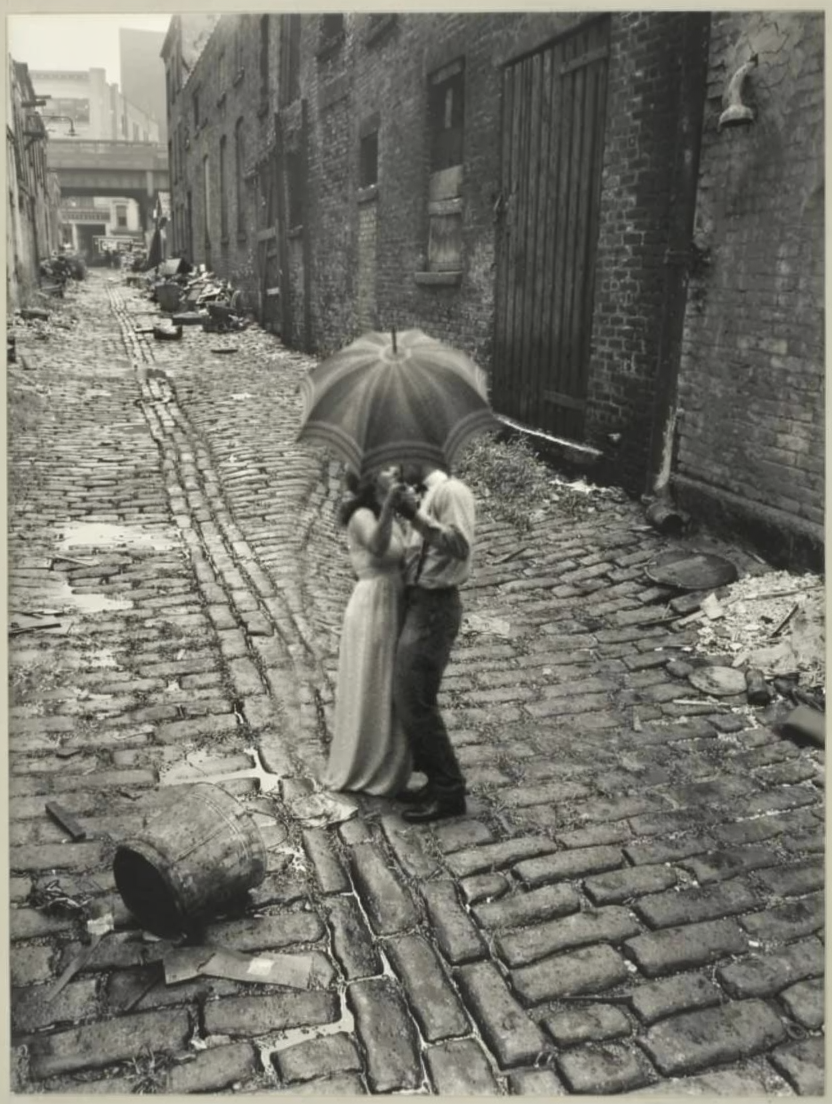
    <img src="https://cdn.sanity.io/images/2gpum2i6/production/99c00d47bb5b998958fae1f06b6a7b5b23d06b18-843x1111.png" alt="Input: street scene" />
  </Frame>

  <Frame caption="Image 2 — Couple">
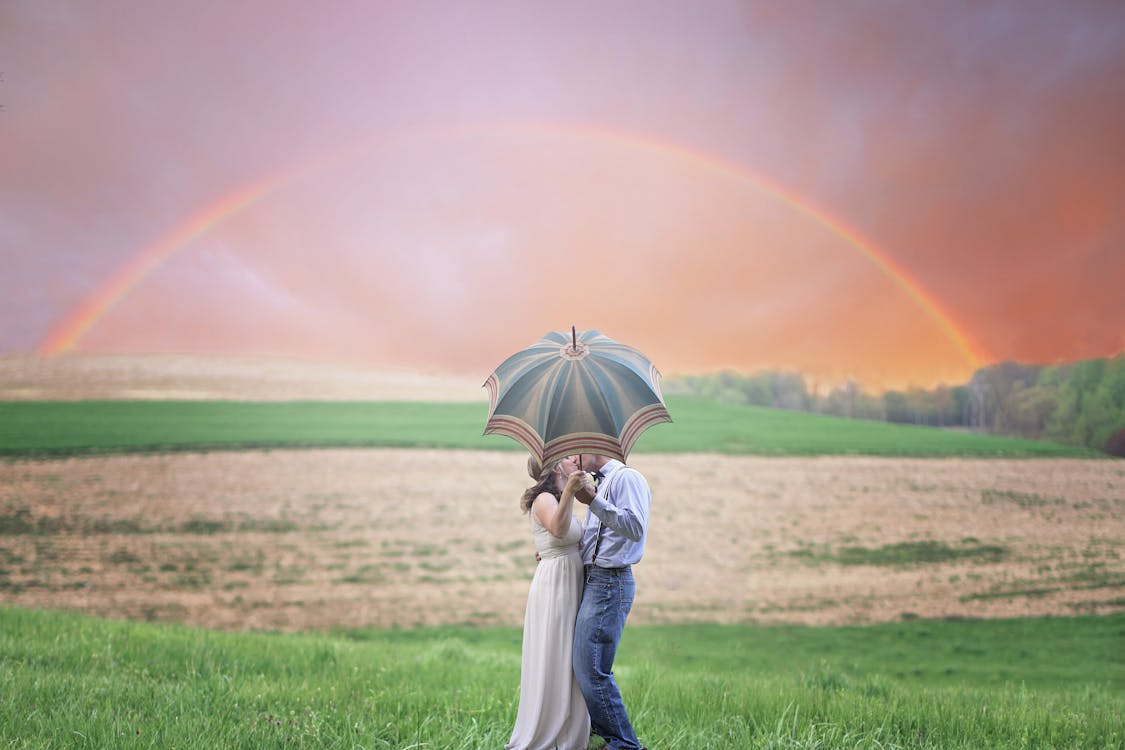
    <img src="https://cdn.sanity.io/images/2gpum2i6/production/42b9fb3fb1c7a9d63671dc3594daff8a41b77d54-1125x750.png" alt="Input: couple" />
  </Frame>
</Columns>

<Frame caption="Result">
  <img src="https://cdn.sanity.io/images/2gpum2i6/production/860bbffc3d1303511e5bce68aa39dea71b464ca1-832x1104.png" alt="Couple placed in street scene" />
</Frame>

<PromptDisplay prompt="The couple from Image 2 is now standing in the middle of the street of Image 1, holding the same object. Apply the style of Image 1 to them as well, make them blend in a smooth way into the image, keep image 1 colors." />

### People + background merge

<Columns cols={3}>
  <Frame caption="Image 1">
    <img src="https://cdn.sanity.io/images/2gpum2i6/production/42745b9f9be3b22cf2c5d0971cfe2bdb90592f54-3109x4000.jpg" alt="Input: person 1" />
  </Frame>

  <Frame caption="Image 2">
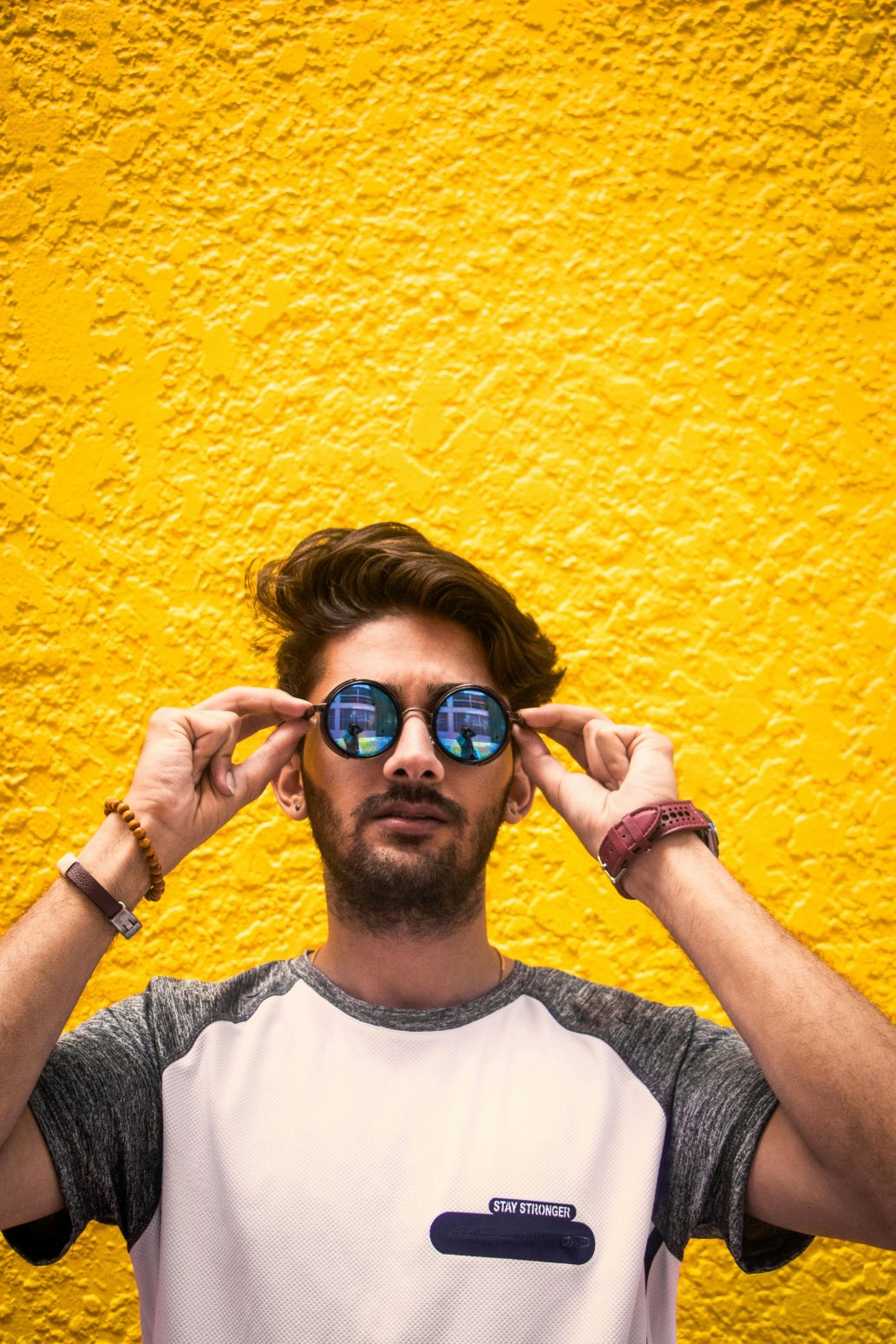
    <img src="https://cdn.sanity.io/images/2gpum2i6/production/dd272ed3e7d1d49a759c85311d80df3ea8a62d14-1033x1549.jpg" alt="Input: person 2" />
  </Frame>

  <Frame caption="Image 3 — Background">
    <img src="https://cdn.sanity.io/images/2gpum2i6/production/26c033806a6d398ca4e9b28c040efcf4218c5dfb-1033x1549.jpg" alt="Input: background" />
  </Frame>
</Columns>

<Frame caption="Result">
  <img src="https://cdn.sanity.io/images/2gpum2i6/production/8b8f4f4e5eb5c7e5ac48015673f72292036f504f-1104x1440.png" alt="Two people composited into background" />
</Frame>

<PromptDisplay prompt="Place the people from image 1 and image 2 posing together, and set them over the background from image 3. Match lighting, shadows, scale, and perspective so they look naturally in the same scene." />

### Mix-and-match outfit from multiple images

<Columns cols={3}>
  <Frame caption="Image 1 — Shoes">
    <img src="https://cdn.sanity.io/images/2gpum2i6/production/26494ffa7924a1eaa078d631fe7b645b1d7716ae-1124x750.png" alt="Input: shoes" />
  </Frame>

  <Frame caption="Image 2 — Jeans">
    <img src="https://cdn.sanity.io/images/2gpum2i6/production/7c3e4c5f7dc4ca6aaae66a06d4e84b51c72defc4-500x750.png" alt="Input: jeans" />
  </Frame>

  <Frame caption="Image 3 — Sweater">
    <img src="https://cdn.sanity.io/images/2gpum2i6/production/fb6c11e045f437de8a8e93b14781dbc24e7b9aa2-600x750.png" alt="Input: sweater" />
  </Frame>
</Columns>

<Frame caption="Result">
  <img src="https://cdn.sanity.io/images/2gpum2i6/production/9984ae156d6b07de47283e3522faea5180a00472-1120x736.png" alt="Woman wearing outfit from three references" />
</Frame>

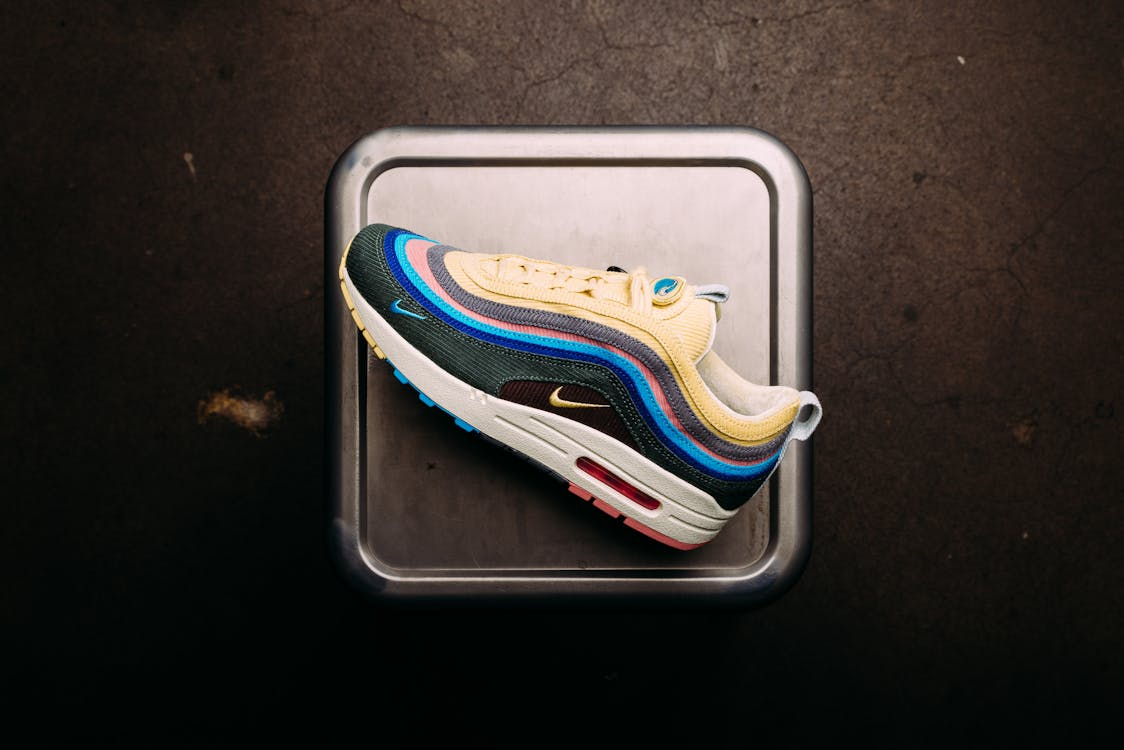
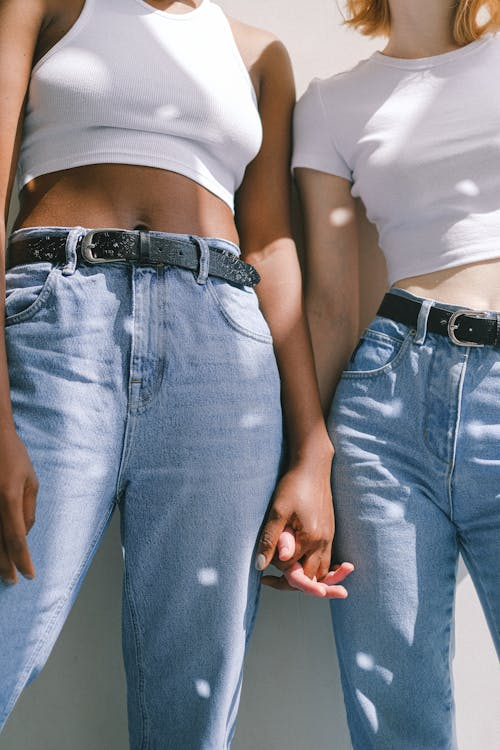
<PromptDisplay prompt="Medium shot of a young woman walking down an urban street, wearing the shoes from image 1, the jeans from image 2, and the knit sweater from image 3. Shallow depth of field with the focus on her. Warm, strong sunlight illuminating her." />

### Style transfer + object compositing

<Columns cols={3}>
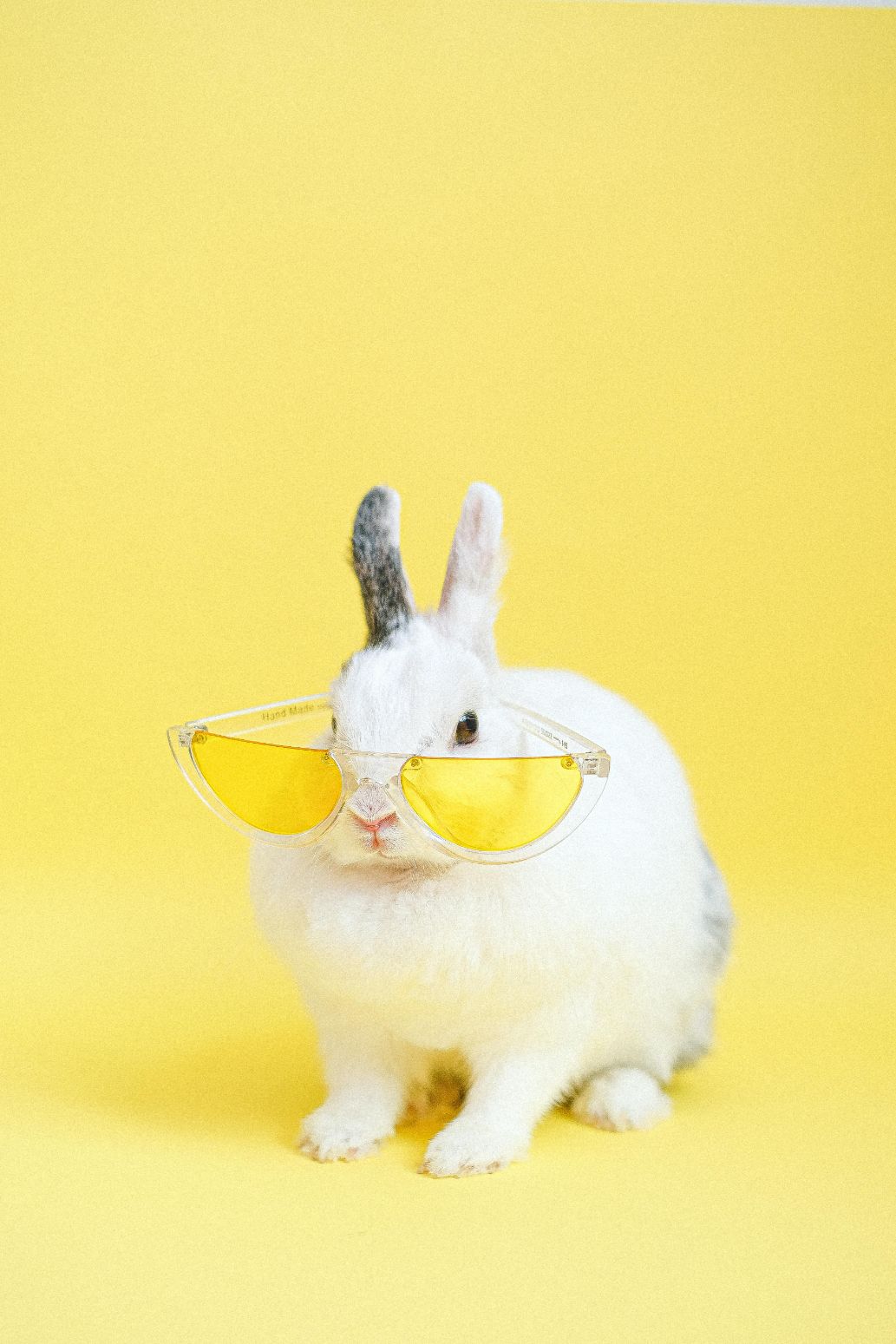
  <Frame caption="Image 1 — Rabbit">
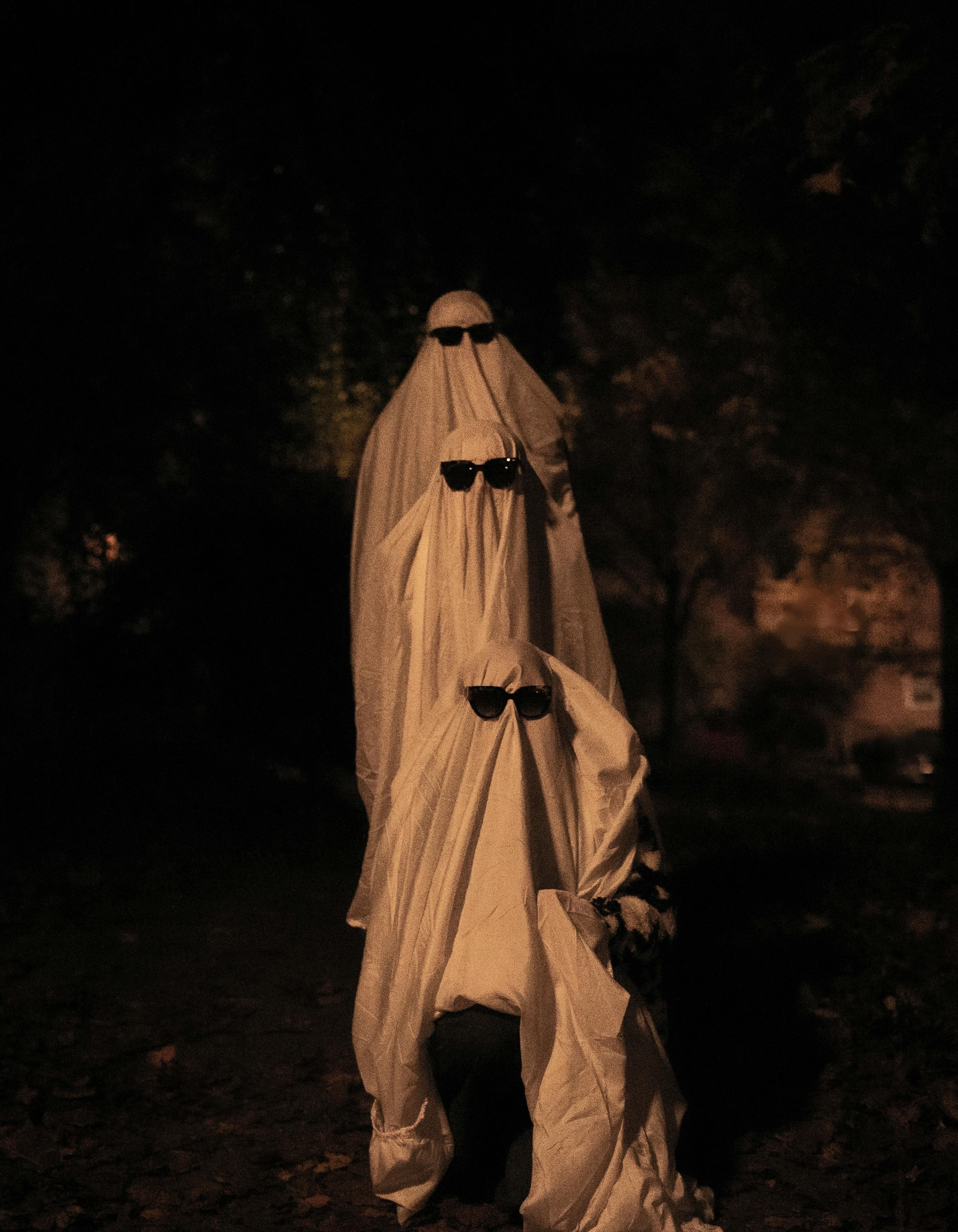
    <img src="https://cdn.sanity.io/images/2gpum2i6/production/aabf8bd0873a28d074b3a7fb3a3a726b81c49423-1033x1549.jpg" alt="Input: rabbit with sunglasses" />
  </Frame>

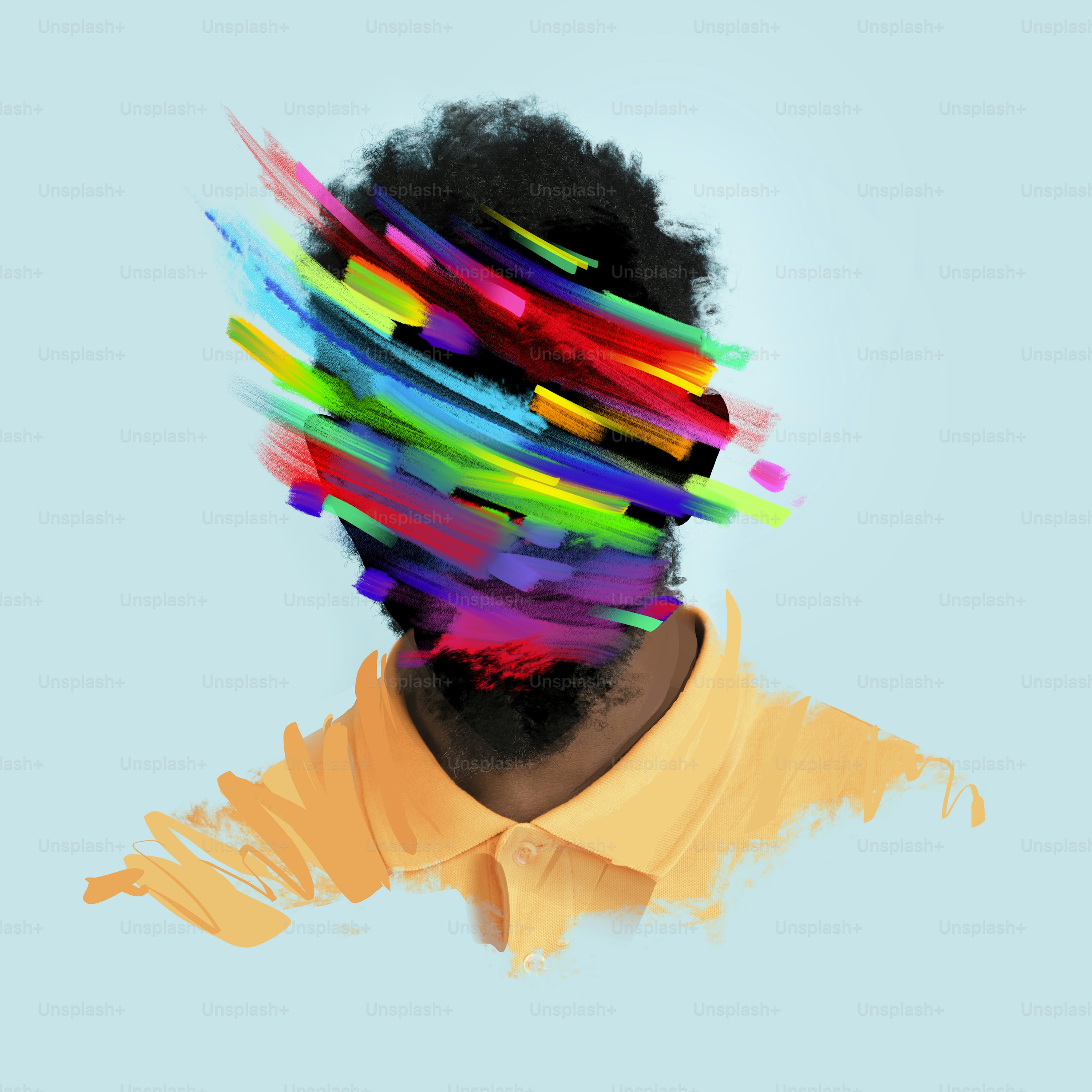
  <Frame caption="Image 2 — Art style">
    <img src="https://cdn.sanity.io/images/2gpum2i6/production/f9609726348a4fb1021ccfd28f898e9546253105-3000x3000.jpg" alt="Input: abstract art style" />
  </Frame>

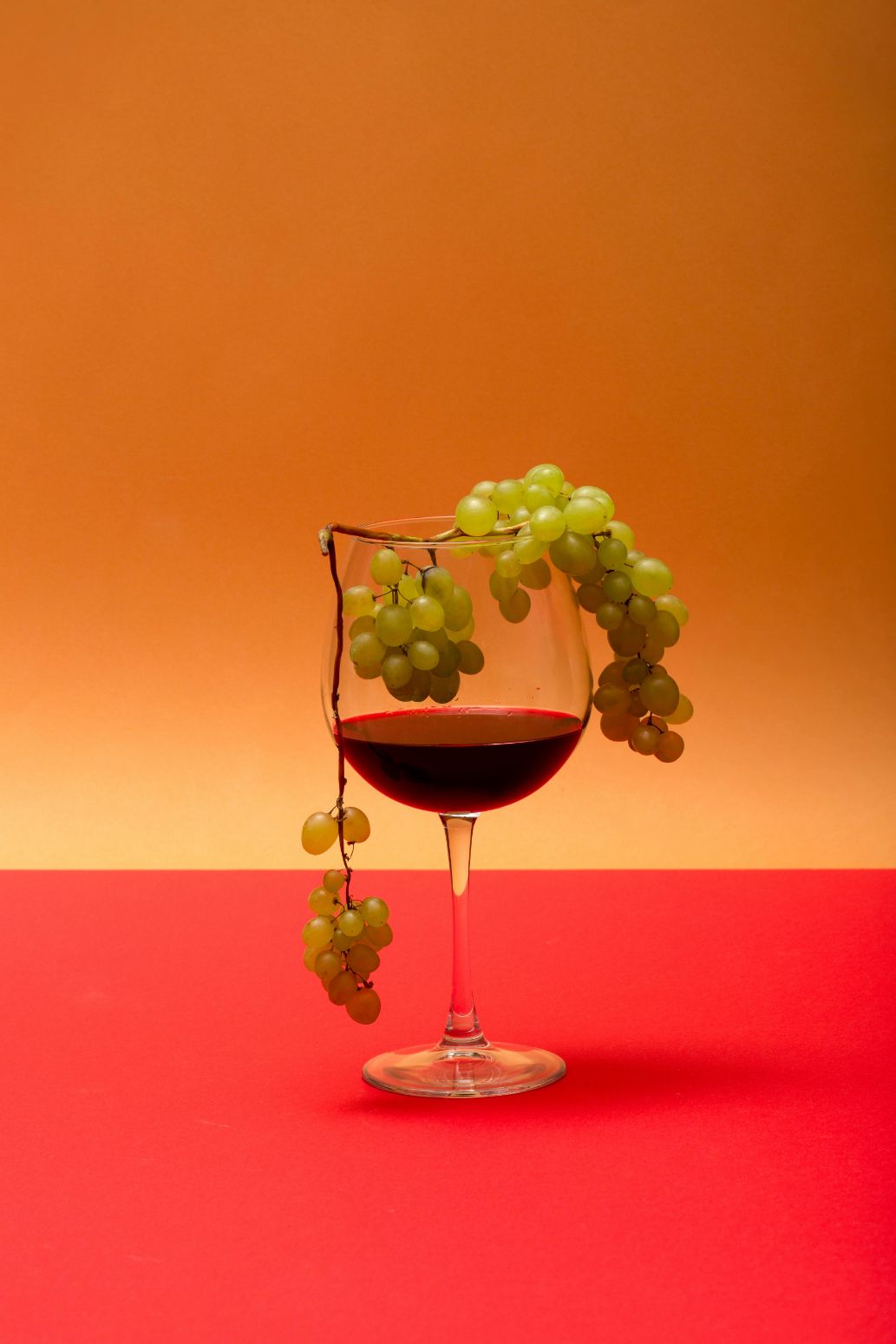
  <Frame caption="Image 3 — Wine glass">
    <img src="https://cdn.sanity.io/images/2gpum2i6/production/32a5afb08de7834b4d8fc2b7f2fc0f4fa7d9b2c9-1033x1549.jpg" alt="Input: wine glass with grapes" />
  </Frame>
</Columns>

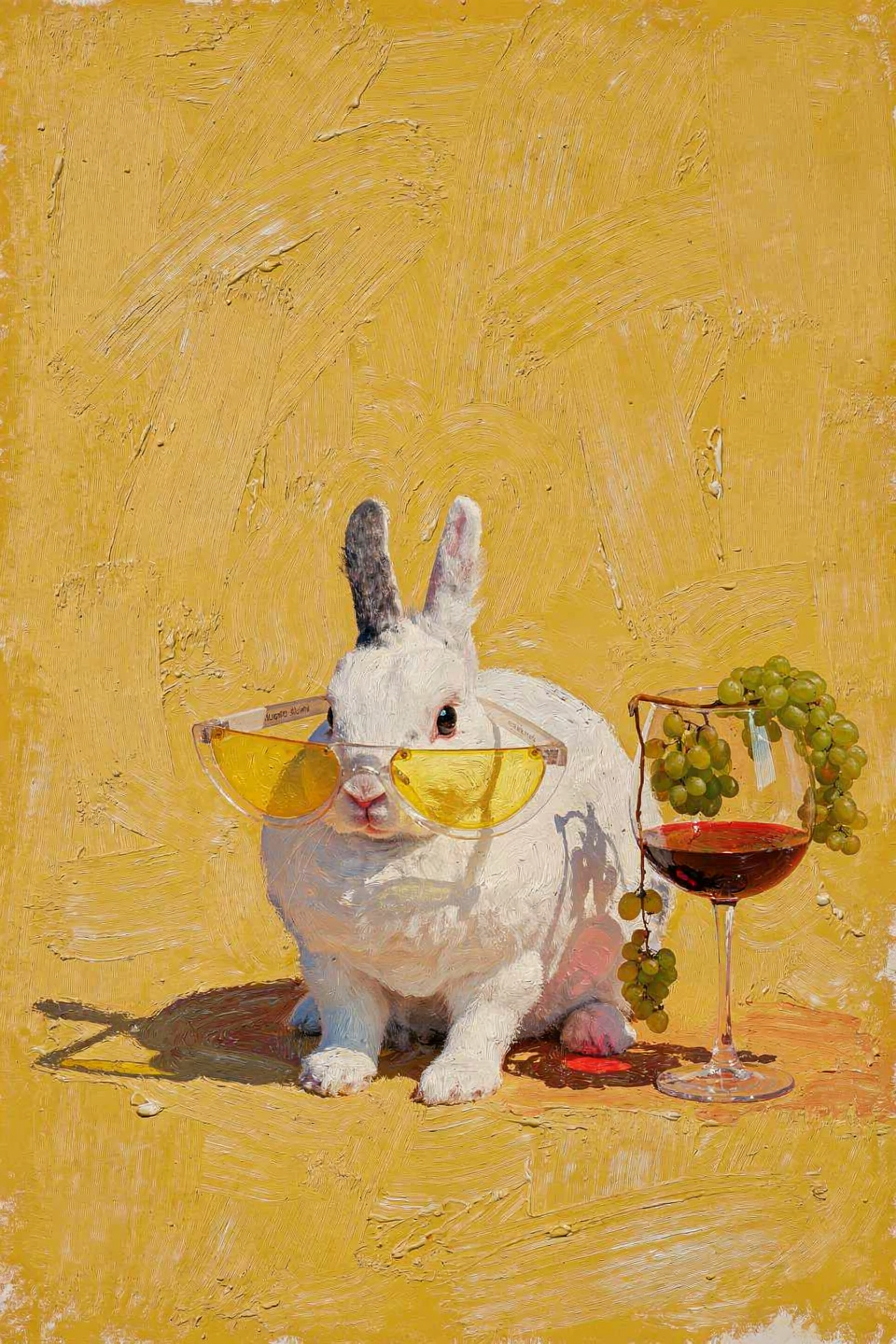
<Frame caption="Result">
  <img src="https://cdn.sanity.io/images/2gpum2i6/production/48401d75c1e600d7b01329ec8b5d9f0787b0f551-960x1440.png" alt="Rabbit with wine glass in oil painting style" />
</Frame>

<PromptDisplay prompt="Use image 1 as the base scene. Take the drink from image 3 and place it next to the animal in image 1, matching the lighting, scale, and shadows. Render the entire final image in the art style of image 2, keeping consistent colors, textures, and visual aesthetic." />

### Fantasy compositing — snow globe

<Columns cols={3}>
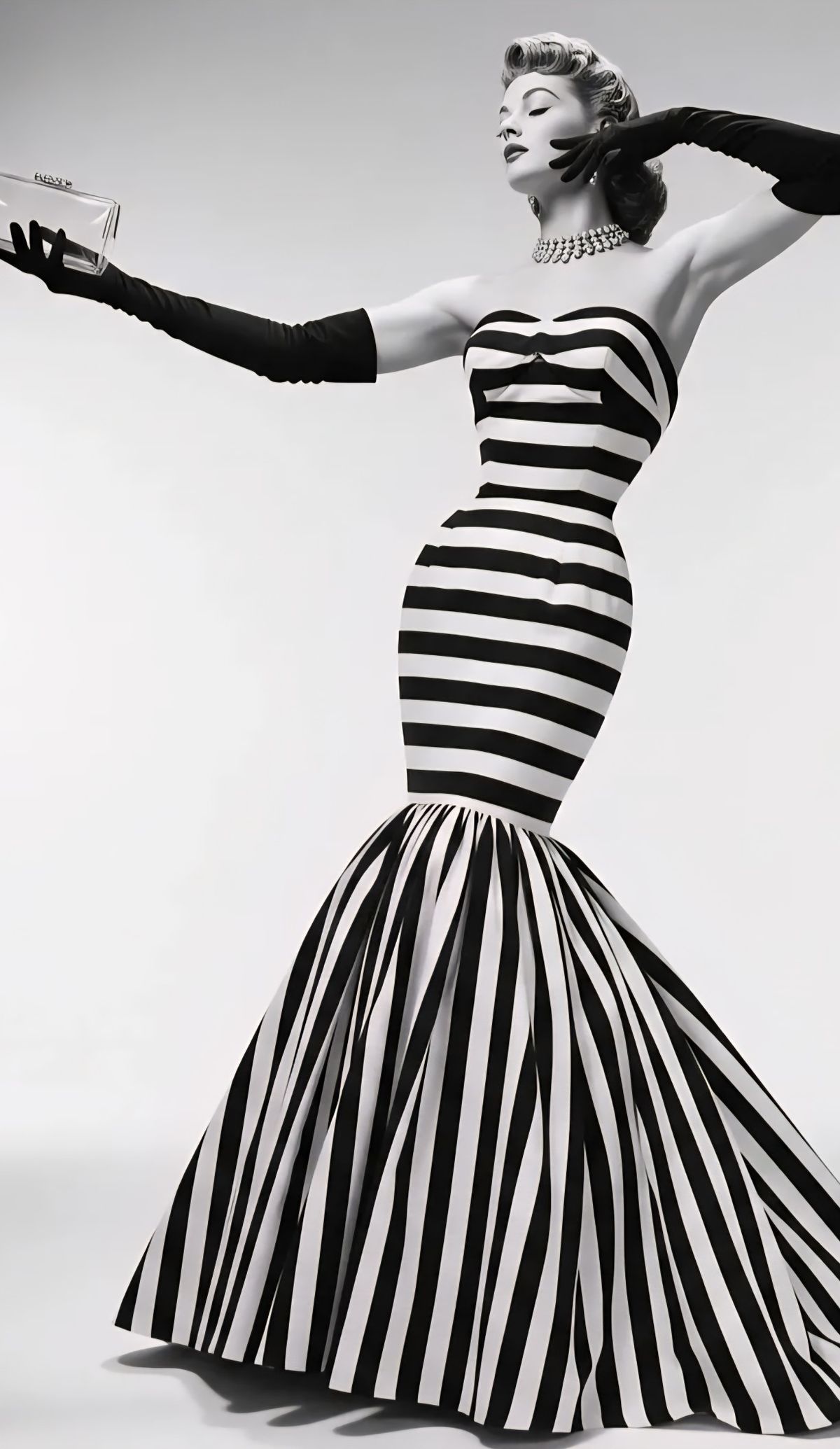
  <Frame caption="Image 1 — Woman">
    <img src="https://cdn.sanity.io/images/2gpum2i6/production/ab4e1aa578214d5dcbc85deecdd3c19b01c35443-1200x2070.jpg" alt="Input: woman" />
  </Frame>

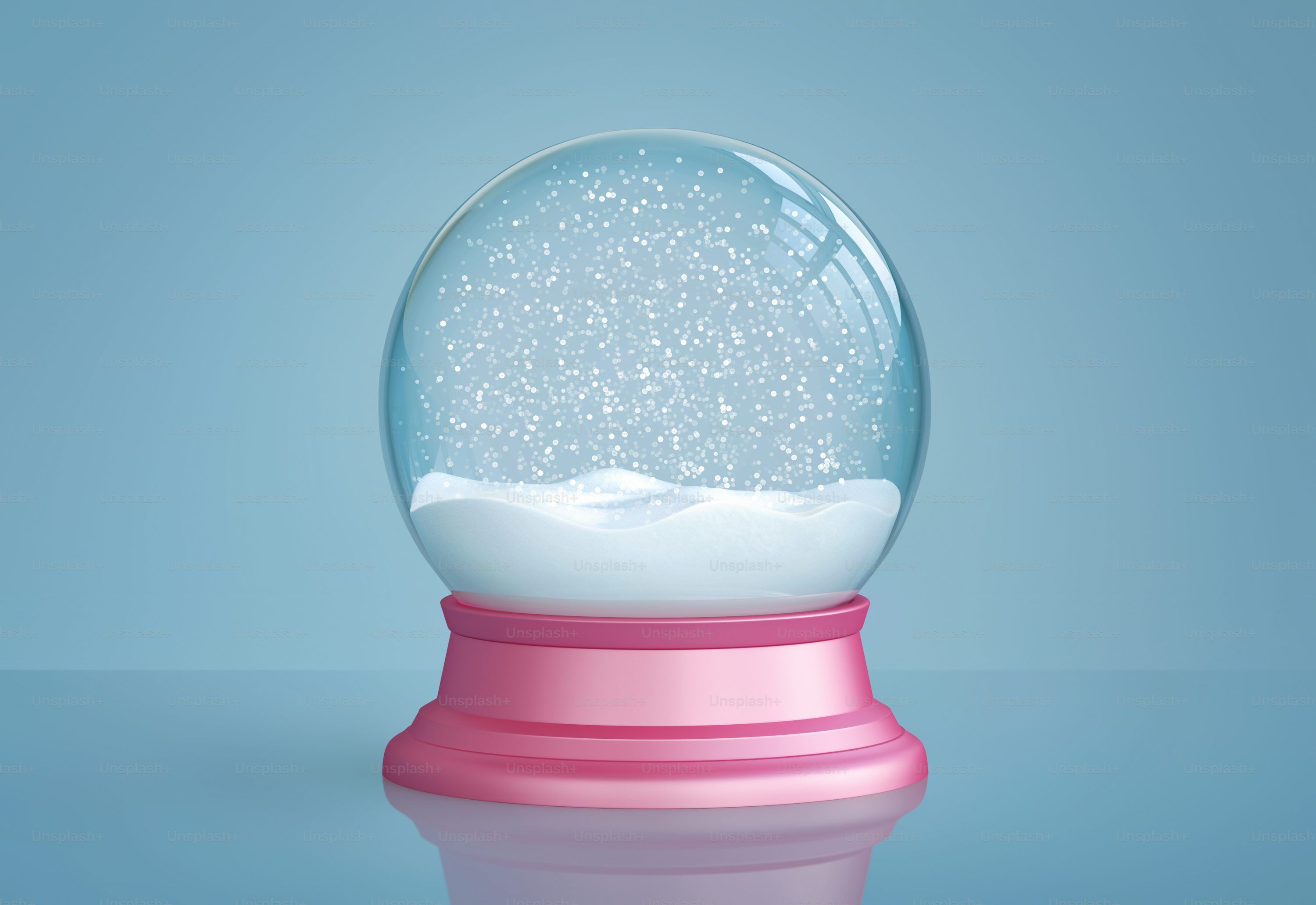
  <Frame caption="Image 2 — Snow globe">
    <img src="https://cdn.sanity.io/images/2gpum2i6/production/e2d5a4e9fad2b6c7ecdcd6120f52c381ef660f53-3000x2063.jpg" alt="Input: snow globe" />
  </Frame>

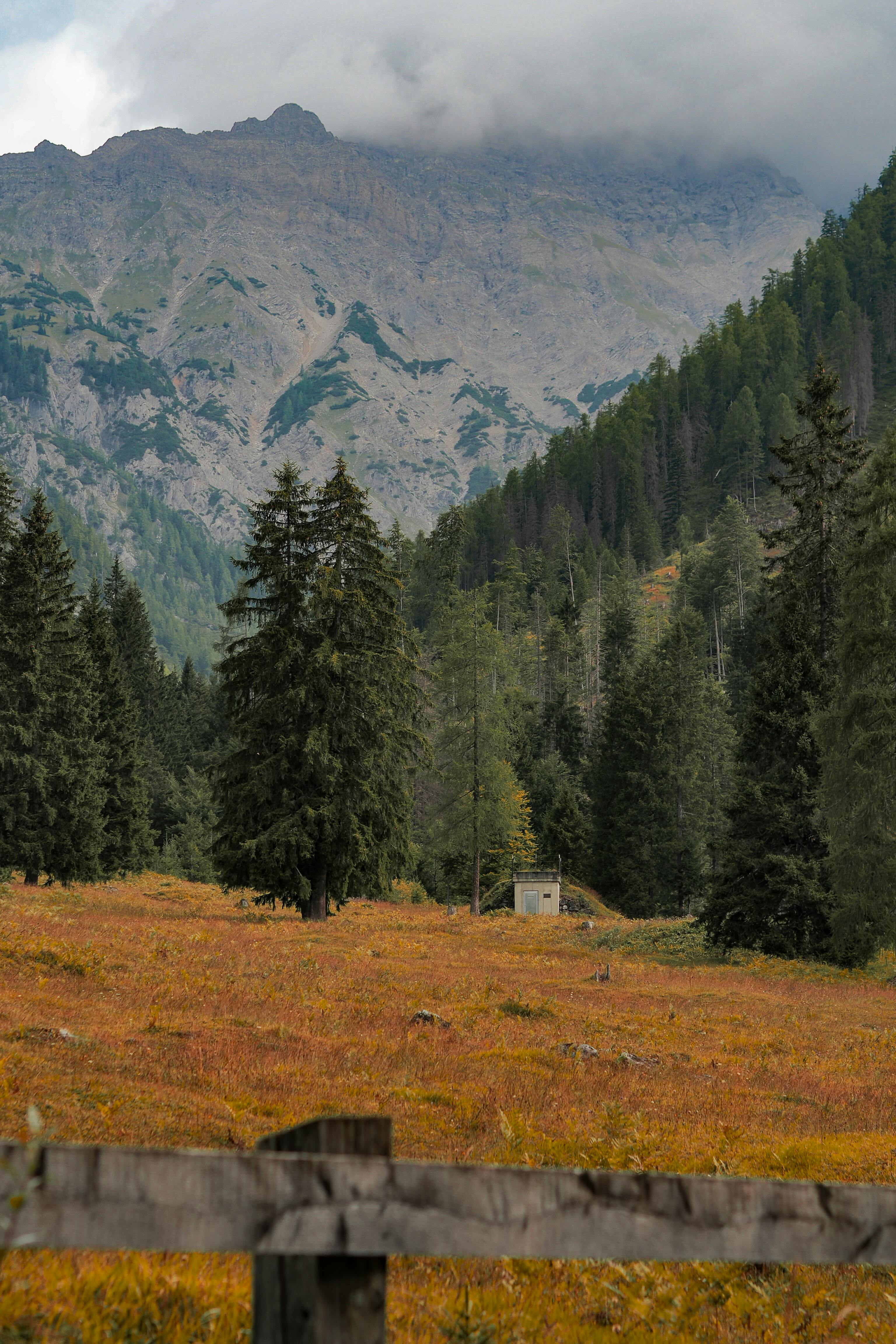
  <Frame caption="Image 3 — Trees">
    <img src="https://cdn.sanity.io/images/2gpum2i6/production/138fa3cd6bcfde47992e9d2b5f3750dd540f7b85-3072x4608.jpg" alt="Input: trees" />
  </Frame>
</Columns>

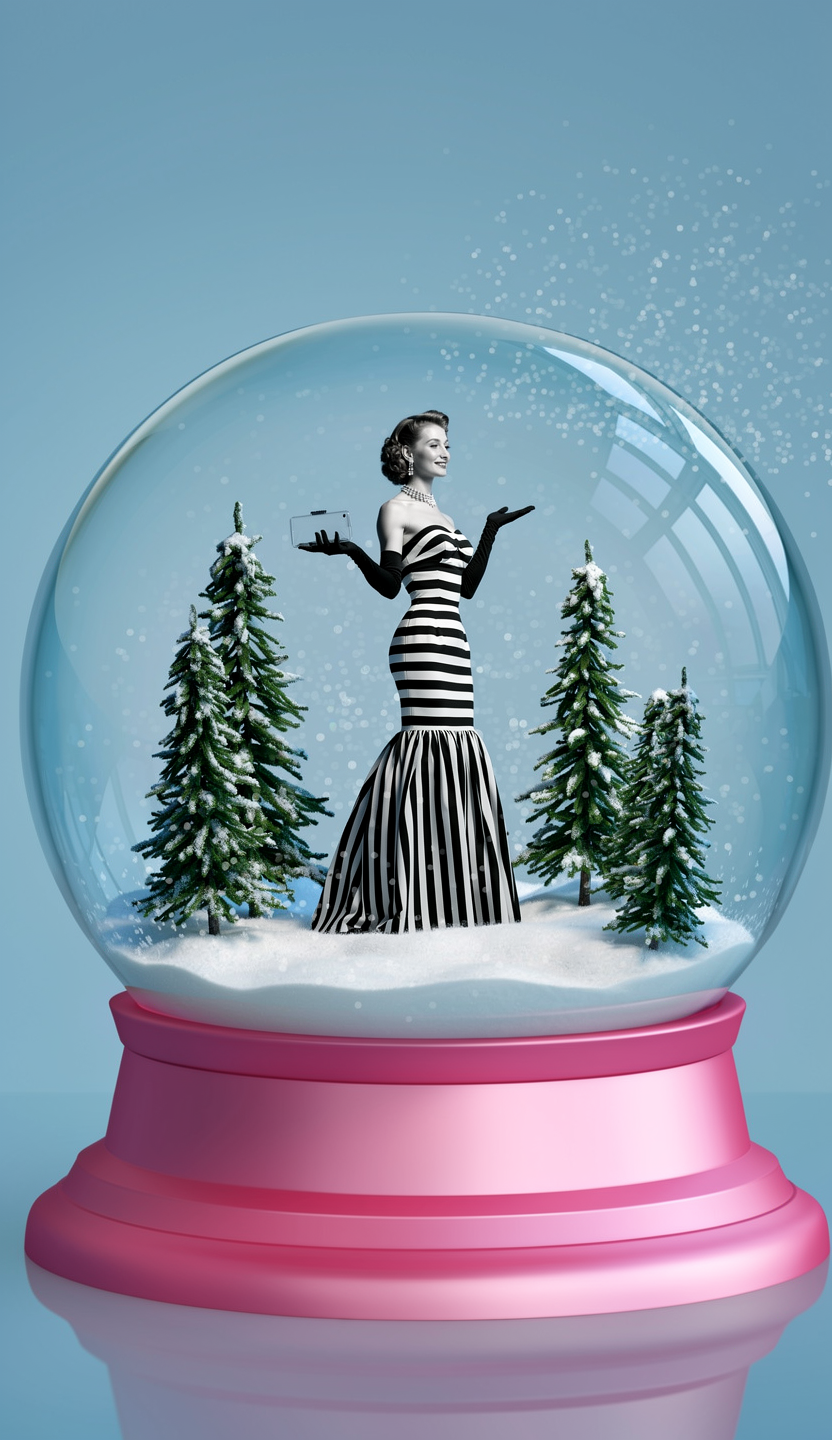
<Frame caption="Result">
  <img src="https://cdn.sanity.io/images/2gpum2i6/production/c14d4fcf0066c3db4c95604dd1a388c1b655fec1-832x1440.png" alt="Woman and trees inside snow globe" />
</Frame>

<PromptDisplay prompt="Place the woman from image 1 inside the snow globe from image 2. Add the trees from image 3 inside the snow globe as well, arranged naturally around her." />