> ## Documentation Index
> Fetch the complete documentation index at: https://docs.bfl.ml/llms.txt
> Use this file to discover all available pages before exploring further.
# JSON Structured Prompting
> Use structured JSON prompts for precise control over complex scenes
For complex scenes and production workflows, FLUX.2 interprets structured JSON prompts, giving you precise control over every aspect of your image.
**When to use JSON**:
* Production workflows requiring consistent structure
* Automation and programmatic generation
* Complex scenes with multiple subjects and relationships
* When you need to iterate on specific elements independently
**When natural language works better**:
* Quick iterations and exploration
* Simple, single-subject scenes
* When prompt length isn't a concern
* Creative workflows where flexibility matters
FLUX.2 understands both formats equally well—choose based on your workflow needs.
## The Base Schema
```json theme={null}
{
"scene": "overall scene description",
"subjects": [
{
"description": "detailed subject description",
"position": "where in frame",
"action": "what they're doing"
}
],
"style": "artistic style",
"color_palette": ["#hex1", "#hex2", "#hex3"],
"lighting": "lighting description",
"mood": "emotional tone",
"background": "background details",
"composition": "framing and layout",
"camera": {
"angle": "camera angle",
"lens": "lens type",
"depth_of_field": "focus behavior"
}
}
```
## Building a Prompt Step by Step
Let's build a product shot incrementally to see how each element contributes.
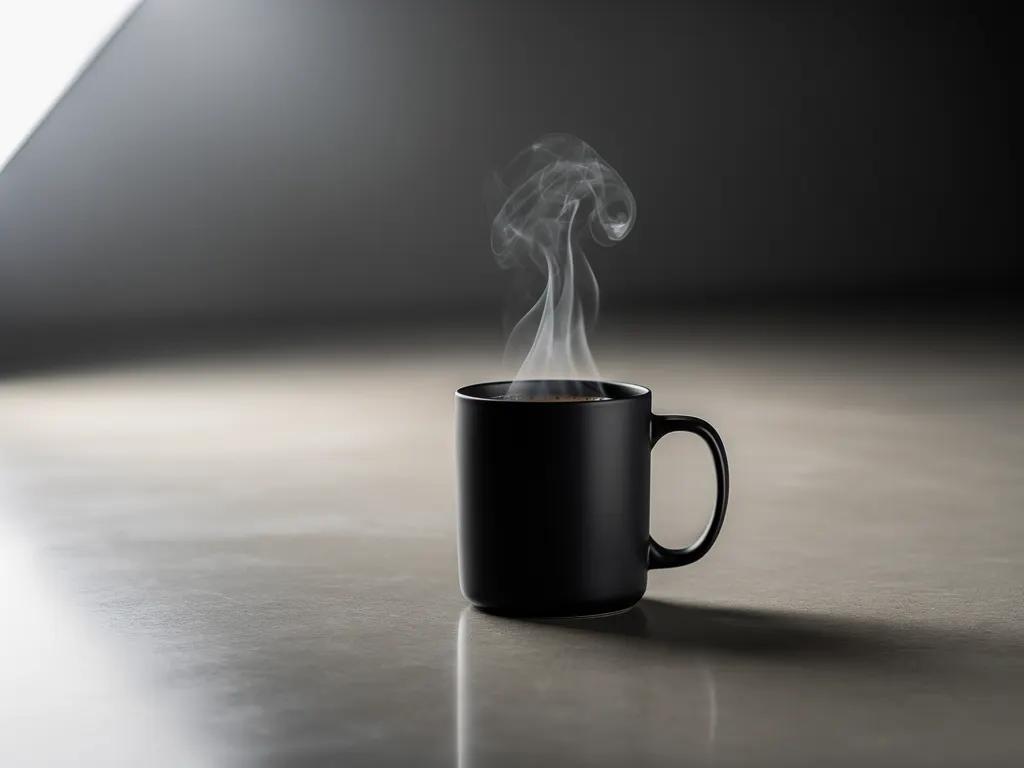
### Step 1: Generating a coffee mug
```json theme={null}
{
"scene": "Professional studio product photography setup with polished concrete surface",
"subjects": [
{
"description": "Minimalist ceramic coffee mug with steam rising from hot coffee inside",
"pose": "Stationary on surface",
"position": "Center foreground on polished concrete surface",
"color_palette": ["matte black ceramic"]
}
],
"style": "Ultra-realistic product photography with commercial quality",
"color_palette": ["matte black", "concrete gray", "soft white highlights"],
"lighting": "Three-point softbox setup creating soft, diffused highlights with no harsh shadows",
"mood": "Clean, professional, minimalist",
"background": "Polished concrete surface with studio backdrop",
"composition": "rule of thirds",
"camera": {
"angle": "high angle",
"distance": "medium shot",
"focus": "Sharp focus on steam rising from coffee and mug details",
"lens-mm": 85,
"f-number": "f/5.6",
"ISO": 200
}
}
```
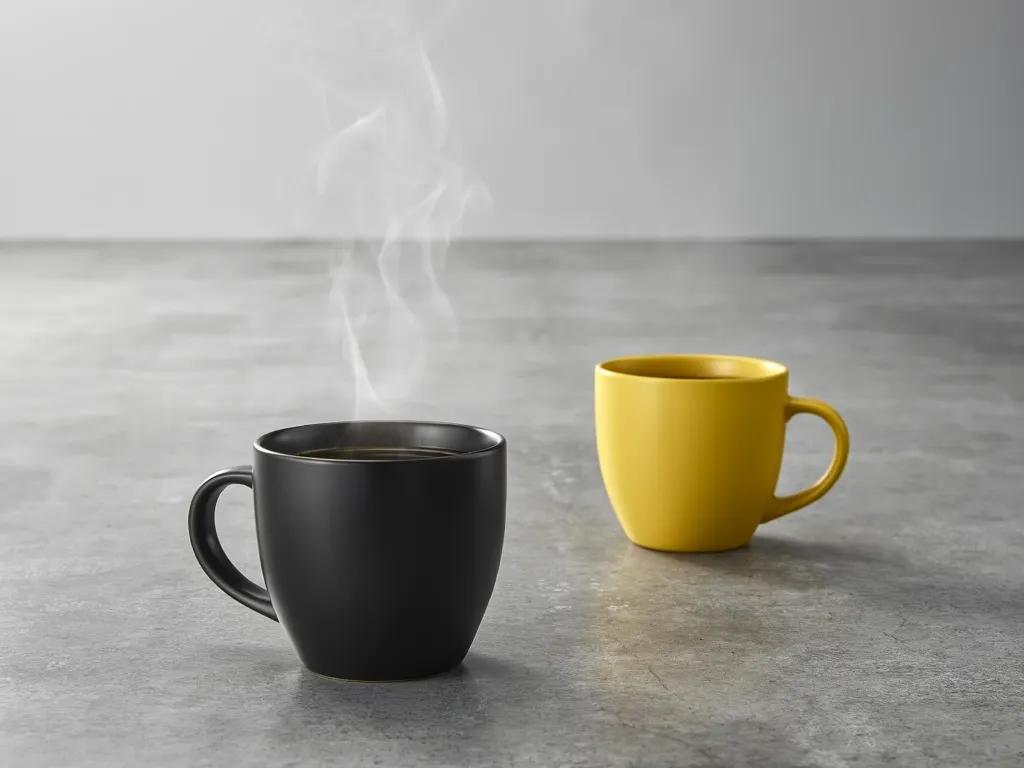
### Step 2: Adding a second mug in a different color
```json theme={null}
{
"scene": "Professional studio product photography setup with polished concrete surface",
"subjects": [
{
"description": "Minimalist ceramic coffee mug with steam rising from hot coffee inside",
"pose": "Stationary on surface",
"position": "Center foreground on polished concrete surface",
"color_palette": ["matte black ceramic"]
},
{
"description": "Minimalist ceramic coffee mug, matching design to the black mug",
"pose": "Stationary on surface",
"position": "Right side of the black mug on polished concrete surface",
"color_palette": ["matte yellow ceramic"]
}
],
"style": "Ultra-realistic product photography with commercial quality",
"color_palette": ["matte black", "matte yellow", "concrete gray", "soft white highlights"],
"lighting": "Three-point softbox setup creating soft, diffused highlights with no harsh shadows",
"mood": "Clean, professional, minimalist",
"background": "Polished concrete surface with studio backdrop",
"composition": "rule of thirds",
"camera": {
"angle": "high angle",
"distance": "medium shot",
"focus": "Sharp focus on steam rising from coffee and both mugs in frame",
"lens-mm": 85,
"f-number": "f/5.6",
"ISO": 200
}
}
```
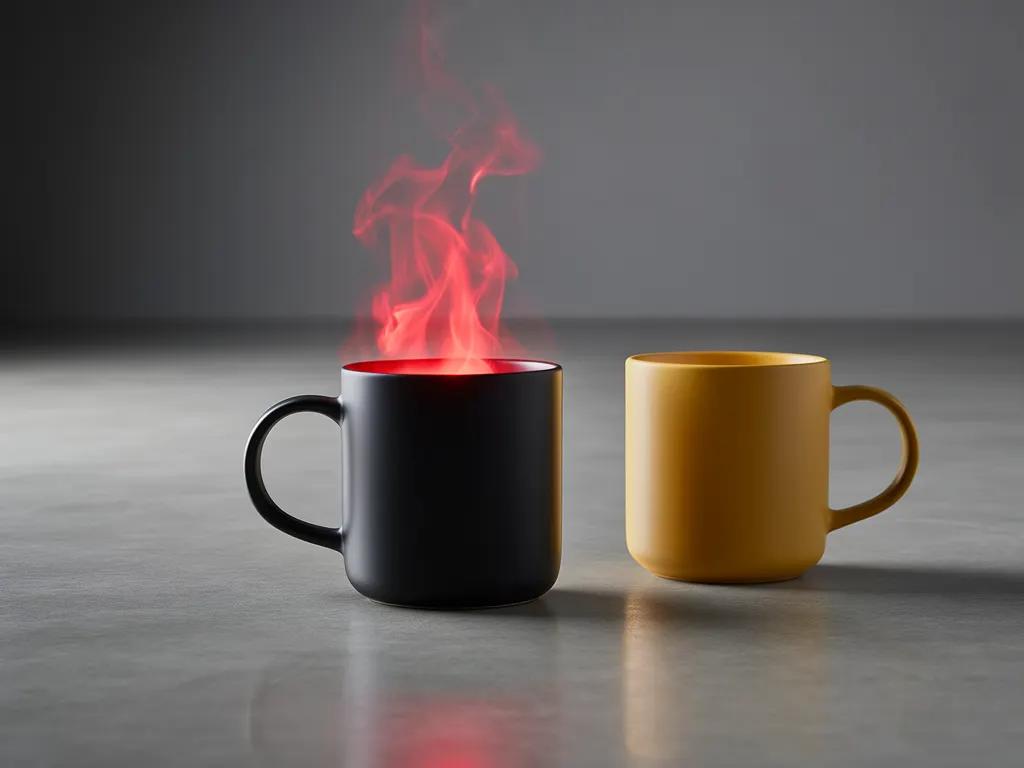
### Step 3: Change the color of the steam
```json theme={null}
{
"scene": "Professional studio product photography setup with polished concrete surface",
"subjects": [
{
"description": "Minimalist ceramic coffee mug with bright red steam rising from hot coffee inside",
"pose": "Stationary on surface",
"position": "Center foreground on polished concrete surface",
"color_palette": ["matte black ceramic", "bright red steam"]
},
{
"description": "Minimalist ceramic coffee mug, matching design to the black mug",
"pose": "Stationary on surface",
"position": "Right side of the black mug on polished concrete surface",
"color_palette": ["matte yellow ceramic"]
}
],
"style": "Ultra-realistic product photography with commercial quality",
"color_palette": ["matte black", "matte yellow", "bright red", "concrete gray", "soft white highlights"],
"lighting": "Three-point softbox setup creating soft, diffused highlights with no harsh shadows",
"mood": "Clean, professional, minimalist",
"background": "Polished concrete surface with studio backdrop",
"composition": "rule of thirds",
"camera": {
"angle": "high angle",
"distance": "medium shot",
"focus": "Sharp focus on steam rising from coffee and both mugs in frame",
"lens-mm": 85,
"f-number": "f/5.6",
"ISO": 200
}
}
```
You can include the JSON directly in your prompt, or flatten it into natural language. FLUX.2 understands both formats.
For an applied JSON example with precise brand color matching, see [HEX Color Prompting → Precise Color Control in JSON](/guides/usecases_t2i_hex_color_prompting#precise-color-control-in-json).