> ## Documentation Index
> Fetch the complete documentation index at: https://docs.bfl.ml/llms.txt
> Use this file to discover all available pages before exploring further.
# Introduction
> Overview of FLUX.1 Kontext, a model that combines text-to-image generation with context-aware image editing. For new projects, we recommend FLUX.2.
**FLUX.2 is now our recommended model for image generation and editing.** It offers superior quality, multi-reference support (up to 10 images), improved text editing, and output up to 4MP. [Get started with FLUX.2 →](/flux_2/flux2_overview)
**FLUX.1 Kontext \[pro]** is a previous-generation model that combines text-to-image generation with image editing.
**Want to try first?** Test FLUX.1 Kontext \[pro] & \[max] in our [playground](https://playground.bfl.ai) before integrating the API.
## What Can You Do?
Create stunning images from scratch using simple text prompts. FLUX.1 Kontext \[pro] delivers fast generation with strong prompt adherence.
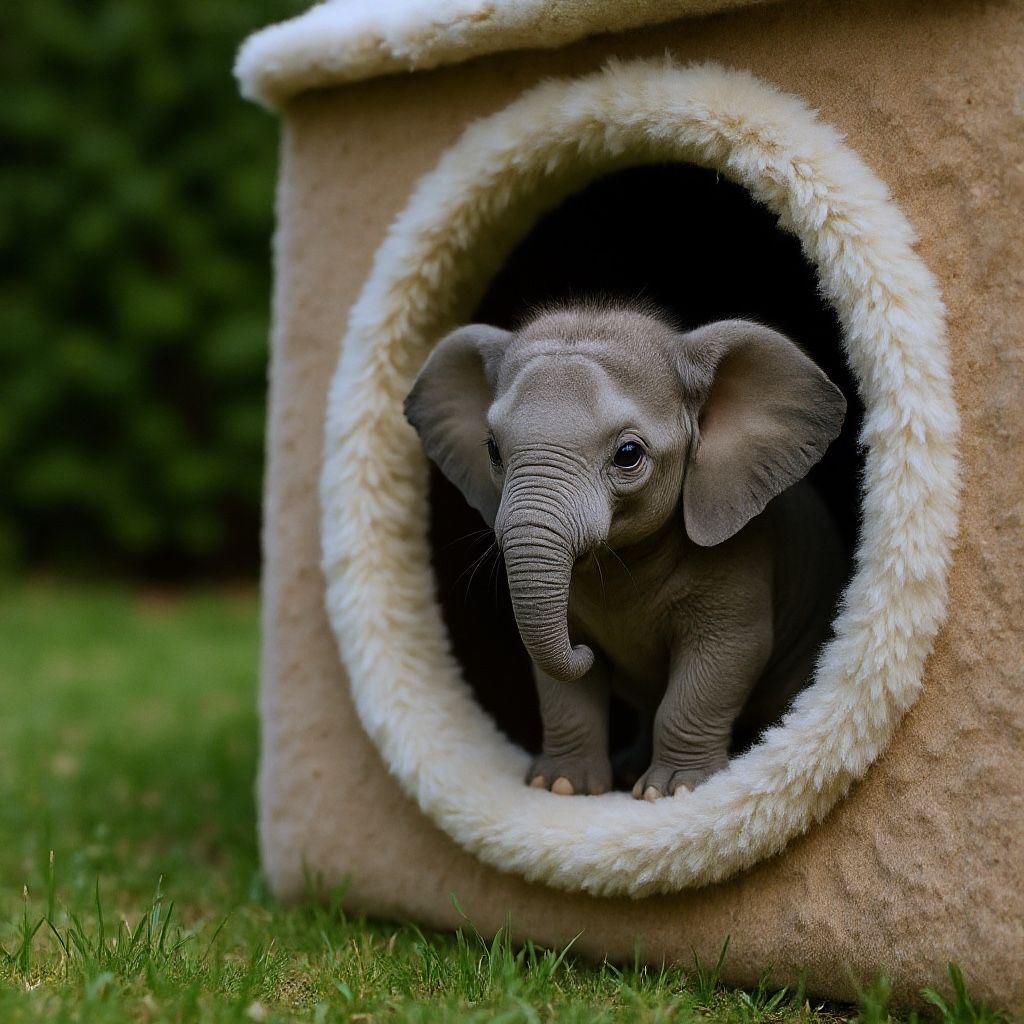


 Edit specific parts of images while keeping everything else untouched using simple text prompts. Just describe what you want to change and get the results.
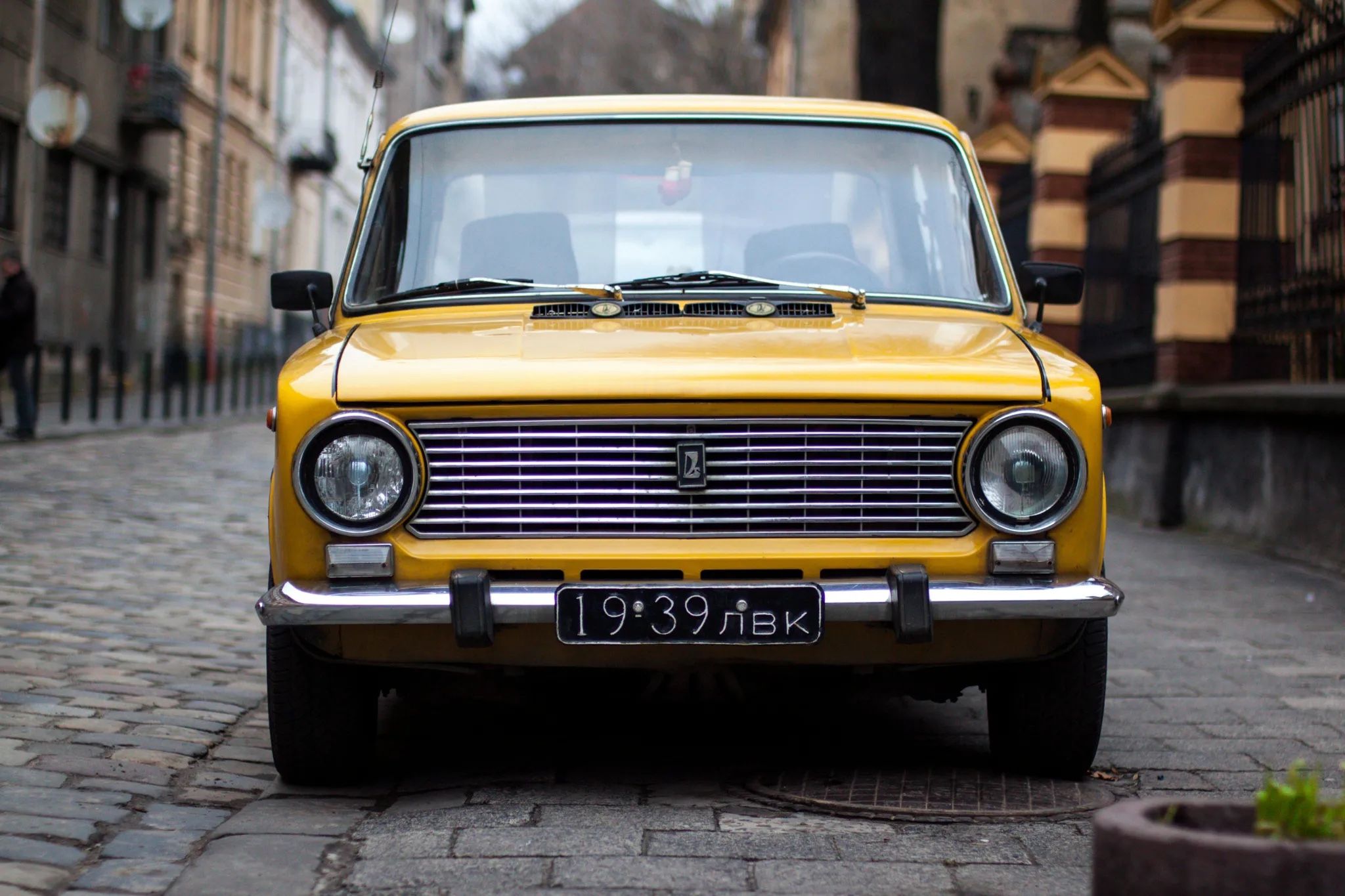
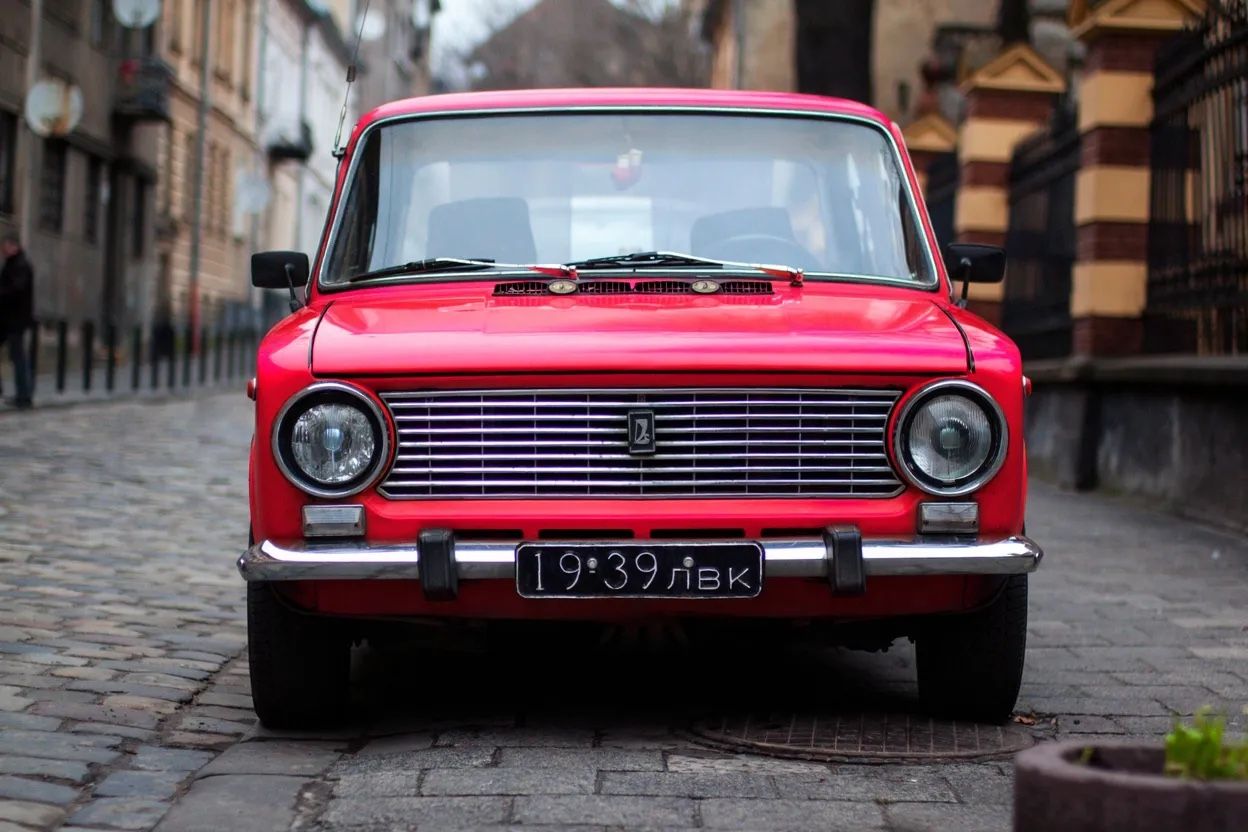

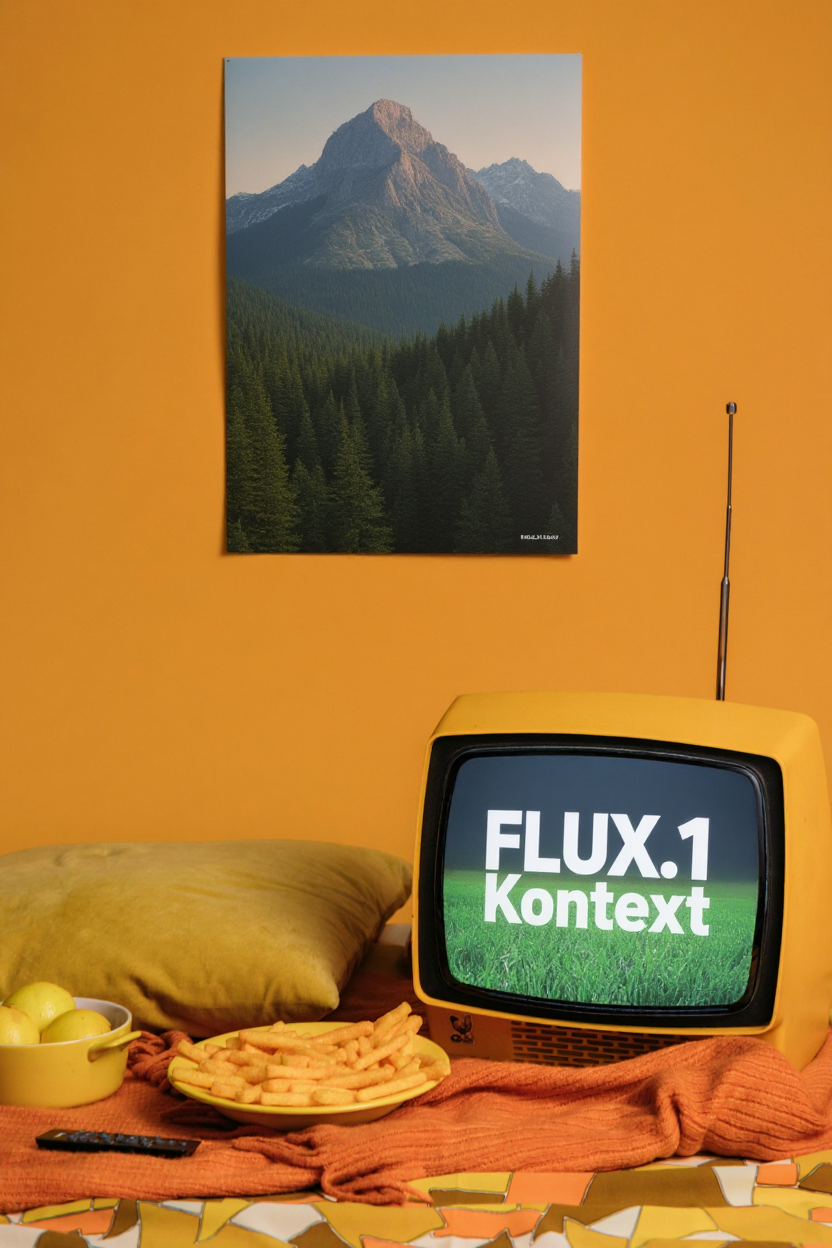
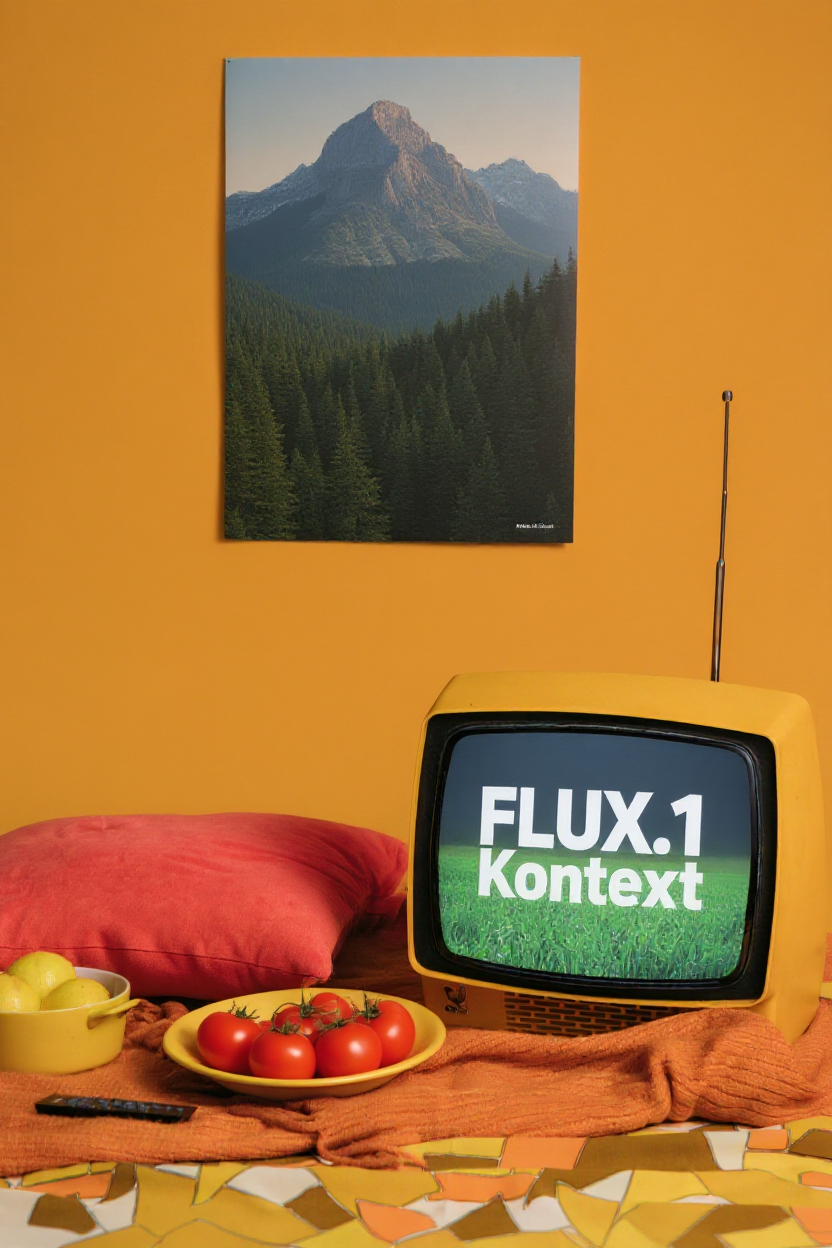 Maintain character identity and unique features across multiple scenes and iterative edits.


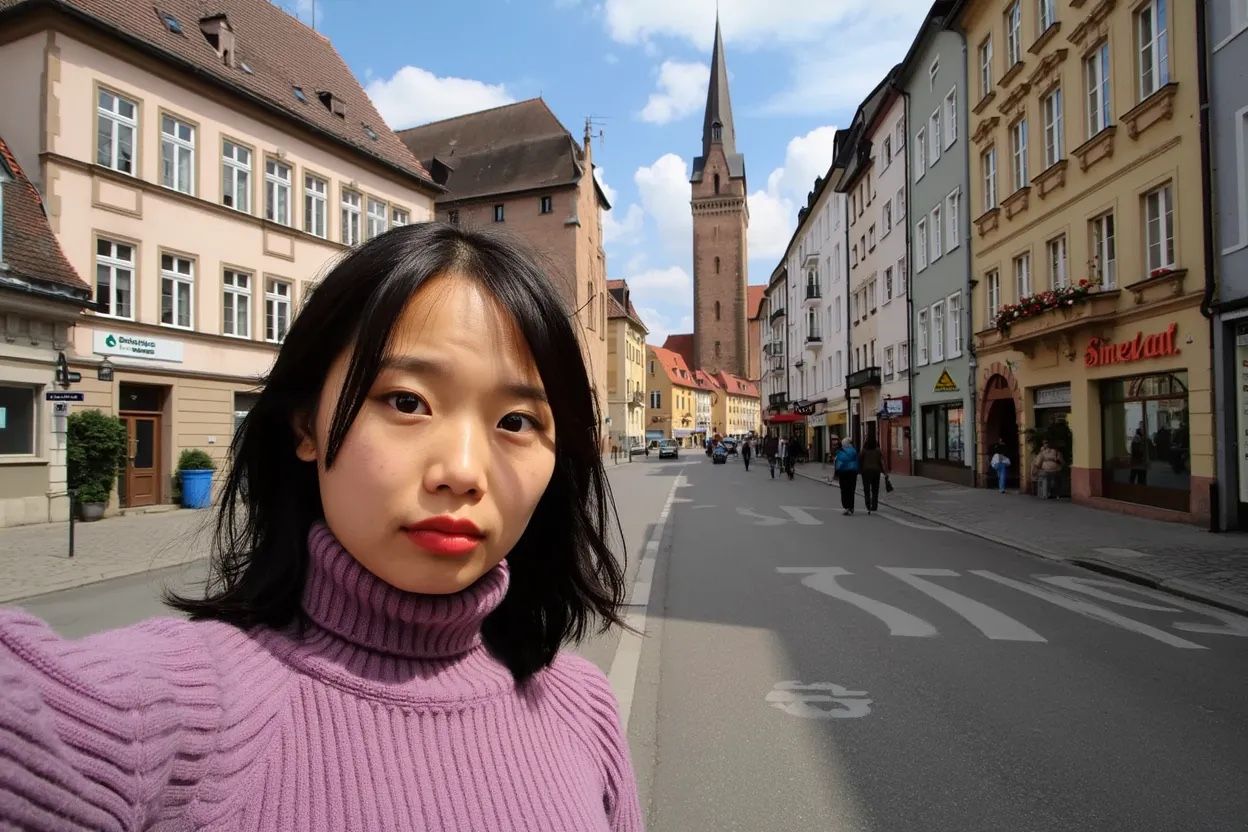
 Replace text in signs, posters, and labels with precision while maintaining the original styling and context. Simply use quotes around the text you want to change: `Replace 'old text' with 'new text'`.

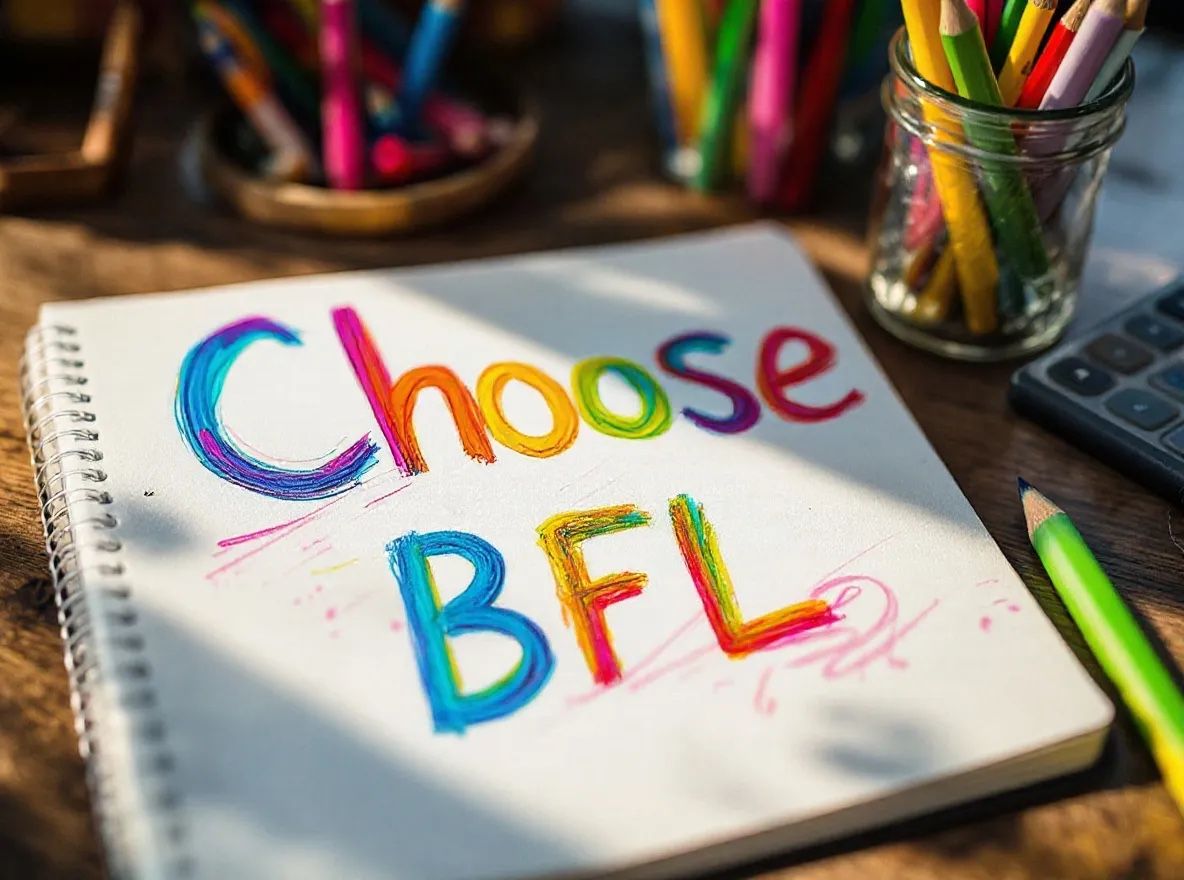 Transform any image into completely different artistic styles or use reference images to apply their style to new scenes.



 ## Which Model to Choose?
**Best Output Quality**
Premium model with industry-leading results. Perfect when quality is the top priority.
* Industry-leading typography
* Maximum prompt adherence
* Premium consistency
* **\$0.08 per image**
**Fast Production Ready**
Best balance of speed and quality for most applications. Fast and with a unified editing and generation mode.
* 5-6 seconds generation time
* Unified editing & generation
* Great prompt following
* **\$0.04 per image**
**Open Weights & Research**
Perfect for local development and customization. Download the weights and run on your own infrastructure.
* Editing mode only
* Good for customization & fine-tuning
* Open weights, non-commercial license
* **Free** (commercial licensing available)
**FLUX.1 Kontext \[dev]** has a non-commercial license, commercial use is possible through [licensing](https://bfl.ai/licensing).
## Getting Started
**Start creating immediately** - Test Kontext \[pro] and \[max] in your browser. No setup required.
Simple REST API integration with \[pro] and \[max].
**Master prompting** - Get the best results with our prompting guide.
**Download & customize** - Use \[dev] weights locally, or on your own infrastructure.
## Which Model to Choose?
**Best Output Quality**
Premium model with industry-leading results. Perfect when quality is the top priority.
* Industry-leading typography
* Maximum prompt adherence
* Premium consistency
* **\$0.08 per image**
**Fast Production Ready**
Best balance of speed and quality for most applications. Fast and with a unified editing and generation mode.
* 5-6 seconds generation time
* Unified editing & generation
* Great prompt following
* **\$0.04 per image**
**Open Weights & Research**
Perfect for local development and customization. Download the weights and run on your own infrastructure.
* Editing mode only
* Good for customization & fine-tuning
* Open weights, non-commercial license
* **Free** (commercial licensing available)
**FLUX.1 Kontext \[dev]** has a non-commercial license, commercial use is possible through [licensing](https://bfl.ai/licensing).
## Getting Started
**Start creating immediately** - Test Kontext \[pro] and \[max] in your browser. No setup required.
Simple REST API integration with \[pro] and \[max].
**Master prompting** - Get the best results with our prompting guide.
**Download & customize** - Use \[dev] weights locally, or on your own infrastructure.