

Understanding Credits
Credits are managed at the organization level and shared across all projects. All team members draw from the same credit pool, while usage is tracked per project so you can see which projects consume the most.
Adding Credits
1
Log in to your dashboard
Go to dashboard.bfl.ai and sign in
2
Navigate to Credits
In your organization sidebar, go to API → Credits
3
Select credit amount
Click Add Credits and choose the amount you want to purchase
4
Complete payment
You’ll be redirected to Stripe to complete your payment securely. Credits are available immediately.
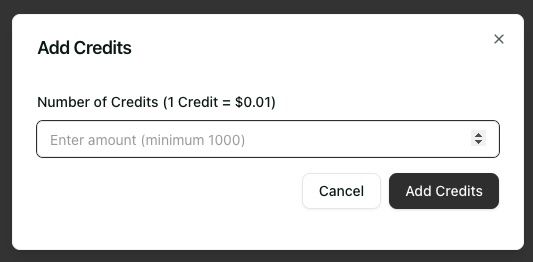
Click Add Credits to get started
Auto Top-Up
Instead of adding credits by hand, you can recharge your balance automatically. Whenever your balance falls below a threshold you set, your saved card is charged to bring it back up to a target amount, so running jobs never fail because credits ran out.1
Save a payment method
Auto top-up charges your default card. Add one on the Credits page if you haven’t already.
2
Turn on Automatic top-up
On the Auto top-up card, switch on Automatic top-up.
3
Set your threshold and target
- When balance falls below ($): the balance that triggers a recharge. Minimum $5.
- Recharge balance to ($): the balance after a recharge. Must be at least $10 above the threshold.
4
Confirm
Click Enable auto top-up and confirm. If your balance is already below the threshold, a recharge runs right away.
If an automatic charge fails, auto top-up switches itself off and the Credits page shows a warning. Update your payment method, then re-enable it.
Payment & Billing
Payment Methods
We accept all major credit cards through Stripe.
Invoices
Go to API → Credits, find your purchase in Purchase History, and click View Invoice.
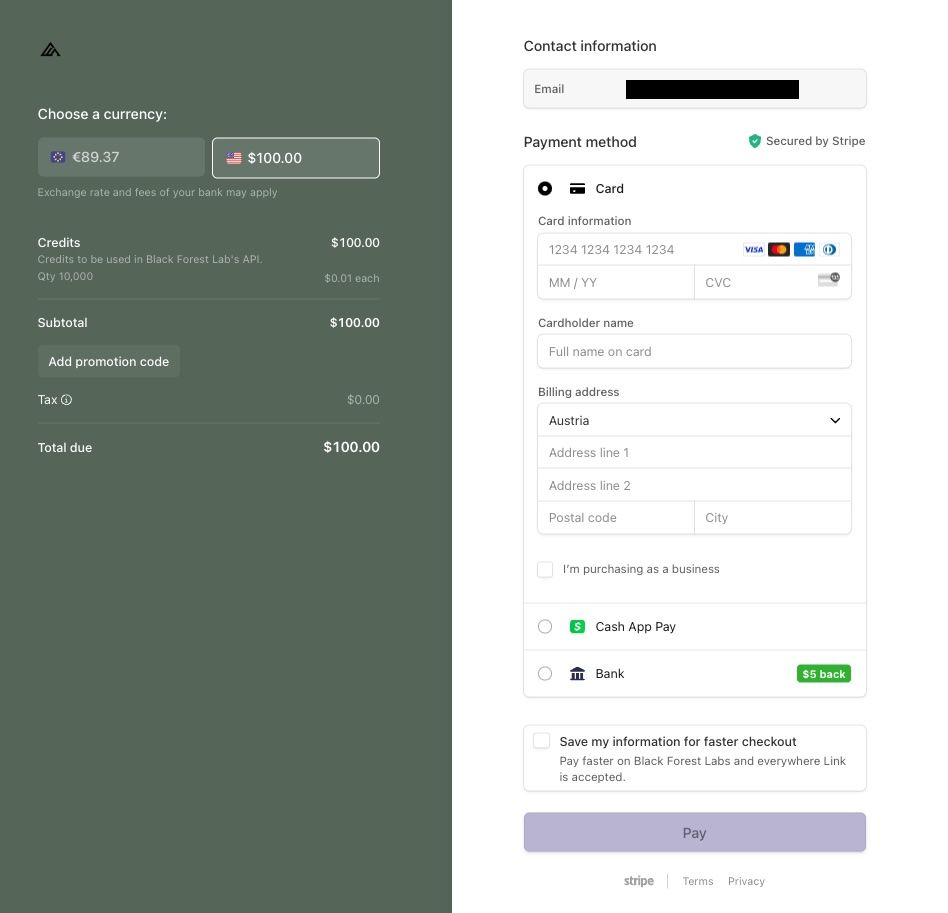
Stripe payment interface
Track Your Usage
Monitor your API consumption at the organization or project level:- Organization Usage
- Project Usage
See total consumption across all projects at API → Usage in your organization view:
Credit Balance
Your current available credits
Aggregated Usage
Total consumption across all projects
Model Breakdown
Cost breakdown per model
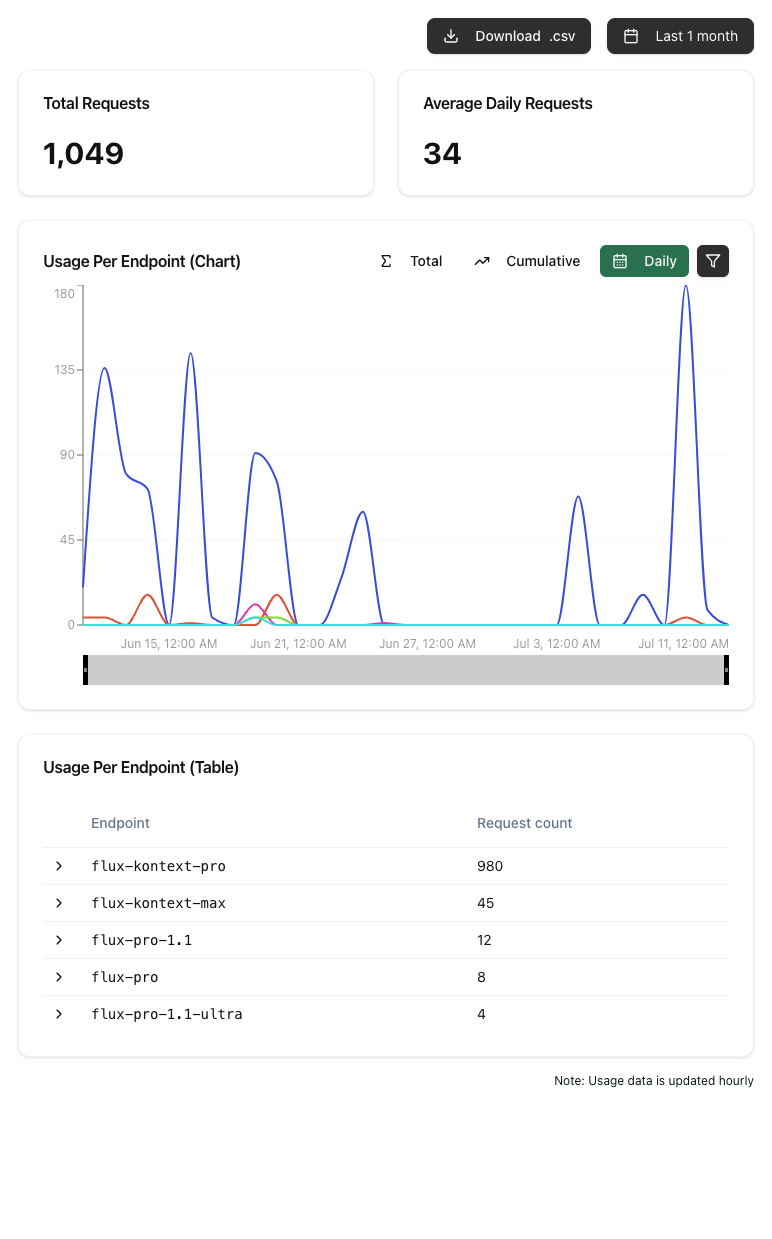
Monitor your API usage
Transferring Credits
Organization administrators can transfer credits between organizations they manage. This is useful when consolidating credits, moving credits before deleting an organization, or reallocating budget between teams.
Activity Log
Track all billing and credit-related activities in your organization’s Activity Log: credit purchases, credit transfers, and member changes that affect billing access. This provides a complete audit trail for compliance and accounting.
Next Steps
Organizations & Projects
Learn more about structuring your workspace
Team Management
Invite members and manage roles