

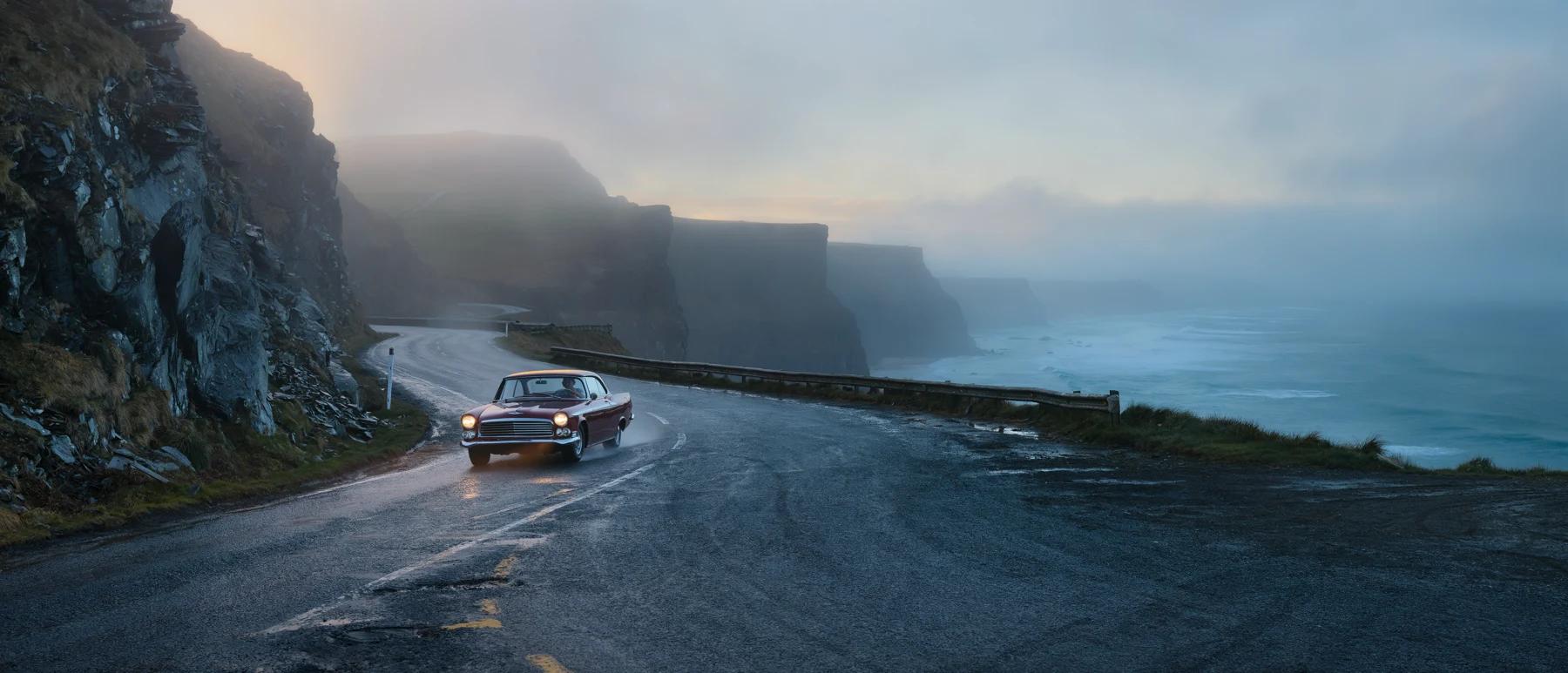
FLUX 3 Image, 21:9
Start here
Video generation
Prompt FLUX 3 for motion, camera behavior, clip continuation, and synchronized audio workflows.
Prompt basics
Describe a scene, specify text, and refer to input images.
Building a good prompt
Structure, word order, and which details to write down.
Style, aesthetics & text
Photographic and illustration styles, lighting, and legible typography.
Technical parameters
Aspect ratios, resolution, and working without negative prompts.
Layout prompts
Place each element with a global caption and a table of bounding boxes.
Image editing
Edit one image or combine several references in a single prompt.
Use cases
Photorealism, typography, style transfer, and more, with example prompts.
Which model?
This guide is written for FLUX 3 Image. For FLUX.2 and FLUX.1 Kontext tips, see the model sections in Prompt Reference. To move an integration to FLUX 3 Image, see Migrate from FLUX.2.