

Prompt length
Start with a sentence and add detail as you review results. A longer prompt is useful for several subjects, a specific layout, or text in the image. Add details that describe the result you want; omit quality tags such as “masterpiece”.Structure helps
A clear structure matters more than length. A good prompt works like a set of instructions. It tells the model what kind of image this is, what the main subject is, where the scene happens, and how it is lit and framed. This order is a useful starting point:- Image type and medium: one opening sentence that sets the look.
High-angle black and white photograph with a grainy film texture - Subject: who or what, and what they are doing.
Two red pandas resting on bamboo beams, one looking relaxed and the other asleep - Setting: where it happens and what surrounds the subject.
a fog-drenched coastal highway, cliffs on one side, turquoise sea on the other - Light: the source, direction, quality, and color.
soft golden rim light - Framing and detail: shot size, angle, lens, depth of field, and the small details that make it specific.
ultra-wide shot,shallow depth of field
The red panda prompt also spends a sentence on appearance (“reddish-brown fur and white facial markings”) and on a relationship between the two subjects (“one looking relaxed and the other asleep”). Describe relationships directly when they matter.
From idea to detailed caption
This image started as a 16-word idea:
The expanded caption specifies choices the short idea leaves open: foreground
silhouettes, a central spotlight, and mid-century film grain. It also describes
visible details instead of relying on the name “Swan Lake”.
Add specific details
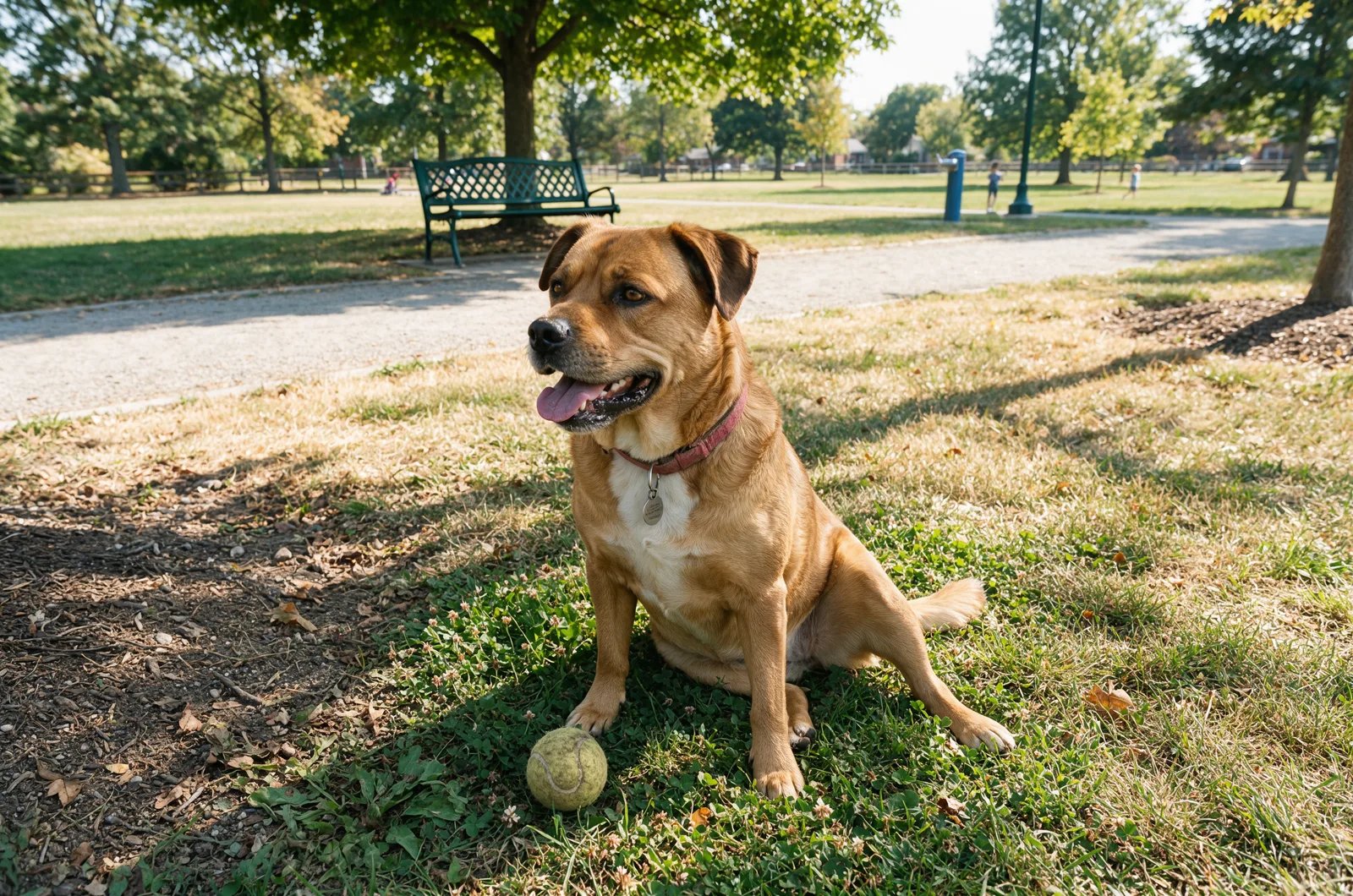
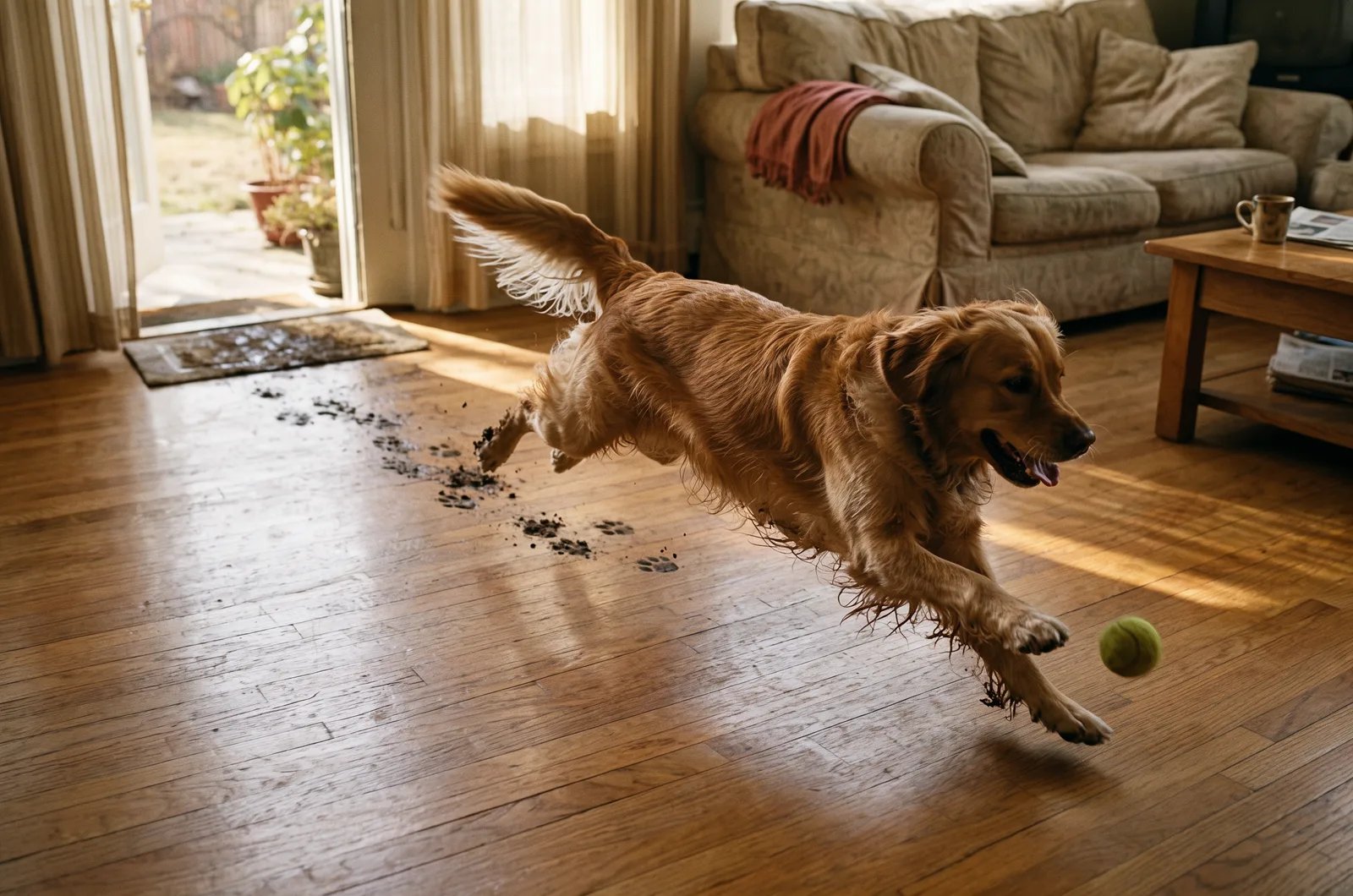
Start with the core subject:a cat, a family on a beach, autumn foliage in a park. Then add the details that make the image yours:
- What the subject is doing:
looking up,playing,running - How the action feels:
joyfully,fearfully,boldly - The mood of the image:
ominous morning rain,dangerous sunset mountains,nostalgic coffee table
The prompt components
Image type
The image type tells the model what kind of image to create. Even before you describe the subject, it affects composition and visual expectations. Useful starting points:- Portrait: close-up or medium shot focused on a person or character
- Landscape: wide scene showing nature, architecture, or an environment
- Bird’s-eye view: top-down perspective, as if seen from high above
- Macro: extreme close-up showing fine details
- Abstract: shape, color, or texture-driven composition
portrait. It makes the effect of later additions easier to see.
Subject
The subject is the main focus of the image. Be specific when it matters: clear subjects render more consistently than vague ones.a young woman with curly red hairan elderly man with a long white bearda cyberpunk teenager with neon blue haira Siamese cat with a blue collara single red rose
Location
The location sets the scene. It provides context and changes the mood of the image even when the subject stays the same.in a bustling city streeton a serene beach at sunsetin a futuristic space stationinside a dimly lit jazz clubin a dense forest after rain
Style
The style sets the visual language. This can be photographic, illustrative, cinematic, painterly, or specific to a medium.fashion editorial photographywildlife documentary styleanime illustrationoil paintingminimalist product photography
Art form and style
If you want a specific visual effect, describe both the art form and the style.Photography
Photography is useful when you want realistic images. You can control framing, lighting conditions, lens feel, camera distance, and depth of field.A child playing on a sunny beach, building a sandcastle, action photography, high shutter speed, soft warm light
Painting
Painting prompts work well when you want texture, brushwork, and stronger artistic interpretation. You can combine:- techniques such as
oil paintingorwatercolor - movements such as
impressionismorfauvism - artist references when appropriate
Impressionist oil painting of a small robot in a garden
Illustration
Illustration is useful when you want a drawn or stylized result rather than a photo-like one:pencil drawing, charcoal sketch, cartoon illustration, poster illustration.
Illustration of dinosaurs drawn in a childlike style, cute and playful
Digital art
Digital art is useful when you want a more synthetic, graphic, or contemporary visual language.An isolated convenience store in the desert at sunset, lo-fi digital art, nostalgic atmosphere
Film still
Film still is useful when you want something cinematic and emotionally charged.Buildings on fire, old film still, smoky atmosphere, dramatic contrast
Other art forms
You can also experiment withsculpture, collage, street art, textile art, installation art, ceramic art, and lithography. Mixing art forms and styles can lead to strong results, but keep the combination coherent.
Camera settings
The camera settings define how the image is framed or captured. They matter most when you want a photographic result.85mm lenswide-angle shotclose-up framingshallow depth of fieldshot from a low angle
Framing
Framing controls how the subject is positioned in the image. Useful framing language:close-upmedium shotwide shotoverhead viewpoint-of-view shotdutch anglelow-angle shot
Person standing inside a forest fire, strong determined attitude, close-up shot, realistic
This rewrite usually gives you more control:
Person with a strong determined expression, forest fire in the background, close-up shot, realistic
With FLUX 3, you can also say where things sit in plain words (“on the far right”, “in the lower-left foreground”). To specify positions, add bounding boxes.
Lighting
Lighting shapes contrast, mood, depth, and realism. Name the source and say what the light does:soft window lightgolden hour sunlightharsh direct flashovercast daylightneon backlightinga small candle that provides a warm orange point of lighta Japanese pine tree illuminated by a cool, artificial green light
soft light, hard light, dramatic lighting, morning light, sunset light, golden hour. See Lighting for portrait and cinematic setups.
Colors
Colors define the palette and keep the image visually coherent.muted beige and forest green tonesdeep blue and silverwarm orange and pink sunset colorsmonochrome black and whitedesaturated pastel palette
Color scheme
A color scheme is useful when you want the entire image to feel unified.A futuristic busy city, purple and green color scheme
Lighting already influences color, but explicit palette direction keeps it consistent. Some FLUX 3 launch captions close with a palette sentence, for example “The scene’s color palette sharply contrasts the deep cool blues of twilight with the warm, incandescent oranges and yellows of the city lights.” In an edit, you can specify a target color with a hex code: see Exact colors with hex codes.
Effect
Effect adds visual treatment on top of the base scene.film grainsoft bloommotion blurbokehdouble exposure effect
Additional elements
Additional elements are the supporting details that make an image feel complete.floating dust particleswind-blown fabricfalling leavesglowing reflections on wet pavementscattered flowers on the table
Detail and realism
Generic quality words likehighly detailed or ultrarealistic add little that a concrete description does not. For realism, describe what a real camera would record:
visible grainslight chromatic aberration at the edgesthe foreground rendered in an atmospheric blursharp texture detail on the bark
Build one prompt step by step
Here is the same idea expanded gradually. Each image was generated with FLUX 3 Image from the prompt above it:1
Start with image type and subject
portrait, a young woman with curly red hair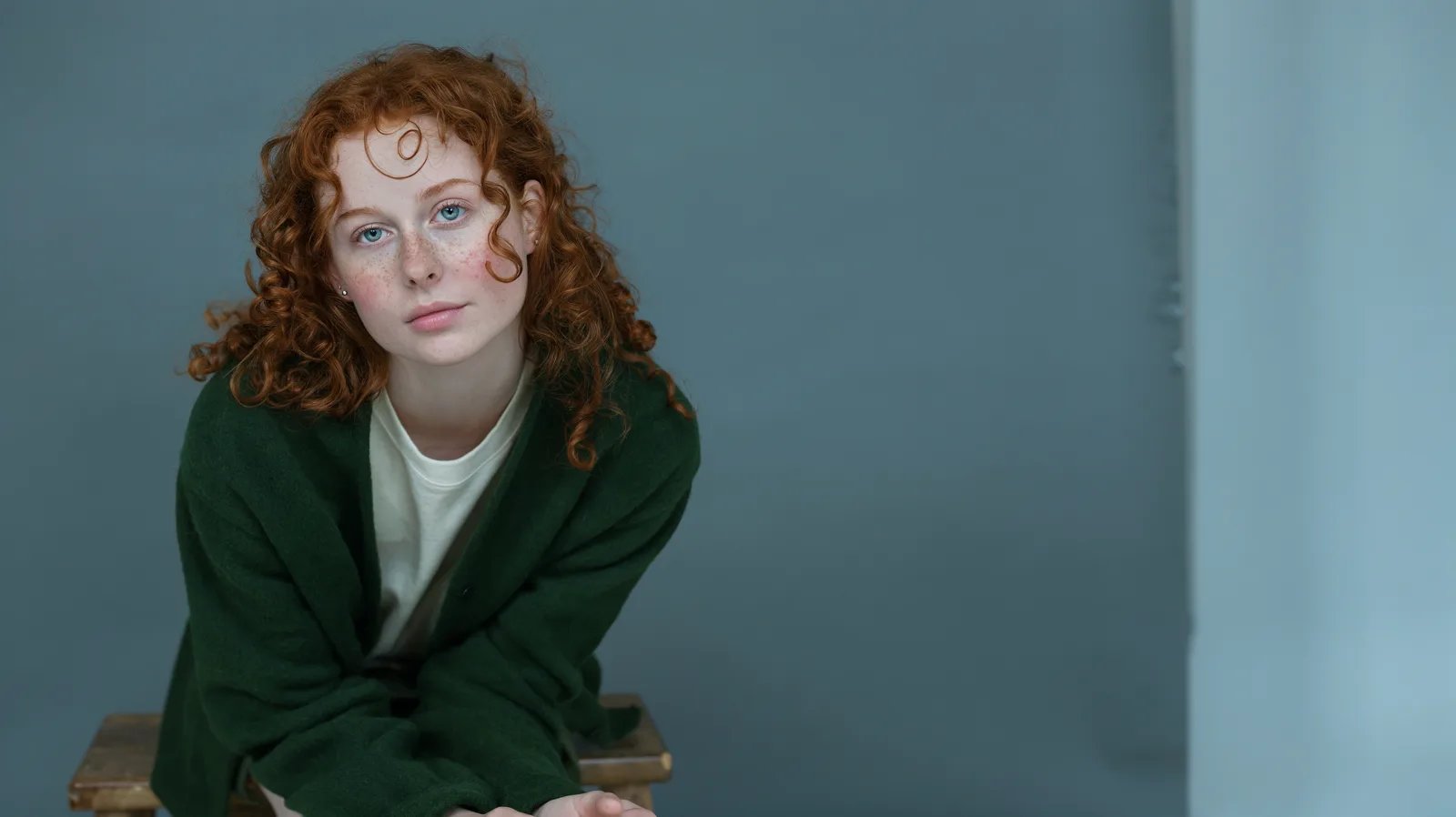
2
Add the location
portrait, a young woman with curly red hair, in a bustling city street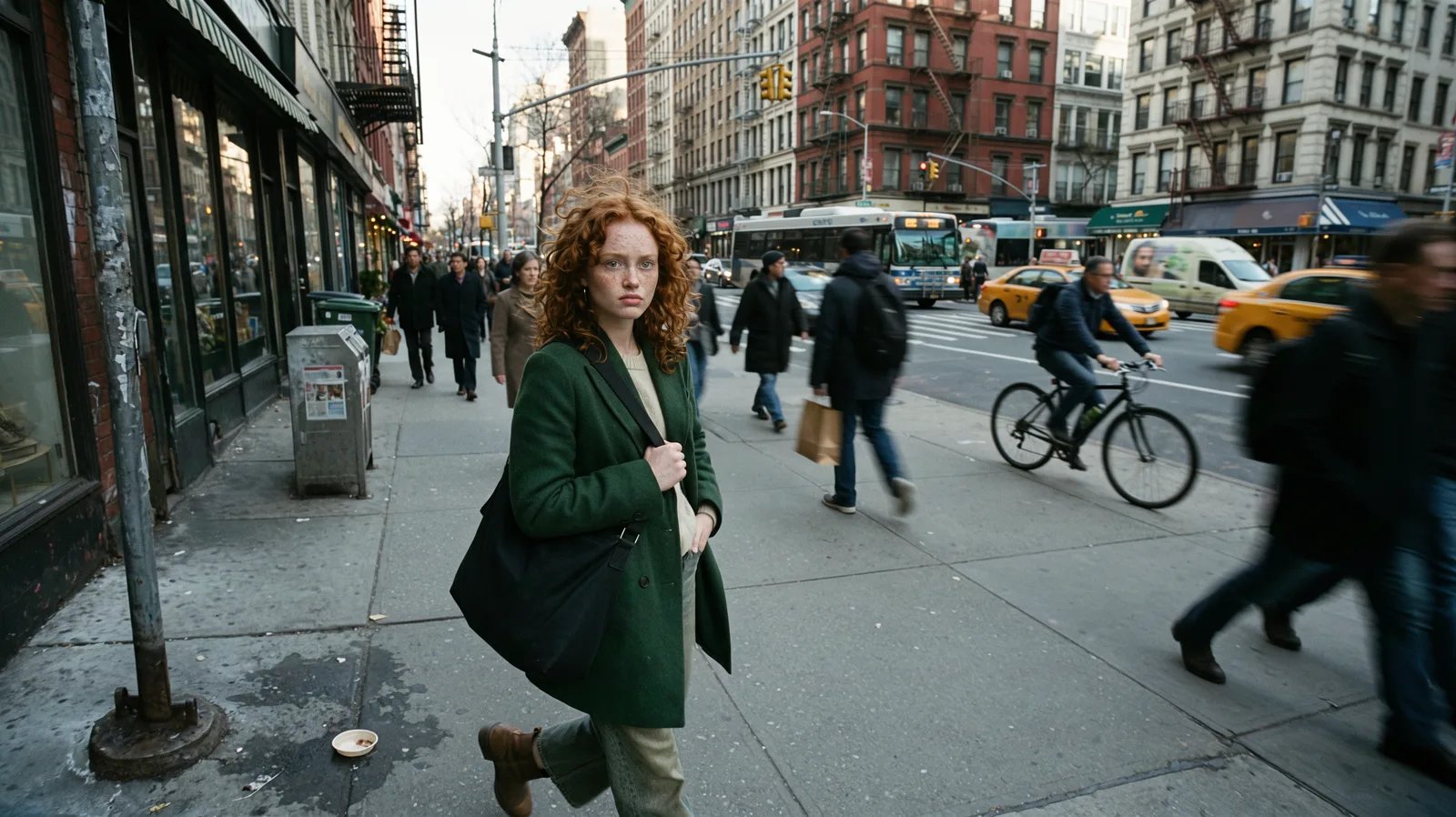
3
Add the visual direction
portrait, a young woman with curly red hair, in a bustling city street, fashion editorial photography, 85mm lens, soft golden hour light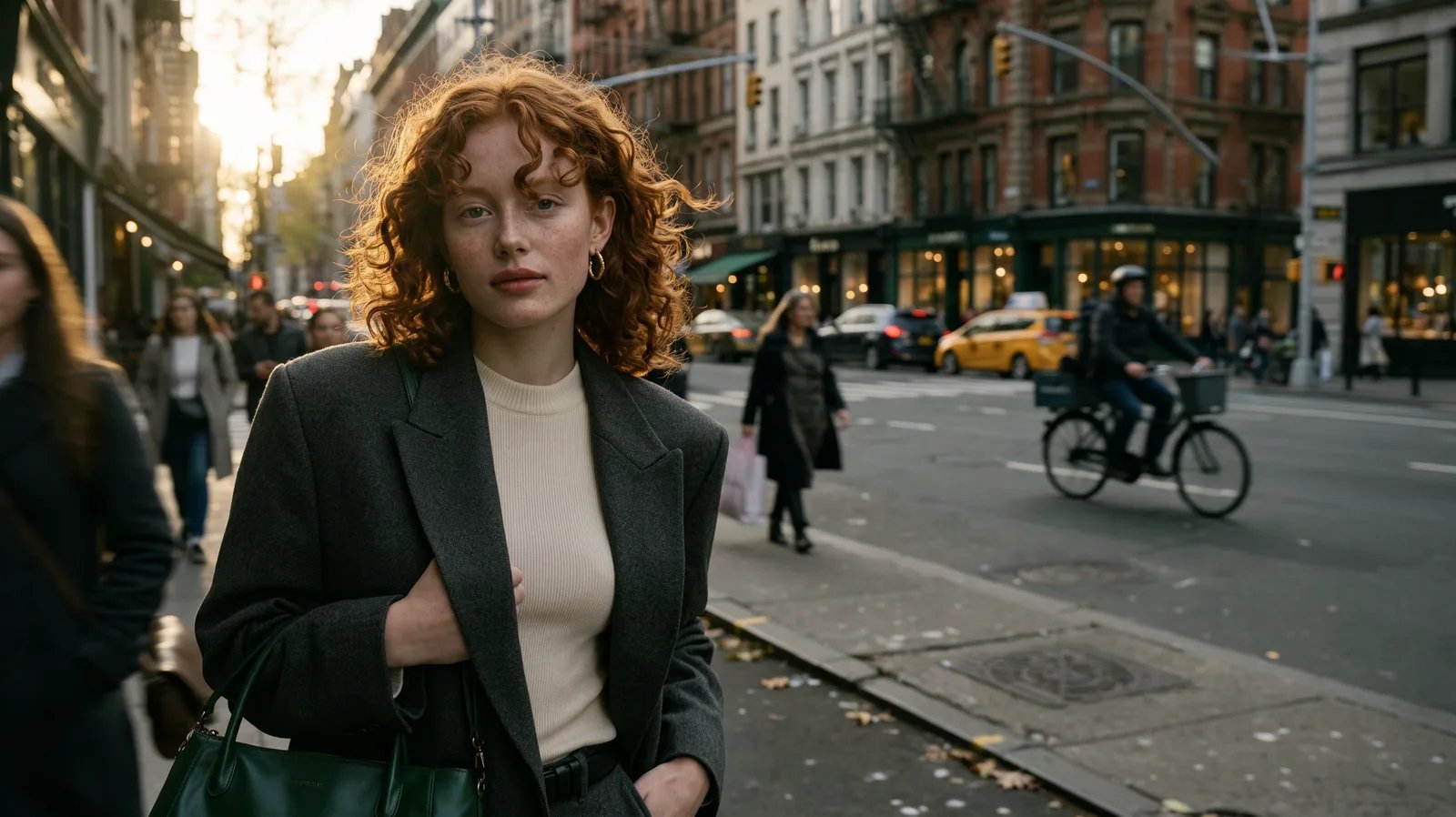
4
Refine with color and detail
portrait, a young woman with curly red hair, in a bustling city street, fashion editorial photography, 85mm lens, soft golden hour light, warm amber and charcoal tones, subtle film grain, wind-blown hair and blurred city lights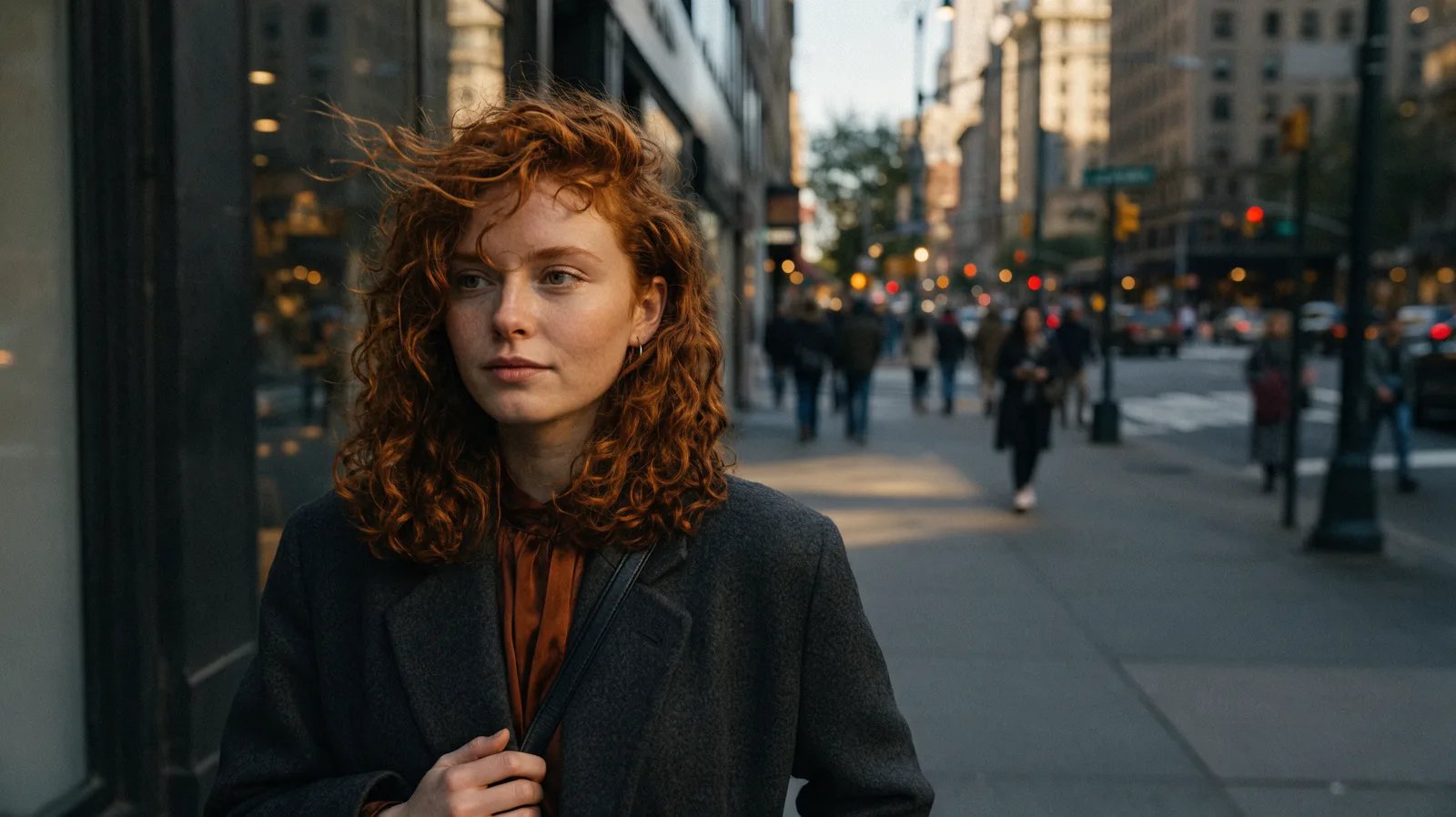
Practical advice
- Start with the subject and what it is doing.
- Add the setting, light, and framing next. Describe the light as something that happens in the scene.
- Name the style concretely: a medium, an era, a film stock.
- Use colors when you want stronger visual cohesion. In an edit, a hex code specifies a target color.
- Add effect and additional elements last. These are refinements, not the foundation.
- Write long when it helps: detailed captions can specify more of the scene. Remove any sentence that does not describe something visible.
- To specify element positions, add bounding boxes.