

images and describe the change in prompt. For the request format, see Image editing.
Write the instruction
Write the instruction in three parts:- Name the target precisely enough that only one thing matches. For a flock, specify the bird’s position and appearance. Pick it out by position, size, color, or what it’s next to.
- Say what changes, and into what. “Replace the flower with a slice of lemon.” “Change the jacket from red to blue.” Name the element as it is now and as it should be.
- Name any details that matter. When a specific detail must stay, name it: “keep her pose”, “keep the lace embroidery white”.
FLUX 3 example: recolor two elements, keep the rest
The prompt names both targets by what they are (“the large tiger”, “the small glowing butterfly”), states the change once, and lists the three things that must not change. The tiger’s stripes, the snow on its fur, and the butterfly’s glow carry over; only the color changes. This example comes from the FLUX 3 launch post, where it was sent with box rows:<ref_image_0> is the first image in images, and each <id> token matches a row at the end of the prompt. Edit with boxes shows the full rows. For a plain written edit, keep the same sentence structure and leave out the tokens.
Specify colors, text, and positions
Words like “pink” or “near the top” leave room for interpretation. When the exact value matters, write the value:Make several changes in one prompt
For a multi-part edit, write an edit record: name the image and the operation, give each change with its location, then list what stays. This is the pattern the FLUX 3 launch examples use:- Name the image and the operation. “Modify
<ref_image_0>by making three replacements.” - Give each change: where, what, and into what. “On the lower left path, replace the tiny anthropomorphic wolf with a cyberpunk dog.”
- List what stays. “Keep the rest of the scene exactly unchanged, preserving the stone lantern, the frozen stream…”
FLUX 3 example: three replacements at once
Each replacement names its location and subject to distinguish the targets. The preserve list names every major element of the scene, not only “the rest of the image”. This edit was also sent with box rows; Edit with boxes has the full request.When to switch to box rows
A written instruction is enough when only one thing in the image matches your description. Add box rows to the prompt when:- Several similar things match and you want to change one of them, such as one car in a row of parked cars.
- The change needs an exact position or size.
- You want to move or resize an element and keep it otherwise the same.
- You want to remove one specific object and let FLUX 3 fill the space it leaves.
- You want to keep specific elements in place while you change others.
Edit types
The catalog below covers the most common single-image edits, each with the prompt that produced it. Results captioned “FLUX 3 Image” were generated with FLUX 3 Image. The rest were generated with FLUX.2.Background Replacement
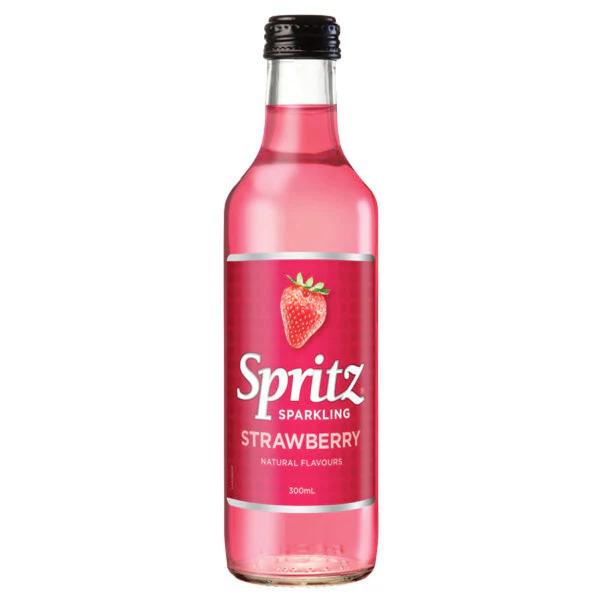
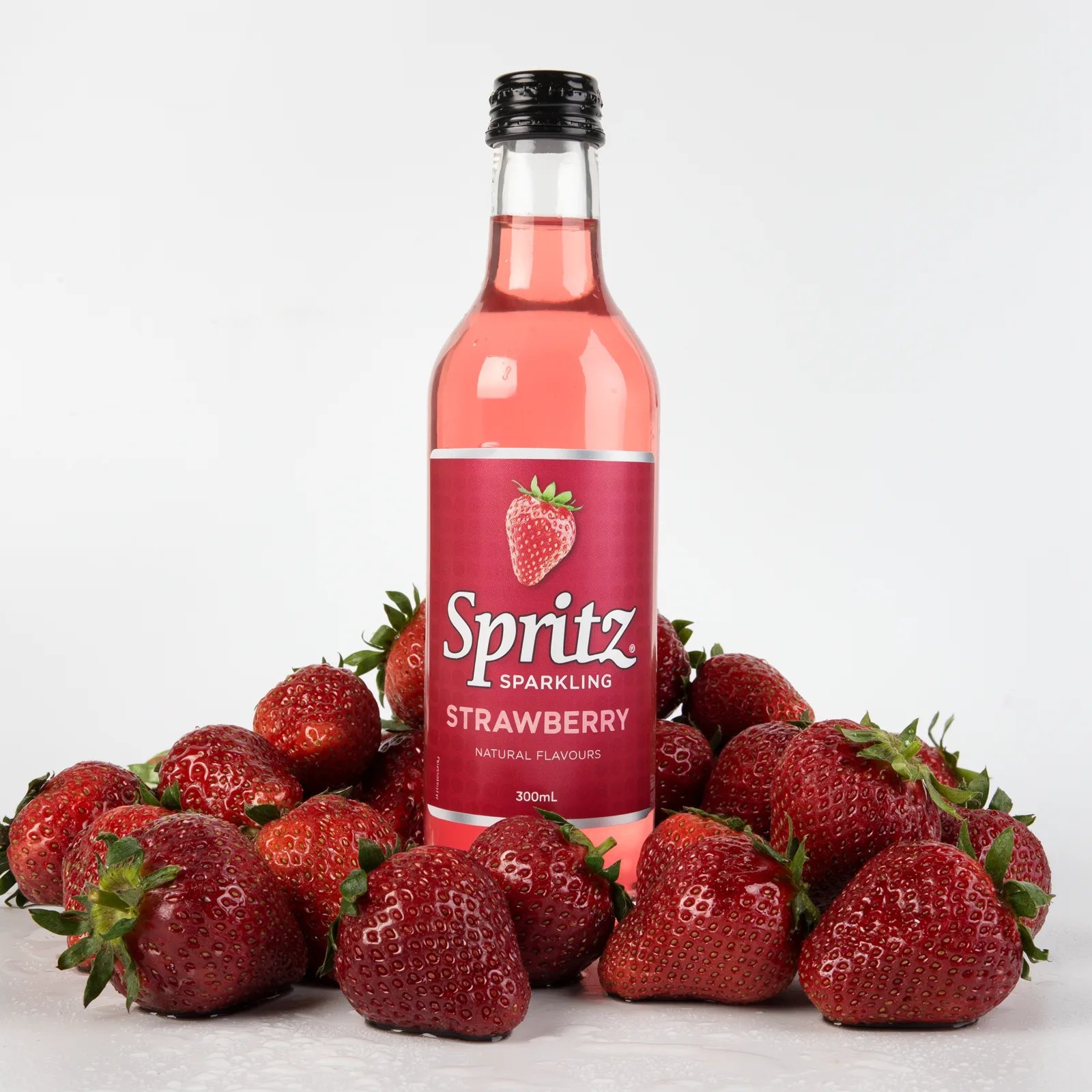
Change or replace the background while keeping the subject intact. Describe the new setting and its lighting so the subject fits into it.Can on a black surface
Can on a black surface
Bottle in strawberries
Bottle in strawberries
FLUX 3 Image
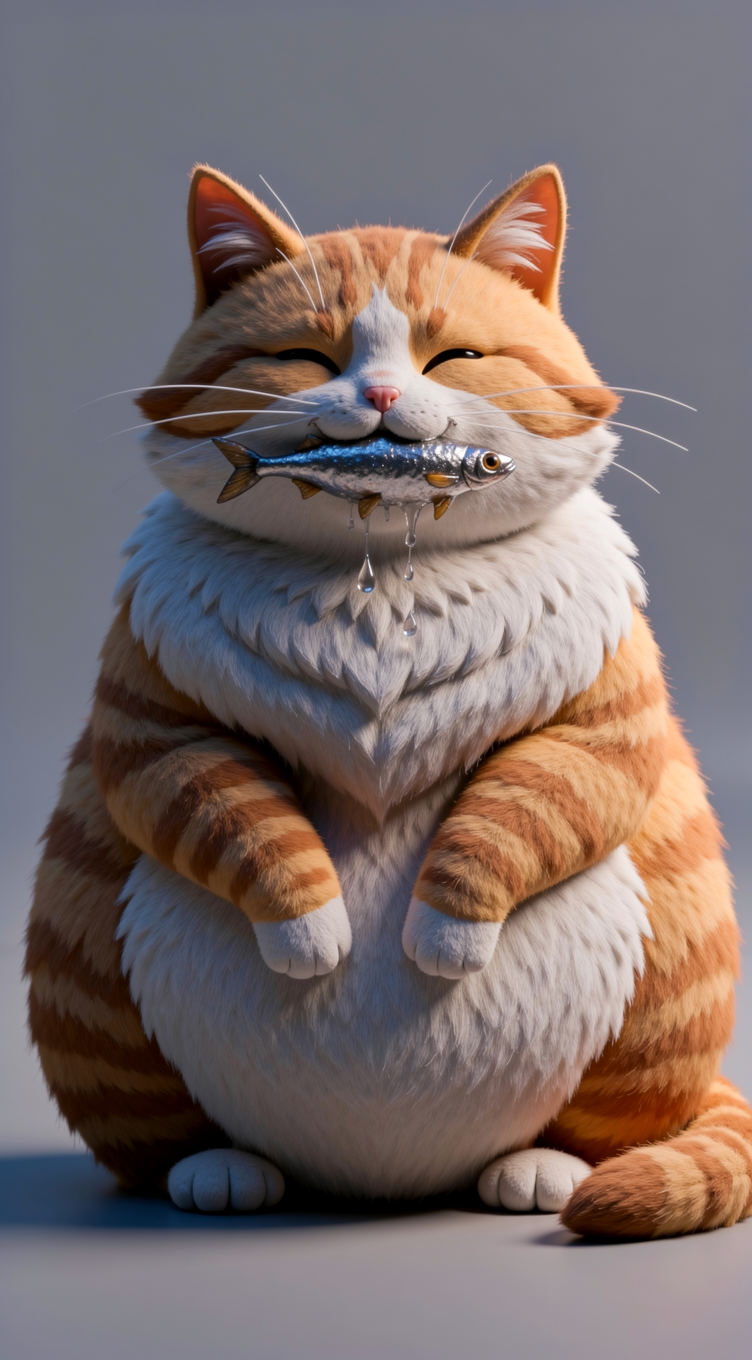
Scene replacement
Scene replacement

FLUX.2 result
Style Transfer
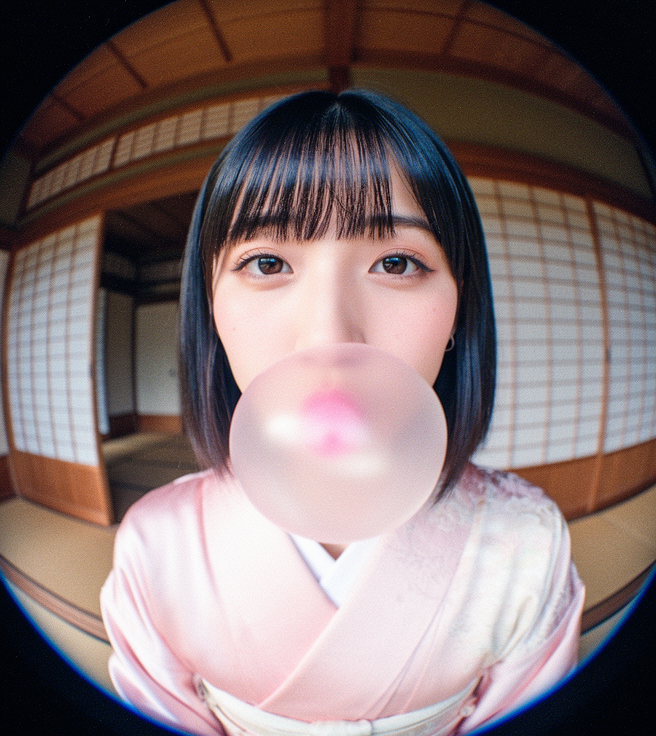
Change the visual style or medium of an image, from illustration to photorealism or from photo to painting. Say what should keep its shape: “keep the proportions and layout exactly as in the illustration”.Photo to oil painting
Photo to oil painting
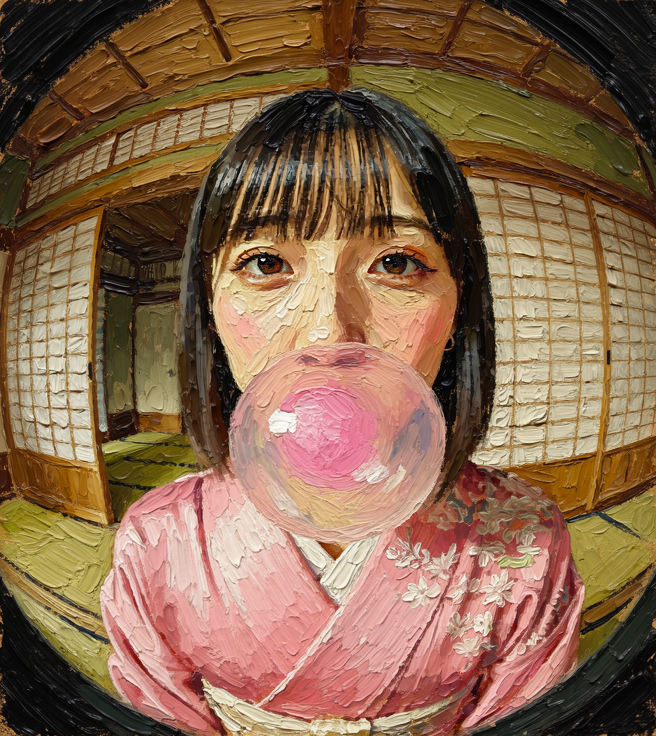
FLUX.2 result
Illustration to photorealism
Illustration to photorealism
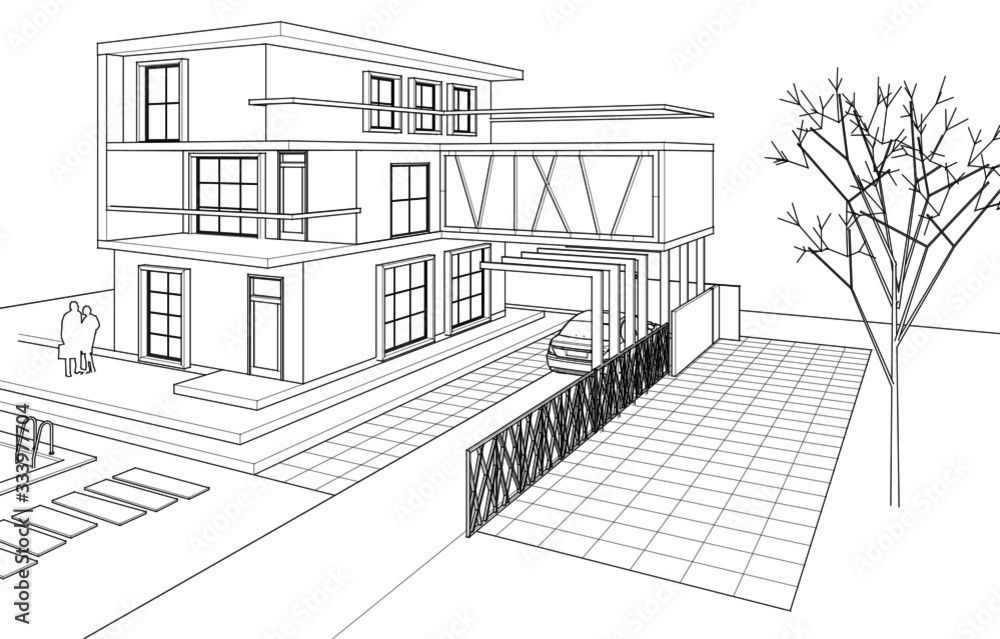
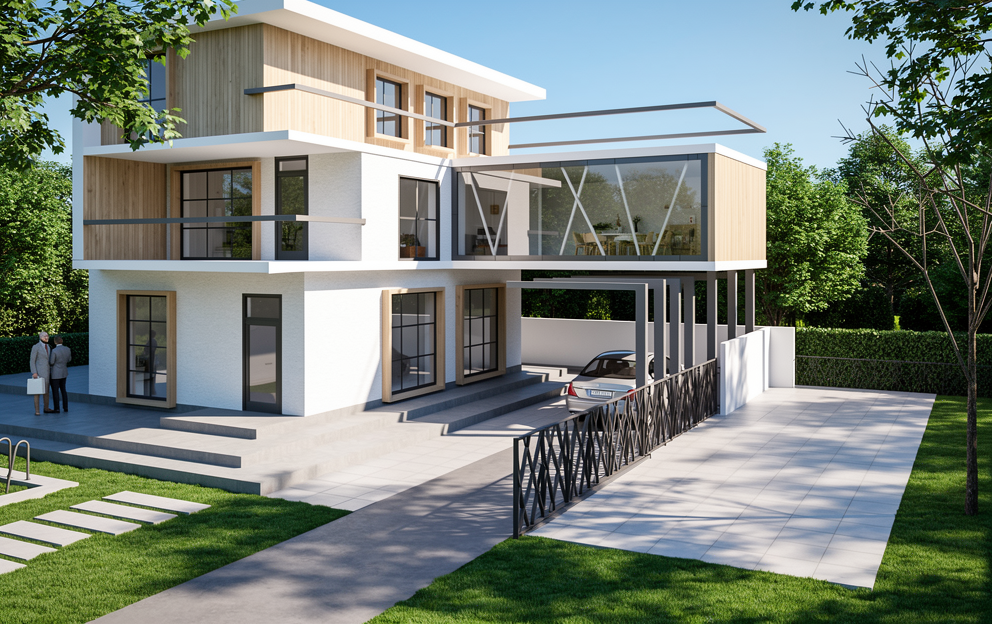
FLUX.2 result
Reskin to mountain vista
Reskin to mountain vista
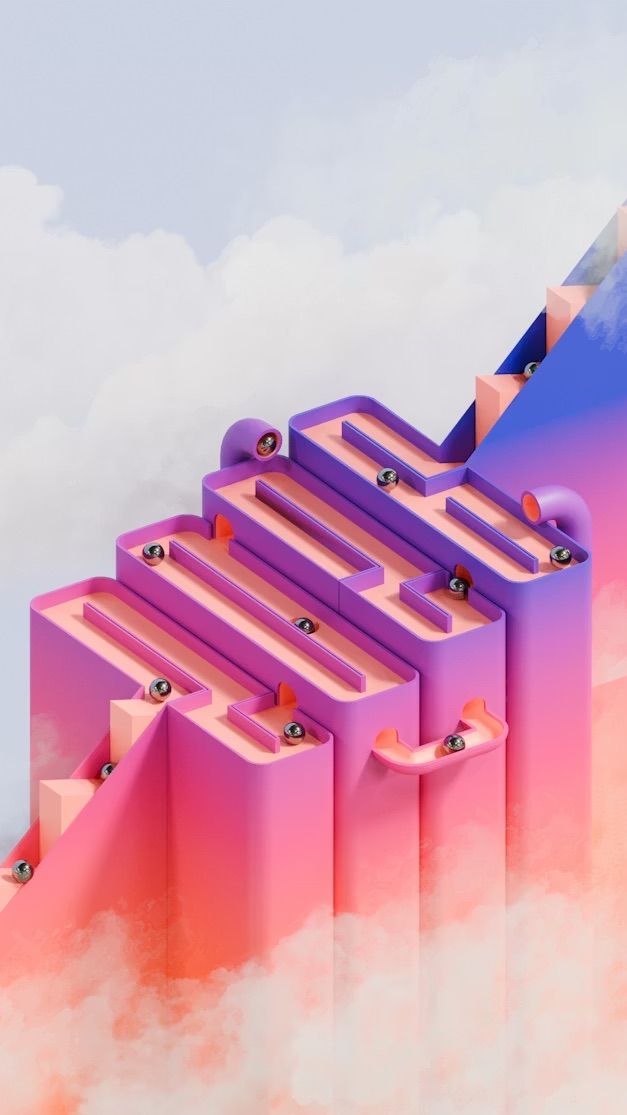
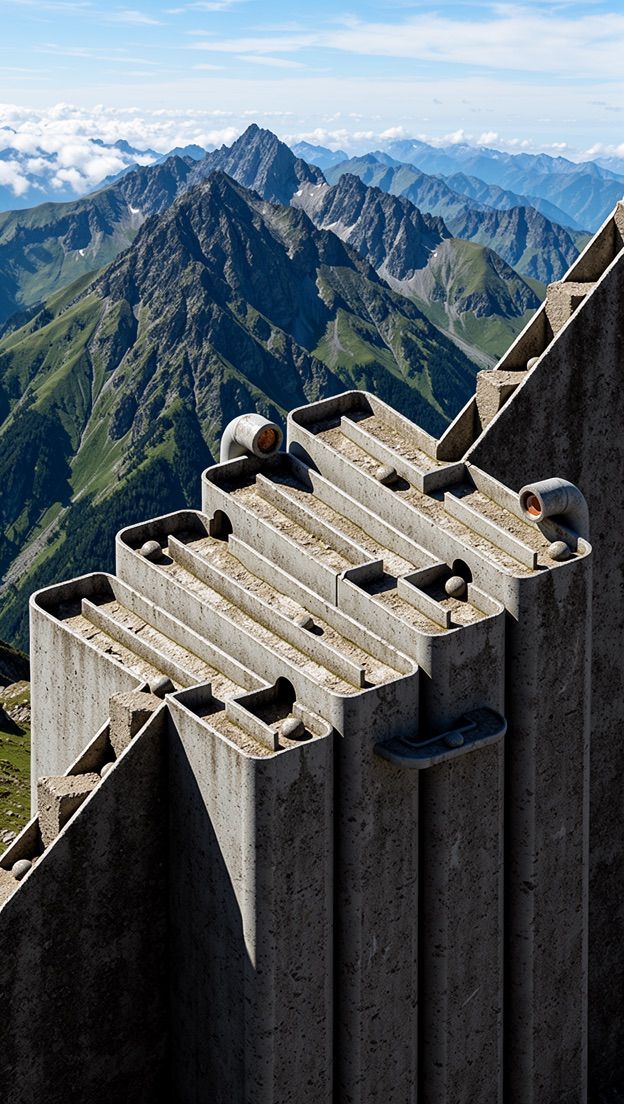
FLUX.2 result
Object Manipulation
Add, remove, or replace objects in a scene. Be specific about what should change and what should stay. With FLUX 3 Image, if the object you want to remove or replace is one of several similar ones, use a box row to point at it.Remove object
Remove object
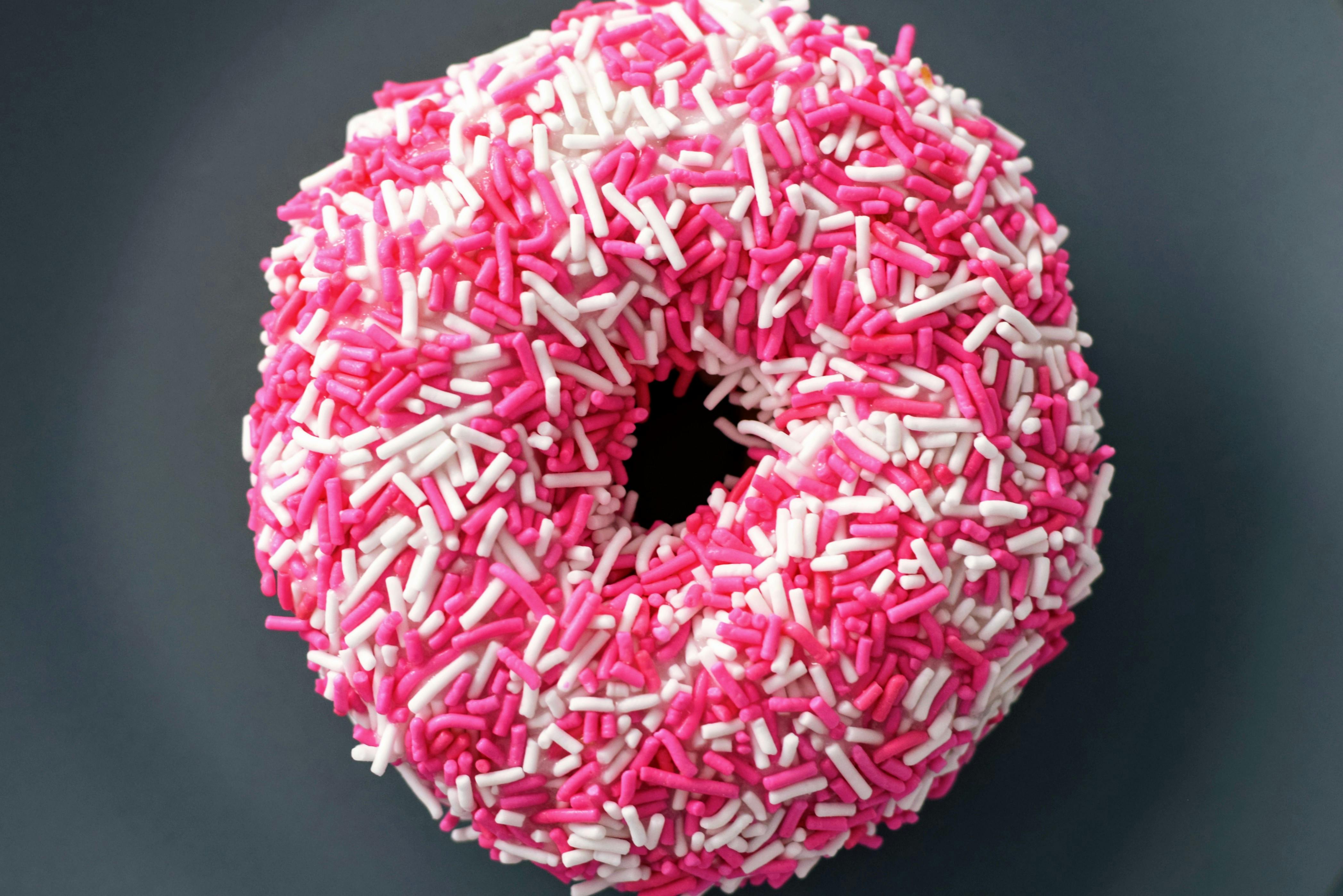
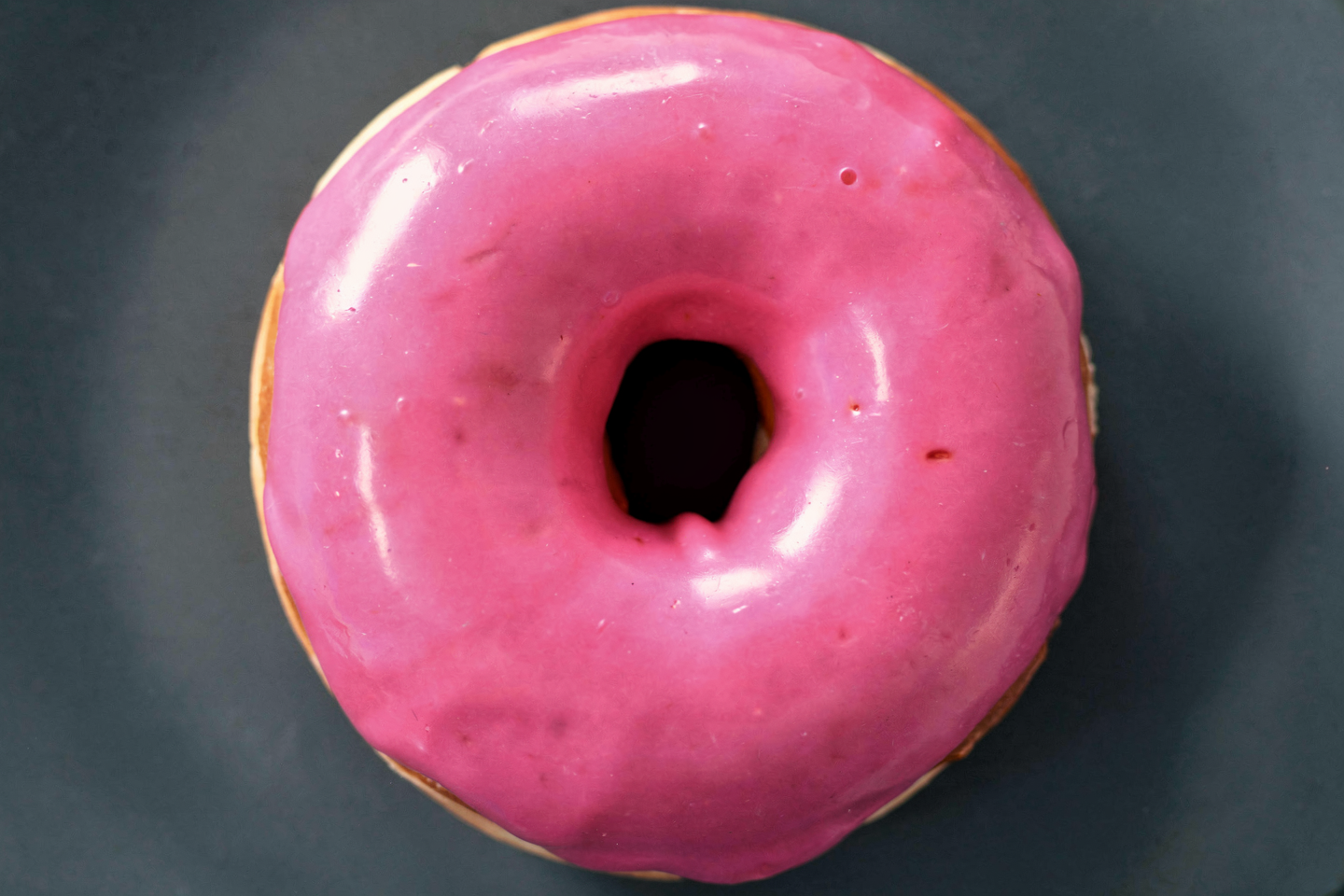
FLUX.2 result
Replace object
Replace object
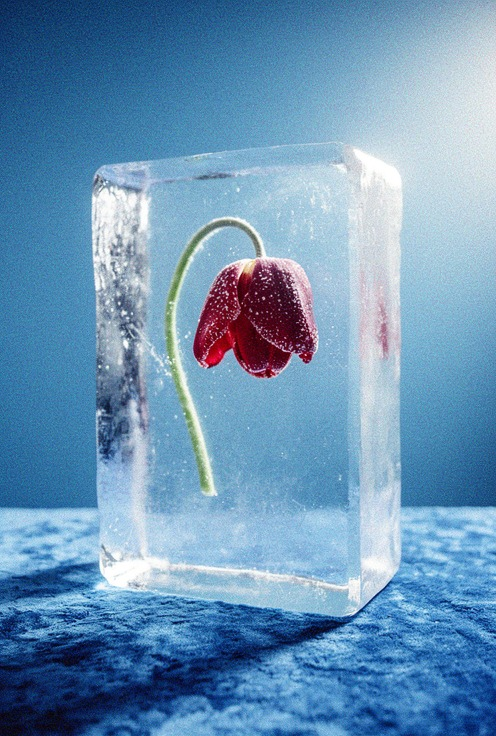
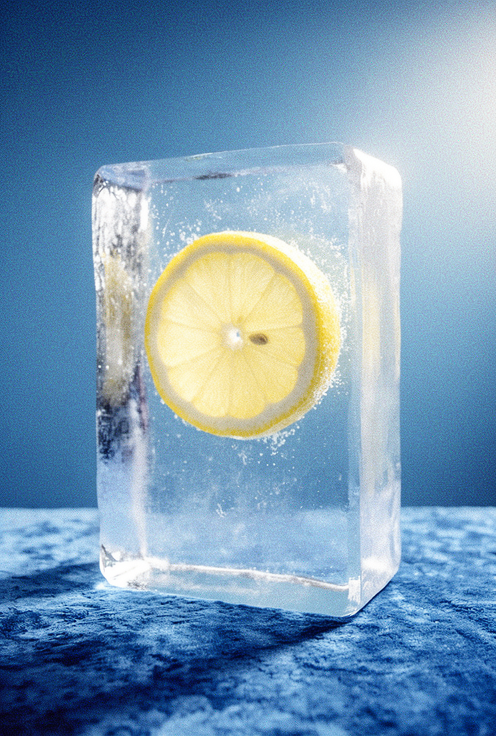
FLUX.2 result
Add object
Add object
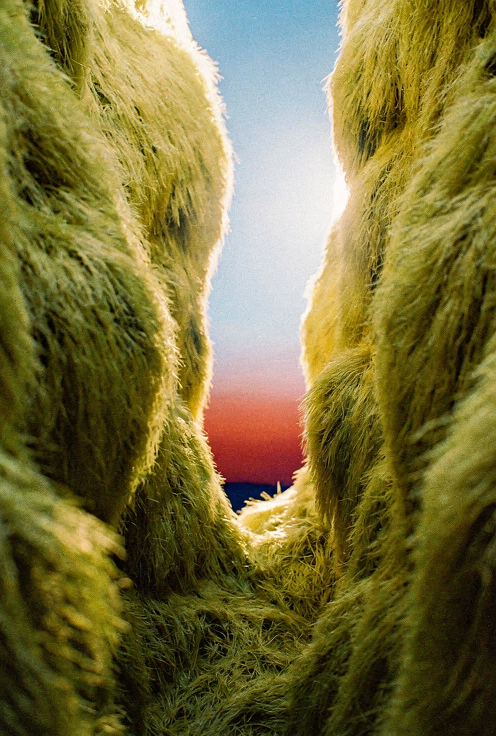
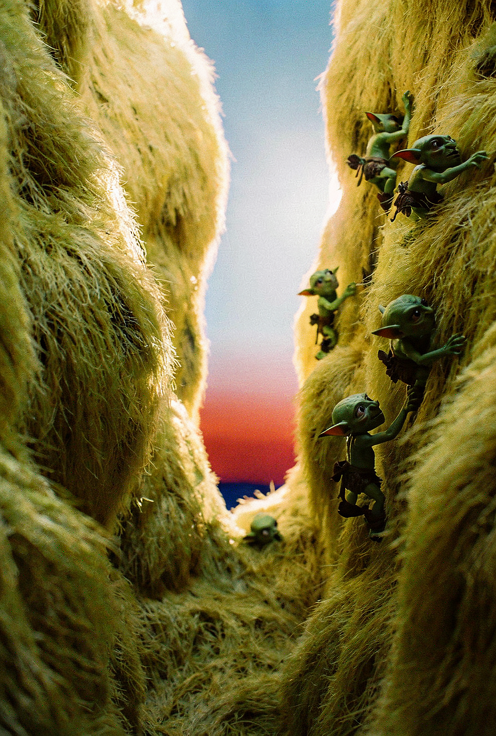
FLUX.2 result
Replace subject
Replace subject
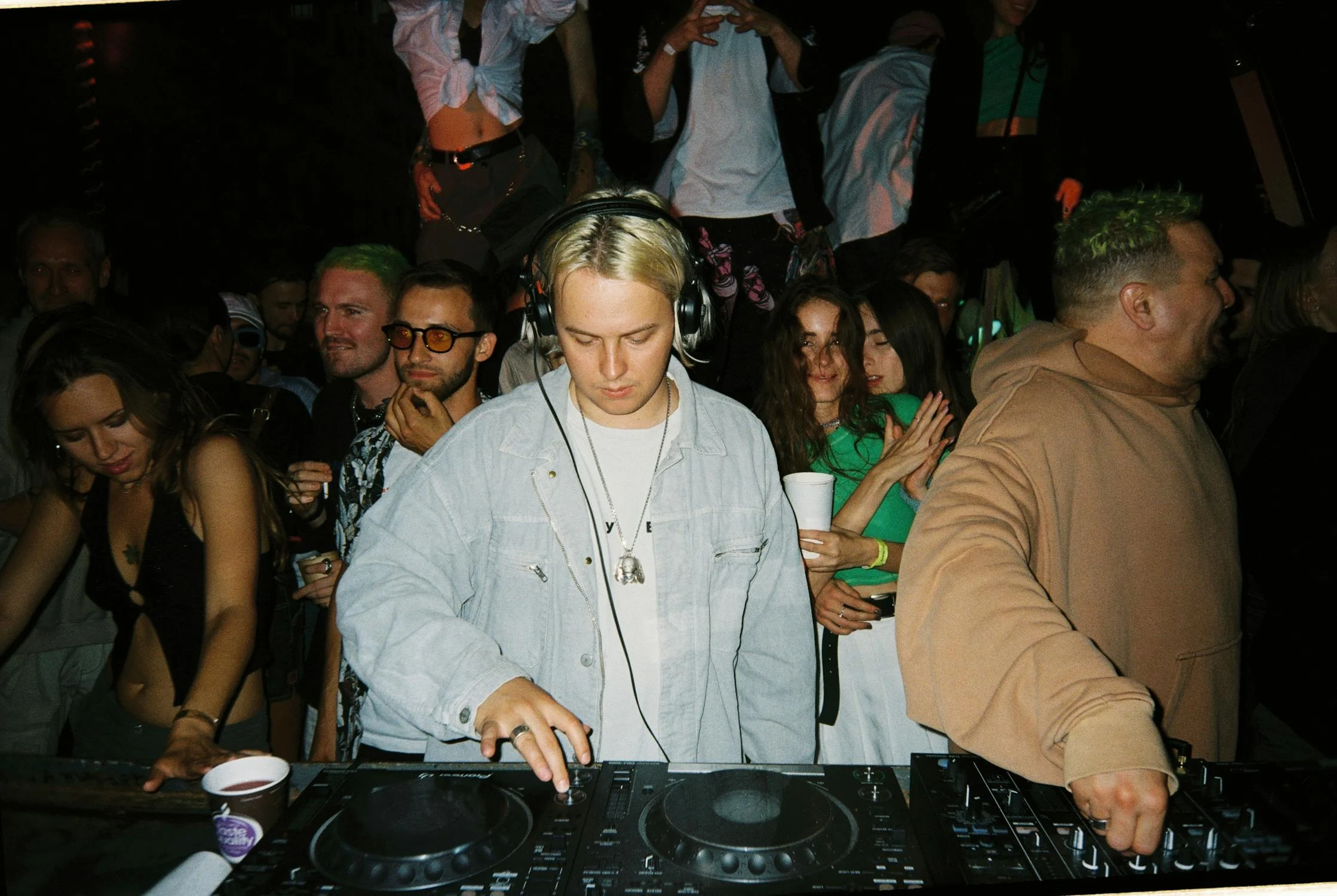
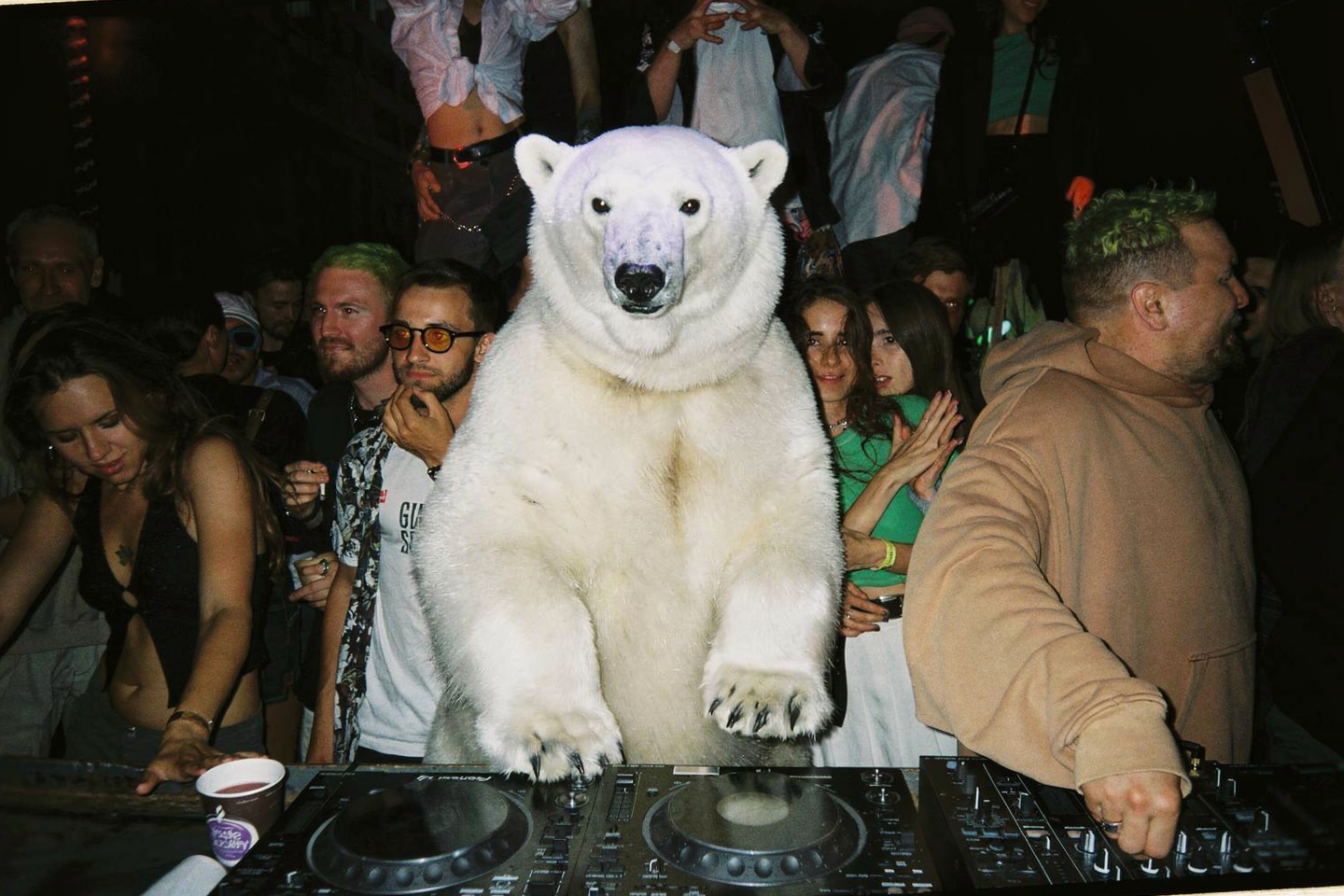
FLUX.2 result
Selective replacement
Selective replacement
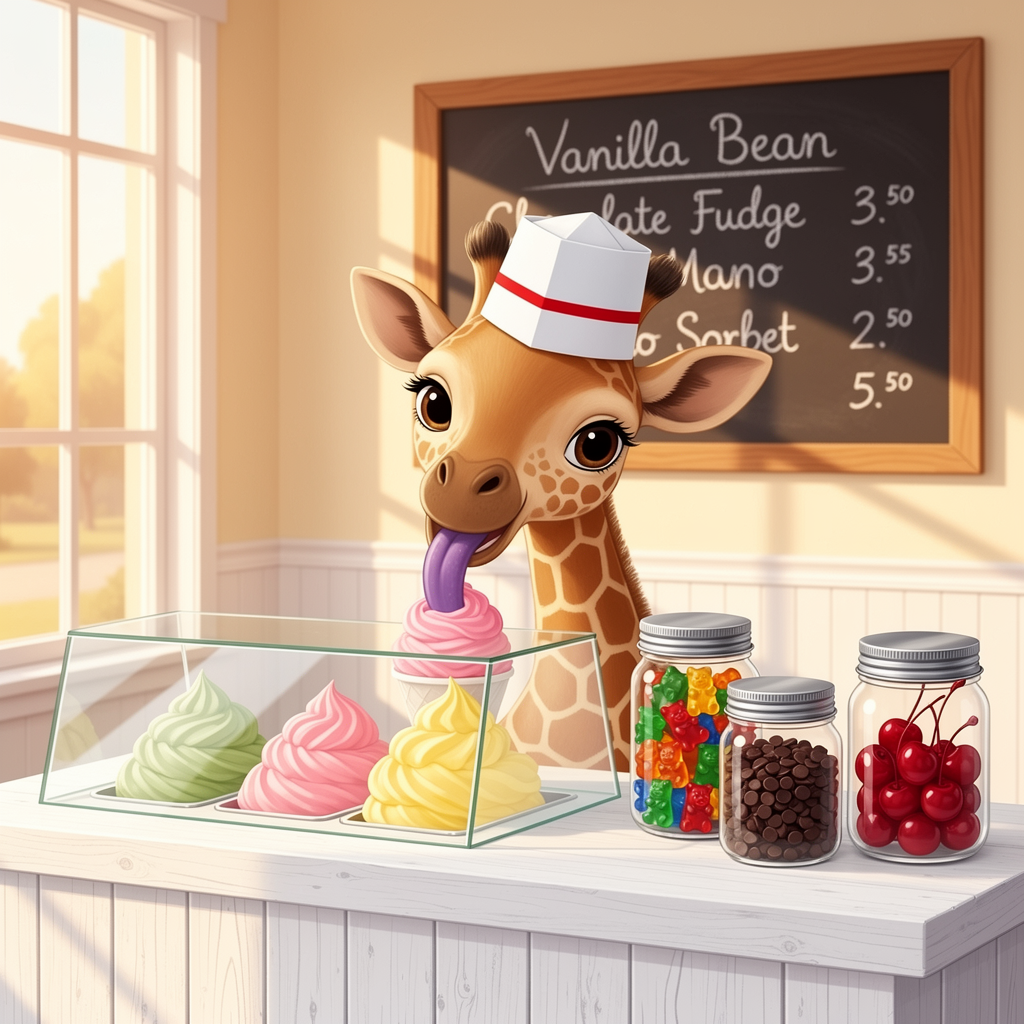
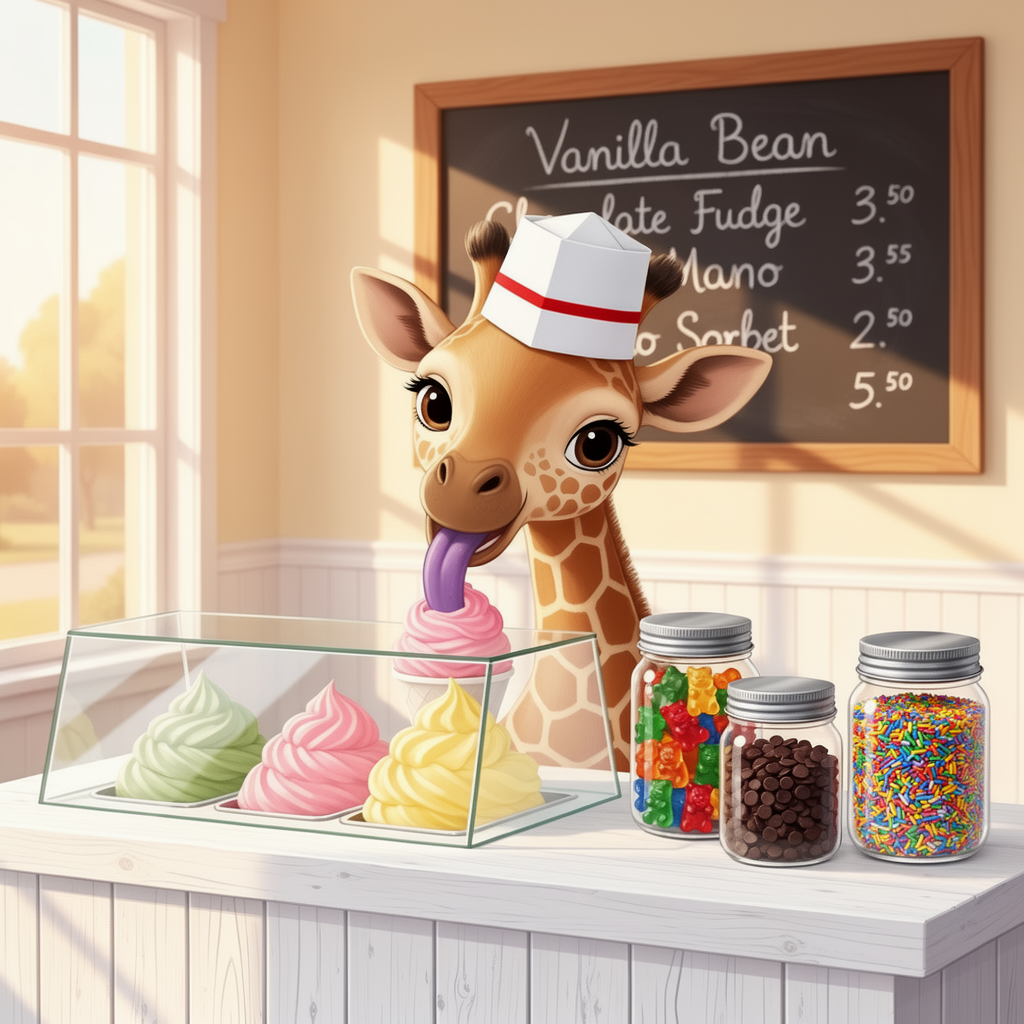
FLUX.2 result
Remove vegetation
Remove vegetation
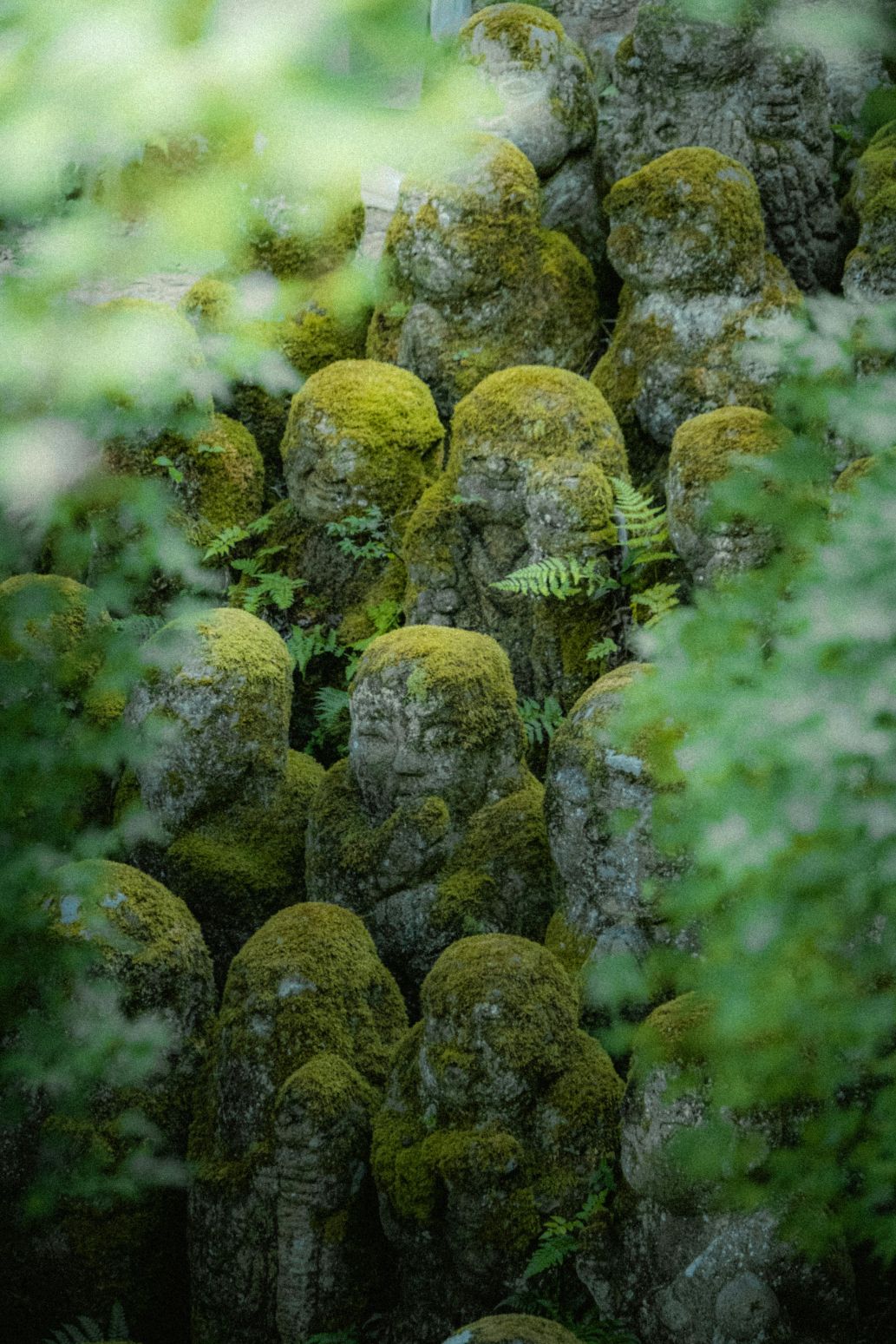
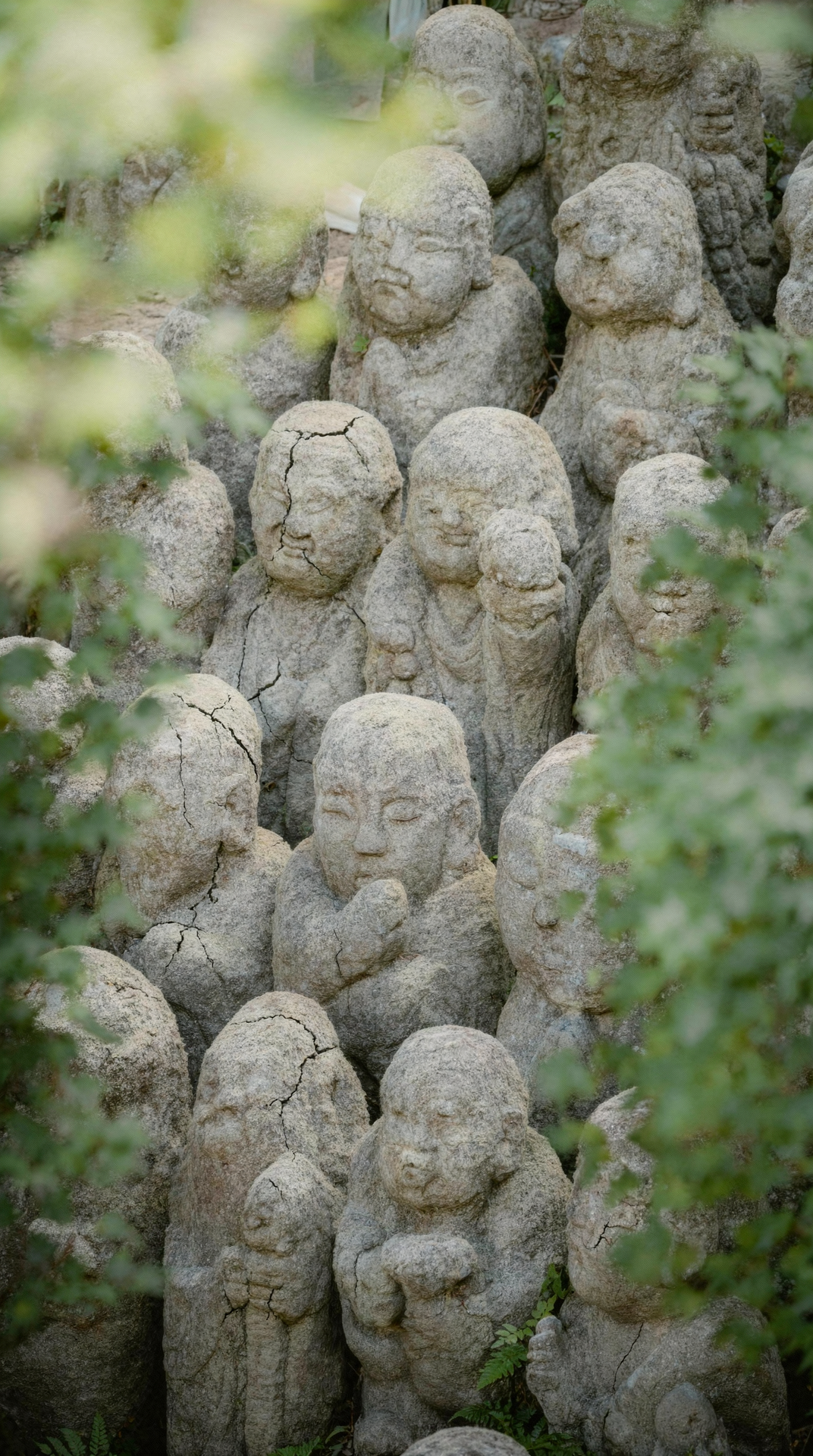
FLUX.2 result
Object swap: bike to horse
Object swap: bike to horse
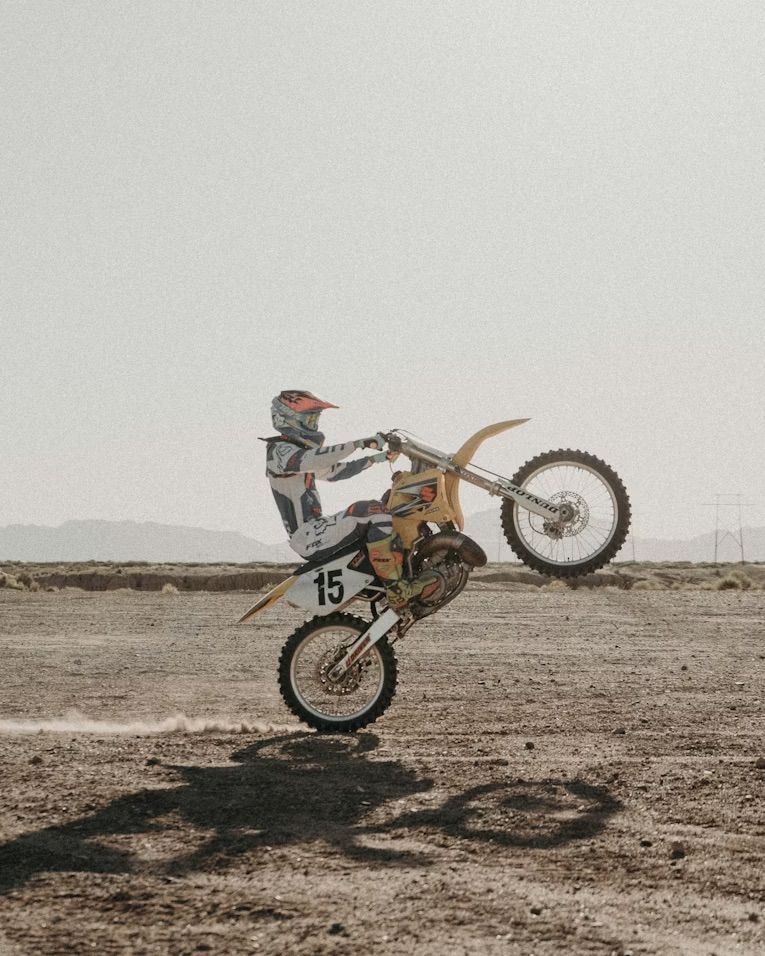
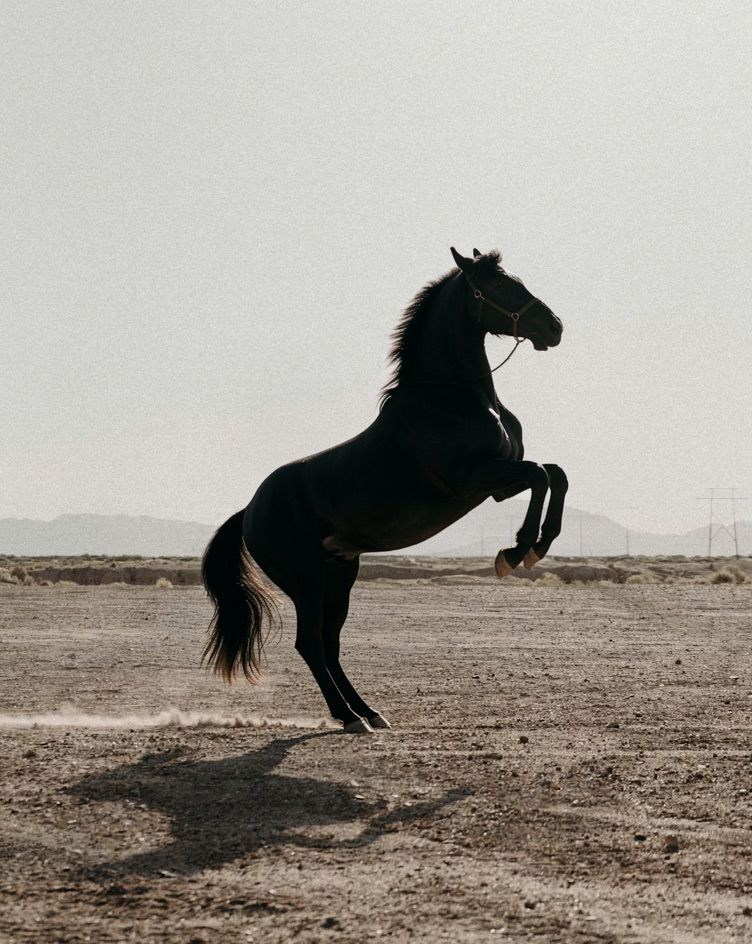
FLUX.2 result
Element replacement: feathers to petals
Element replacement: feathers to petals
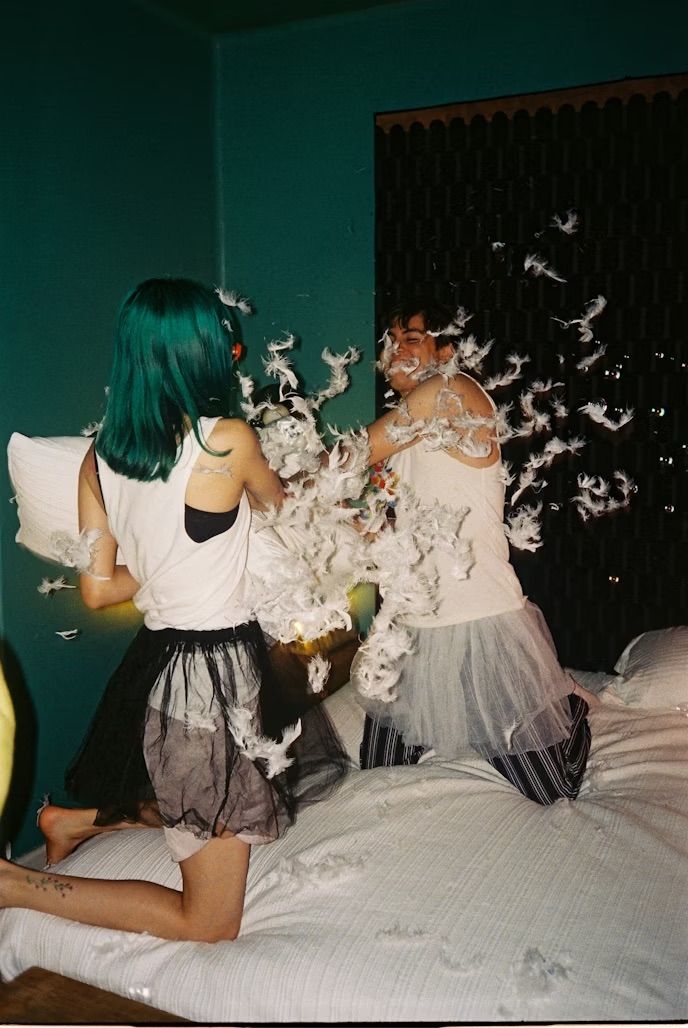
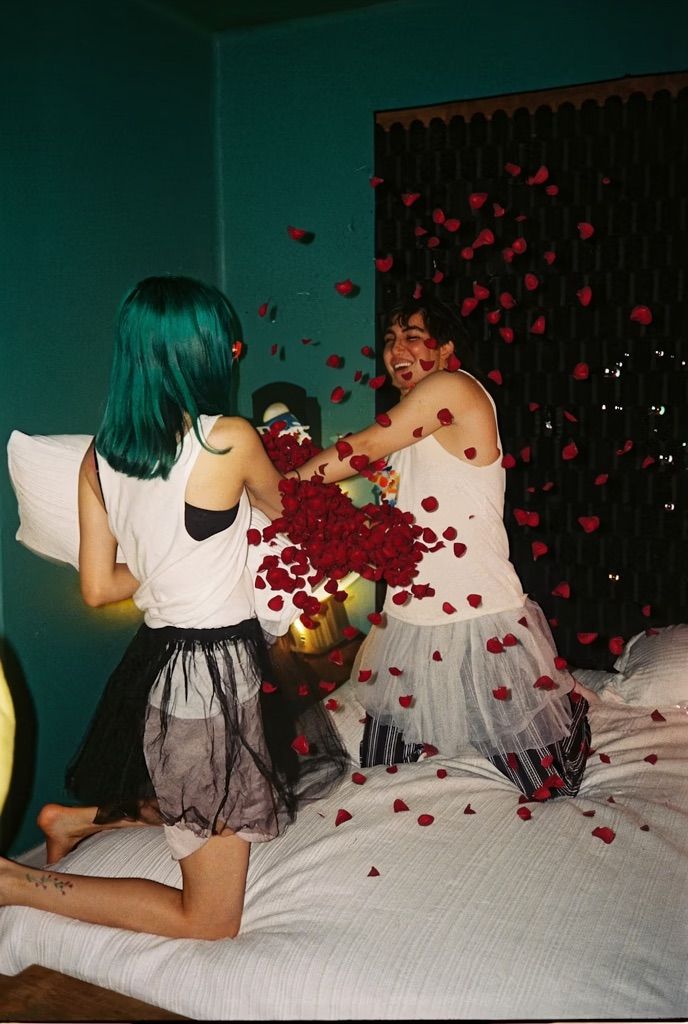
FLUX.2 result
Color & Material Changes
Recolor specific elements or transform materials. Use a hex code to specify a target color, then check the result.Recolor with hex codes
Recolor with hex codes
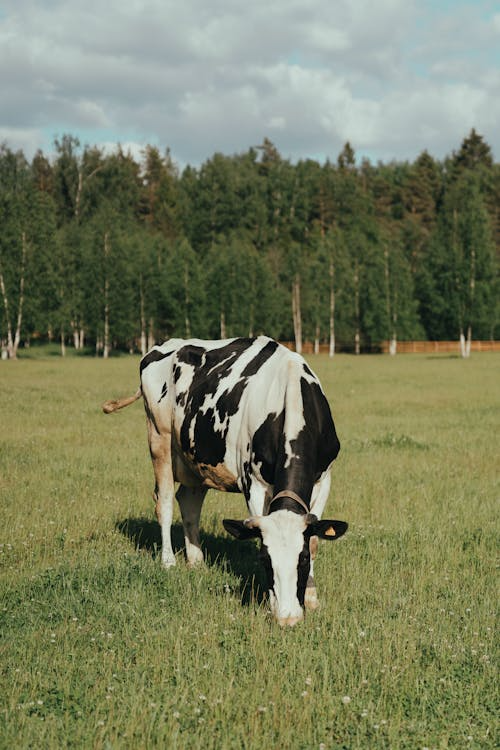
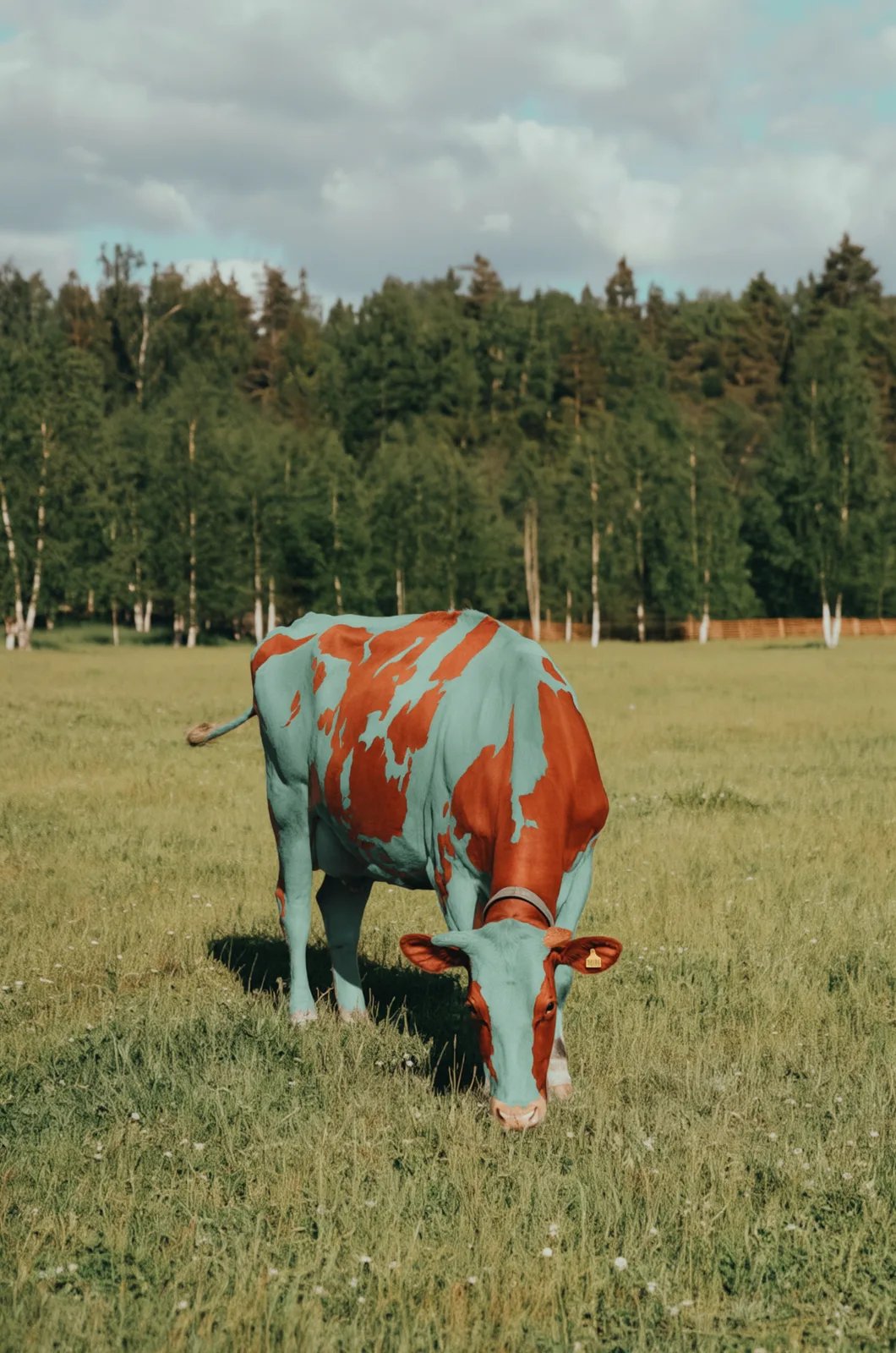
FLUX 3 Image
Material transformation: silver
Material transformation: silver
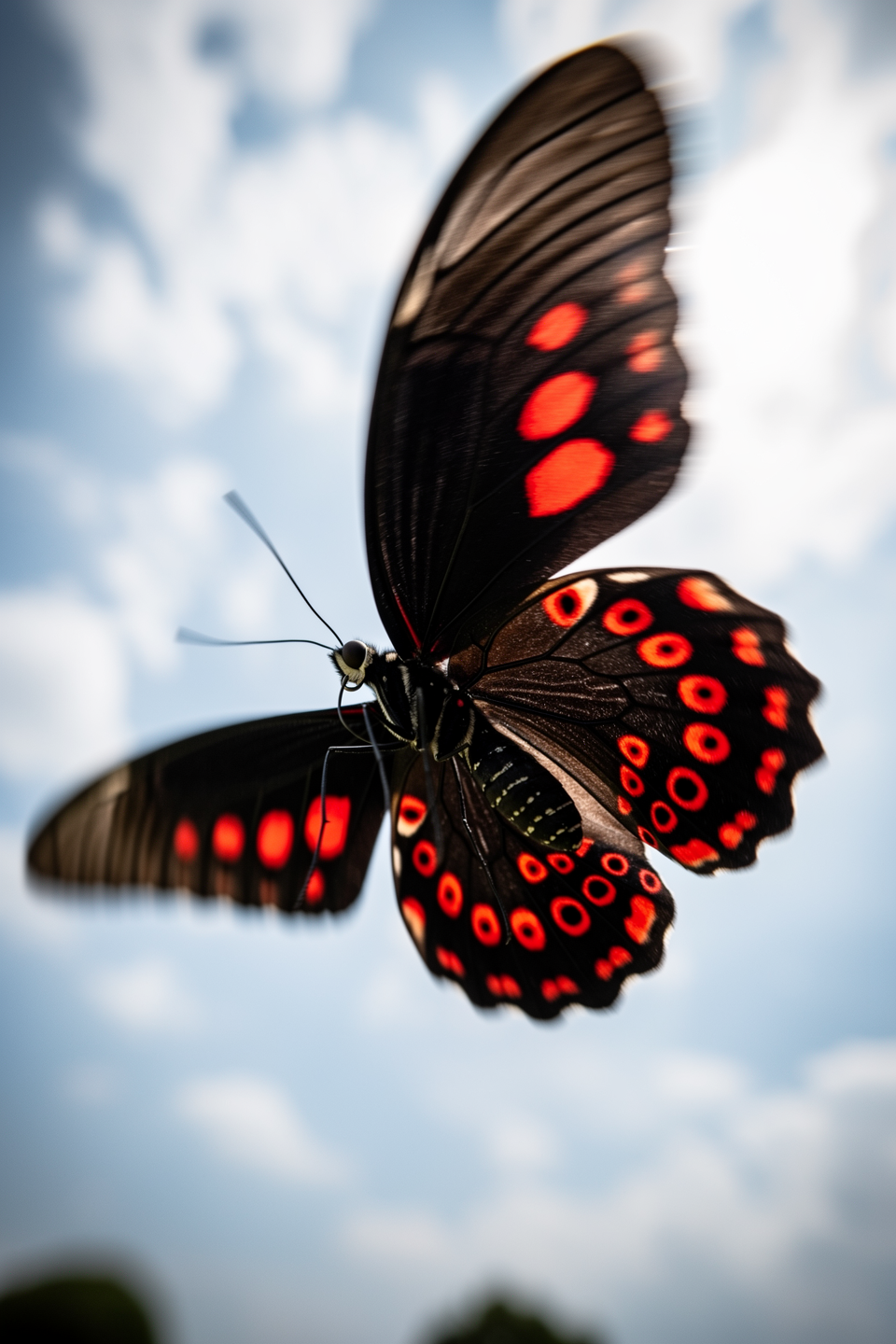
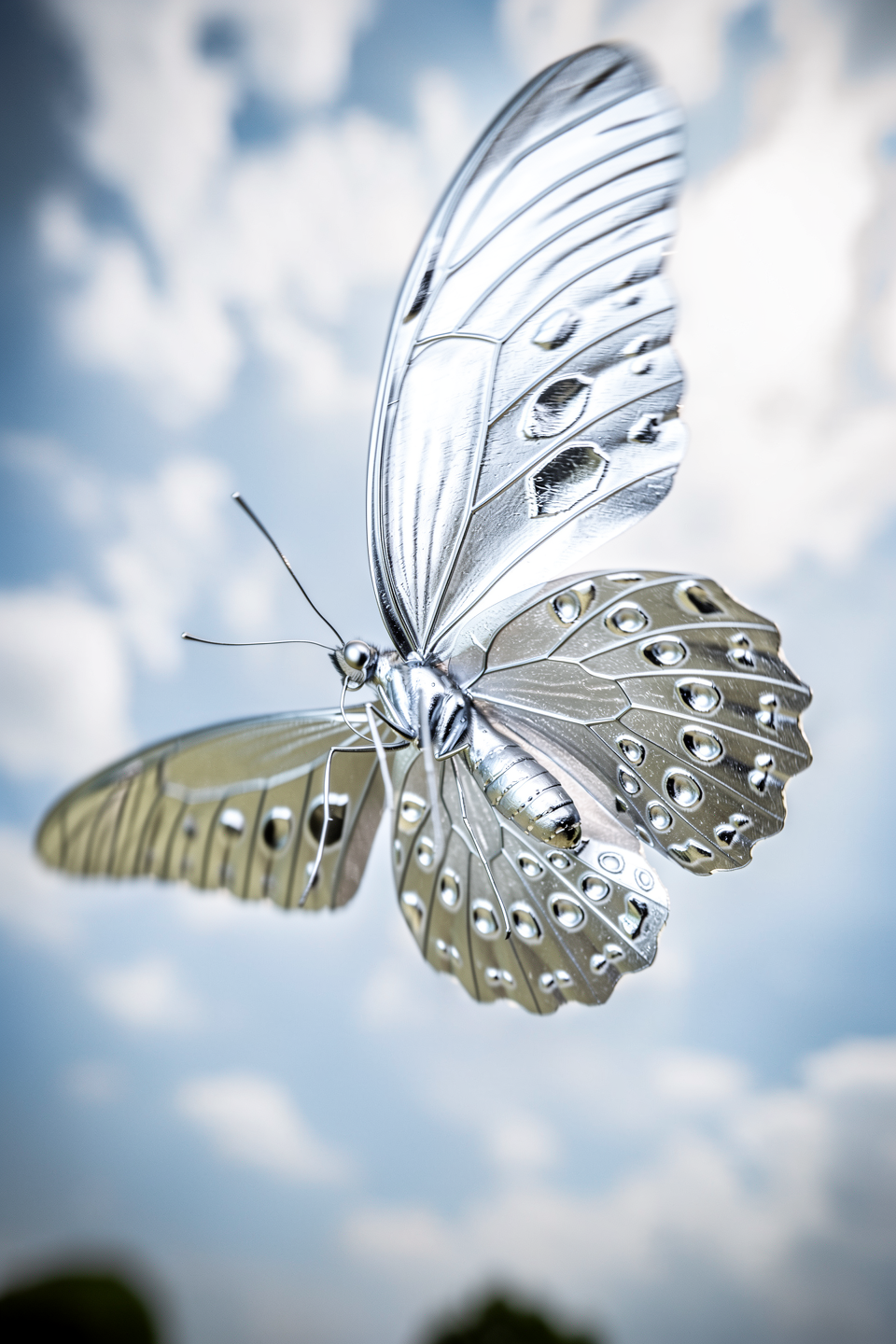
FLUX.2 result
Material transformation: ice
Material transformation: ice
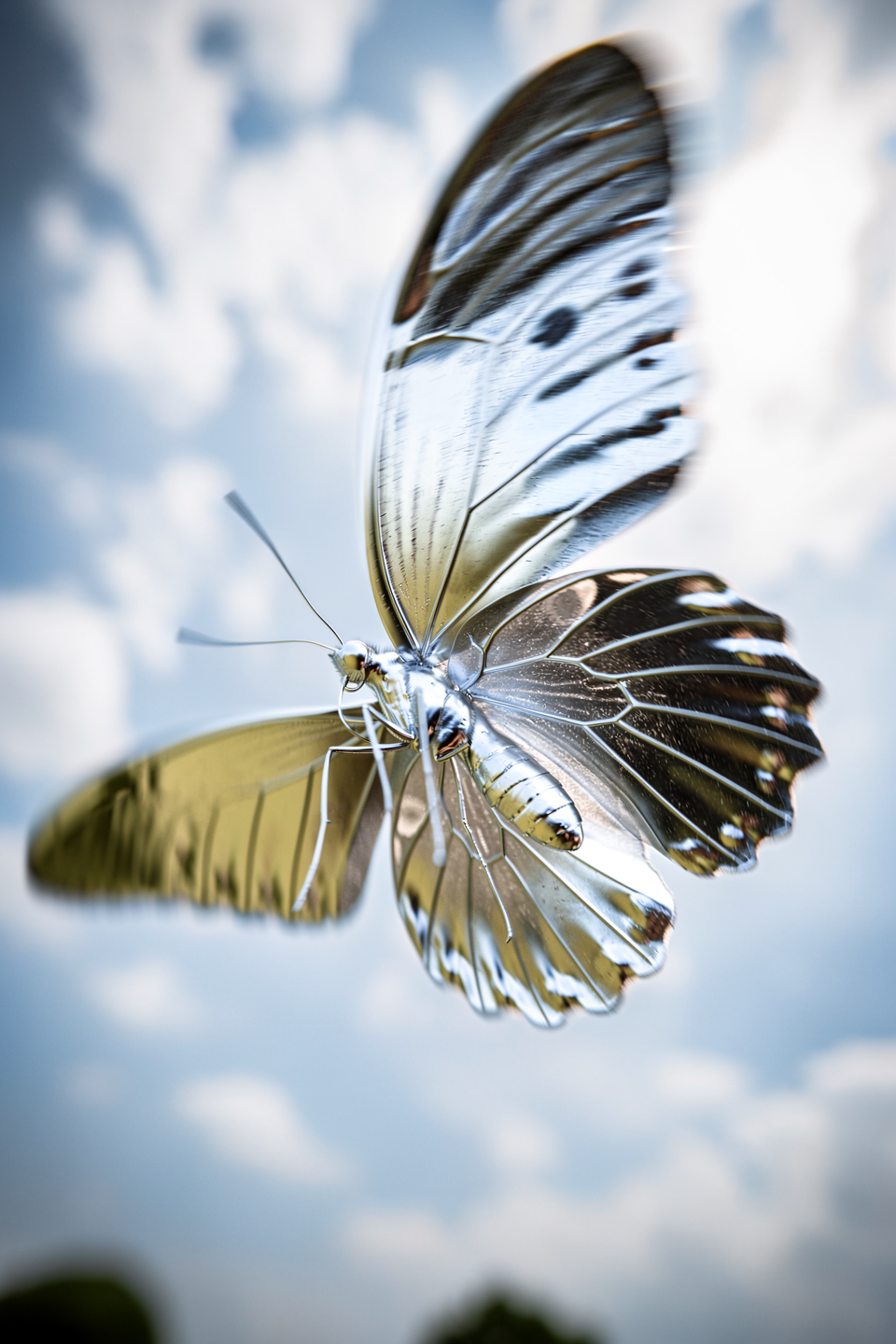
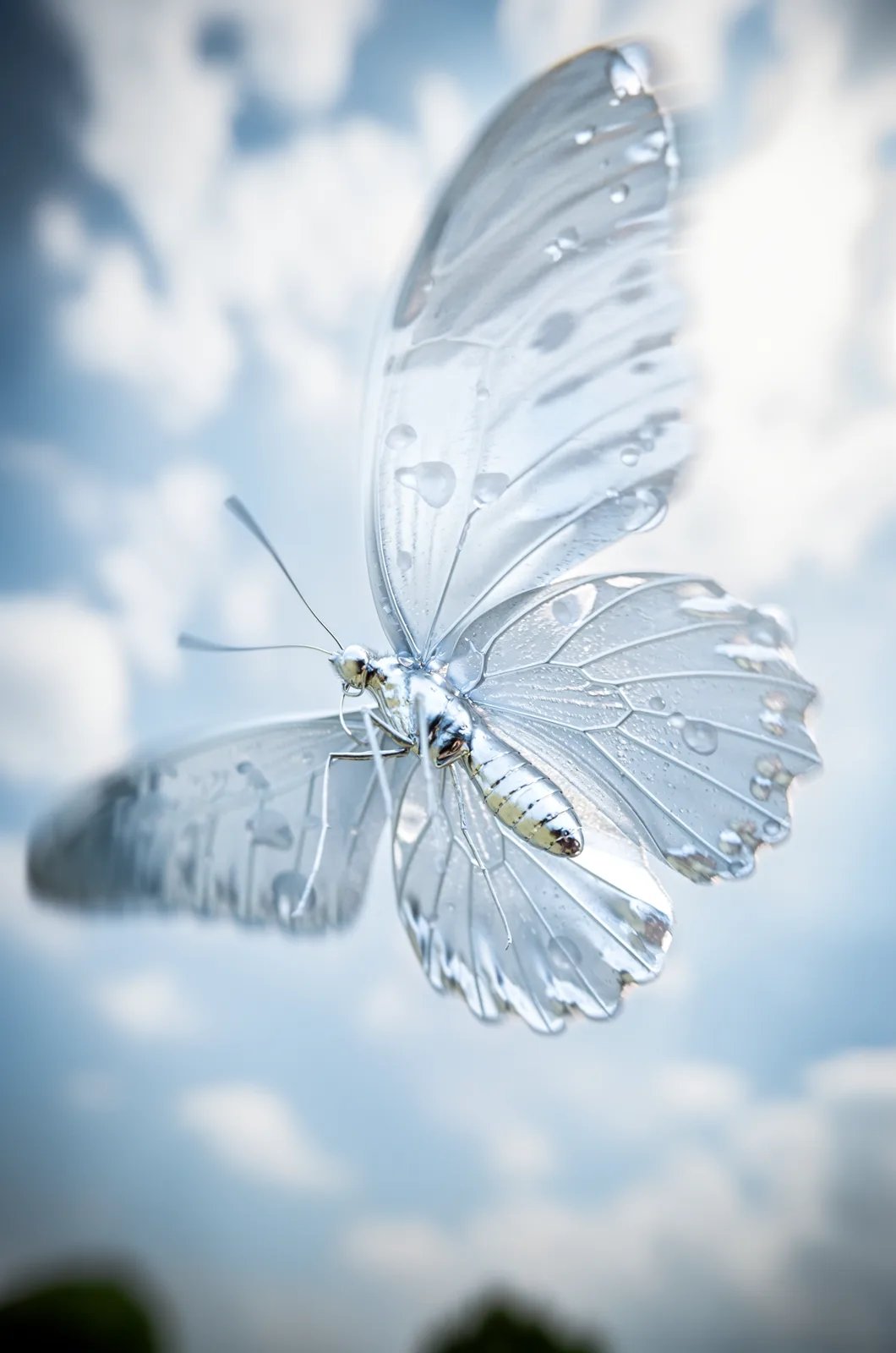
FLUX 3 Image
Lighting, Weather & Season Changes
Shift the time of day, season, or weather with a short instruction. Name the new condition plainly: “Change it to Night”, “Change this to Winter”.Time of day: night, mountain village
Time of day: night, mountain village
Season change: winter
Season change: winter
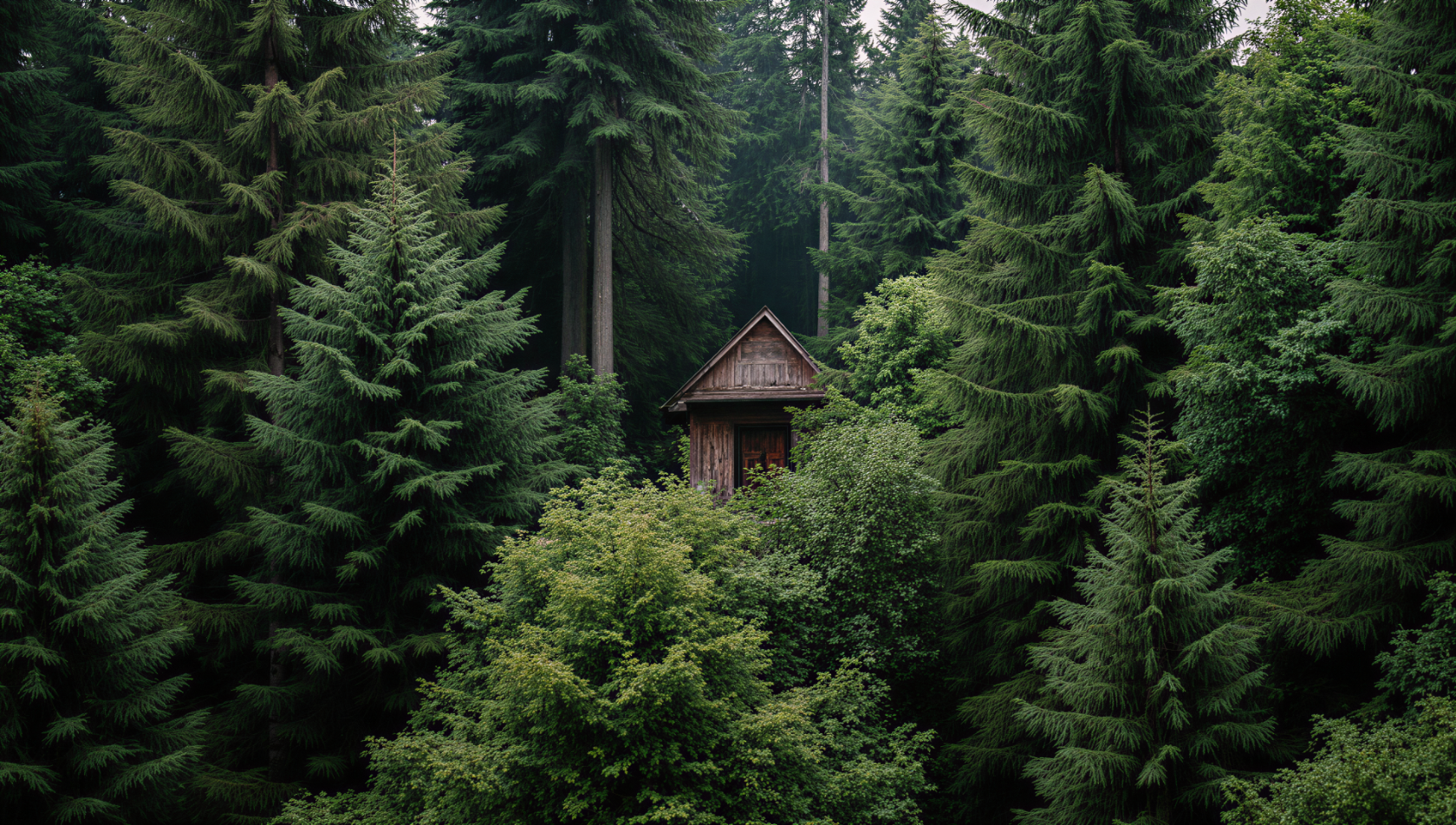
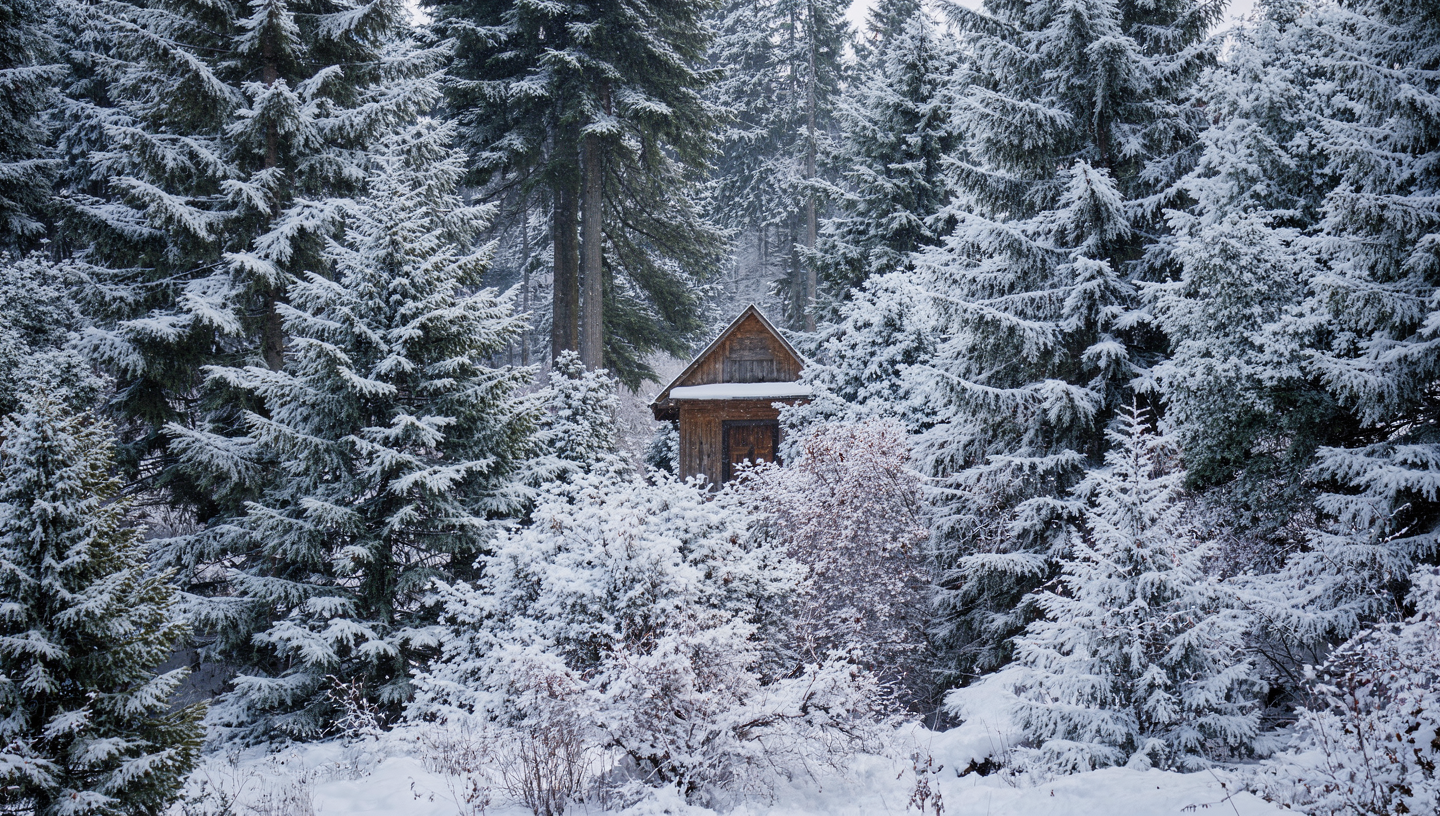
FLUX.2 result
Time of day: night, car on a salt flat
Time of day: night, car on a salt flat
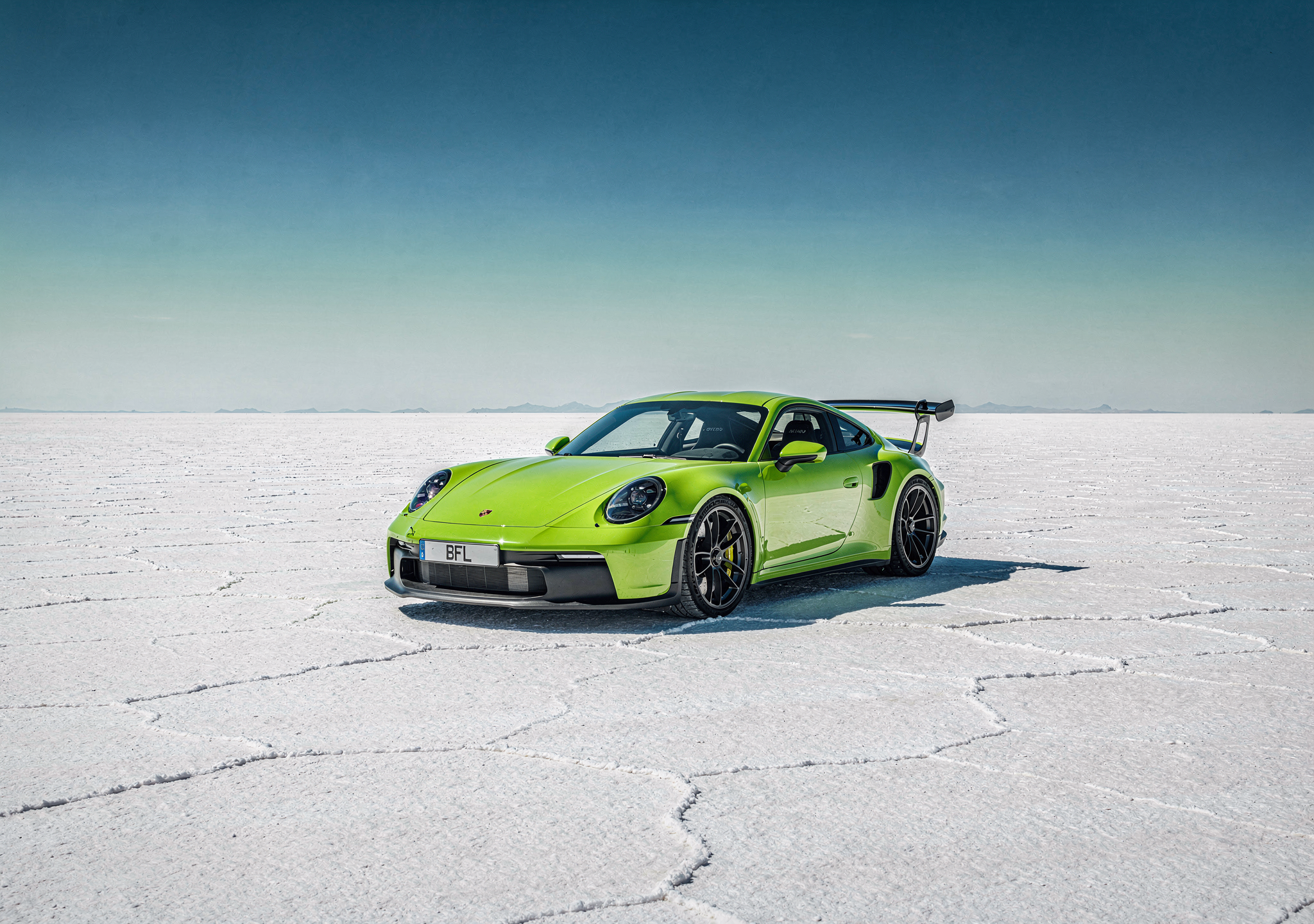
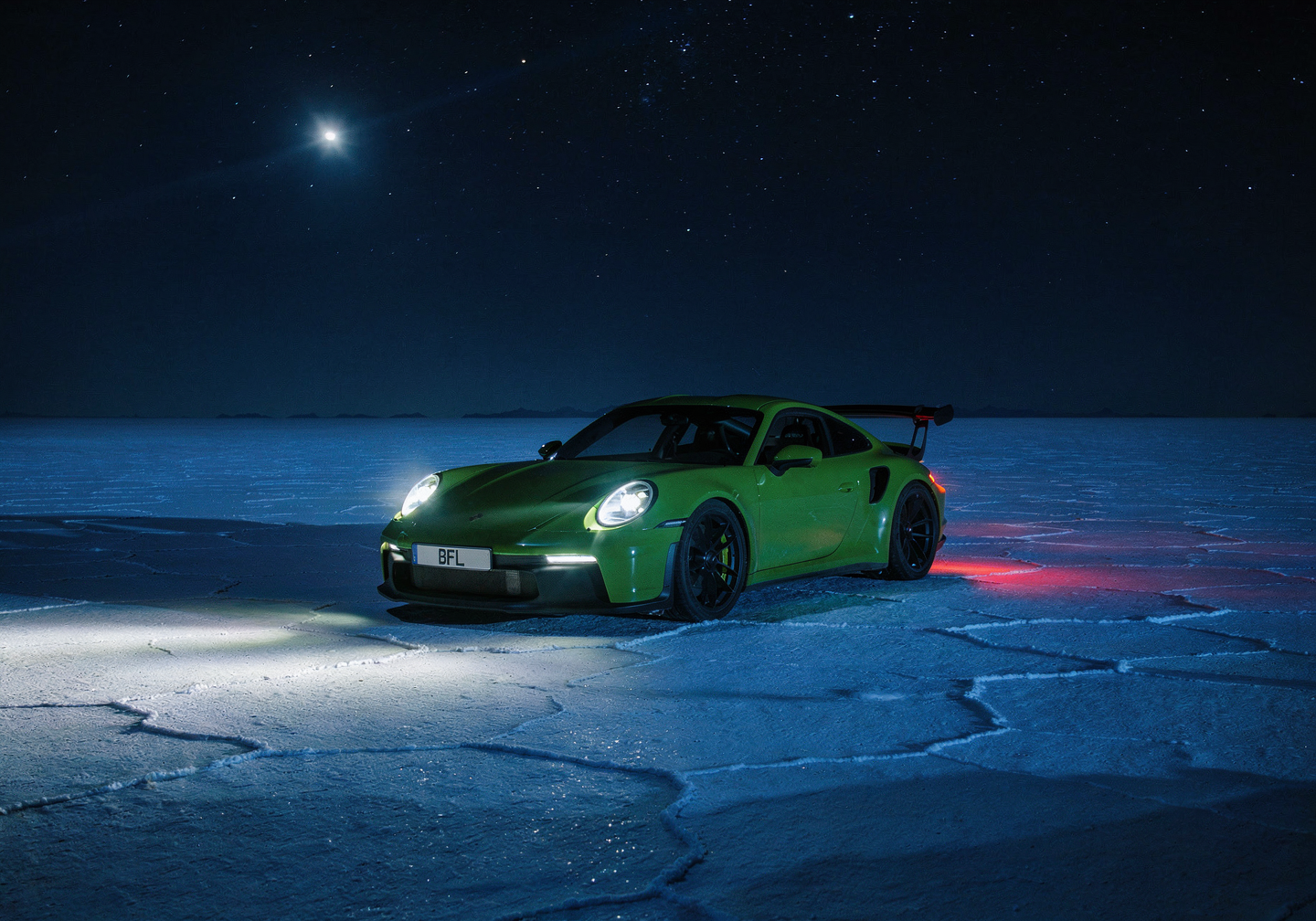
FLUX.2 result
Lighting and color mood
Lighting and color mood
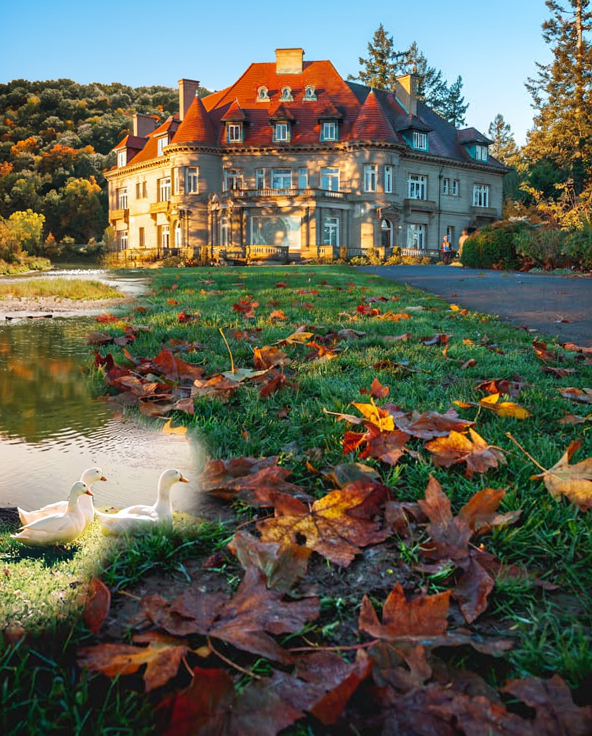

FLUX.2 result
Text Editing
Add, replace, or modify text within images, from simple swaps to full ad layouts. Put the exact words in quotes and say where they go and how they should look.Handwritten text on a photo
Handwritten text on a photo
Simple text replacement
Simple text replacement
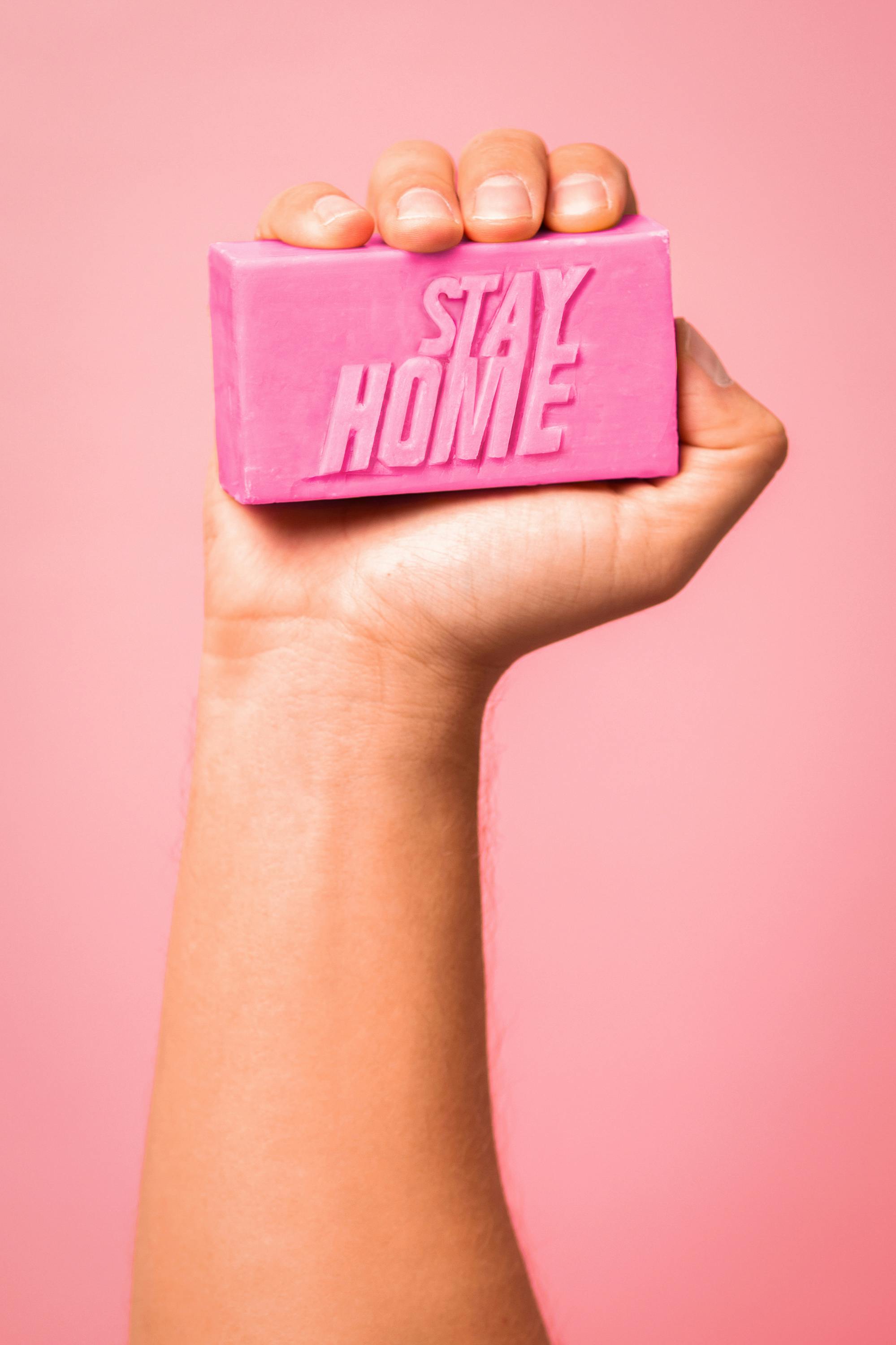
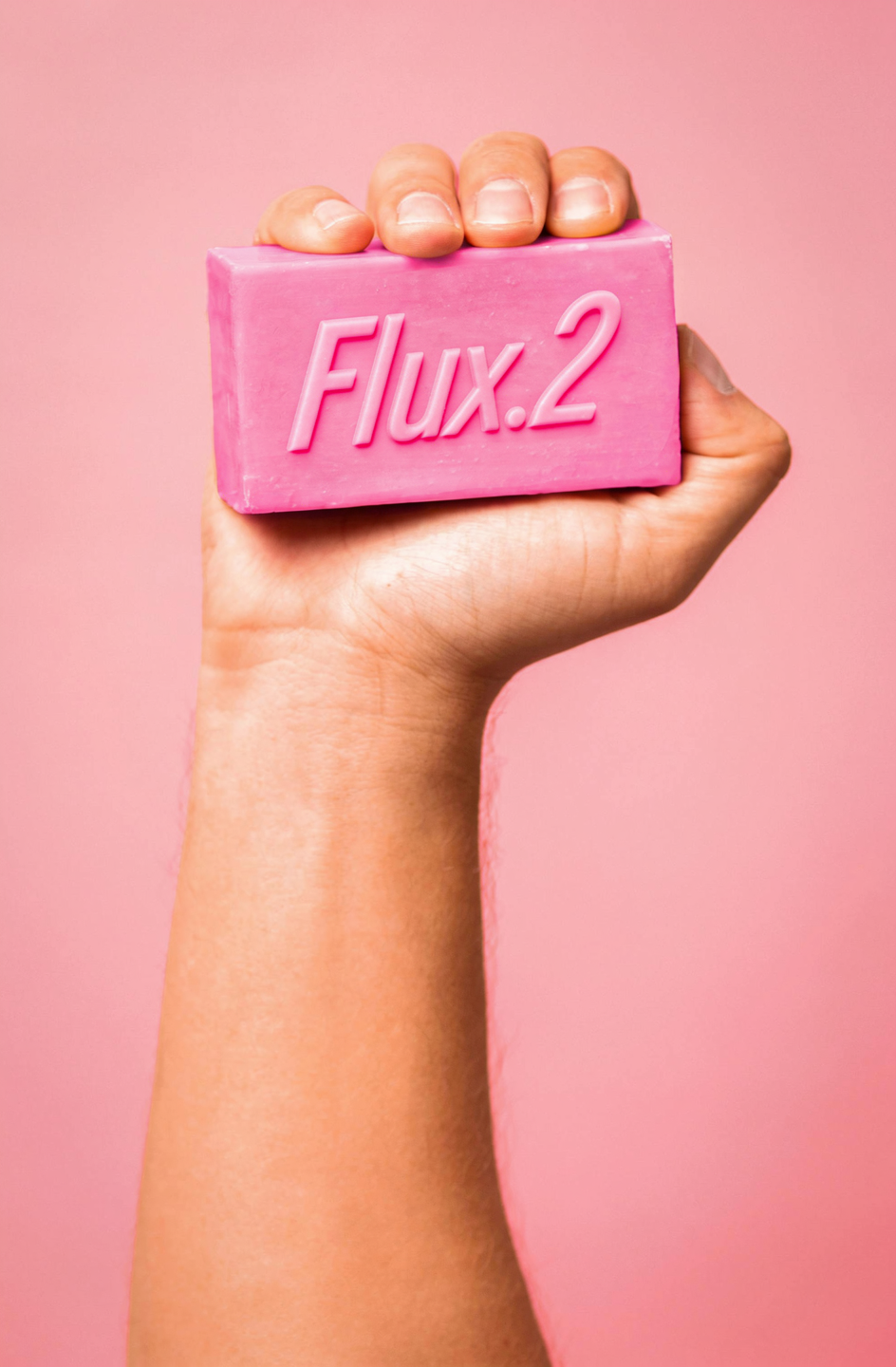
FLUX.2 result
Neon sign text
Neon sign text
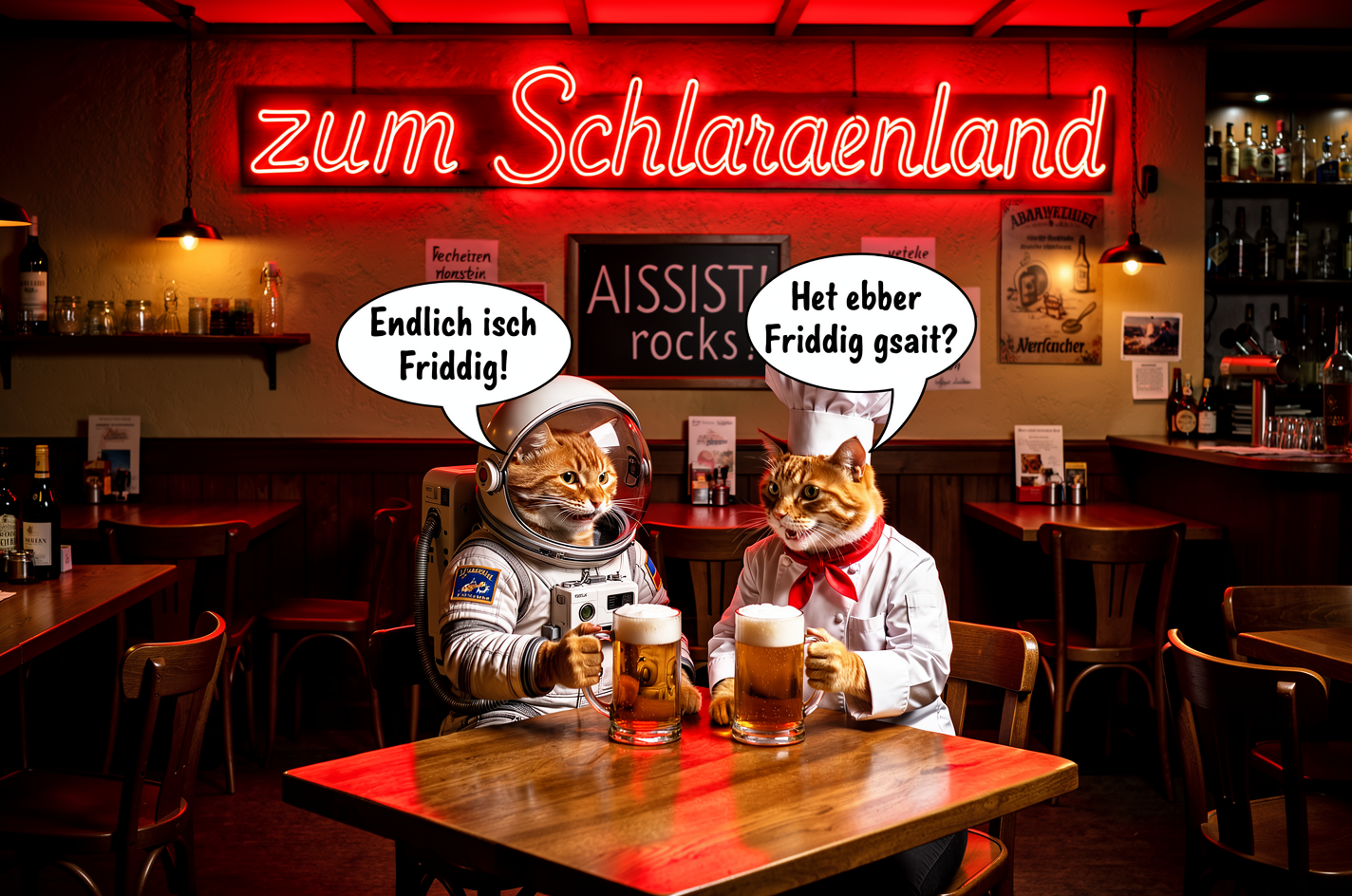
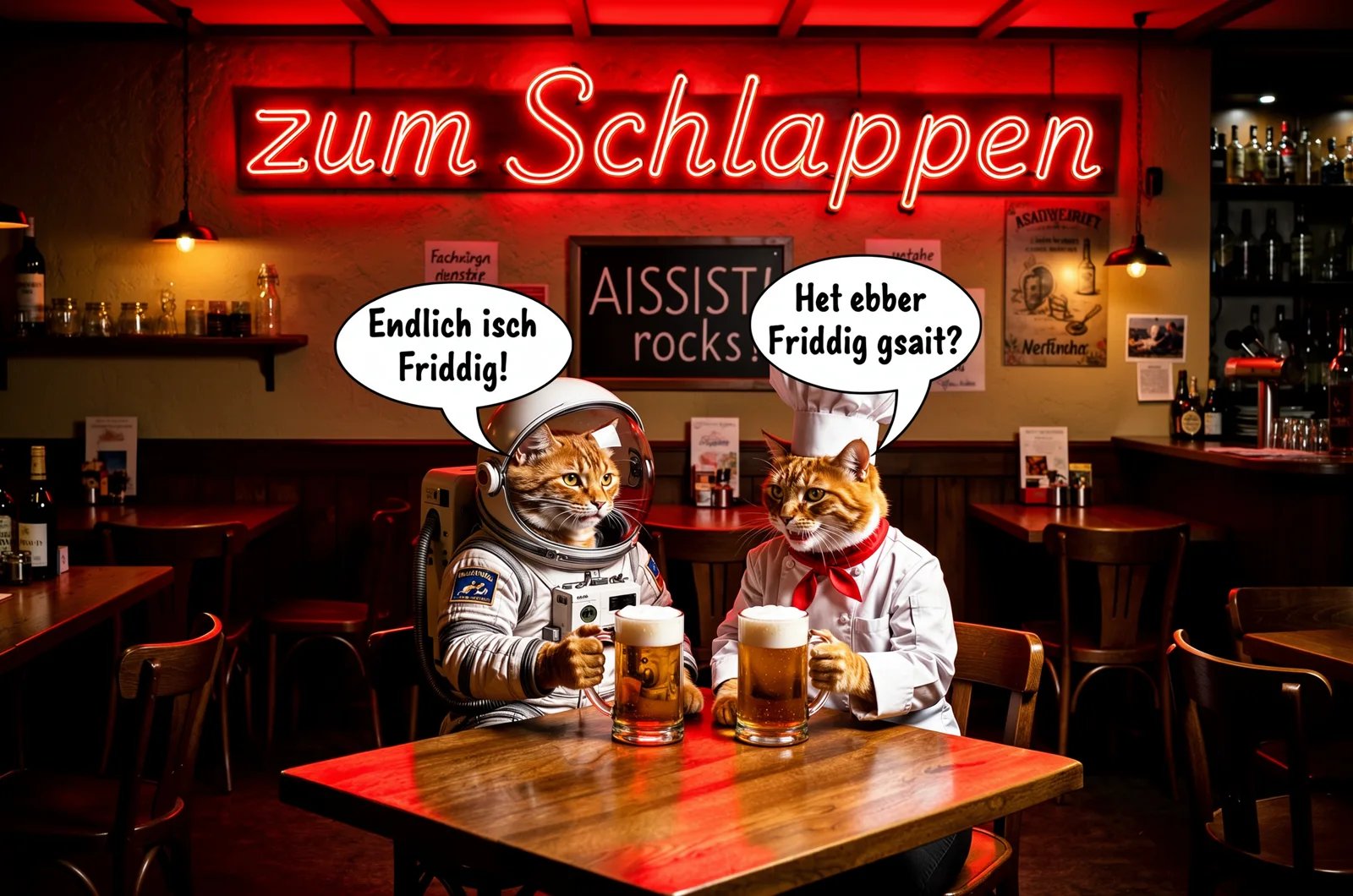
FLUX 3 Image
Sign replacement + scene edit
Sign replacement + scene edit
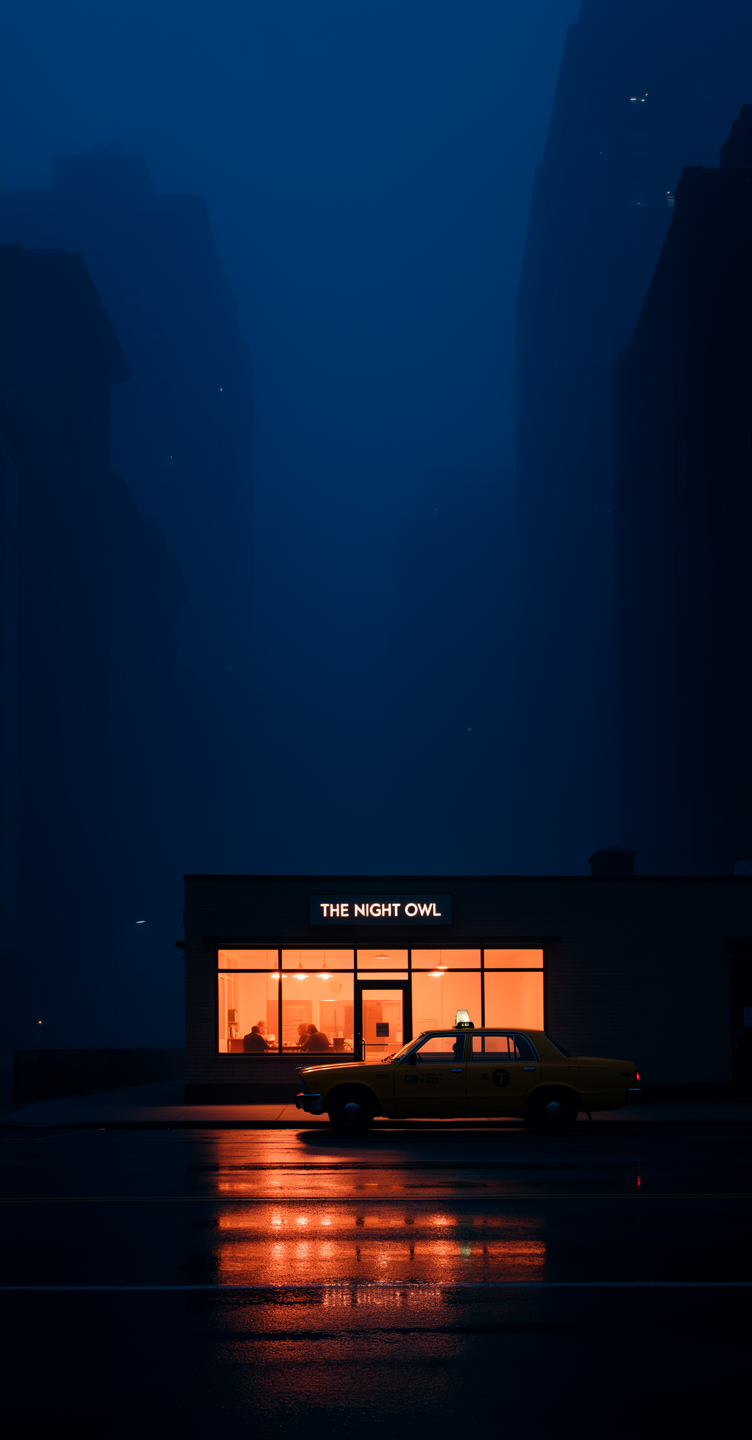
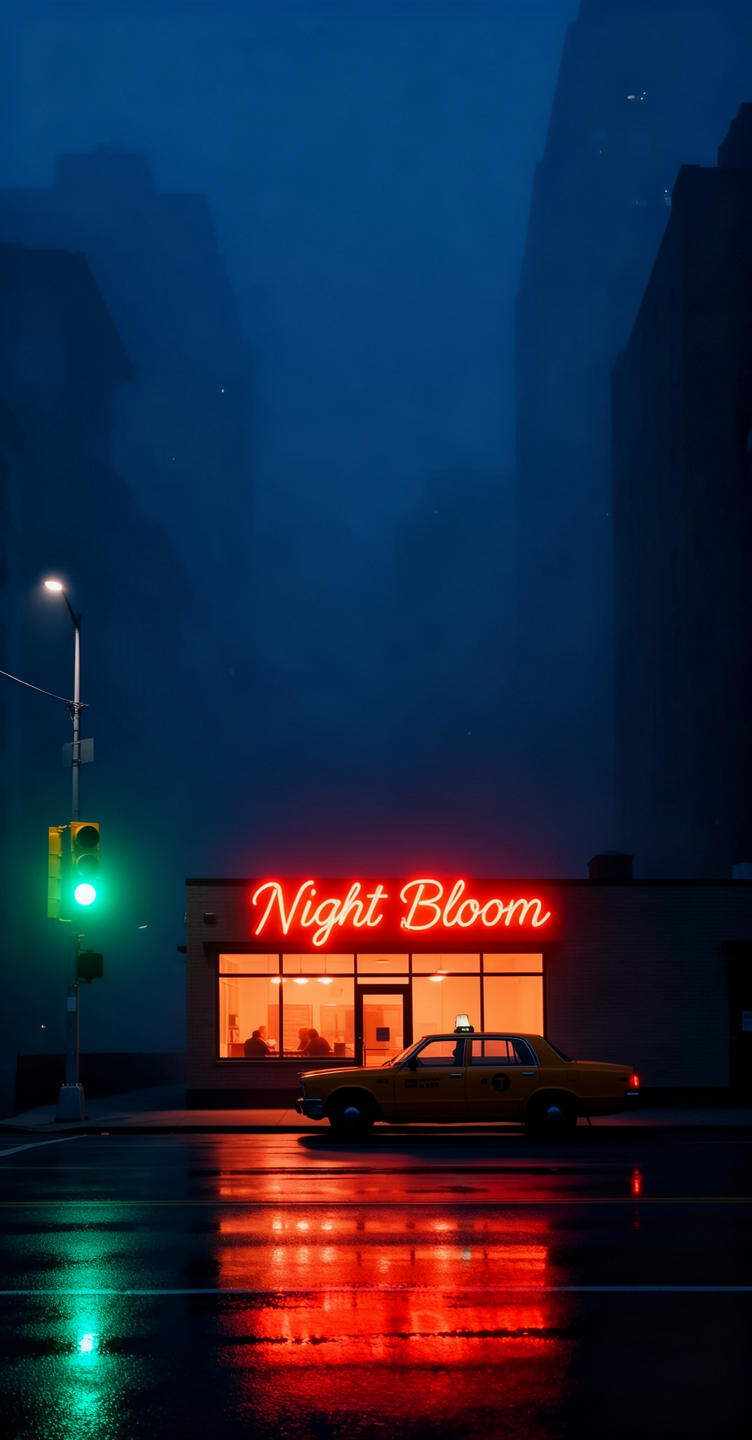
FLUX.2 result
Ad creation with text overlay
Ad creation with text overlay


FLUX.2 result
Virtual Try-On & Clothing
Change outfits, add accessories, or adjust clothing colors. Useful for fashion and e-commerce.Outfit change
Outfit change
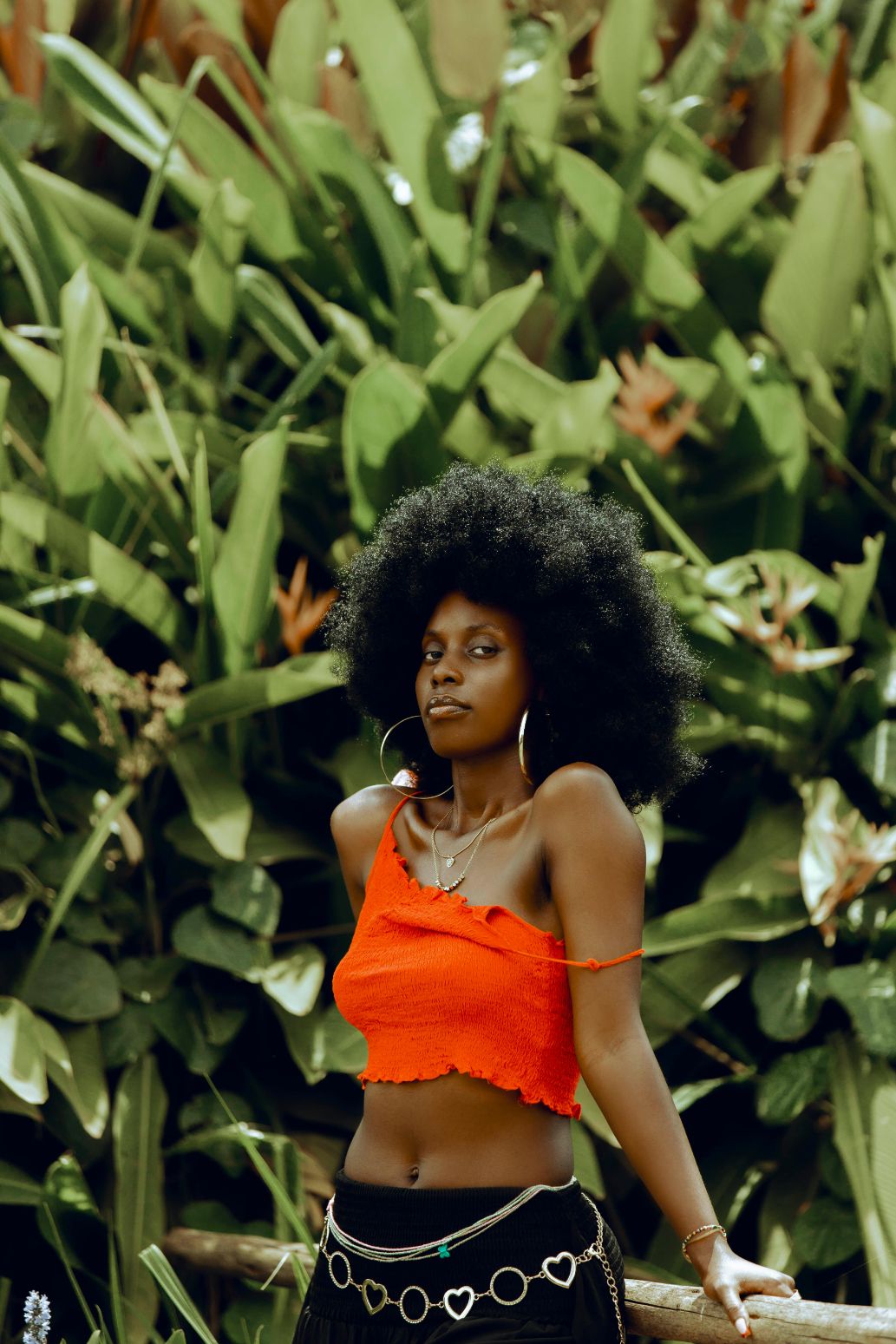
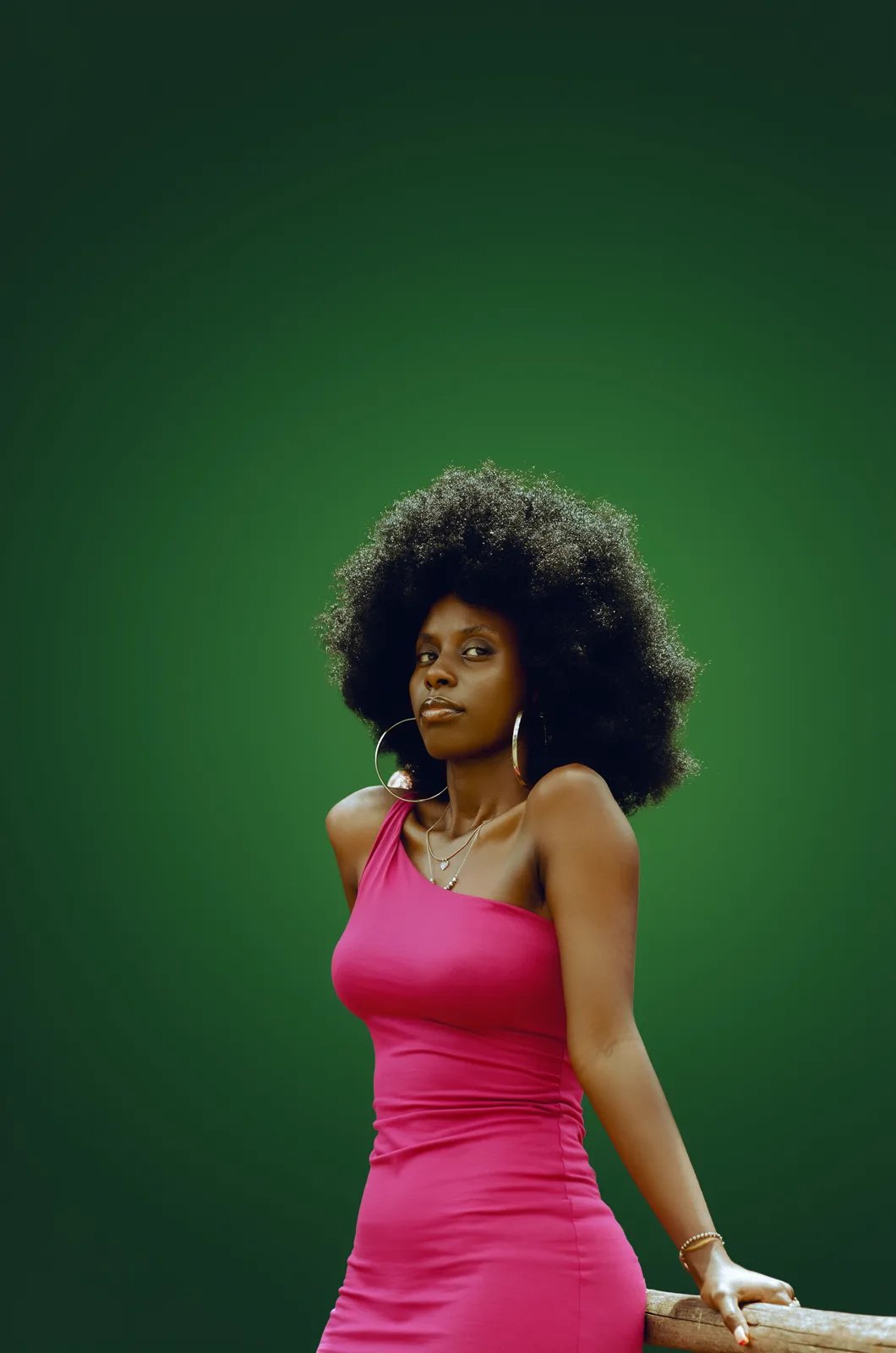
FLUX 3 Image
Add accessories with hex colors
Add accessories with hex colors
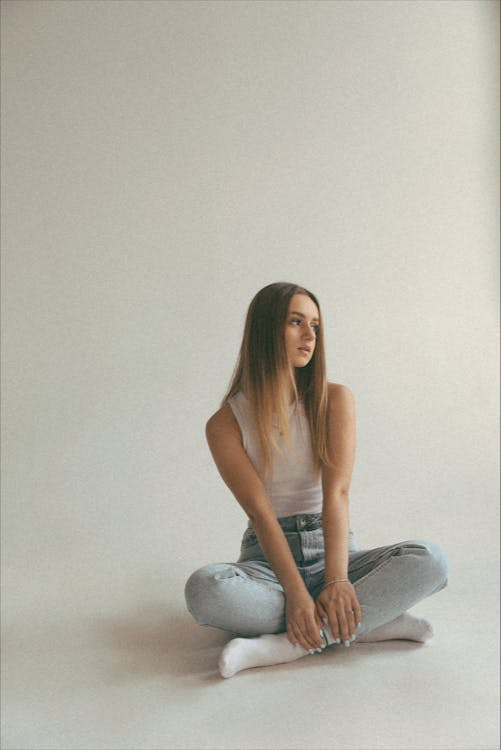
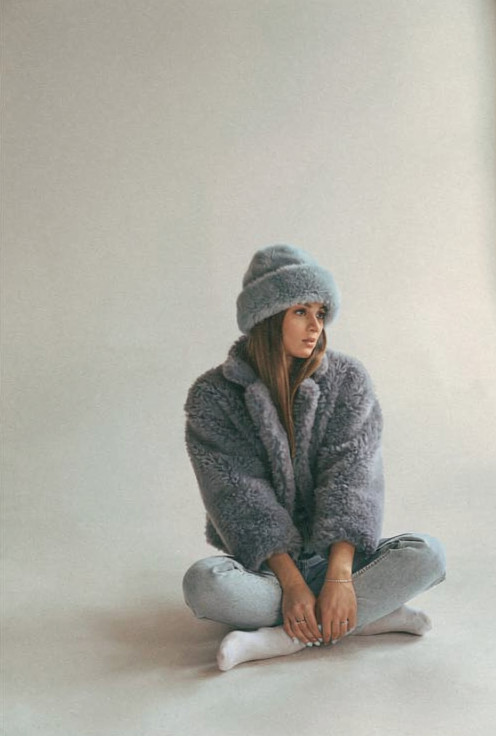
FLUX.2 result
Dress recoloring with detail preservation
Dress recoloring with detail preservation
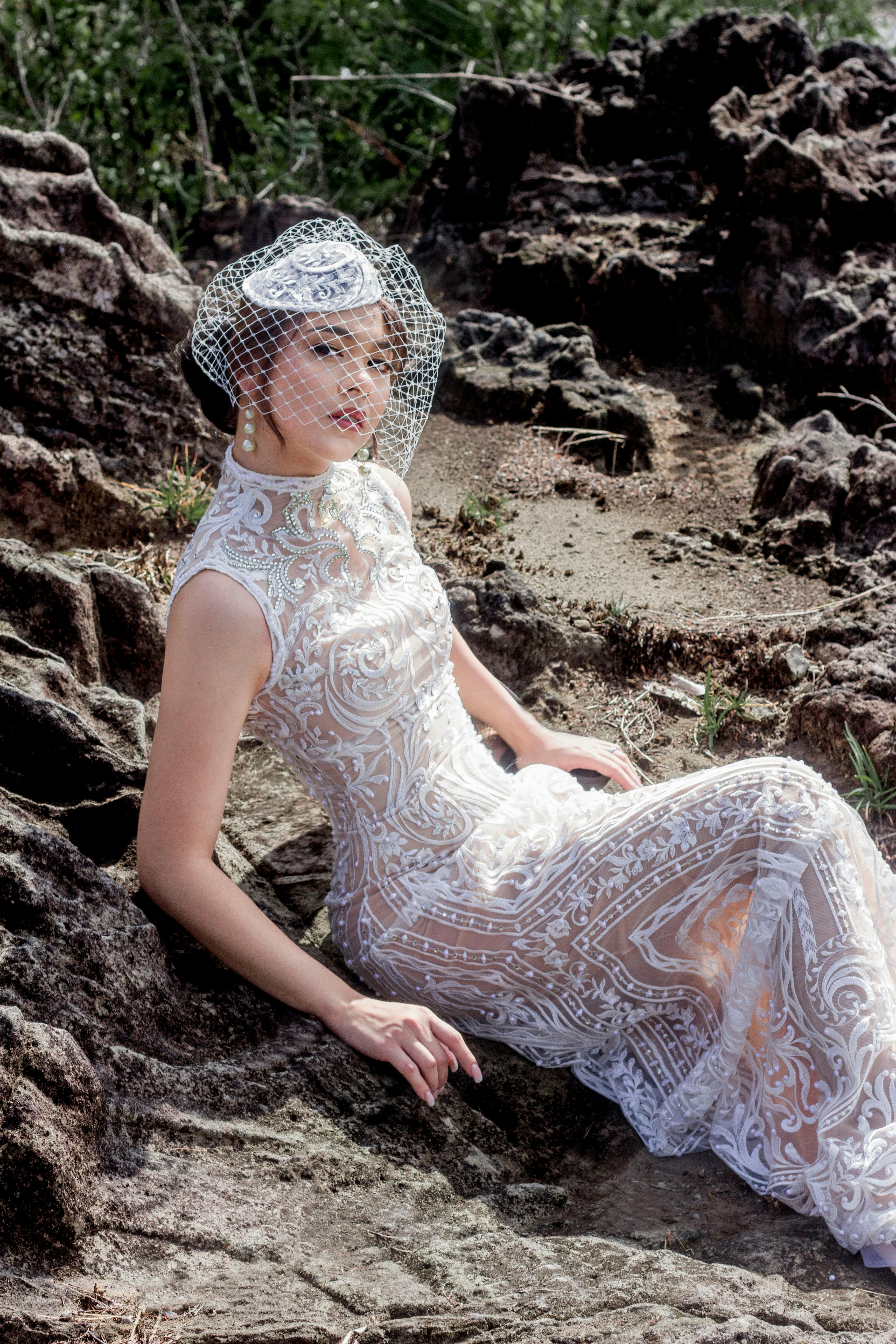
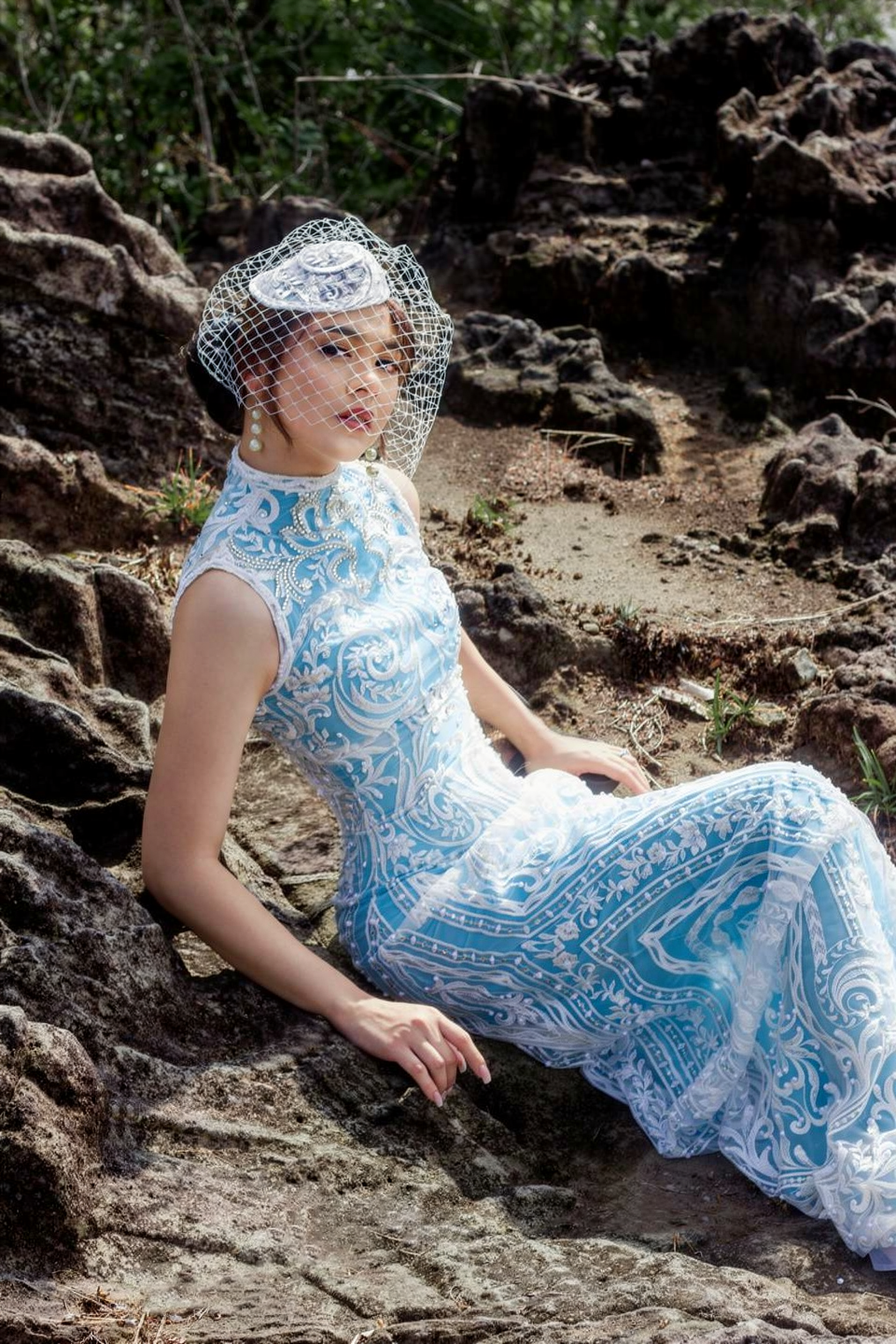
FLUX.2 result
Pose & Expression Changes
Adjust gaze direction, body pose, or facial expressions of subjects.Eye/detail correction
Eye/detail correction
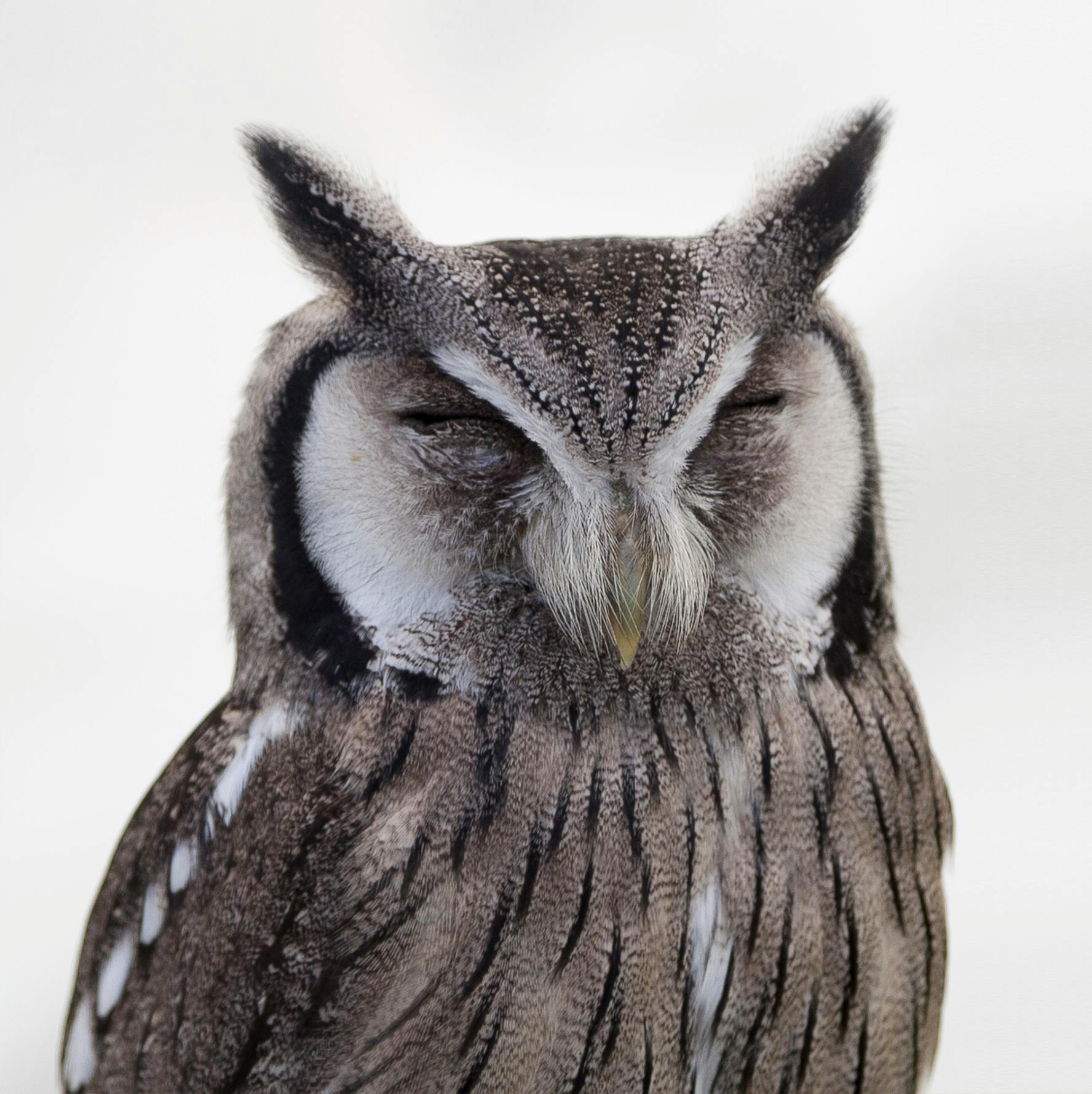
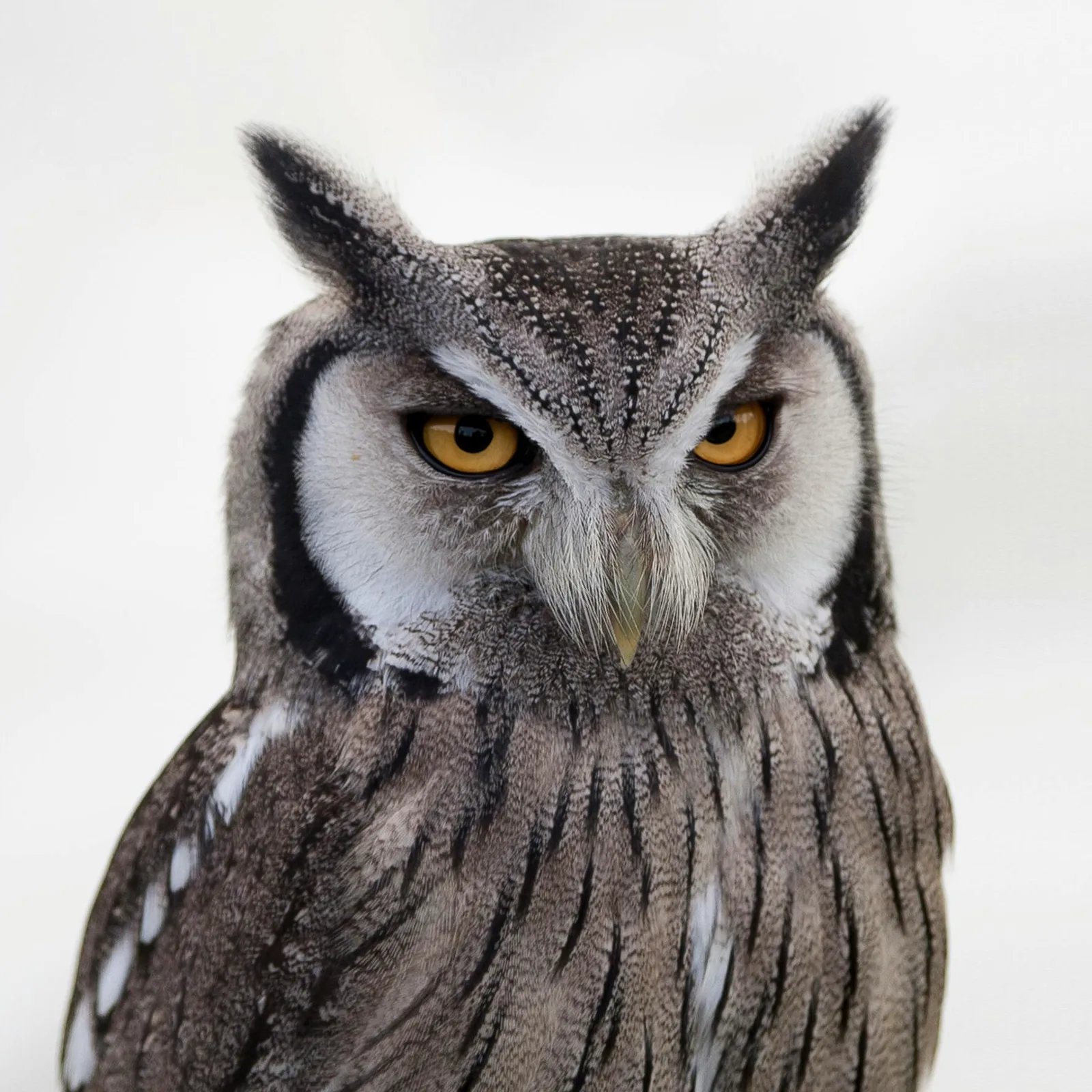
FLUX 3 Image
Gaze direction
Gaze direction
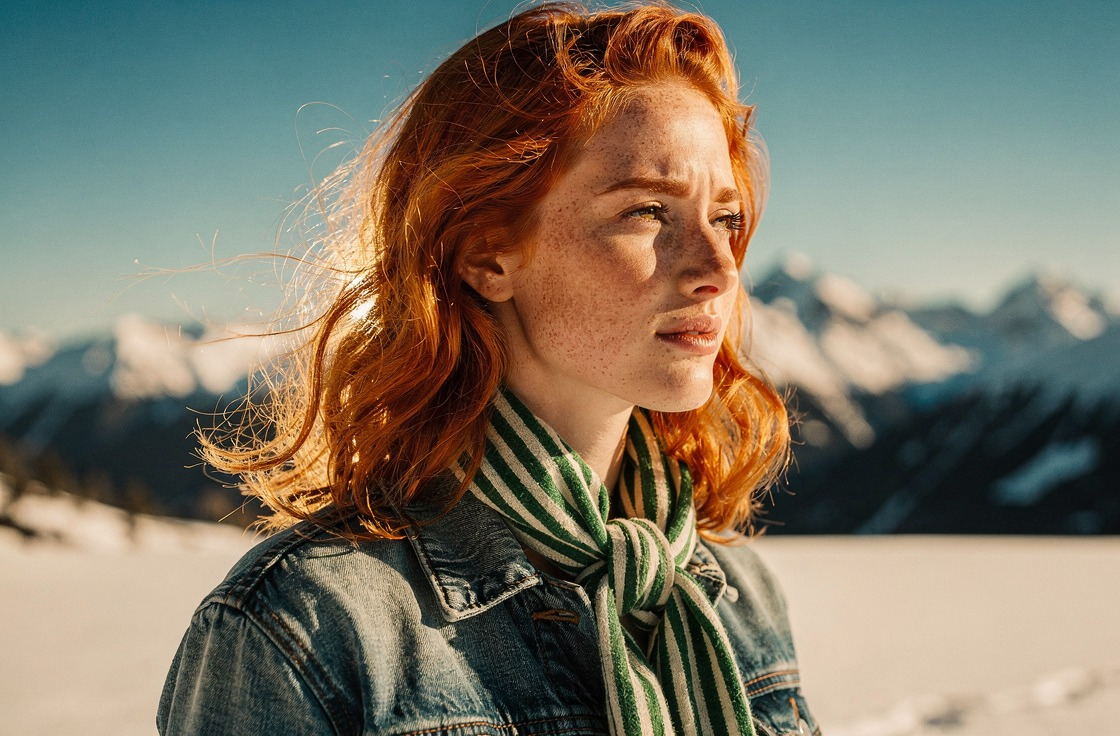
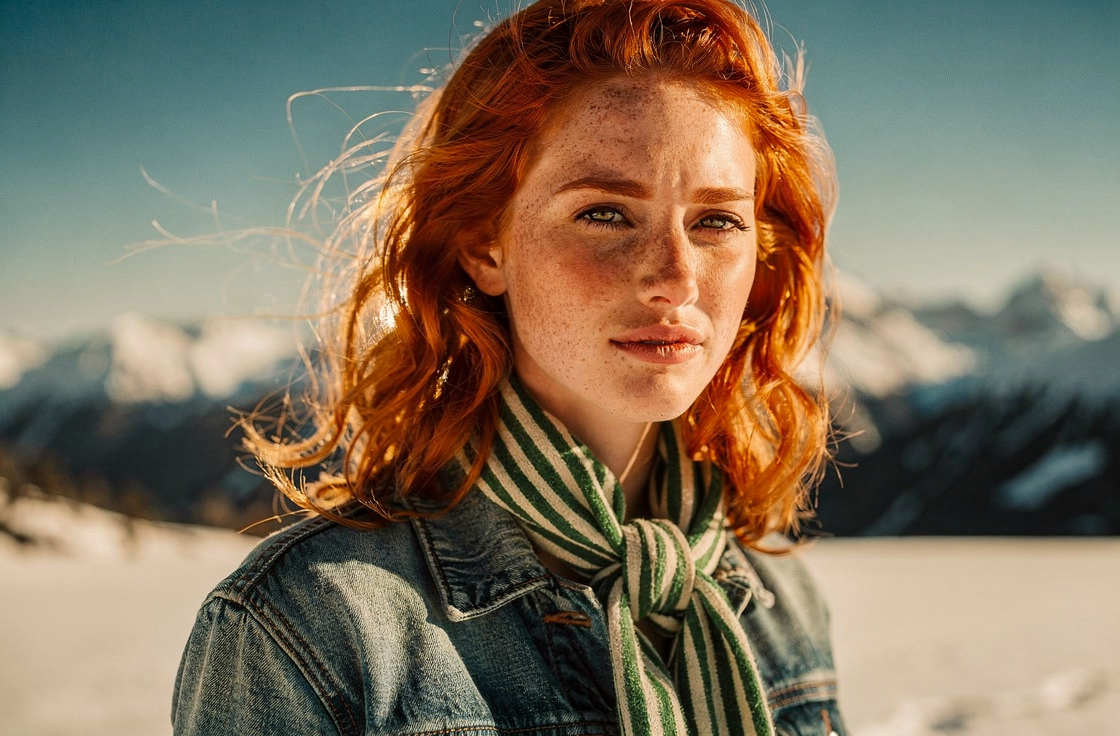
FLUX.2 result
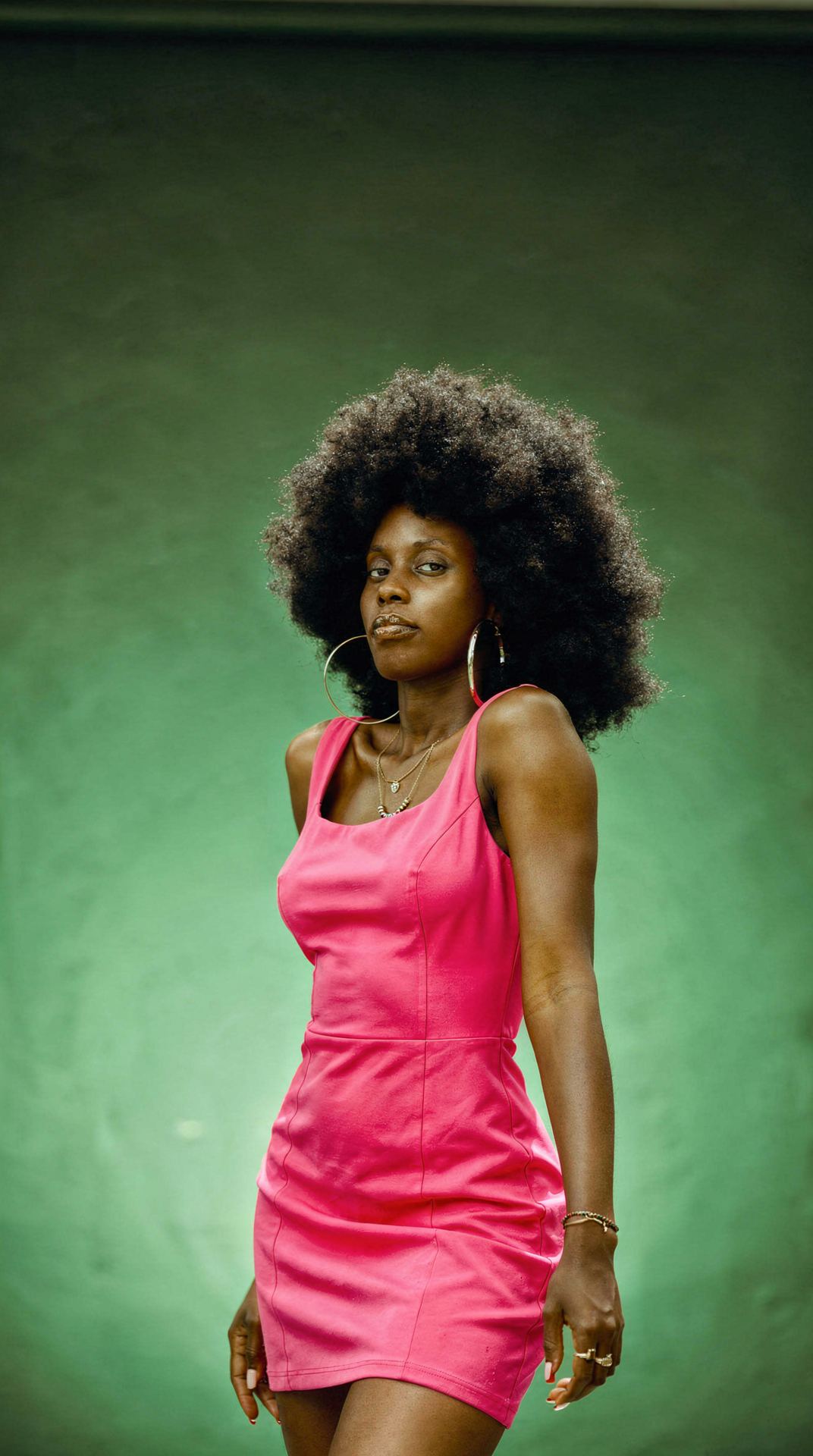
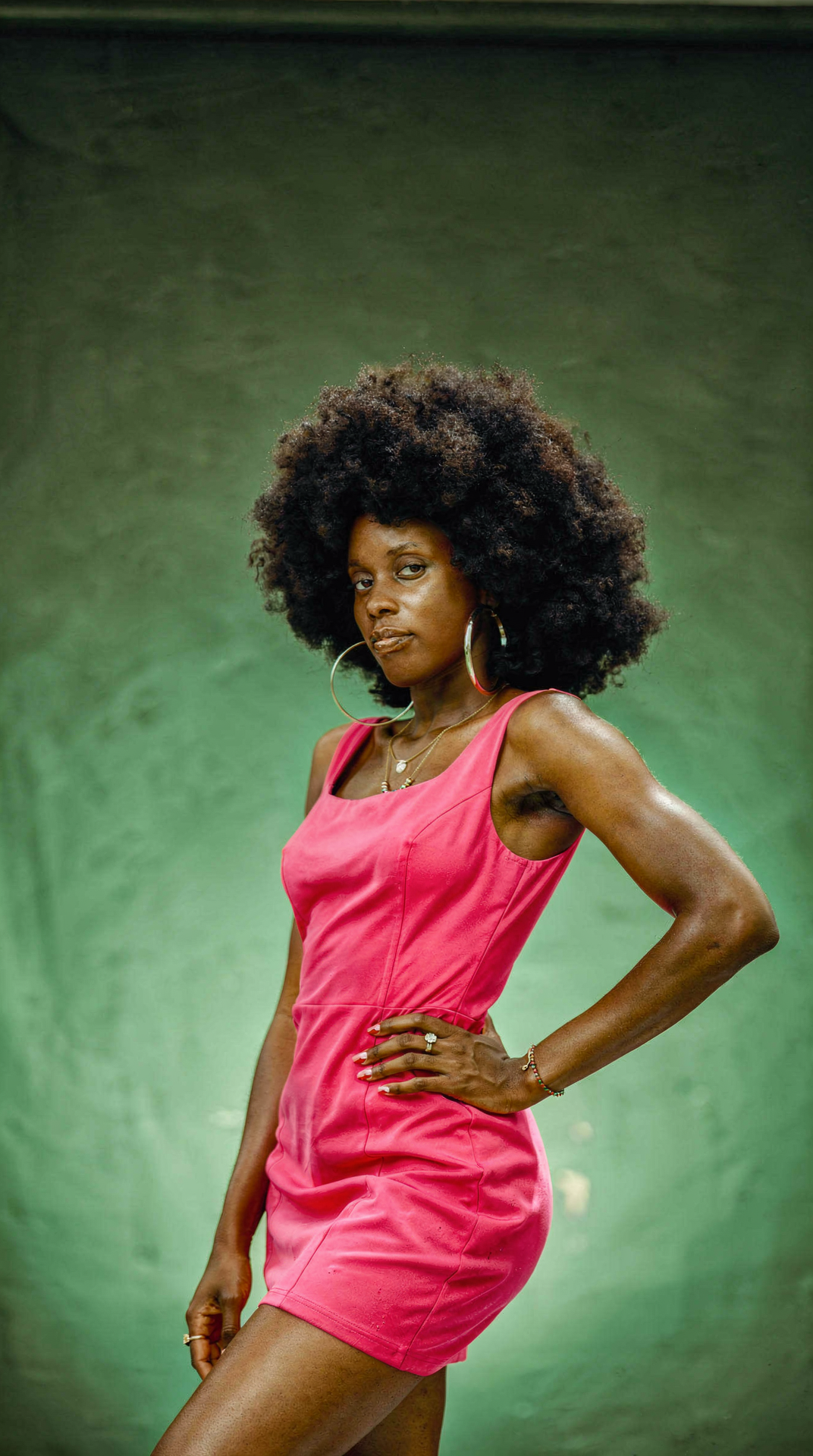
Pose change
Pose change
FLUX.2 result