How It Works
Character consistency in FLUX.2 relies on multi-reference editing. You provide one or more reference images of your character, then describe the new scene, pose, or context. FLUX.2 preserves the character’s identity while adapting them to the new setting.Examples
Iterative editing with consistent identity
FLUX.2 maintains character consistency even after multiple sequential edits. Starting from a single reference photo, each edit changes the scene while the character stays recognizable throughout the sequence.
Input image

Edit 1: Remove the object from her face
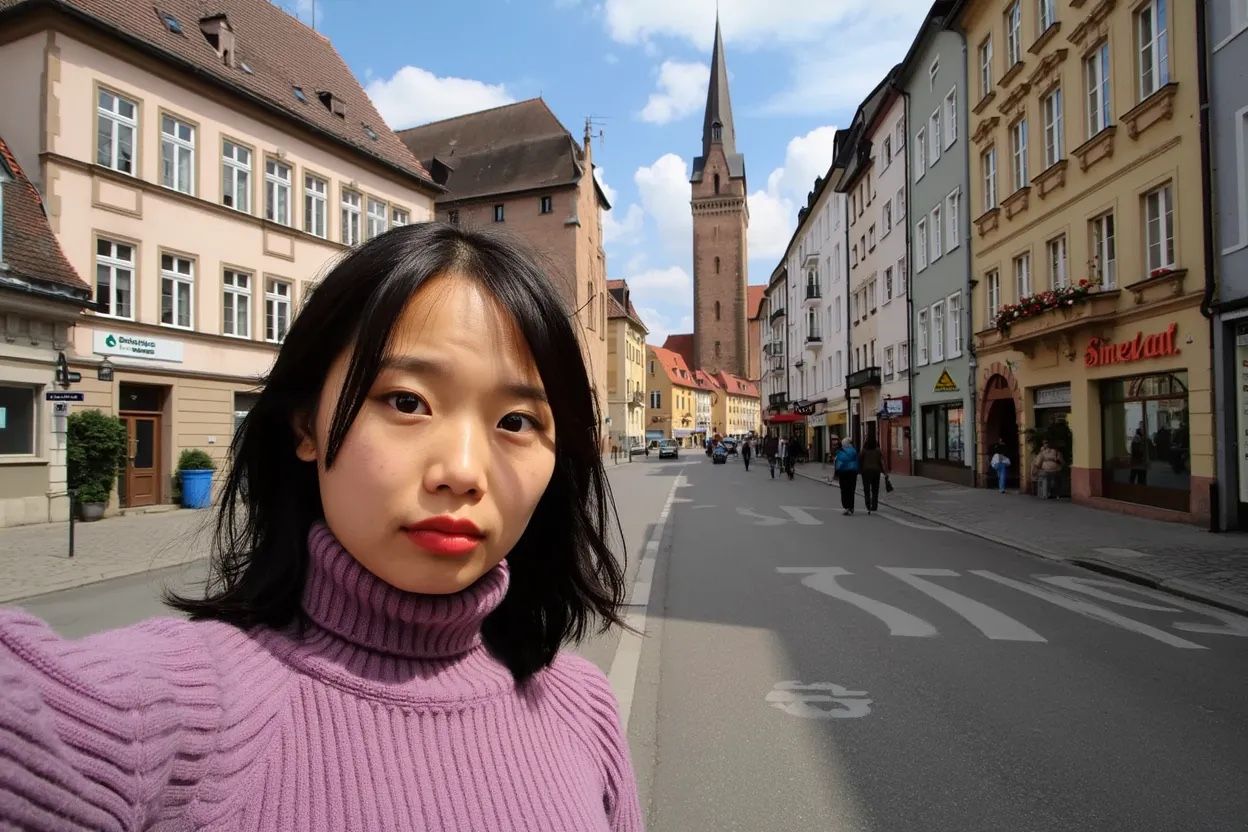
Edit 2: She is now taking a selfie in the streets of Freiburg, it's a lovely day out.
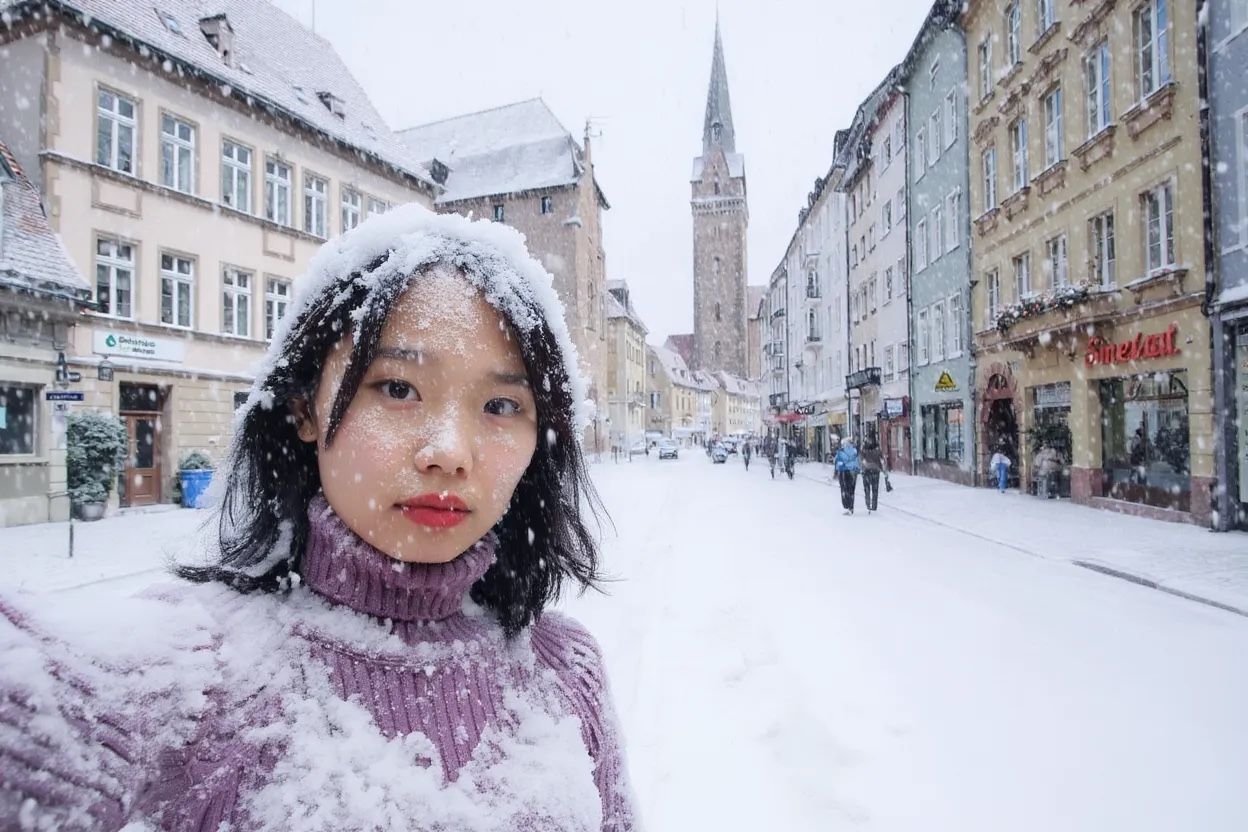
Edit 3: It's now snowing, everything is covered in snow.
Fashion editorial: consistent characters across scenes
With multi-reference editing, you can create entire editorial series with consistent characters. Provide clothing items and a scene description, and FLUX.2 generates a coherent model across every shot.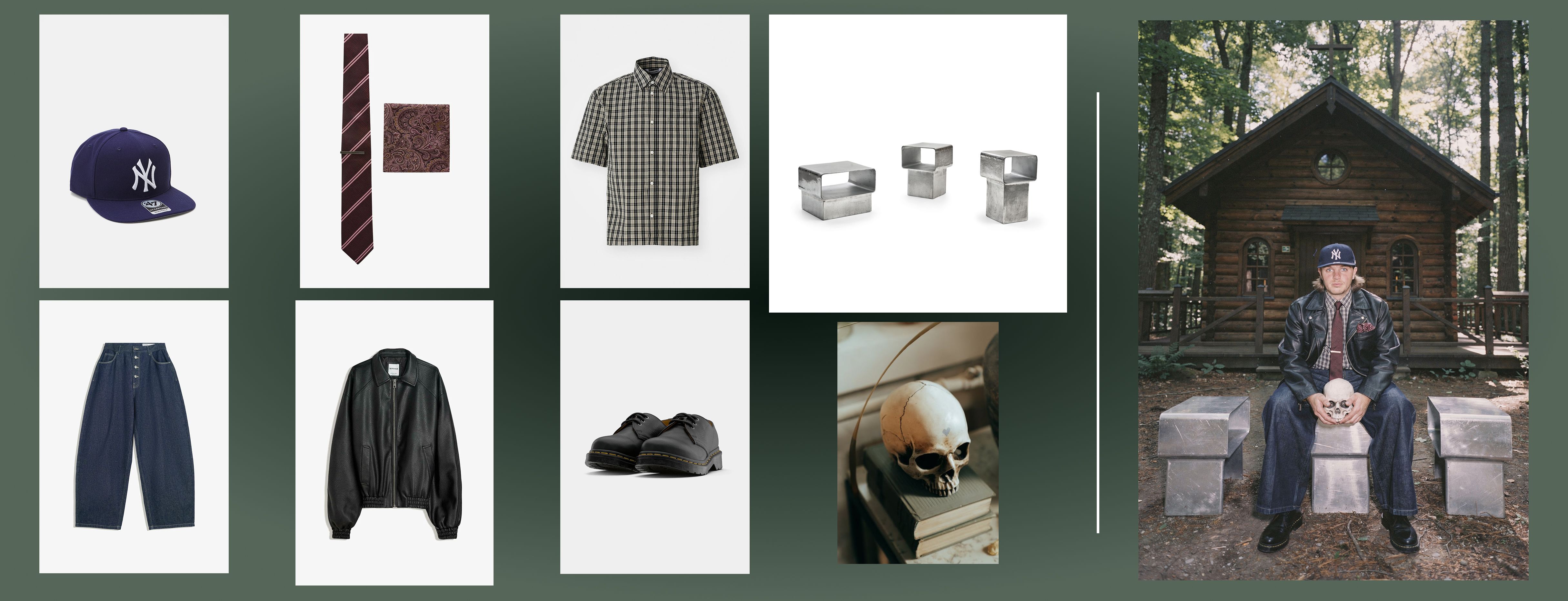
8 images, one prompt: Create a complete fashion editorial with consistent characters across every scene
Character placed in new scene
Place a character from one image into a completely different setting while preserving their appearance and style.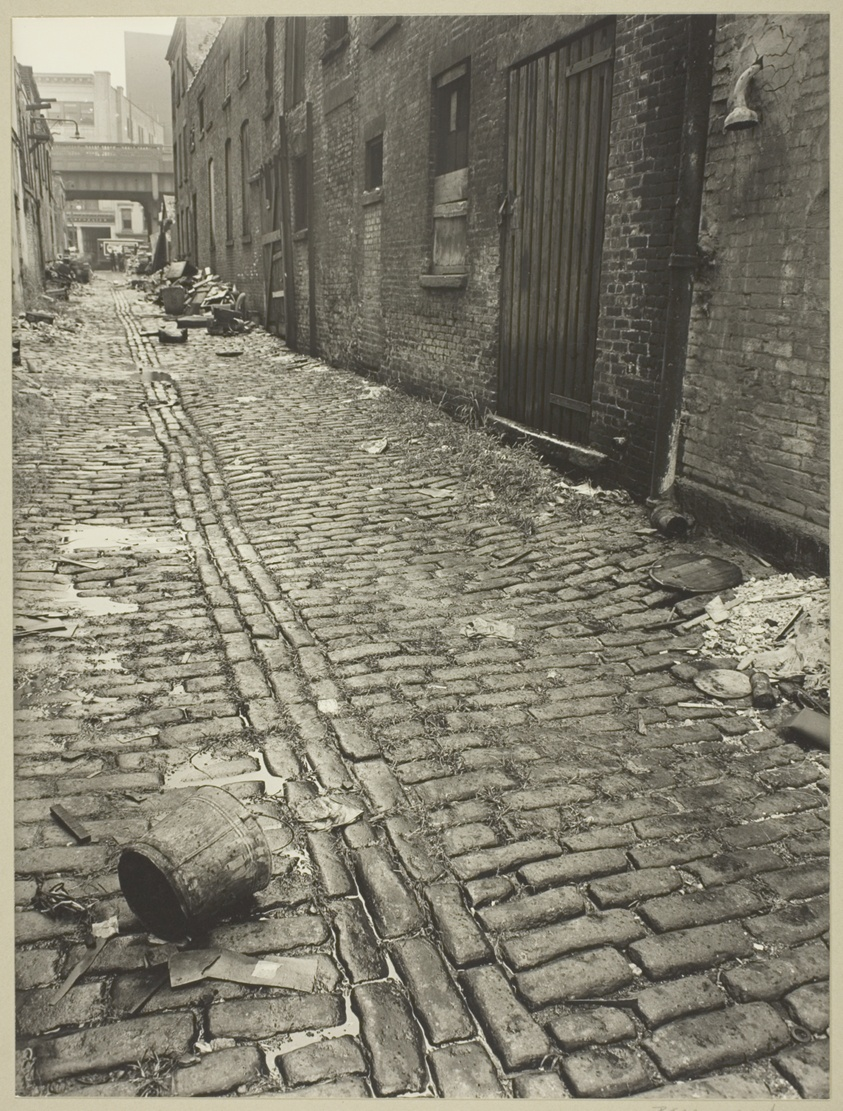
Image 1: Street scene

Image 2: Couple
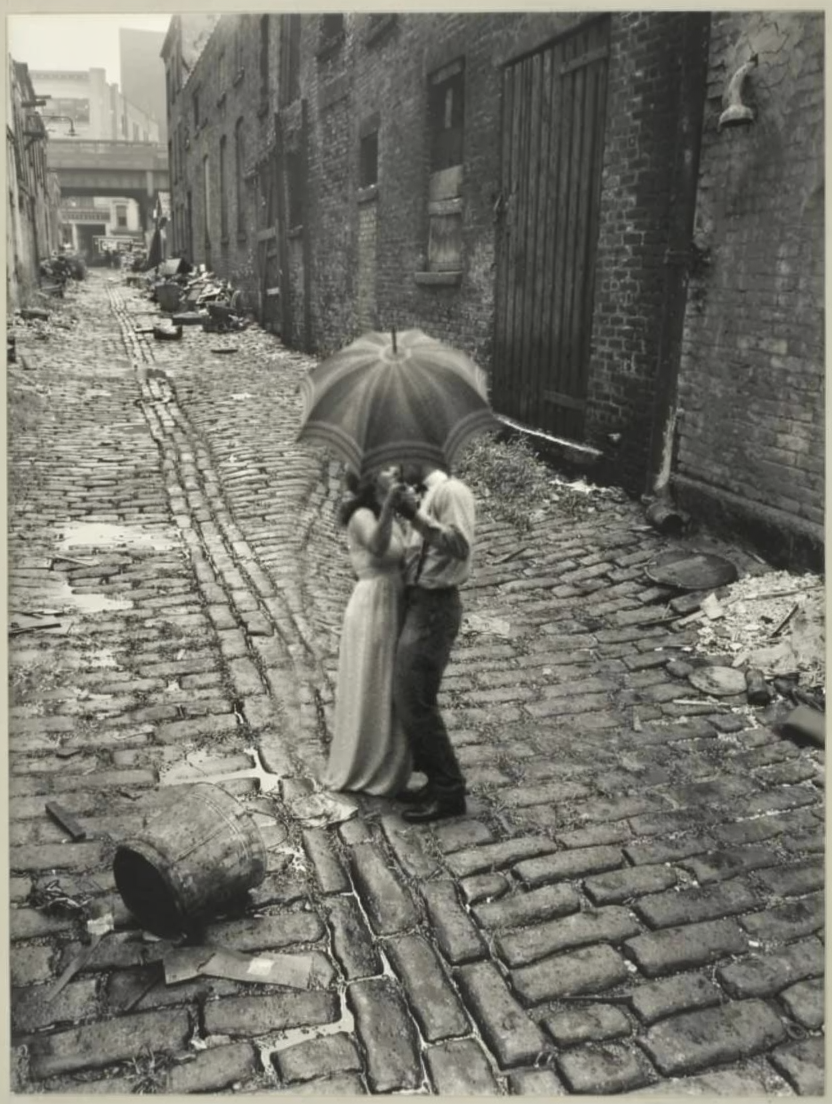
Result
Season and outfit change: same character
Change the environment, weather, and clothing while keeping the character’s identity intact.