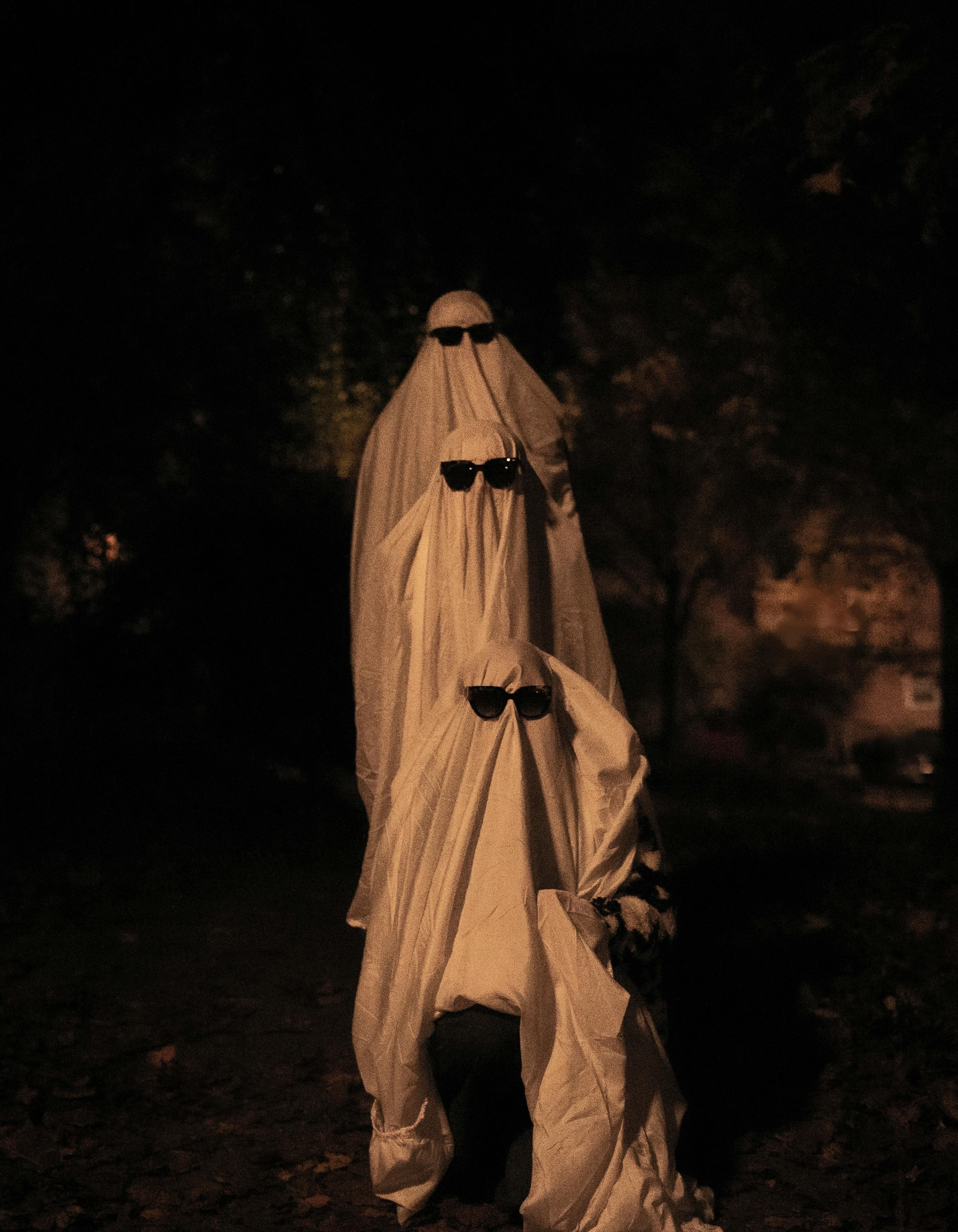
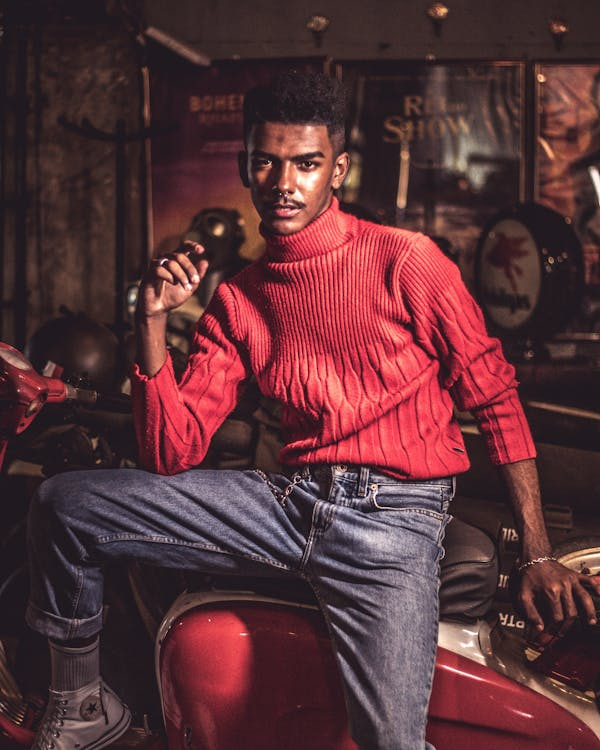
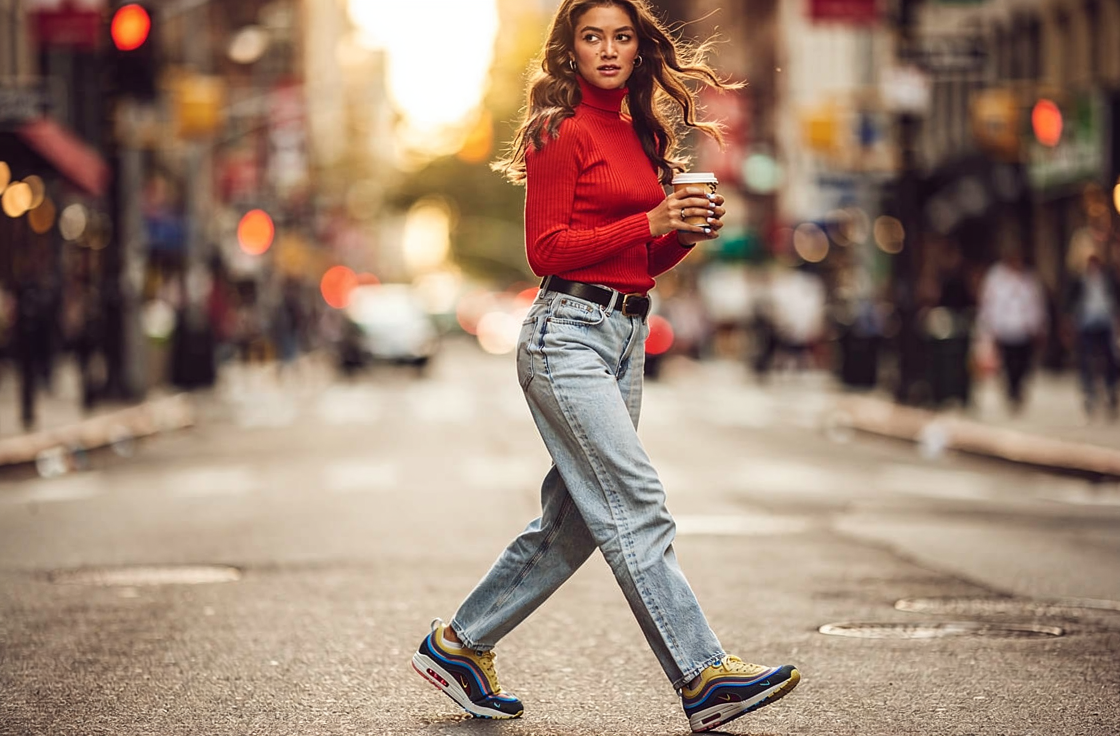
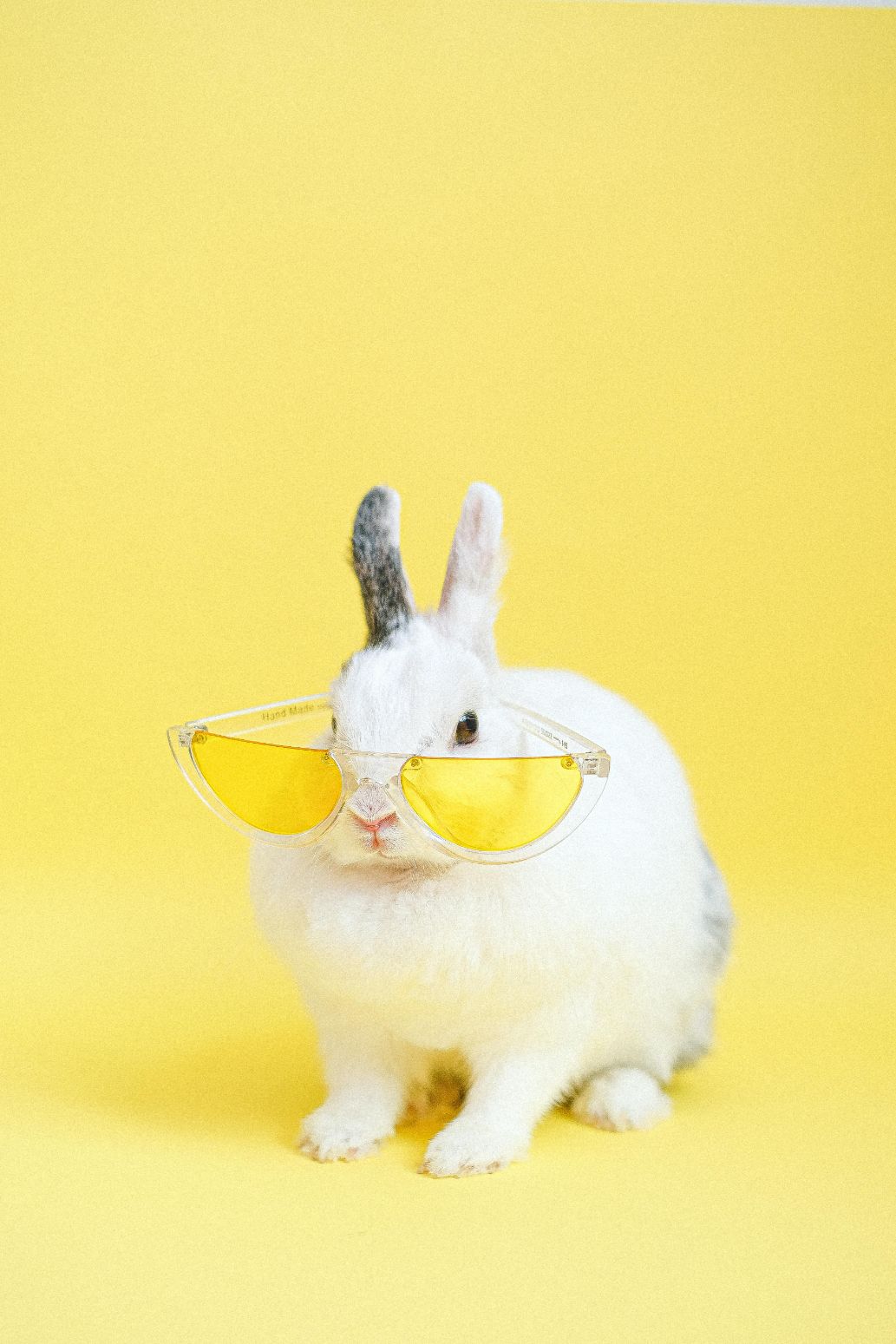
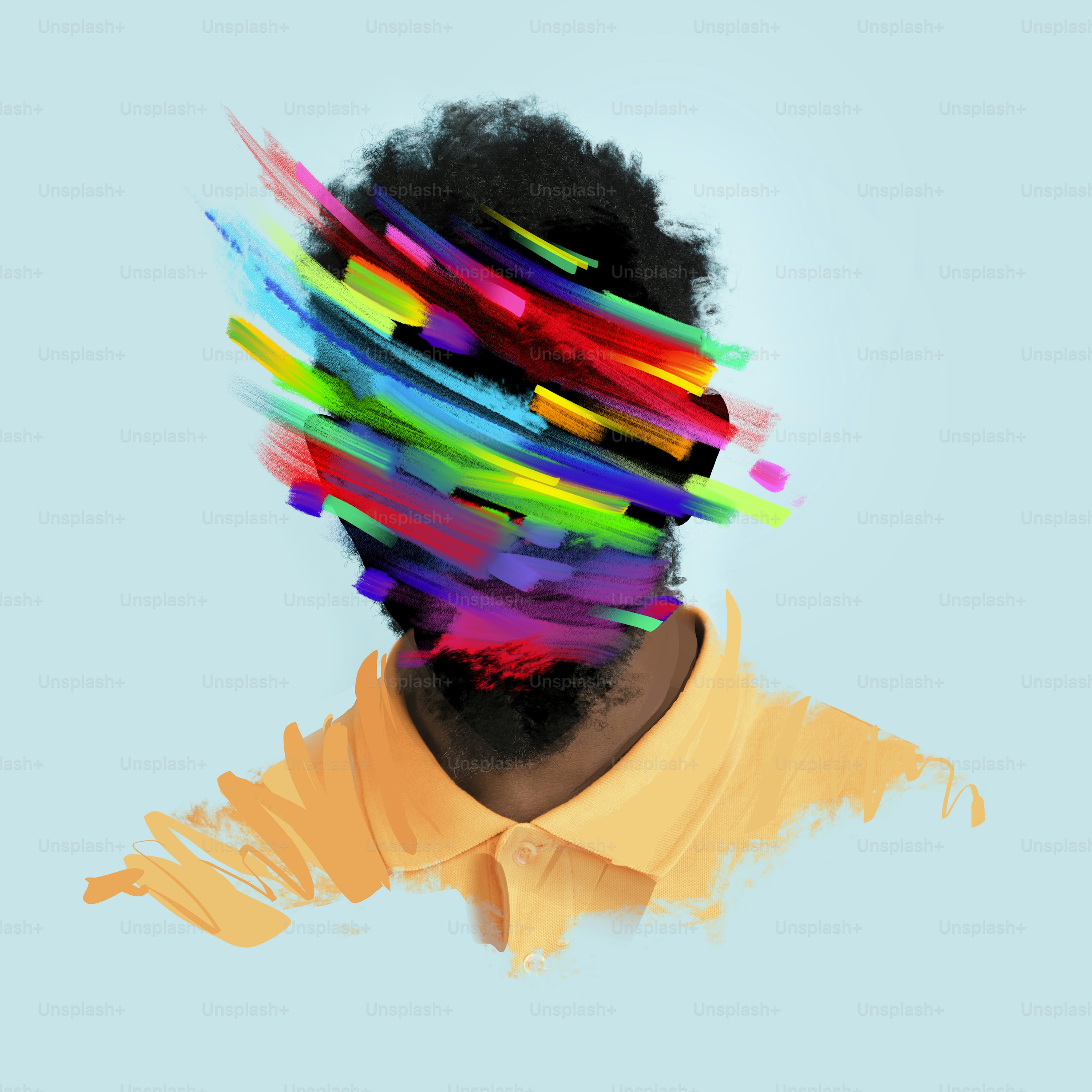
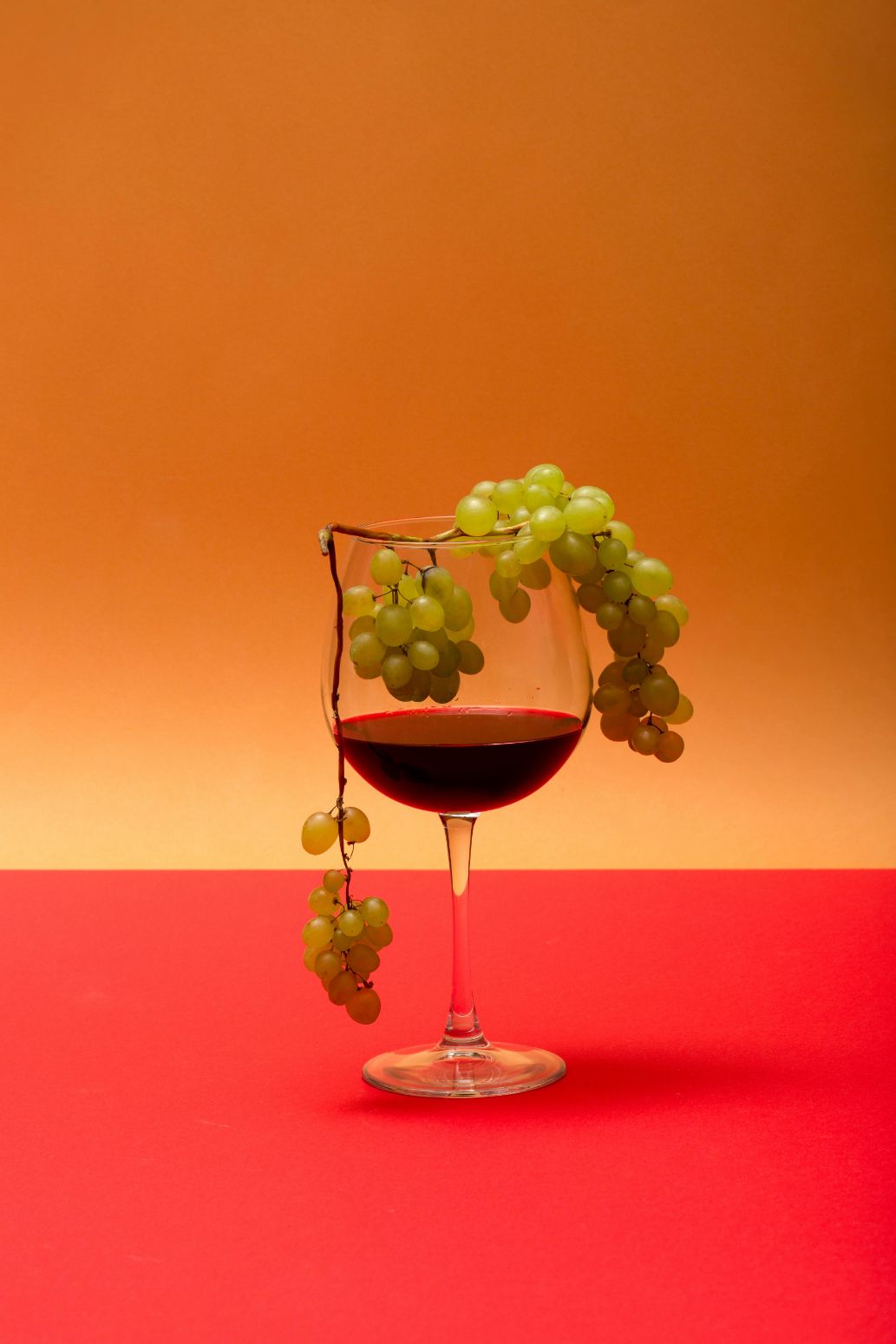
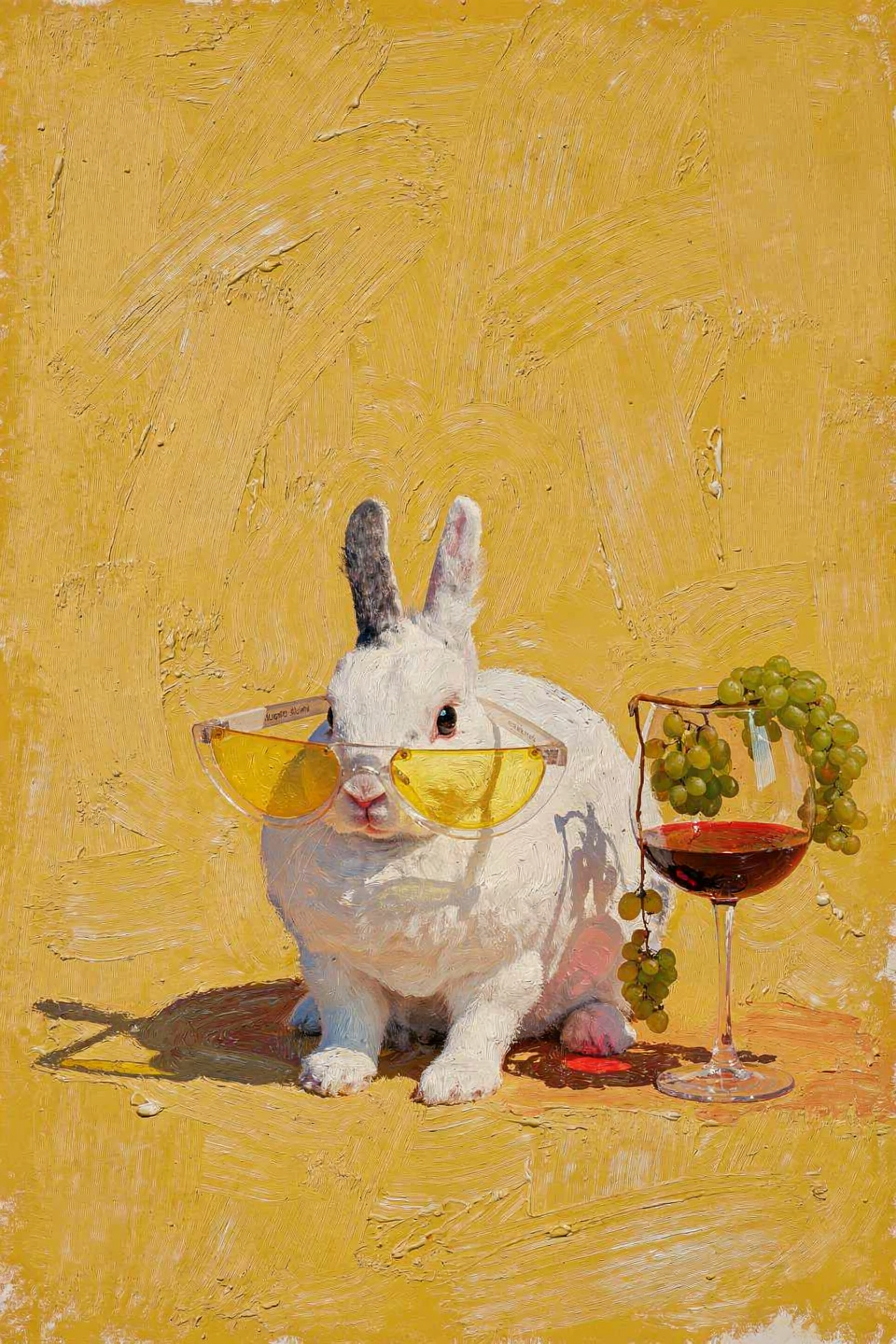
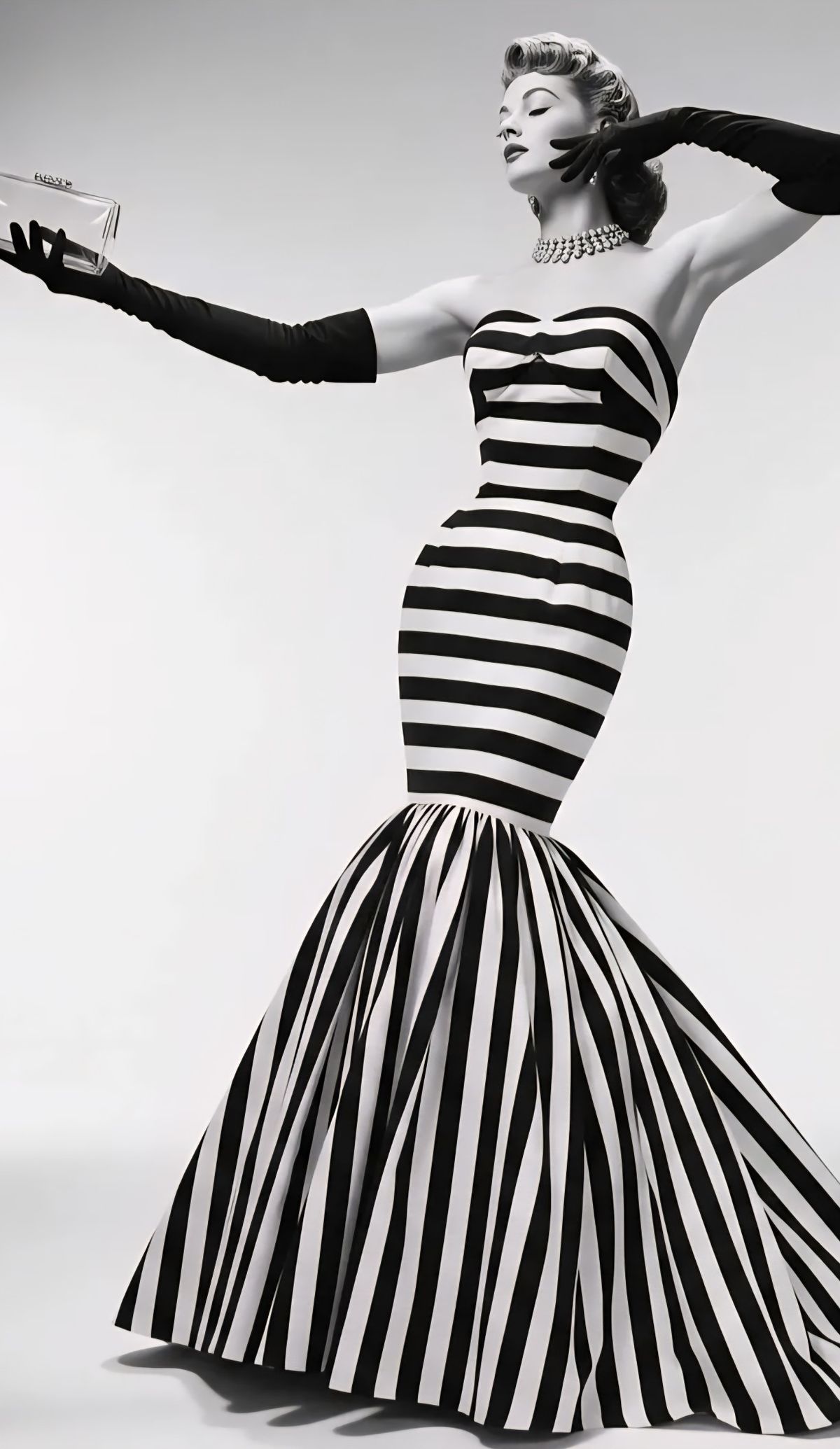
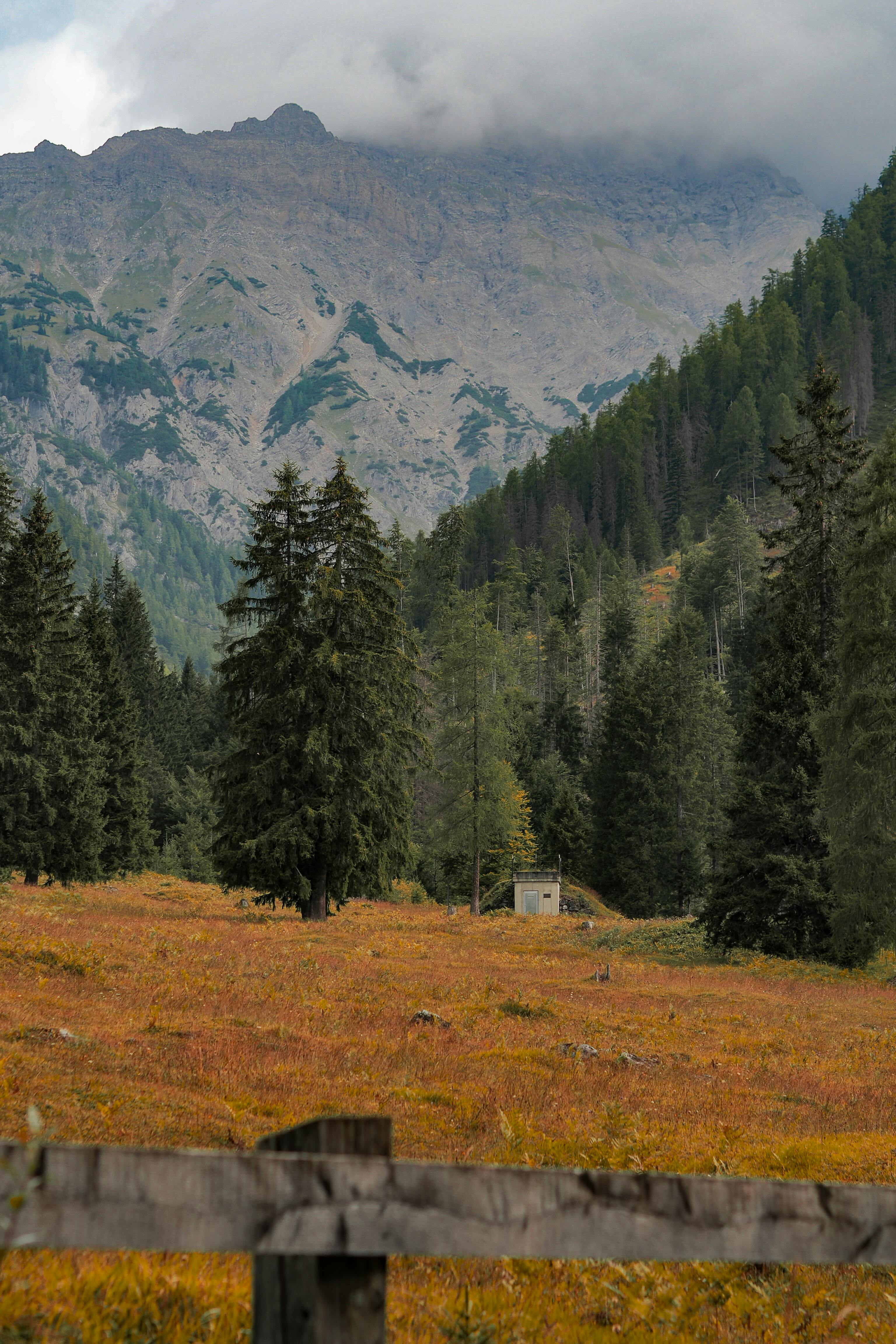
FLUX.2 supports up to 8 reference images, enabling powerful compositing workflows. Combine people, objects, and backgrounds from different sources into a single coherent scene. Reference each image by number in your prompt.
Refer to each input as “image 1”, “image 2”, etc. in your prompt. Be explicit about which element comes from which image.

Examples

Three-image scene composition
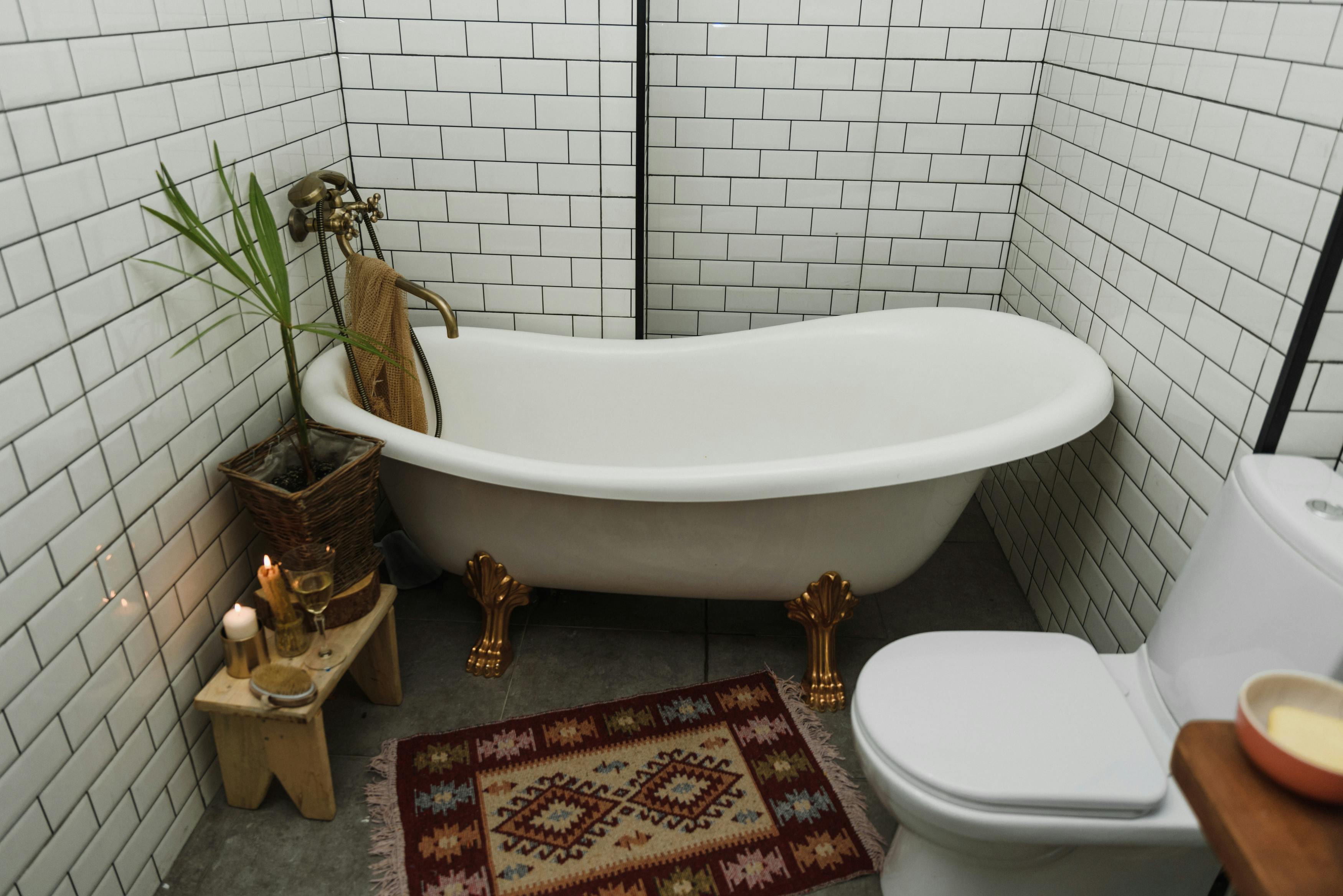
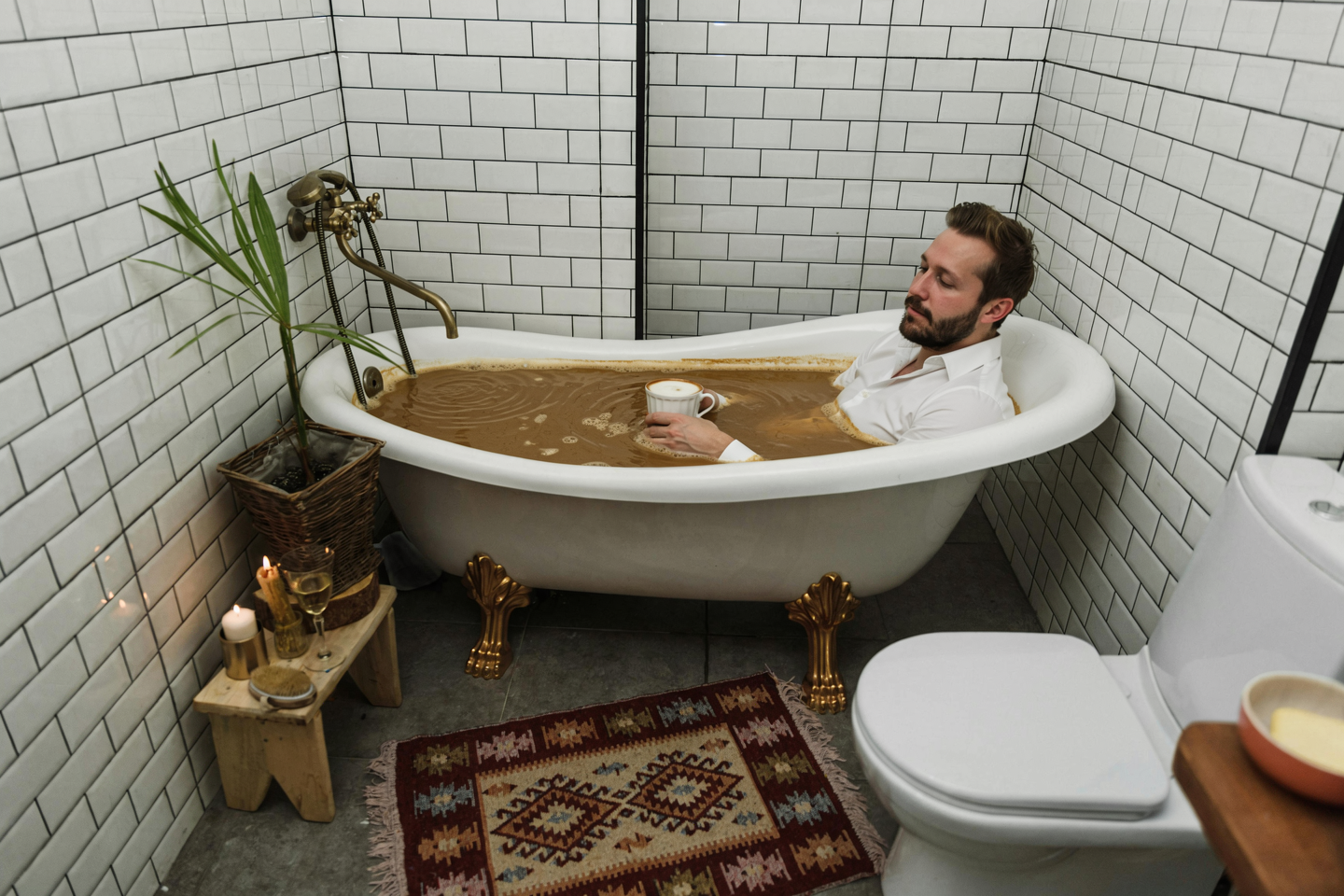
Input: bathtub
Input: coffee texture
Input: person
Person in coffee-filled bathtub

Take the coffee liquid and texture from image 2 and fill the bathtub from image 1 with it. Then place the person from image 3 inside the bath, fully clothed, positioned naturally, and sipping from his cup of coffee.

Style-matched couple placement

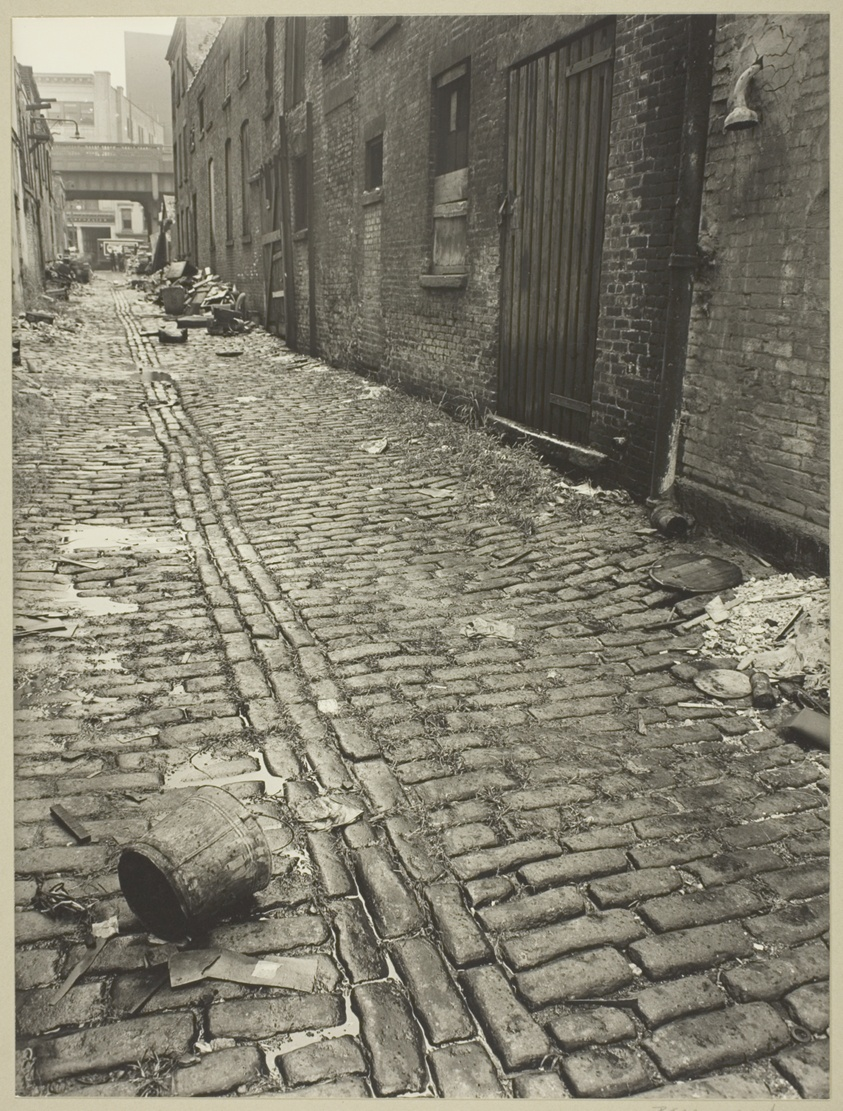
Input: street scene
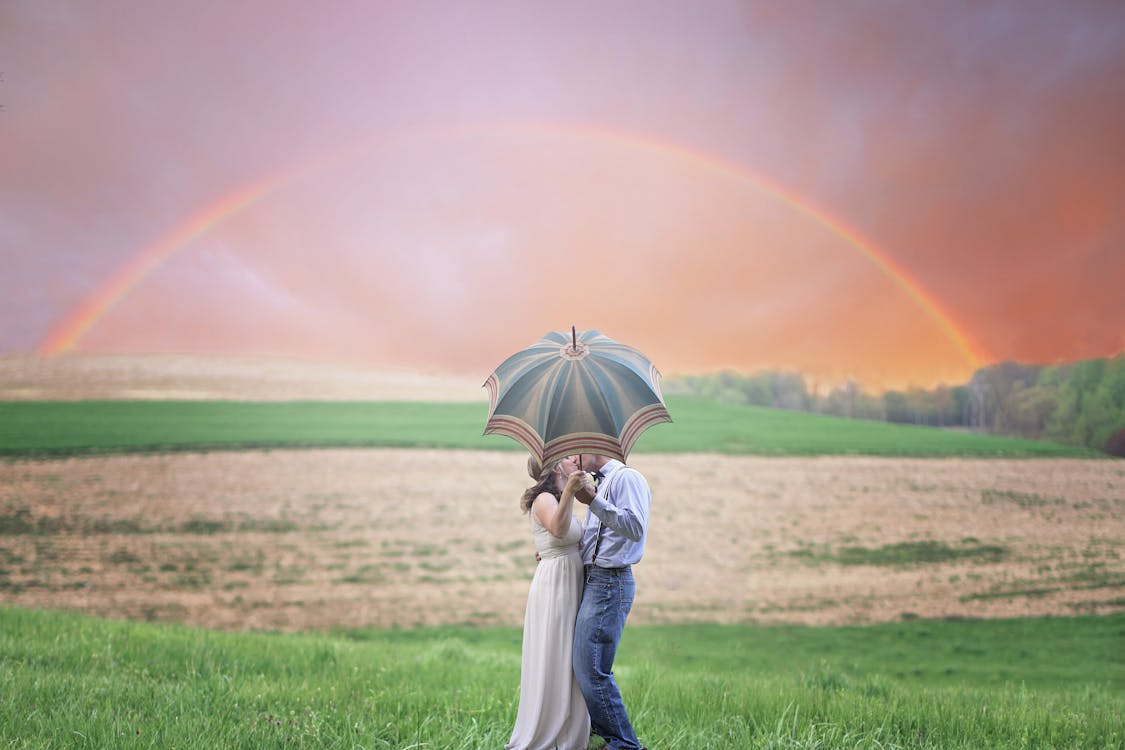
Input: couple
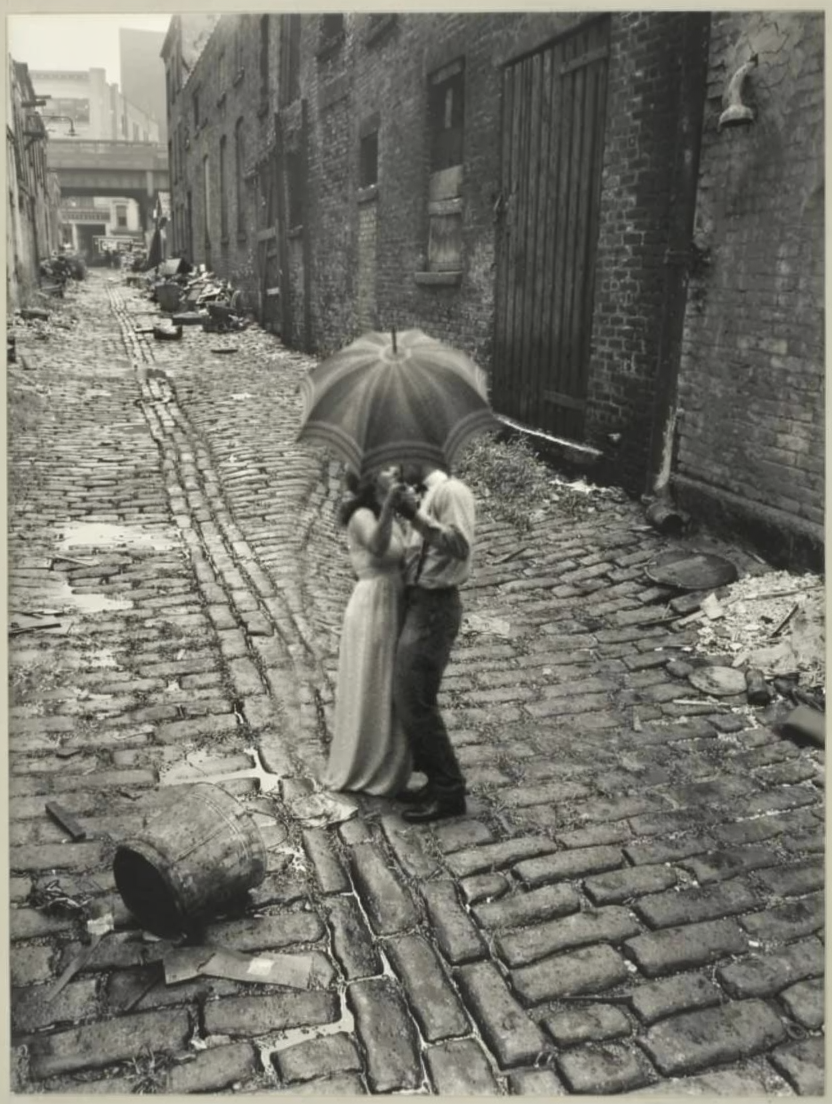
Couple placed in street scene

The couple from Image 2 is now standing in the middle of the street of Image 1, holding the same object. Apply the style of Image 1 to them as well, make them blend in a smooth way into the image, keep image 1 colors.

People + background merge

Input: person 1
Input: person 2
Input: background
Two people composited into background

Place the people from image 1 and image 2 posing together, and set them over the background from image 3. Match lighting, shadows, scale, and perspective so they look naturally in the same scene.

Mix-and-match outfit from multiple images
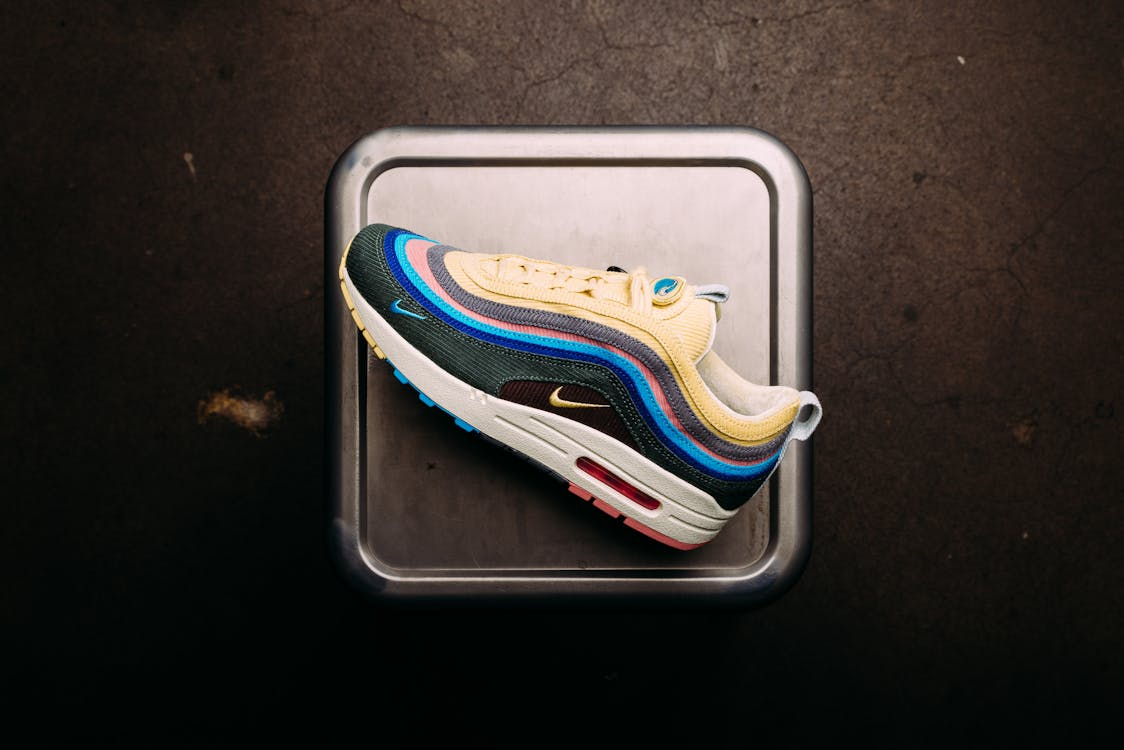
Input: shoes
Input: jeans
Input: sweater
Woman wearing outfit from three references

Medium shot of a young woman walking down an urban street, wearing the shoes from image 1, the jeans from image 2, and the knit sweater from image 3. Shallow depth of field with the focus on her. Warm, strong sunlight illuminating her.

Style transfer + object compositing

Input: rabbit with sunglasses
Input: abstract art style
Input: wine glass with grapes
Rabbit with wine glass in oil painting style

Use image 1 as the base scene. Take the drink from image 3 and place it next to the animal in image 1, matching the lighting, scale, and shadows. Render the entire final image in the art style of image 2, keeping consistent colors, textures, and visual aesthetic.

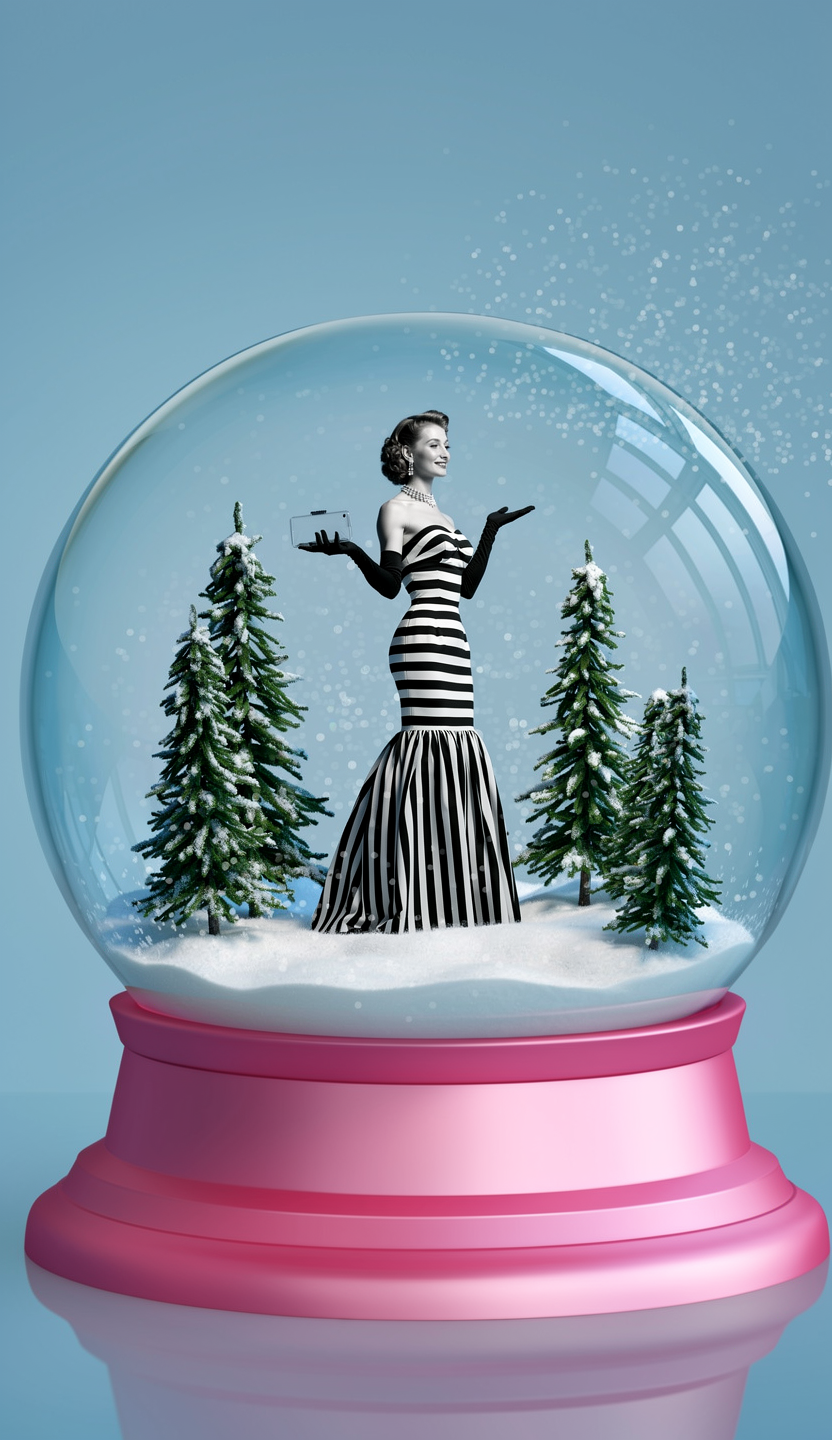
Fantasy compositing — snow globe

Input: woman
Input: snow globe
Input: trees
Woman and trees inside snow globe

Place the woman from image 1 inside the snow globe from image 2. Add the trees from image 3 inside the snow globe as well, arranged naturally around her.