FLUX.2 can change outfits, add accessories, recolor garments, and adapt clothing styles on existing photos. Use hex color codes for precise color control and describe fabric details to preserve realism.

Examples

Virtual try-on from product image
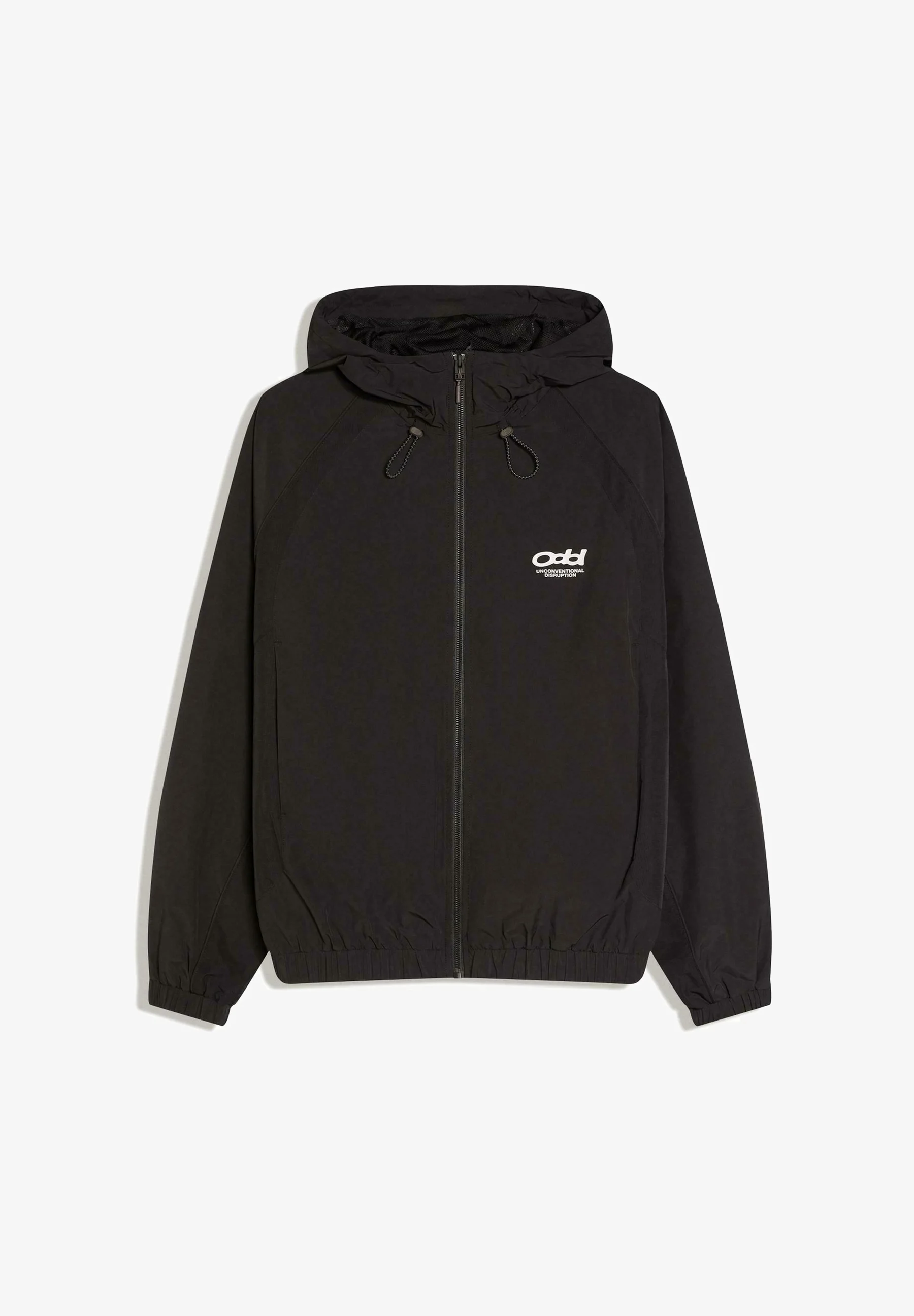
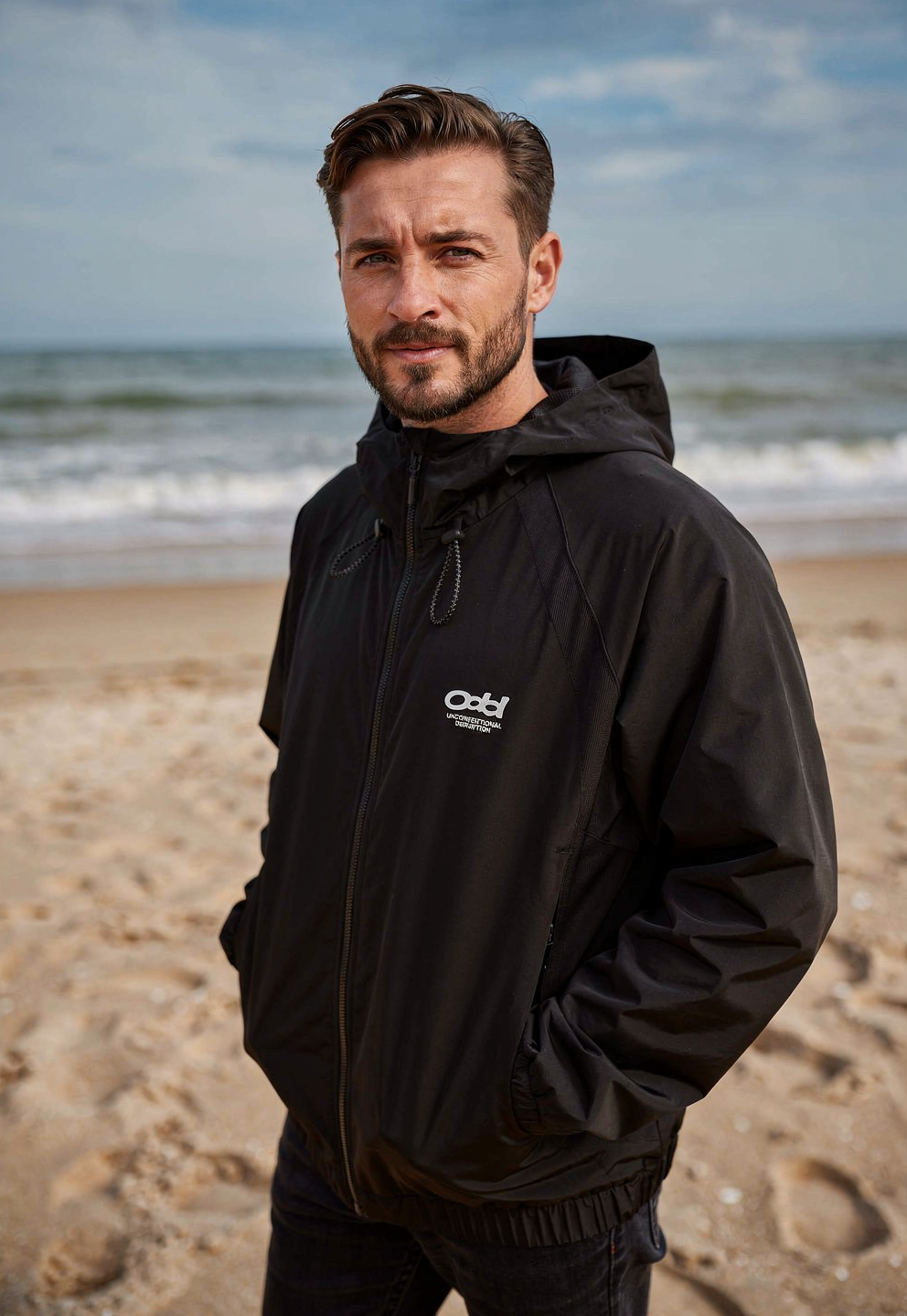
Black hooded jacket product shotMan wearing black hooded jacket on beach

The man is wearing the hooded jacket from image 1, walking on a beach at golden hour

Full outfit change

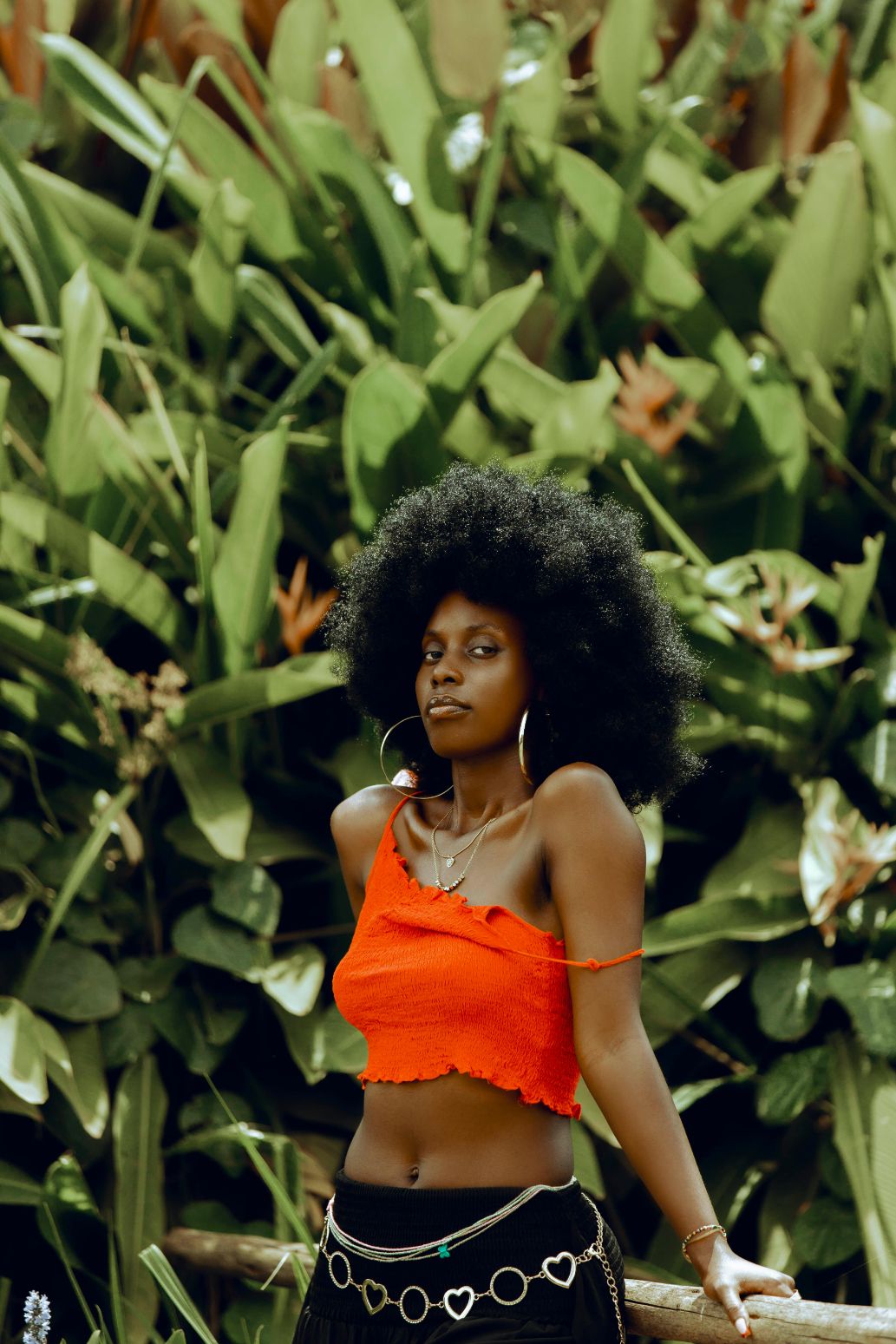
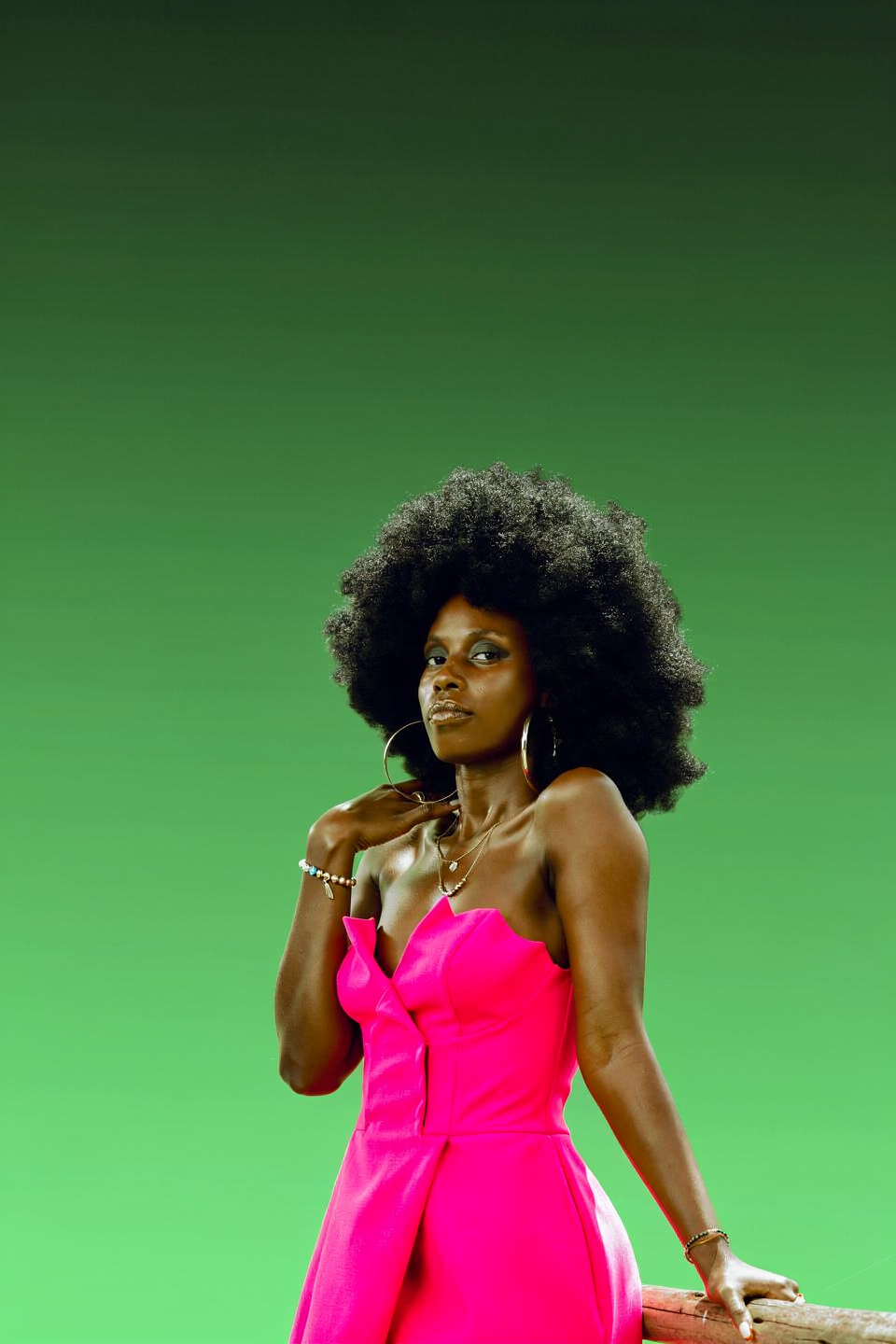
Woman in original outfitWoman in fuchsia dress

Change the woman's outfit to a bold fuchsia pink dress against a green studio gradient background.

Precise dress recoloring

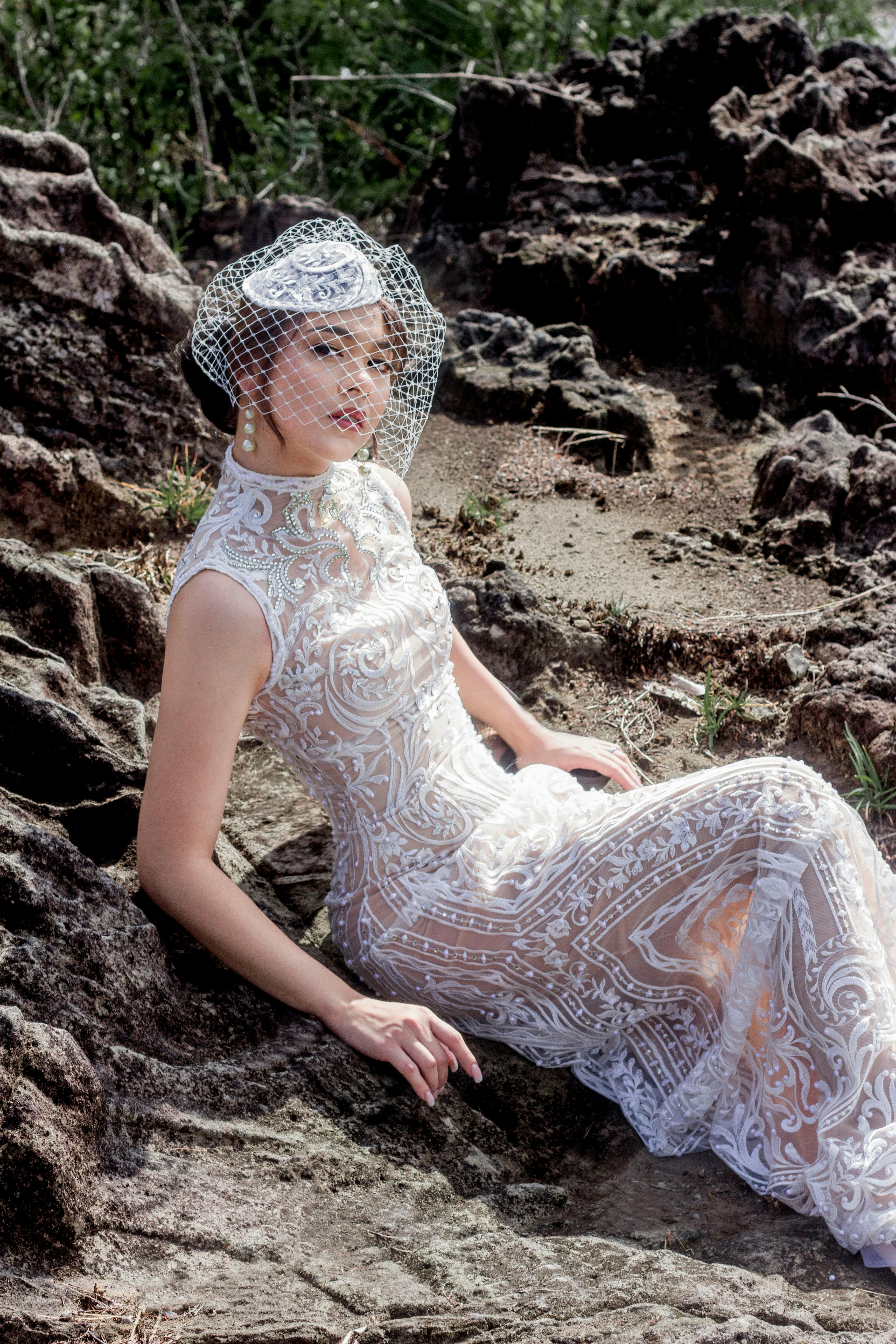
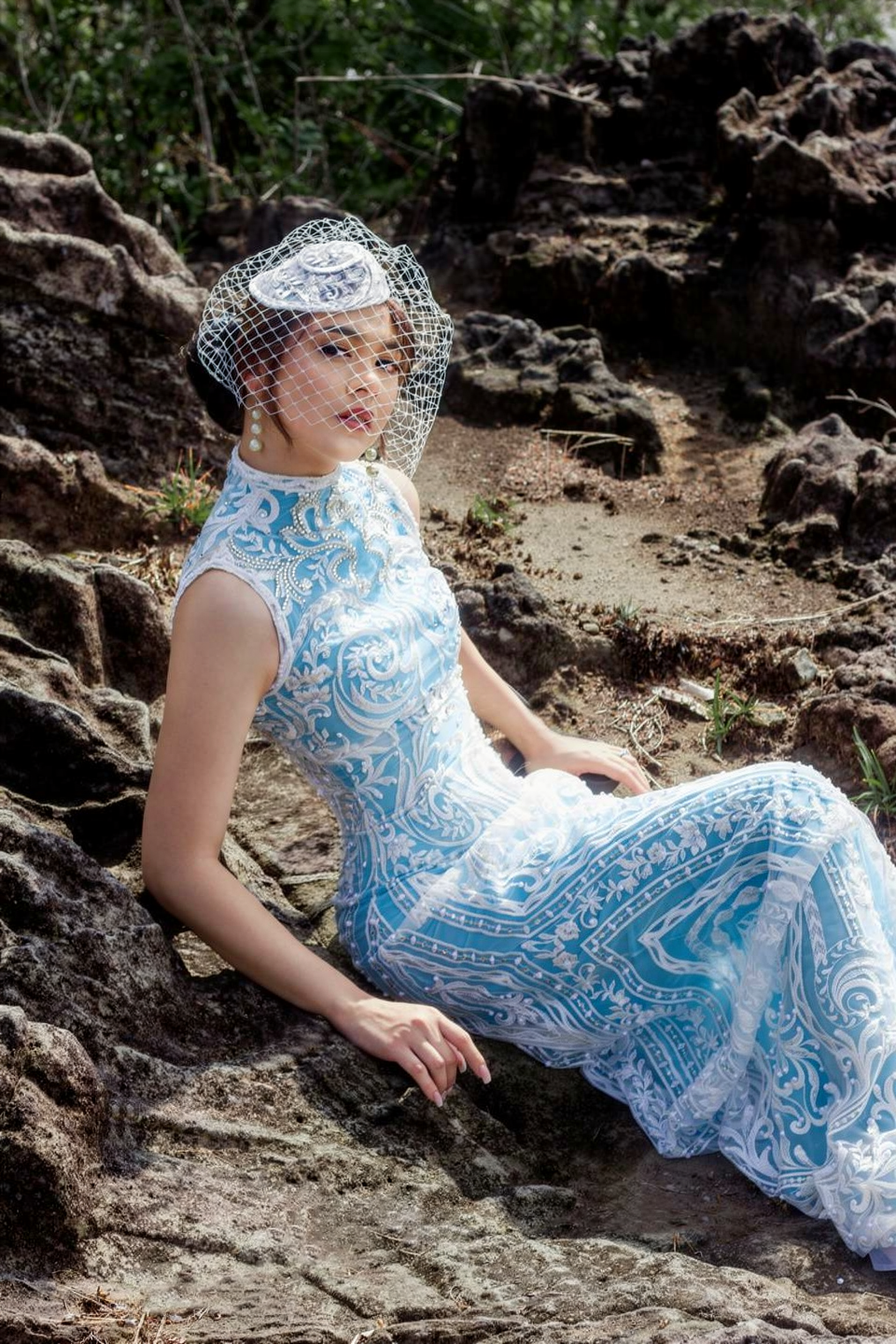
White lace wedding dressSky blue lace wedding dress

Change the color of the woman's lace wedding dress to sky blue (light blue, #87CEEB), while keeping all lace embroidery details white and fully visible. Preserve the original fabric texture, transparency, patterns, highlights, and natural folds.

Add accessories with hex colors

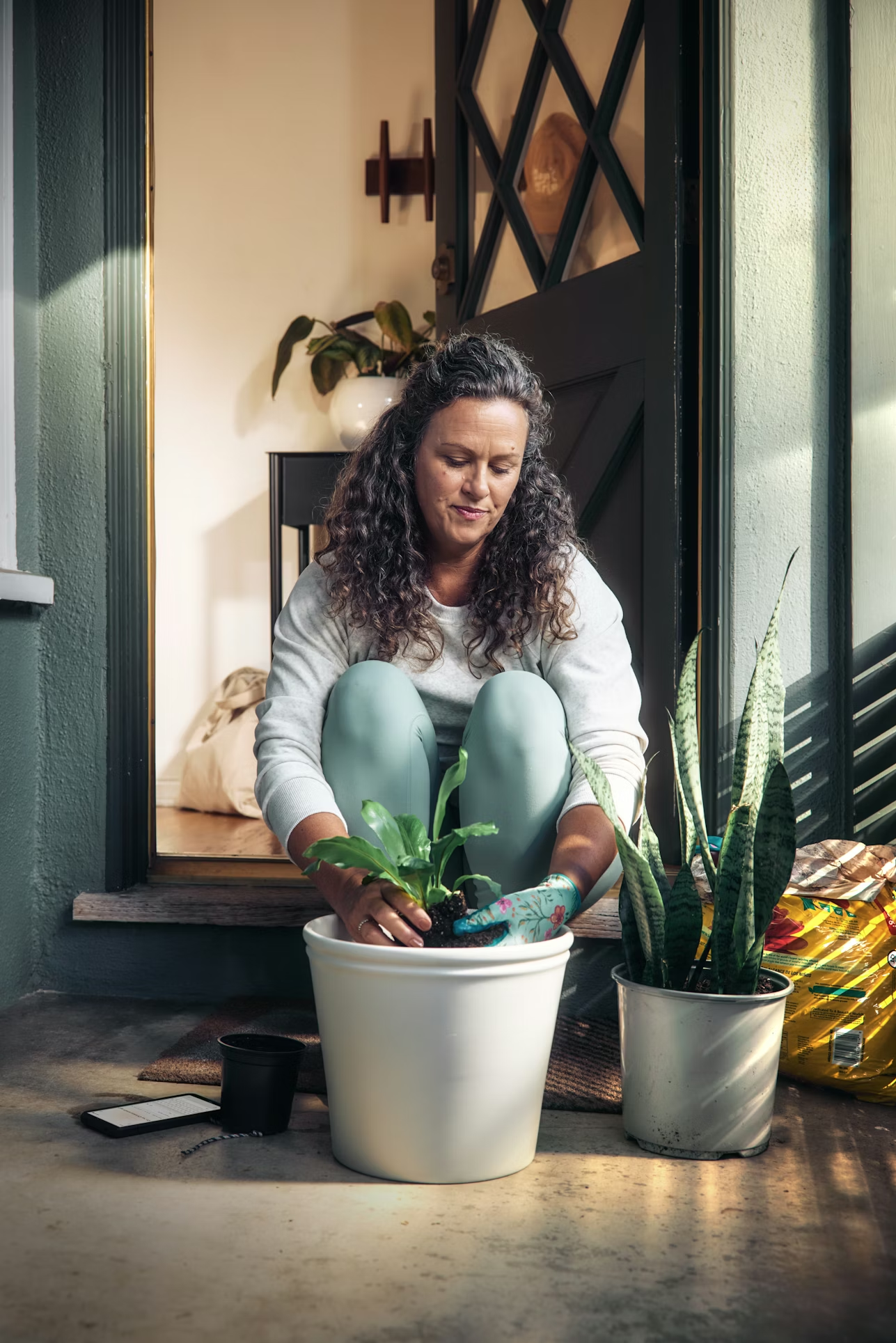
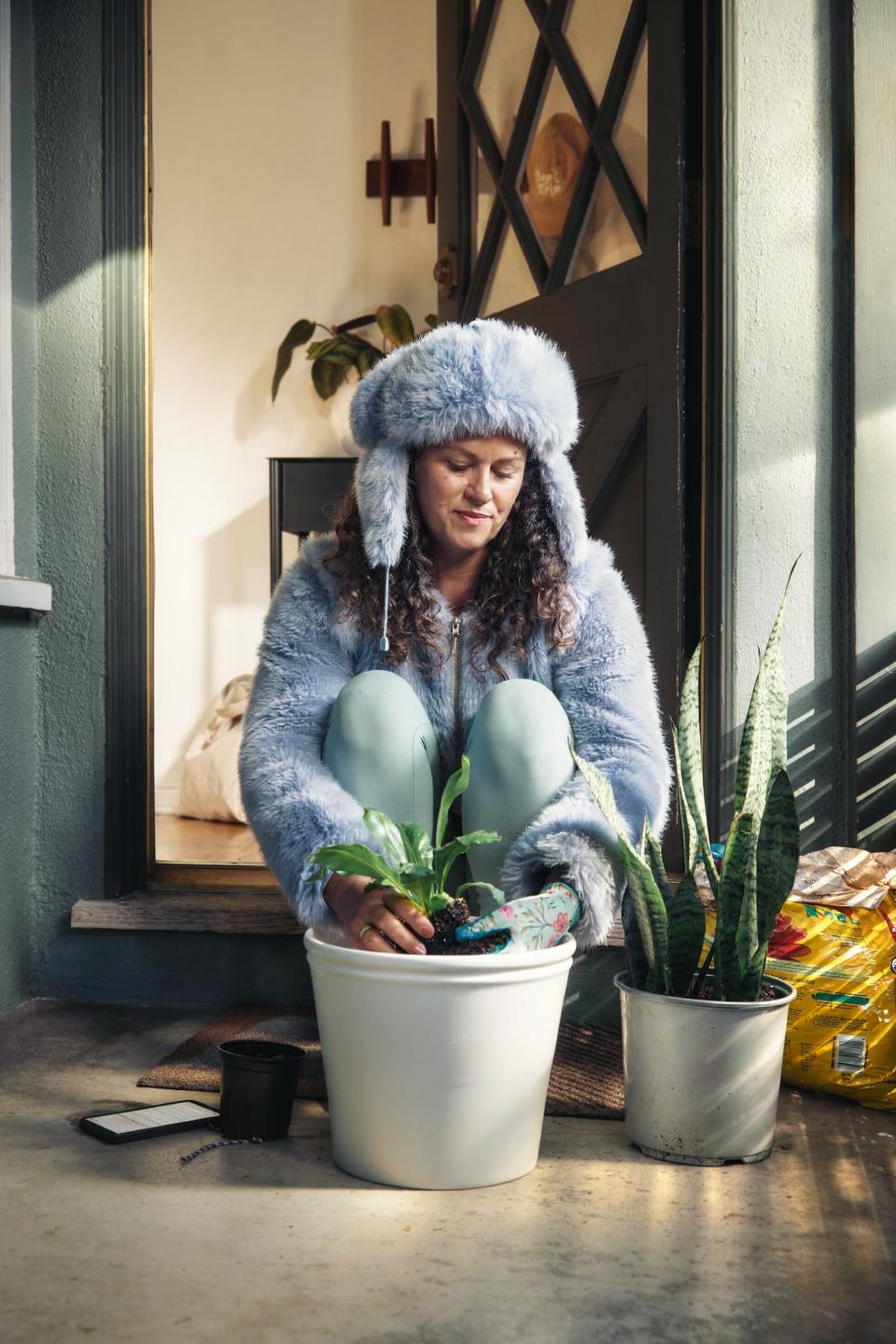
Woman without jacketWoman with fluffy jacket and hat

Add a short fluffy jacket on her colored #778899, and a hat in the same fluffy style, colored #98AFC7. Keep her pose

Seasonal outfit + scene change

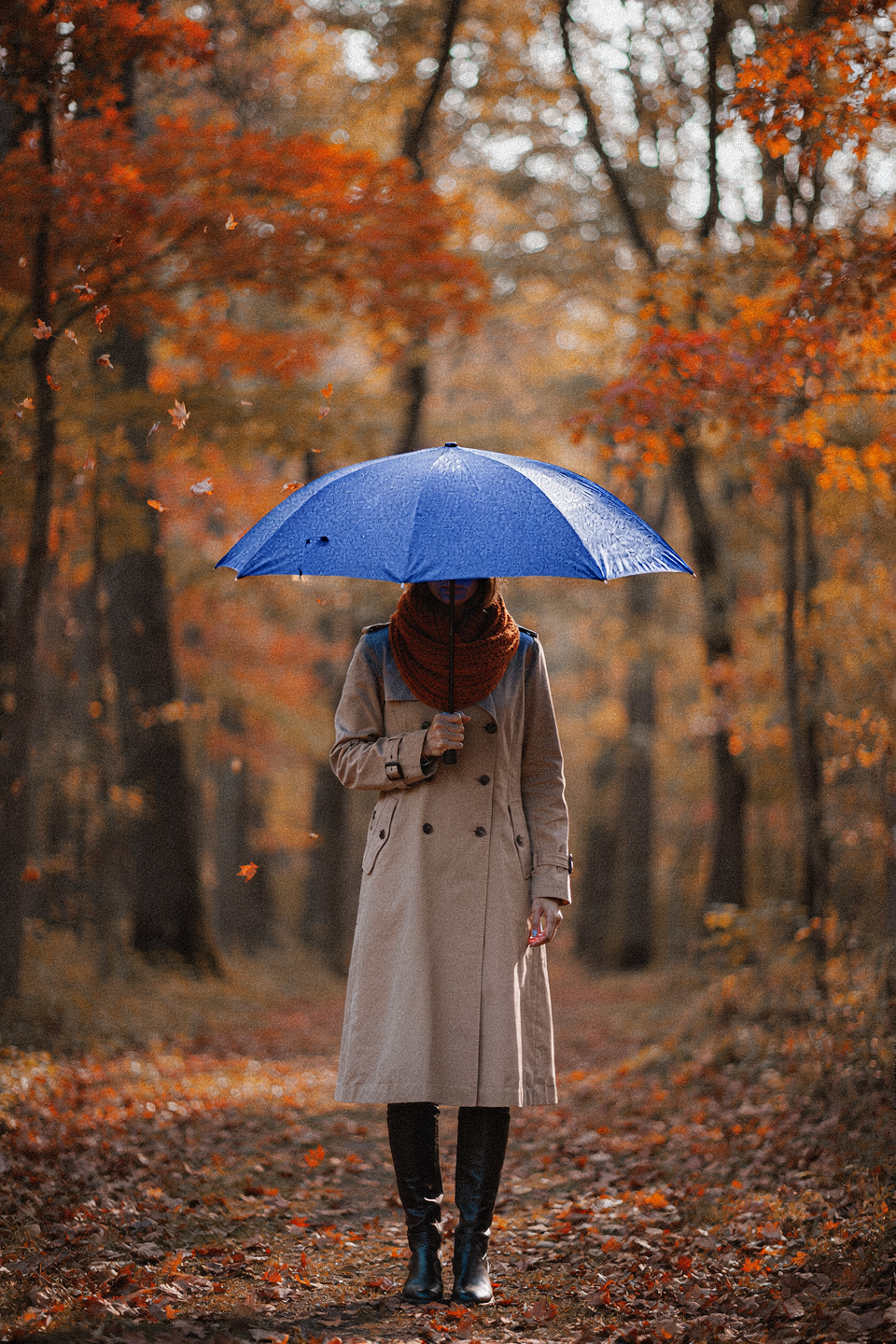
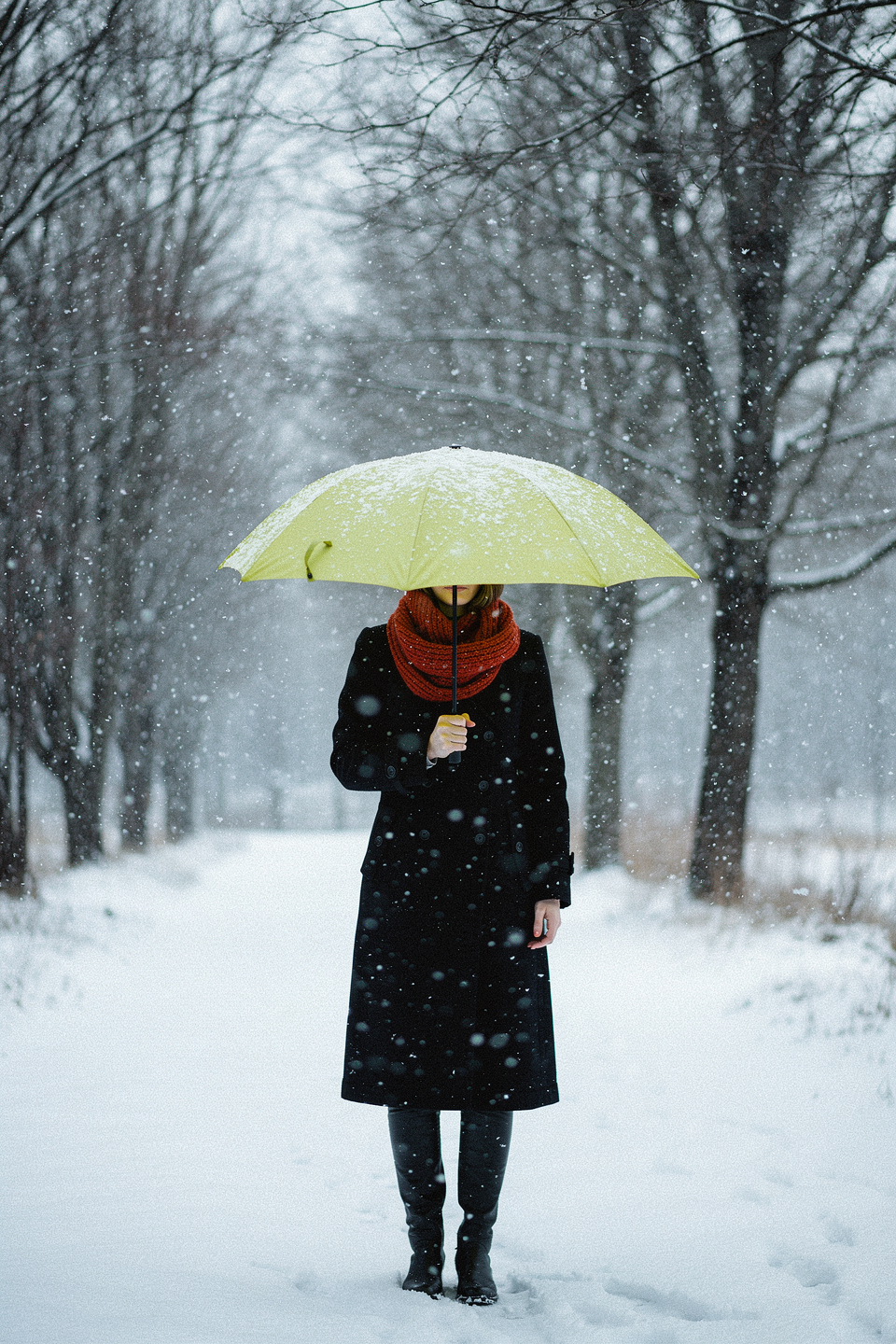
Woman in original sceneWoman in winter outfit with snow

Keep the woman's pose unchanged. It is now heavily snowing, the background is white and the trees are bare. Snowflakes are visible falling in the frame. The woman is wearing a black coat, and the umbrella is a yellowish-green color

Fashion editorial — volcanic landscape

Fashion editorial — gas station night